 ProMapRanker
Best Reputation Management Software for Tea Shops in 2026
Direct answer
Signpost is my top pick for tea shops because it combines review requests, a simple customer database and a lightweight local marketing inbox in one place, which suits a counter-service business with a small team. It has no free plan stated, so check its pricing page before you commit. GatherUp is a strong alternative if review requests and review monitoring are all you need, and Uberall fits tea shops that also want their Google Business Profile and directory listings managed from one dashboard.
I put this list together from vendor documentation and public sources, not from hands-on tests. I looked at what each product actually does for a small food and drink business: how it sends review requests, how it handles Google Business Profile, whether it tracks calls from Maps, and how the pricing model fits a single shop rather than a chain. Where a tool is clearly built for large multi-location brands, I say so.
Key takeaways
- A tea shop lives on repeat visits and word of mouth, so review requests sent by text or email after a purchase matter more than a large software feature list.
- Review monitoring matters because comments often mention wait times, seating or a specific drink, and those details are what you actually fix.
- Listing accuracy on Google Maps and Apple Maps decides whether people find your shop when they search for "tea near me" on a phone.
- Most tools charge per location, so a single tea room should avoid plans built for multi-branch chains.
- Google's own review policies ban review gating and buying reviews, so pick software that asks every customer honestly rather than filtering out unhappy ones.
Quick comparison
| Pick | Great for | Pricing starts at | Free tier | |
|---|---|---|---|---|
 Signpost | Review requests plus customer inbox | See website | Not stated | Visit |
 GatherUp | Review requests and review monitoring | See website | Not stated | Visit |
 Uberall | Listings and reviews for multi-site shops | See website | Not stated | Visit |
 Trustpilot | A public review profile for the shop | See website | Free plan | Visit |
 Localo | Google Business Profile on a budget | See website | Free trial | Visit |
 SE Ranking | Local rank tracking with review tools | See website | Free trial | Visit |
 Nimbata | Call tracking from Maps listings | See website | Free trial | Visit |
The best reputation management software for tea shops compared
Signpost is a local marketing tool built around the customer record. You add a customer, and the system can send review requests, follow-ups and offers on a schedule. For a tea shop that sees the same regulars every week, that contact history is genuinely useful, because you can ask for a review after a first visit and then keep the relationship going without rebuilding the list each time.
In practice, a tea room would enter a customer at the till or import a list from a loyalty card, then let Signpost send a review request a day or two later. Reviews and messages land in one inbox, so whoever handles the shop's social accounts can reply without switching apps. It also covers the Google Business Profile side, which keeps your hours and photos current when the seasons change.
The limit is that Signpost is a paid product with quote-based pricing, and there is no free plan stated. A very small tea room with one employee and no customer list may find it heavier than needed. Skip it if you only want a free review widget on your site.
- Automated review requests after a sale
- customer database with contact history
- inbox that pulls reviews and messages together
- Pricing is quote-based
- no published free plan
GatherUp focuses on the two jobs most tea shops actually need: asking for reviews and watching what people say. You can send a request after a purchase, set a reminder for customers who do not respond, and see new reviews from Google and other platforms in one feed. The interface is plain, which suits a shop owner who does not want a training session.
For a tea shop, the useful part is the feedback step. When someone leaves a low rating, you can follow up privately and find out whether the issue was a long wait at the counter or a drink that was not to their taste. That is a fix you can make the same week. The tool also lets you route happy customers toward a public review, which is fine as long as every customer gets the same honest ask.
GatherUp is not a listing management platform, so if your Google Maps hours are wrong in three places, look elsewhere for that. There is no free plan stated, and pricing is on the vendor's site.
- Sends review requests by email and SMS
- monitors reviews across many platforms
- simple dashboard for a small team
- Limited listing management
- no free plan stated
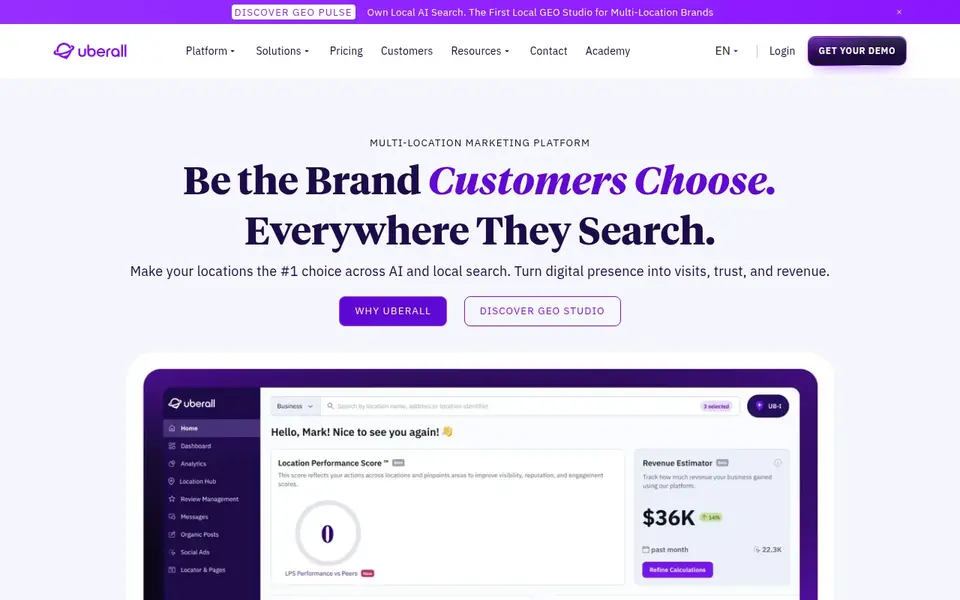
Uberall is a listings and reputation platform aimed at businesses with several locations. If you run one tea room, it is more than you need. If you have a second site in a nearby town, or you are planning to open one, Uberall keeps names, addresses, phone numbers and opening hours consistent across Google, Apple Maps, Facebook and the directories people check before a day out.
The review side lets you see and respond to reviews from one place, and it ties those reviews back to the location they belong to. That matters when a customer writes "the Earl Grey was cold" and you need to know which branch they mean before you reply. It also helps when you change seasonal hours, because you update once and the change goes everywhere.
The clear limit is scale. Uberall is priced for brands with a marketing team, and the setup assumes you have multiple locations to manage. A single tea room should look at a smaller tool first.
- Manages listings across many directories
- Review management in the same dashboard
- Good fit for shops with more than one location
- Built for larger brands
- Pricing is quote-based
Trustpilot gives your tea shop a public review page that you can link from your website, your email footer and your online shop. If you sell loose-leaf tea or gift boxes online alongside the counter, it is a sensible place to collect reviews from people who never visit in person. The free plan lets you start collecting reviews without paying, which suits a small shop testing the water.
For the physical shop, Trustpilot is a secondary channel. Most people looking for a tea room check Google Maps, so Trustpilot reviews will not replace your Google Business Profile work. Use it as a supporting profile and as social proof on product pages, and keep the Google review requests running separately.
The limit is that Trustpilot is not built around local search. It will not fix your Maps listing or track calls. If your only goal is more Google reviews for a single tea room, a dedicated review request tool is a better fit.
- Free plan to start collecting reviews
- Widely recognised by shoppers
- Good for online tea sales as well as the shop
- Not a Google review tool first
- Paid plans needed for advanced features
Localo is a local SEO tool centred on the Google Business Profile. It helps you keep the profile complete, watch where you appear in local search results, and track the terms people use when they look for a tea shop in your area. For a small tea room, that means seeing whether you show up for "afternoon tea" or "bubble tea" searches nearby, and adjusting your profile to match.
The review features are present but simpler than in a dedicated review platform. You can monitor and respond, and the tool nudges you to keep the profile active, but the automated request sequences are not the main event. Think of it as the profile and ranking side of reputation, with reviews as a supporting feature.
There is a free trial, so you can check whether the interface suits you before paying. Skip it if you want deep review request automation or SMS follow-ups.
- Google Business Profile management in one place
- Local rank tracking
- Free trial to test the workflow
- Lighter review request automation
- Not built for multi-location chains
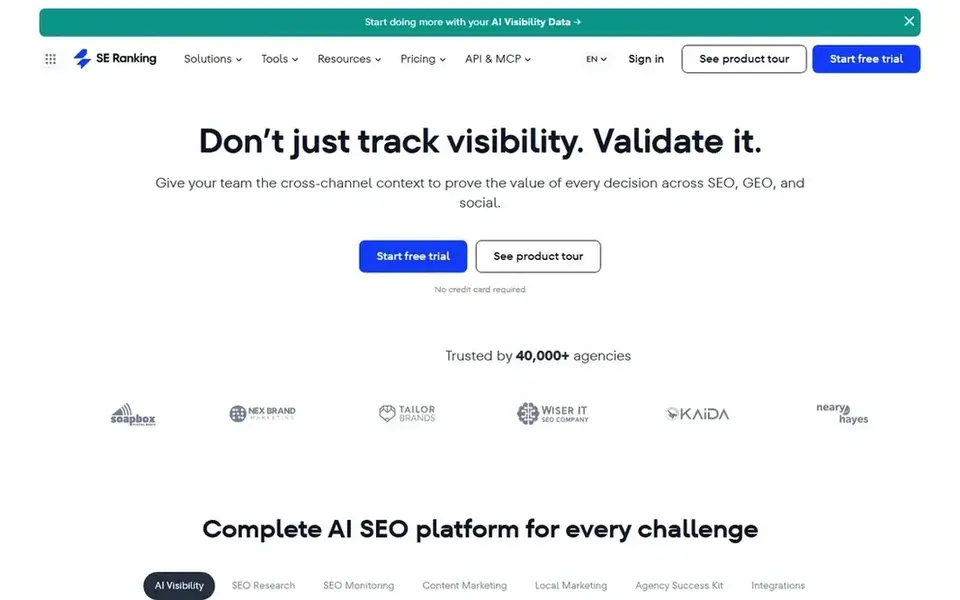
SE Ranking is an SEO platform with a local pack. It tracks where your tea shop appears in Google Maps results for chosen keywords, and it includes review management so you can see and respond to reviews next to the ranking data. If you already run a website for online tea sales, having both in one account saves time.
The useful angle for a tea shop is the link between visibility and reputation. If you rank well for "tea shop near me" but your recent reviews mention slow service, the two numbers tell a story you can act on. The local rank tracking also shows whether a competitor down the road is outranking you for the same searches.
The trade-off is complexity. SE Ranking is built for people who work in search marketing, and the interface has more than a shop owner needs. There is a free trial, but check the plan limits before you rely on it.
- Local rank tracking for map results
- Review management features included
- Broad SEO toolkit if you also run a website
- More complex than a review-only tool
- Priced for agencies and in-house marketers
Nimbata is call tracking software. It gives you a trackable phone number that shows on your Google Business Profile and your website, then reports which calls came from Maps, from search or from an ad. For a tea shop that takes phone orders for afternoon tea bookings or large leaf orders, that tells you which channel actually produces the phone calls.
It is not a reputation tool, so why is it here? Because reputation for a tea shop is partly about response. If your Maps listing generates calls and nobody answers during the lunch rush, reviews will mention it. Call tracking shows you the volume and timing, so you can staff the phone properly.
The limit is obvious: Nimbata will not collect or monitor reviews. It is a supporting tool for shops where the phone matters, and it needs setup time to route numbers correctly.
- Tracks calls from Google Business Profile and ads
- Call attribution by source
- Useful for phone orders and bookings
- Not a review platform
- Adds a layer of setup
How I chose
I compared these tools using vendor documentation and public sources. I read each product's feature pages, help centre articles and published policies, then matched them against how a tea shop actually operates: counter service, a small team, regulars, phone bookings and a Google Maps listing that has to be right. I did not run hands-on tests, so treat the workflow descriptions as expectations based on what the vendors document, not as measured results.
The second filter was fit and limits. Tools built for multi-location chains stayed lower on the list even when they are strong products, because a single tea room will pay for features it never uses. I also checked review practices against Google's review policies and left out anything that depends on review gating or buying reviews. Pricing models differ a lot, and several vendors quote per location, so I pointed you to their pricing pages rather than repeating numbers that change.
What to check before you buy
- Confirm how the tool asks for reviews and that it asks every customer, not just the happy ones, so you stay within Google's review policies.
- Check whether pricing is per location, since a single tea room should not pay for a multi-branch plan.
- Ask whether review requests can go by SMS as well as email, because many tea shop customers never open a marketing email.
- Test how the tool handles Google Business Profile updates such as seasonal hours, holiday closures and new photos.
- Find out whether review responses can be handled by more than one person, so the owner and the manager can both reply.
- Check the contract length and cancellation terms before you commit to an annual plan.
Frequently asked questions
Do tea shops really need reputation management software?
A tea shop depends on local discovery and repeat visits, and both are shaped by reviews and by how complete the Google Business Profile is. Software helps you ask for reviews consistently, reply to them quickly and keep hours and photos correct. A single shop can start with a free tool, but a paid review request tool saves time once you have steady footfall.
What is the difference between review software and listing software?
Review software sends review requests, monitors new reviews and gives you one place to reply. Listing software keeps your name, address, phone number and hours consistent across Google, Apple Maps and directories. Some products, such as Uberall, do both. A tea shop usually needs the review side first and the listing side once it has more than one location.
Can I ask customers for reviews without breaking Google's rules?
Yes, as long as you ask every customer in the same way and do not offer incentives or filter out people likely to leave a low rating. Review gating, where only happy customers reach the public review form, is against Google's policies. Pick software that sends the same request to everyone and lets you follow up privately on negative feedback.
Is a free plan enough for a small tea room?
A free plan can work if you only need a public review profile, as Trustpilot offers. Once you want automated SMS requests, review monitoring across platforms or Google Business Profile management, you will usually need a paid plan. Check the limits on review requests per month before you rely on a free tier.
How do I handle a bad review about slow service?
Reply publicly, briefly and politely, acknowledge the wait and say what you have changed. Then use your review software to follow up privately if the platform allows it. If slow service comes up more than once, look at staffing at peak times and at whether your Maps listing sets the right expectation about queues.
Sources
See where you really rank - block by block
ProMapRanker scans Google Maps across a grid of your service area. Simple monthly plans from $19, white-label on every plan.
Start freeBrowse all guides
← Best Reputation Management Software for Playground Installers (2026)Best Review Management Software for Drone Services in 2026 →
 best reputation management software for meal prep companies
Best Reputation Management Software for Meal Prep Companies (2026)
A practical guide to the best reputation management software for meal prep companies in 2026, covering review requests, GBP replies and local rank checks.
Read → best reputation management software for gift shops
Best Reputation Management Software for Gift Shops in 2026
A practical guide to the best reputation management software for gift shops in 2026, compared from vendor documentation and public sources.
Read → best reputation management software for door installers
Best Reputation Management Software for Door Installers in 2026
A guide to the best reputation management software for door installers in 2026, covering review requests, GBP tools and listing management compared.
Read → best keyword rank tracker software
Best Keyword Rank Tracker Software in 2026
Compare the best keyword rank tracker software for daily rankings, local tracking and AI search visibility, with current pricing and keyword limits included.
Read → local seo for property management companies
Local SEO for Property Management Companies
A local SEO guide for property management companies: Google Business Profile setup, reviews, and multi-property and owner-focused local SEO.
Read → local seo trends 2027
Local SEO Trends for 2027
The local SEO trends that will actually matter in 2027, from AI Overviews to geo-grid visibility tracking.
Read →More in Local SEO & Google Maps · All guides A to Z by date · Latest guides