 ProMapRanker
Best Reverse Image Search Tools in 2026

Key takeaways
- Google Lens is the best starting point for most searches, because it has the broadest index and is free.
- TinEye is best for tracing exact and altered copies of a photo and sorting results by date.
- Bing Visual Search, Yandex Images, and Pinterest Lens are useful second checks, because no single index covers the whole web.
- Lenso.ai and SauceNAO suit specialist jobs, such as face style matching and illustrated art tracing.
- A match is a lead to verify, not proof of ownership or identity, so check the original page and date before you act.
Quick comparison
| Pick | Great for | Pricing starts at | Free tier | |
|---|---|---|---|---|
 Google Lens Google Lens | Broad search and object ID | Free | Yes | Visit |
 TinEye TinEye | Exact copies and dates | Free | Yes | Visit |
 Bing Visual Search Bing Visual Search | Second index and shopping | Free | Yes | Visit |
 Yandex Images Yandex Images | Similar photos and scenes | Free | Yes | Visit |
 Pinterest Lens Pinterest Lens | Products and style ideas | Free | Yes | Visit |
 Apple Visual Look Up Apple Visual Look Up | Photos on iPhone and iPad | Free | Yes | Visit |
 Lenso.ai Lenso.ai | Face and place categories | Free | Yes | Visit |
 SauceNAO SauceNAO | Illustrated and anime art | Free | Yes | Visit |
 Lens AI Lens AI | AI explanations and products | Free | Yes | Visit |
The best reverse image search tools in 2026
We compared official feature pages, pricing pages, and public reviews for tools that are live in October 2026 and that search by image rather than by text. We focused on index breadth, exact match accuracy, product and object recognition, free access, and privacy limits. We left out face search sites built only to identify private people, and we note where a tool is better for objects, art, or products than for people.
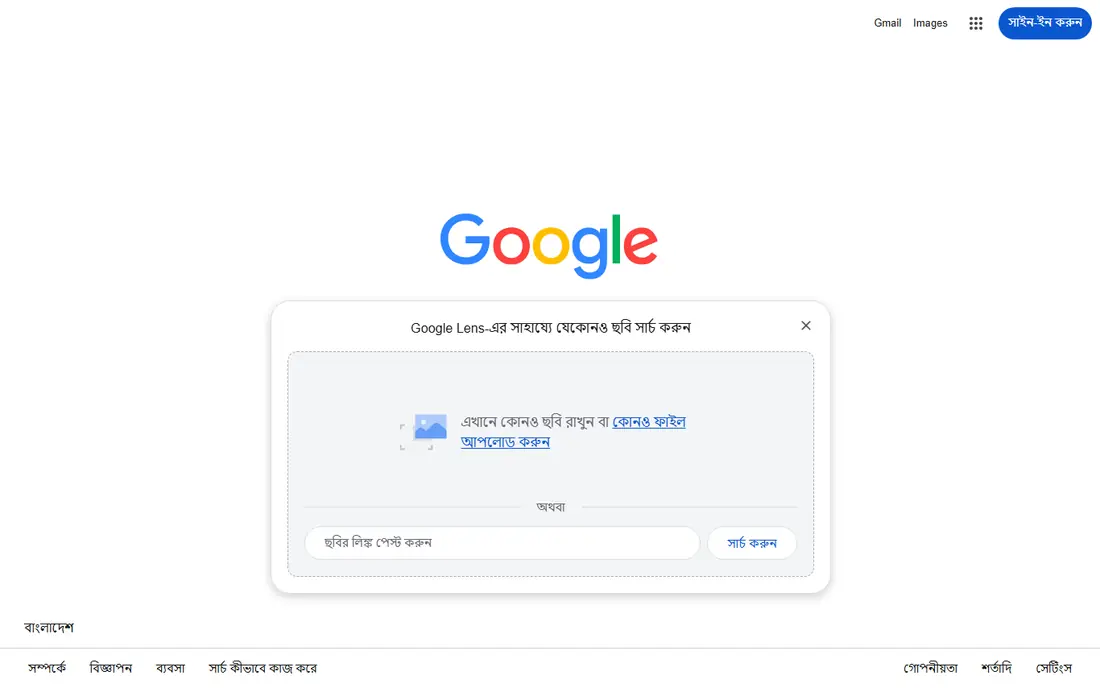
Google Lens is the successor to the old search by image flow, and it is now the default reverse image tool for most people. You can upload a photo, paste an image link, or point your phone camera at an object, and Lens will return visually similar images, source pages, product matches, and text it can read in the image. It is built into Chrome, Android, Google Photos, and the Google app on iPhone, so most users need no new install. The strength is breadth. For a general question, such as what is this plant, landmark, or product, Lens is the fastest first check. It is less precise than TinEye when you need to prove where an exact copy first appeared, because its sorting is less focused on provenance. Start with Lens, then use TinEye for copy tracing if the source matters.
- Largest general index
- Free
- Identifies objects, text, landmarks, and products
- Results vary by region
- Not built for exact copy tracing by date alone
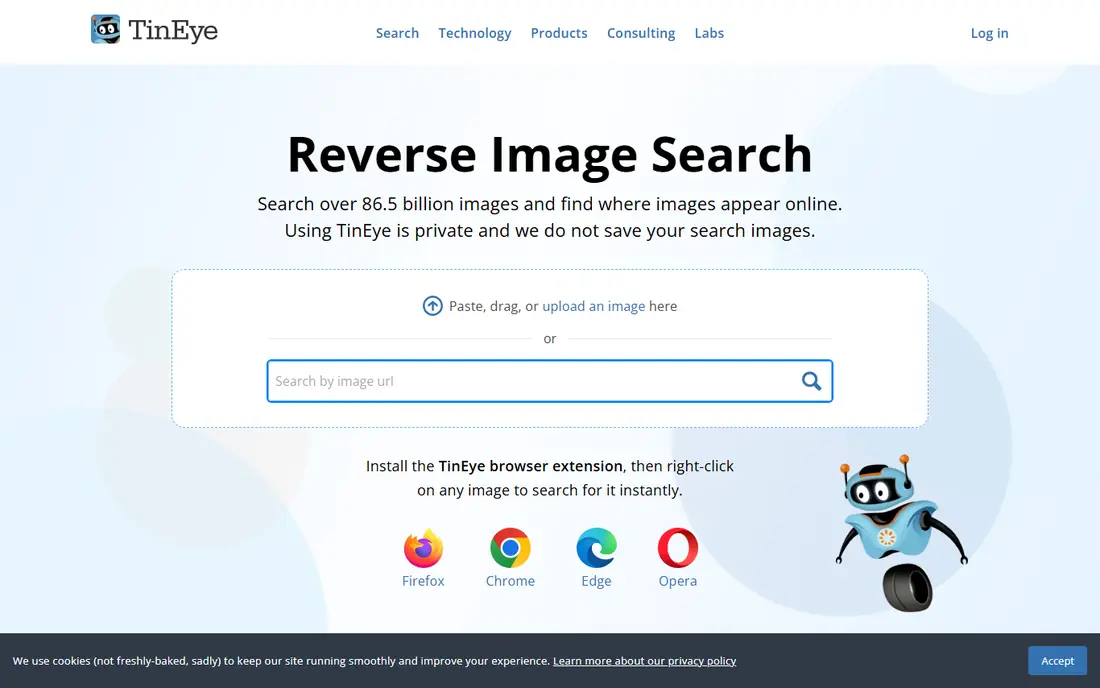
TinEye is the clearest tool when you already have an image and want to find copies of it online. Its matching finds copies that have been cropped, edited, or resized, and it lets you sort results by oldest, newest, best match, or most changed. That date sorting is why photographers, journalists, and researchers use it to trace first publication and reuse. The free web search covers non commercial use, while API bundles for businesses start near $200 for 5,000 searches in current listings. TinEye is not the best tool for naming an unknown object or finding loosely similar inspiration, because it is built around image matches rather than general discovery. Use it second, after Lens, when provenance is the question.
- Free for non commercial searches
- Sorts by oldest and most changed
- Does not add uploads to its index
- Weaker for general object discovery
- Paid API is costly for businesses
Bing Visual Search is a useful second index when Google Lens finds nothing or returns only similar images. You can upload a photo, paste an image, or enter a URL, and Bing will return related images, pages, and shopping results. Its shopping integration is a practical plus when the goal is to buy the product in a photo rather than to trace its source. The limit is coverage. For many general queries, Bing will not beat Lens, and it may return the same top results. That still has value: a second engine can surface a page the first missed, especially for products and retail listings. Run Bing after Lens when a search matters, and compare the source pages, not just the thumbnails.
- Free
- Accepts upload, paste, or URL
- Useful shopping matches
- Smaller index than Google for many queries
- Results can repeat Lens findings
Yandex Images runs a separate index from Google and Bing, which is why it often returns different results for the same photo. It is strong on visually similar photos, places, and scenes, and it is often cited for non Western content and for similar face style matches. That separate coverage makes it a valuable third check for researchers and fact checkers. Use Yandex with care around people. A similar face is not an identification, and results should be checked against the original page before any conclusion. For objects, landmarks, and scenes, Yandex is a straightforward free tool that needs no account for basic searches. Try it when Lens and TinEye give thin results.
- Free
- Separate index
- Strong on similar photos, places, and scenes
- Interface and language options vary
- Face results need careful privacy handling
Pinterest Lens is built for visual discovery inside Pinterest. Point it at a product, a room, or an outfit, and it returns similar pins, products, and style ideas. That makes it the best tool in this list when the goal is shopping inspiration or finding a similar item, rather than tracing where a photo was first published. The limit is scope. Pinterest Lens searches Pinterest content, so it will not give you the full web provenance that TinEye offers. Use it after a general search when you want to buy or style something similar. For copyright or fact checking work, keep TinEye and Lens as your main tools.
- Strong for products, home style, and fashion
- Visual discovery inside Pinterest
- Free
- Results stay inside Pinterest content
- Not a source tracing tool
Apple Visual Look Up is built into Photos, Safari, and Quick Look on iPhone and iPad with iOS 15 or later. It can name plants, pets, art, landmarks, and other subjects in a photo you already have, without uploading to a separate site. That on device convenience suits quick identification during travel or while sorting photos. It is not a full reverse image search engine. It will not trace where a photo appears across the web, and it only works on Apple devices. Treat it as a fast identification layer for your own photos, and use Lens or TinEye when you need web results, source pages, or copy tracing.
- Built into iOS
- Free
- Identifies plants, pets, art, and landmarks in your photos
- Apple devices only
- Not a web wide reverse search
Lenso.ai organizes reverse search into categories, including people, places, duplicates, related, and similar images. That sorting helps when a broad search returns a mix of results and you want to narrow to one job, such as finding duplicates of an exact photo or finding other photos of the same place. Paid plans add alerts for new matches and advanced filters. Free searches show previews, while paid plans are listed from $19.99 per month for Starter in 2026 comparisons, with a higher Professional plan for research use. Face features are restricted in some regions for privacy law reasons, so availability varies. Use Lenso.ai as a specialist second tool, and do not treat a face match as an identification without independent checks.
- Categories for people, places, duplicates, and similar images
- Alerts on paid plans
- Full results need paid plans
- Face features vary by region for privacy reasons
SauceNAO is the specialist tool for illustrated work. Upload an illustration, comic panel, or anime image, and it searches art databases to find the source, artist, and original posting. That focus makes it far more useful for art tracing than general engines, which often return only similar images with no source credit. The trade off is narrow scope. SauceNAO is not a general photo, product, or news image tool, and it will not help much with a real world photo. If you work with art, fan art, or illustrated content, run SauceNAO first for source tracing, then use Lens for a broader web check. Always credit the original artist once you find the source.
- Strong for illustrated, anime, and comic art
- Finds source and artist pages
- Free basic searches
- Narrow focus
- Less useful for photos, products, or general web search
Lens AI is a newer app that combines reverse search with AI explanations. One scan can return similar images, source pages, and product matches, then let you ask follow up questions about what is in the picture. That chat layer helps when you need more than a list of thumbnails, such as identifying parts of an image or narrowing a product search. Free access is limited, with free daily scans on mobile and one web scan a day in October 2026 listings, while paid plans are listed at $9.99 per month, $39.99 per year, or $89.99 lifetime in some sources. Use Lens AI when you want an explained result, and use Lens or TinEye when you need a free, unlimited web check.
- AI follow up chat on results
- Similar images, sources, and products in one scan
- Mobile and web
- Full use needs a paid plan
- Free web scans are limited per day
How we picked these
We kept tools that are live in October 2026, accept an image upload or URL, and return web or app results without requiring a face identification service. We checked official feature pages, pricing pages, and app store listings, plus public reviews and specialist guides from 2026. We favored a mix of general engines, exact copy tracers, shopping and style tools, and art specialists, because no single tool wins every job. We did not run a controlled accuracy benchmark, and we do not present match scores as our own test results. Our comparison rests on published features, stated free limits, and documented use cases. We also excluded tools built only to identify private individuals, because that use raises privacy risks that a general image search guide should not encourage.
How to run a reverse image search that actually answers the question
Start with the highest quality image you have. Compression, screenshots of screenshots, and heavy crops all reduce match accuracy, so use the original file when you can. If the subject is small in the frame, crop tightly around it and run a second search on that crop, because one face or one object per search gives cleaner results.
Trace a source
Run TinEye first for exact copies, sort by oldest, and open the earliest pages to check captions, credits, and dates. Then run Lens to catch pages TinEye missed, and save the result URL, page URL, and date for your notes. A match on one engine is a lead, not proof, so look for a second independent source before you publish or accuse.
Identify a product or object
Run Lens first for product and object matches, then Bing Visual Search and Pinterest Lens for shopping and style alternatives. Check the retailer page for the exact model, size, and price, because a visually similar product is not always the same product. For plants, pets, and landmarks, Apple Visual Look Up is a fast check on iPhone, with Lens as a backup.
Check a photo before you trust it
Run the same image through at least two engines, and try a reverse search on different crops if the first result is thin. Look for signs of reuse out of context, such as an old photo attached to a new event, and check the original page for the true date and place. If the image is AI generated or heavily edited, note that limit and do not present a match as proof of a real event.
Frequently asked questions
What is the best reverse image search app?
Google Lens is the best reverse image search app for most people, because it is free, widely available, and has the broadest general index. TinEye is better for exact copy tracing, and Bing Visual Search is a useful second check. Use at least two tools when the result matters.
What is the best free reverse image search tool?
Google Lens, TinEye, Bing Visual Search, and Yandex Images all offer free basic searches with no account needed for core use. TinEye is free for non commercial searches, while Lens and Bing are free for general use. Paid plans only matter for API use, alerts, or advanced filters.
What is the best app for reverse image search on a phone?
Google Lens, built into Android and the Google app on iPhone, is the most convenient phone option. Apple Visual Look Up is a good built in option on iPhone for identifying subjects in your own photos. Lens AI is a useful app if you want AI explanations, but its free scans are limited.
Can reverse image search find the original source of a photo?
Often, yes, especially with TinEye sorted by oldest and Lens for broader coverage. It works best when the photo has been published publicly and indexed. Private photos, unindexed pages, and heavily edited copies may not return a source, so a missing result does not prove a photo is original.
Is reverse image search good for finding similar products?
Yes, for products and style, Pinterest Lens, Bing Visual Search, and Google Lens are strong. They return visually similar items and shopping pages, which helps when you want to buy something you saw in a photo. Always check the retailer listing for exact model and size before you order.
How do I avoid misusing reverse image search?
Do not use face matching to identify private people, stalk, or harass, and do not present a similar face as an identification. Use image search for objects, products, art sources, and fact checking, and verify any person related result through independent, lawful sources. Respect privacy and copyright when you share results.
Sources
See where you really rank - block by block
ProMapRanker scans Google Maps across a grid of your service area. Simple monthly plans from $19, white-label on every plan.
Start freeKeep reading
 zendesk alternatives
Best Zendesk Alternatives in 2026
Compare the best Zendesk alternatives in 2026, from budget help desks to AI-first support tools, with current pricing, free plans, and honest trade-offs.
Read → wordpress alternatives
Best WordPress Alternatives in 2026
Looking for the best WordPress alternatives? We compare 8 free and paid options for blogs, business sites, stores, and developer-led projects in 2026.
Read → which real estate company has the best training
Best Real Estate Company Training in 2026
Compare which real estate company has the best training, from Keller Williams and eXp to Compass and Coldwell Banker, by program, mentor, and fit in 2026.
Read →