 ProMapRanker
Best Retail POS Software for Small Business in 2026

Key takeaways
- Square and PayPal POS give the cheapest way in, with no monthly software fee and card fees on each sale.
- Shopify POS fits shops that already sell online, since stock stays in step between the store and the website.
- Lightspeed Retail suits larger catalogs, but its monthly cost is hard to justify for a single small counter.
- Always add card fees and hardware to the monthly plan before you compare two systems.
Quick comparison
| Pick | Great for | Pricing starts at | Free tier | |
|---|---|---|---|---|
 Square | New shops with no monthly fee | Free | Yes | Visit |
 Shopify POS | Shops that sell online and in store | $39 per month | Free trial | Visit |
 Lightspeed Retail | Large catalogs and several sites | $89 per month | Free trial | Visit |
 Clover | Counters that want bundled hardware | See website | No | Visit |
 Epos Now | Shops that want hardware bundles | $39 per month | Free trial | Visit |
 PayPal POS | Market stalls and mobile sellers | Free | Yes | Visit |
 KORONA POS | Shops that want any card processor | $59 per month | Free trial | Visit |
 SumUp | Pop-ups and low-volume sellers | Free | Yes | Visit |
 Helcim | Shops that want interchange-plus pricing | Free | Yes | Visit |
The best retail POS software for small business
We compared checkout speed, stock control, online selling, card fees and contract terms, using vendor pricing pages and public product pages. These nine cover the main ways a small retail shop actually sells.
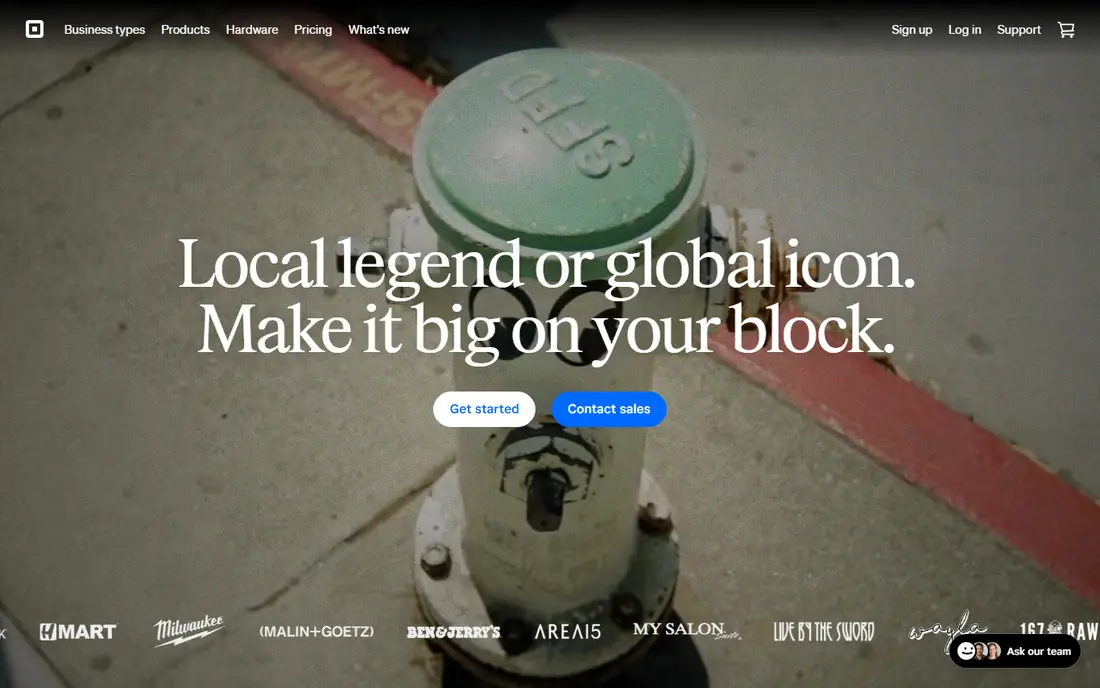
Square is the easiest place to start. You can take cards with a phone and a reader, add products, track stock and open a basic online store without signing a long contract. The free plan charges 2.6 percent plus 15 cents on in-person card sales, based on published pricing checked in October 2026. Paid plans lower that rate a little and add stronger stock and staff tools.
The catch is scale. A shop with steady card volume may pay more in card fees than it would with an interchange-plus processor, and the savings from a paid plan depend on your ticket size and monthly sales. Still, for a new shop, a market stall or a single counter, the low risk is hard to beat. You can leave if the fit is wrong, and you learn what you need before you pay.
- No monthly software fee on the free plan
- Simple setup
- Built-in online store
- Flat card rates do not fall much at low volume
- Paid plans add cost per location

Shopify POS makes sense when the website is already a large part of the business. Stock, customers and orders sit in one place, so a sale in the shop updates the online catalog at once. The Basic Shopify plan starts at $39 per month, and basic in-person selling is included. POS Pro, at $89 per location per month, adds staff permissions, purchase orders, advanced reporting and returns at any location.
The catch is the stack of costs. You pay for the Shopify plan, then for Pro at each store, then for hardware and card fees. A shop that only sells in person may not need that full stack. For a brand with both channels, though, the shared catalog removes a lot of manual stock work and reduces overselling.
- One catalog for online and in-store sales
- Strong app options
- Clear staff roles on Pro
- POS Pro adds $89 per location per month
- Hardware is separate
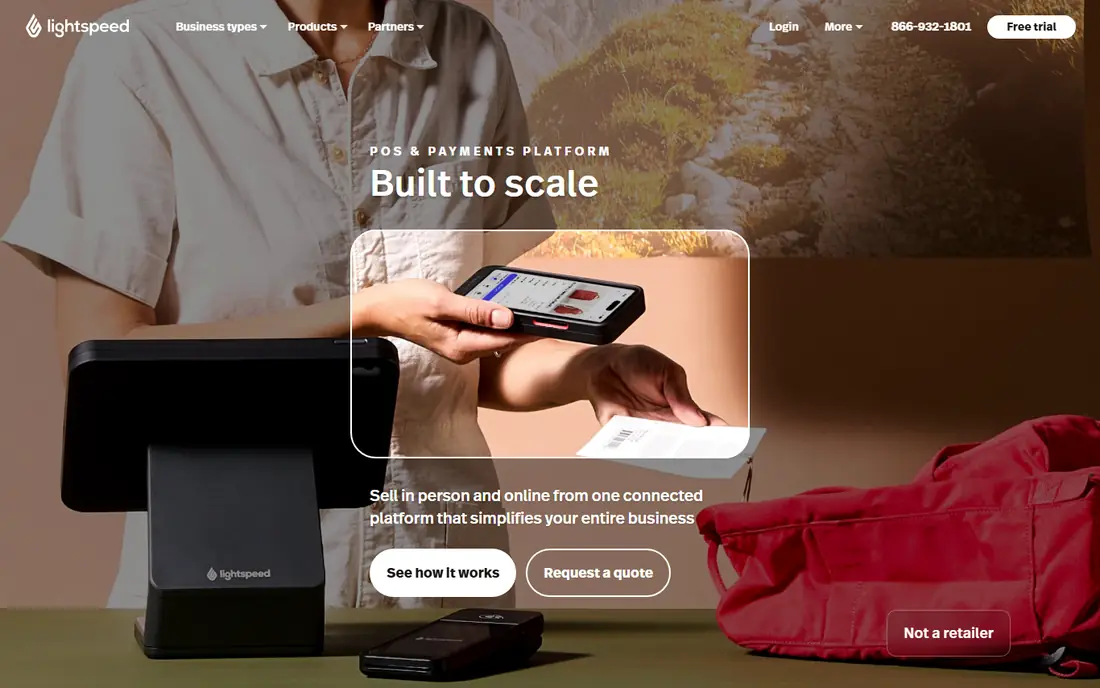
Lightspeed Retail is built for shops with thousands of variants. It handles matrix stock, serial tracking, purchase orders and supplier catalogs in a way that simpler tools do not. The Basic plan starts at $89 per month when billed annually, with Core and Plus above it, and each plan includes one register. That depth helps apparel, footwear, bike and specialty shops with complex stock.
The catch is price and setup time. A single counter with a short product list will pay for power it rarely uses, and staff need time to learn the stock workflows. If your catalog is simple, Square or Shopify will feel faster. If variants, purchase orders and multi-site stock are daily work, Lightspeed earns its fee.
- Deep stock controls with variants and purchase orders
- Supplier catalogs
- Built-in online selling
- High monthly cost for a small shop
- Extra registers cost more
Clover suits a shop that wants the counter, software and payments in one bundle. You can pick a compact terminal for a small counter or a full station with a customer display for a busy shop. The app marketplace adds loyalty, gift cards and other tools without switching systems. Direct card rates are published in a range, and retail plans vary by seller, so get the full quote in writing.
The catch is the buying route. Prices and contract terms differ between direct sales and resellers, and hardware bundles can run for 36 months. Buy hardware outright when you can, confirm the monthly software fee per device, and check the early exit terms before you sign. Done that way, Clover gives a tidy, professional counter setup.
- Wide hardware range from handheld to full station
- Large app marketplace
- Polished counter hardware
- Pricing varies by seller
- Some bundles use long contracts
- Hardware is proprietary
Epos Now covers retail and hospitality from one cloud system. The software-only plan starts at $39 per month, and complete bundles add a terminal, reader, drawer and onboarding from $349 upfront in published listings. Stock tools, low-stock alerts, customer records and reporting are included, and integrations cover accounting, email marketing and online selling.
The catch is the contract. Terms vary by package and can run for several years, and some support options cost extra. Read the package terms, confirm what onboarding covers, and check which payment processors you can use. For a shop that wants a full counter kit in one order, the bundle approach is still convenient.
- Software-only option
- More than 100 app integrations
- Offline mode with backup
- Contract terms vary by package
- Support tiers differ
- Setup can feel busy
PayPal POS, formerly Zettle, is a simple mobile point of sale for small sellers. There is no monthly software fee, and the in-person card rate is 2.29 percent plus 9 cents in published US pricing. The first card reader is listed at $29, with later readers at $79, and you can also use tap to pay on a phone with no reader at all. Funds settle into a PayPal business account.
The catch is depth. Stock tracking, reporting and staff tools are basic, and the app lacks some features that full retail suites offer, such as advanced multi-site stock. For a solo seller, a pop-up or a market stall, that trade is fine. For a growing shop with staff and complex stock, start with a fuller system instead.
- No monthly software fee
- Low in-person card rate
- Accepts PayPal and Venmo payments
- Basic stock tools
- No offline payments in the app
- Limited advanced retail features
KORONA POS stands out because it does not lock you to one processor. You can keep a processor you already use, which matters when card fees are your largest monthly cost after rent and staff. Core starts at $59 per terminal per month, and Retail adds stronger stock tools at $79 per terminal per month in published listings. Support is included, and optional modules cover food service, invoicing, ticketing and franchise work.
The catch is the per-terminal math. Two or three terminals plus modules can cost more than a flat single-register plan. Map the terminal count first, then price the modules you truly need. For a shop that values processor choice and clean stock tools, that freedom is worth the check.
- Works with your chosen processor
- No contract on published plans
- Unlimited users and sales on Core
- Per-terminal pricing adds up
- Modules cost extra
- Setup needs care for complex stock
SumUp is a good fit for sellers who trade part time or at events. The app is free, readers are low cost, and the US in-person card rate is published at 2.6 percent plus 10 cents. You can add products, take card and wallet payments, and send payment links without a monthly plan. That keeps fixed costs near zero in quiet months.
The catch is growth. Stock, staff and multi-site tools are thinner than those in Square, Shopify or Lightspeed, and online payment rates sit above in-person rates. Use SumUp while volume is low or seasonal, and move to a fuller retail system when stock control and staff permissions become daily needs.
- No monthly software fee
- Low-cost readers
- Simple app for small catalogs
- Basic stock depth
- Online payment rates are higher
- Limited multi-site tools
Helcim takes a different pricing path. There is no monthly software fee, and card pricing follows an interchange-plus model rather than a flat rate, which can lower costs for shops with larger tickets or higher volume. It includes invoicing, payment links, customer records and a basic online store, and you can buy a card reader separately.
The catch is that interchange-plus pricing is harder to compare at a glance, since the final rate moves with card type. Ask for a sample statement based on your own sales mix before you switch. For a shop that already knows its card mix and wants lower processing costs, Helcim is a strong low-fixed-cost option.
- No monthly software fee
- Interchange-plus card pricing
- Free online store tools
- Hardware range is smaller
- Setup is more hands-on
- Some features are newer
How we picked these
We compared official pricing pages, product pages and app store listings, and we kept only systems that sell to small retail shops in the US and still work in October 2026. We favored a mix of free entry points, online-first systems and stock-heavy systems, so the list fits different shop sizes rather than one type of seller. We did not claim hands-on testing, and we used published rates where vendors publish them.
What to check before you buy retail POS software
Start with your real monthly card volume and average ticket size. A free plan with a higher card rate can cost more than a paid plan with a lower rate once volume rises, so run both totals for a typical month. Add hardware, extra registers and any app subscriptions, since those lines often surprise new owners.
Next, test the stock workflow with your own products. Add variants, scan barcodes, run a return and check a low-stock alert. A system that looks clean in a demo can feel slow when your catalog has sizes, colors and bundles. Check offline behavior too, since a short internet outage should not stop the counter.
Finally, read the contract. Confirm the term, the monthly fee per device, the card rate, the exit fee and who owns the hardware. Ask for the full quote in writing, and keep a copy of the pricing page on the day you sign. That paper trail makes a later price change much easier to challenge.
Frequently asked questions
What is the best POS software for small retail business?
Square is our pick for most new shops because the free plan has no monthly fee and setup is fast. Shopify POS wins for shops that already sell online, and Lightspeed wins for large, variant-heavy catalogs. The best choice depends on your sales channels and stock complexity, not on one headline price.
How much does retail POS software cost per month?
Free plans cost nothing in software fees, while paid retail plans in this list start from $39 to $89 per month for a single register. Card fees sit on top of that, and hardware, extra registers and apps add more. Model a full month, including card fees, before you choose.
Does Shopify POS work without an online store?
Shopify POS needs a Shopify plan, and basic in-person selling is included with each plan. You can sell in person without pushing hard on online sales, but you still pay for the plan. If you never plan to sell online, a retail-first system may give better value.
Is Clover worth it for a small shop?
Clover can be worth it when you want polished bundled hardware and an app marketplace in one system. It is less attractive when a seller pushes a long contract or vague rates. Compare a direct quote with Square and Lightspeed on total cost, including hardware and card fees, before you sign.
Can I switch POS systems later?
Yes, in most cases, but switching takes work. You need to export products, customers and stock counts, set up tax and payment settings again, and train staff on the new counter flow. Pick a system that lets you export your data, and avoid hardware that only works with one vendor when you can.
Sources
See where you really rank - block by block
ProMapRanker scans Google Maps across a grid of your service area. Simple monthly plans from $19, white-label on every plan.
Start freeKeep reading
 zscaler alternatives
Best Zscaler Alternatives in 2026
Looking for zscaler alternatives? We compare 9 SASE and zero trust platforms on architecture, data protection, pricing, and fit for your network and team.
Read → zapier alternatives free
Best Zapier Alternatives Free in 2026
Nine automation tools for zapier alternatives free in 2026, all with genuinely free tiers, plus free plan limits, starting prices and upgrade paths explained.
Read → which platform is best for online reputation
Which Platform Is Best for Online Reputation in 2026
Wondering which platform is best for online reputation? We compare 8 review, listing, and response tools for small and multi-location businesses and agencies.
Read →