 ProMapRanker
Best Retail POS Software in 2026

Key takeaways
- Square is the easiest start for new and small shops, with free software and pay-as-you-go processing.
- Shopify POS suits retailers already selling online with Shopify, since stock stays in sync across channels.
- Lightspeed Retail and Heartland Retail suit inventory-heavy and multi-location shops that need deeper stock and purchasing tools.
- Processing fees often matter more than the monthly software fee once sales grow, so compare total cost on your real volume.
Quick comparison
| Pick | Great for | Pricing starts at | Free tier | |
|---|---|---|---|---|
 Square | New and small shops | Free | Yes | Visit |
 Shopify POS | Omnichannel Shopify retail | See website | Free trial | Visit |
 Lightspeed Retail | Inventory-heavy retail | $89 per month | Free trial | Visit |
 Clover | Hardware-led counter setups | See website | No | Visit |
 Epos Now | Budget shops wanting flat software fees | $39 per month | Free trial | Visit |
 Heartland Retail | Multi-store inventory and purchasing | See website | No | Visit |
 KORONA POS | Shops wanting processor choice | $59 per month | Free trial | Visit |
 PayPal Zettle | Market sellers and micro-merchants | Free | Yes | Visit |
 Revel Systems | Mid-market multi-location retail | See website | No | Visit |
The best retail POS software
A retail point of sale system does more than take card payments. It tracks stock, manages prices and discounts, records customer purchases, handles returns and, for omnichannel shops, keeps online and in-store inventory in step. The right system depends on how many products you sell, how many locations you run, whether you sell online, and which payment processor you want. Monthly software fees are only part of the cost, since card processing, hardware and add-ons can exceed the software bill.

Square is the default starting point for many new shops because the barrier to the first sale is low. The free POS software covers sales, basic inventory, customer profiles, digital receipts and gift cards, and you can start on a phone with a card reader before buying a full counter setup. There is no long contract on basic plans, and the wider Square ecosystem covers online selling, invoicing and appointments for service-led shops. For a single shop, a pop-up or a market stall, that simplicity is hard to beat.
Square is a generalist, so inventory-heavy shops may find its stock, purchasing and matrix variant tools lighter than Lightspeed or Heartland. Processing fees apply to every card sale, and those fees matter more than the free software once volume grows. Paid tiers add inventory depth, reporting and lower processing rates on some plans, so growing shops should compare tiers on real sales data. For most new retailers, Square remains the easiest and lowest-risk start.
- Free software to start
- No long contract on basic plans
- Wide hardware and app range
- Generalist inventory depth
- Processing fees apply on every sale
- Advanced retail features need paid tiers
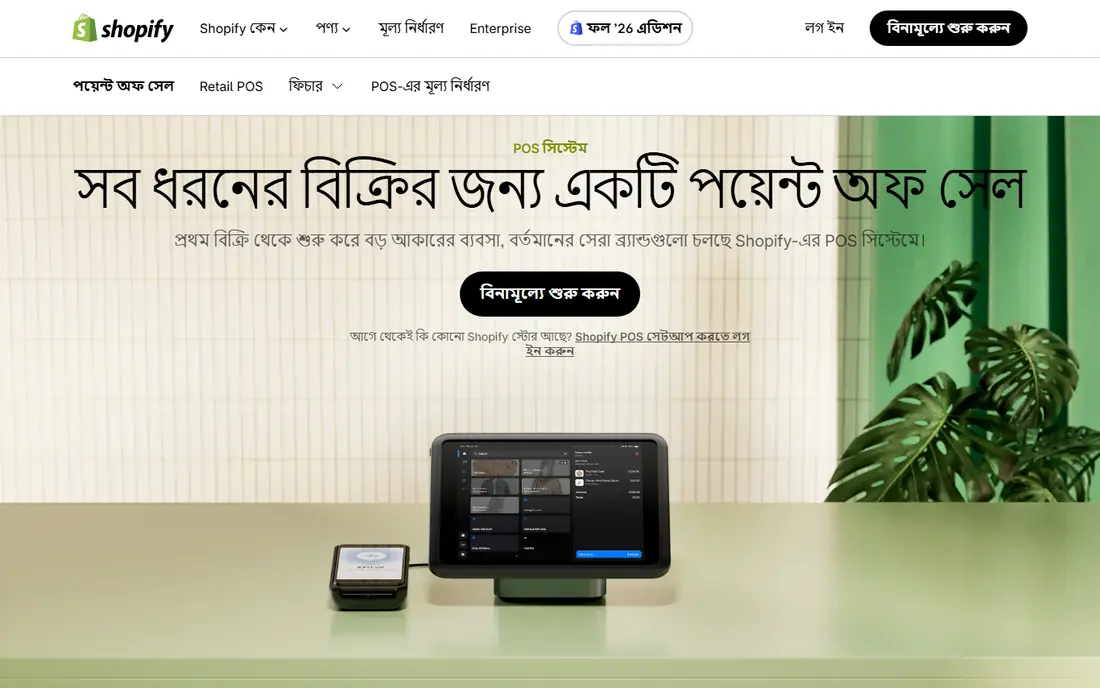
Shopify POS makes sense when online selling already drives your business. Because it shares the same product, customer and inventory data as your Shopify store, a sale in-store updates online stock at once, and a return or exchange can be handled across channels. POS Lite is included with a Shopify plan for basic in-person selling, while POS Pro, charged per location, adds deeper inventory, staff and reporting tools for growing retailers. Hardware, including Shopify terminals and card readers, fits the same system.
Shopify POS is less attractive if you do not sell on Shopify, since you still need a Shopify subscription to use it. POS Pro costs also add up across many locations, so multi-store firms should model that total. For retailers whose website and shop must stay in step, however, Shopify POS removes the stock mismatches that cause overselling and manual counts, and that alone can justify the cost.
- Online and in-store stock in sync
- Strong ecommerce tools
- POS Pro adds deeper retail features
- Requires a Shopify plan
- POS Pro is charged per location
- Less suited to non-Shopify shops
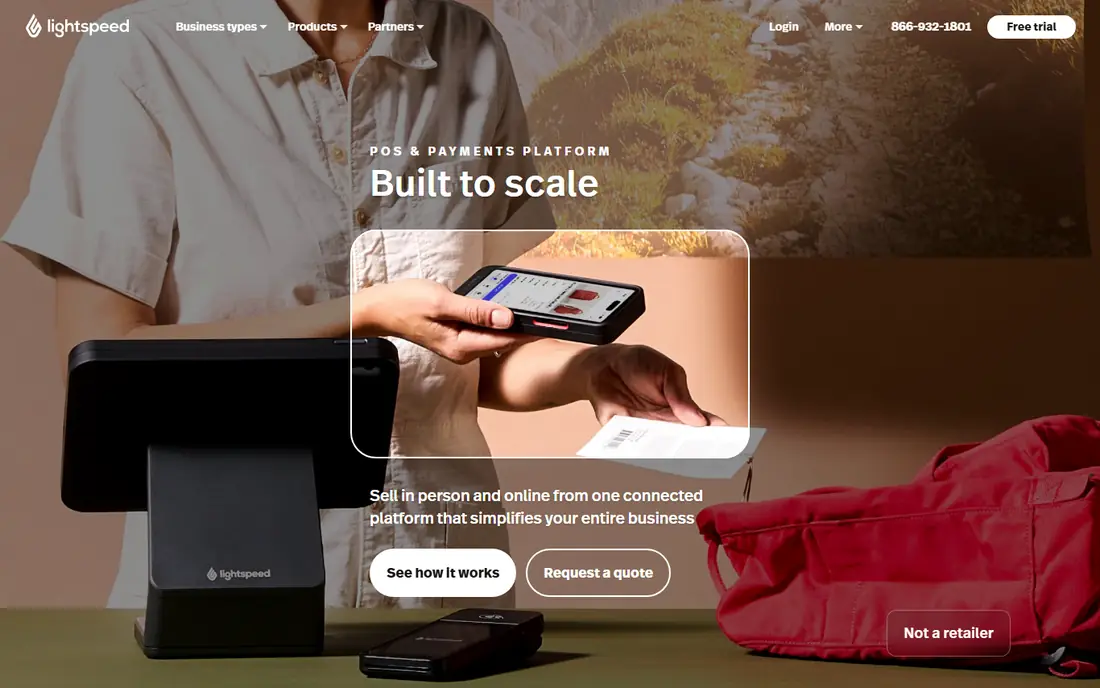
Lightspeed Retail is built for shops with large catalogues, variants and multiple locations. Its matrix inventory handles size, colour and style combinations, while purchasing, vendor and transfer tools help managers keep stock balanced across stores. Ecommerce tools on many plans let retailers sell online without a separate stock system, and reporting covers sales, margins and staff performance in useful depth. Apparel, footwear, bike, pet and specialty retailers are common Lightspeed users for good reason.
Cost and complexity are the trade-offs. Entry pricing starts at $89 per month, billed annually on some plans, and higher tiers add features that larger firms need. Staff need training to use purchasing, transfers and reporting well, and setup takes longer than Square. For inventory-heavy retailers, that investment pays back in fewer stockouts and clearer purchasing. For a small shop with a simple catalogue, Lightspeed may be more than needed.
- Strong matrix inventory and purchasing
- Multi-location support
- Ecommerce included on many plans
- Higher monthly cost
- Learning curve for full feature set
Clover suits shops that want a polished, purpose-built counter setup rather than a phone or tablet on a stand. Its hardware range covers countertop stations, compact terminals, handhelds and customer-facing displays, with software that feels designed for that hardware. An app marketplace adds inventory, loyalty, reporting and industry tools, so shops can tailor the system over time. For busy counters where speed and a professional look matter, Clover hardware is a clear draw.
Pricing is the main caution. Clover is sold direct and through resellers, so software, hardware and processing terms vary, and buyers should get all costs in writing before signing. Hardware can be bought or bundled, and app subscriptions add to the monthly total. Shops should also check contract terms, since some reseller deals differ from direct Clover plans. For retailers who value hardware choice and a tidy counter, Clover is worth comparing with Square and Lightspeed.
- Wide purpose-built hardware range
- Polished counter experience
- Large app marketplace
- Pricing varies by seller and plan
- Hardware costs add up
- Some features need apps
Epos Now appeals to budget-conscious shops that want one predictable software fee. Its software covers till sales, stock, reporting and customer management, with a back office for managers and an app store for extras such as loyalty and accounting links. At $39 per month for software only on entry plans, it undercuts several rivals for a single till, which helps small shops keep fixed costs down. Hardware is available as a bundle or separately, depending on the deal.
Processing fees and add-on costs still need checking, since the software fee is not the whole bill. Some advanced inventory and reporting features sit on higher tiers, and support quality can vary by region. Epos Now suits single shops and small chains that want a straightforward till system at a flat fee, rather than firms needing deep multi-location purchasing or omnichannel stock sync.
- Flat software pricing
- Front and back office tools
- App store for add-ons
- Processing terms depend on plan
- Some advanced features need higher tiers
Heartland Retail, formerly Springboard Retail, is built for multi-store retailers who live in their inventory data. Its purchasing, receiving, transfer and reporting tools help managers see stock across locations, plan orders and track margins without spreadsheets. That depth suits apparel, footwear, gift and specialty chains where stock accuracy drives profit. Heartland also integrates with payment processing and ecommerce tools, so shops can keep channels connected.
Pricing is plan-based and varies, so firms should get a quote for their station count and locations. Setup and training take longer than a simple till app, since the inventory model needs to be configured well to be useful. For single shops with simple stock, Heartland may be more than needed. For multi-store retailers, its inventory depth is a genuine advantage over generalist POS tools.
- Deep inventory and purchasing tools
- Multi-store transfers and reporting
- Strong for specialty retail
- Pricing varies by plan
- Setup and training take time
KORONA POS stands out because it lets shops choose their payment processor, rather than locking them into one provider. That freedom matters for firms that have negotiated processing rates, that operate in niche markets, or that want to switch processors without changing POS software. KORONA also covers inventory, multi-location management, customer data and reporting, with cloud tools for managers to oversee stores remotely. At $59 per month per terminal on its Core plan, pricing is clear for single-terminal shops.
Per-terminal pricing adds up across many tills, so larger firms should model total cost carefully. The interface is functional rather than flashy, which suits operations teams more than design-led retailers. Support and setup also benefit from a clear plan for processor integration. For shops that value processor freedom and solid inventory tools, KORONA is a distinctive and practical choice.
- Choice of payment processor
- Strong inventory and multi-location tools
- Cloud-based management
- Per-terminal pricing adds up
- Interface is functional rather than polished
PayPal Zettle suits micro-merchants, market sellers and brand-new businesses that want to take cards without a monthly fee. There is no monthly software charge, and sellers pay processing on each transaction instead, which keeps fixed costs near zero in quiet months. Setup is simple: a card reader, a phone or tablet, and a product list are enough to start selling. Links to PayPal and basic online tools help sellers who also take payments online.
Zettle is not a full multi-location retail system. Inventory, purchasing and reporting tools are lighter than Lightspeed or Heartland, and larger firms will outgrow it as catalogue and location complexity rise. For a market stall, a pop-up, a salon chair or a new shop testing demand, however, Zettle offers the lowest-risk route to card payments, with an easy upgrade path later if the business grows.
- No monthly software fee
- Simple card reader setup
- PayPal ecosystem links
- Lighter inventory depth
- Less suited to large multi-location retail
Revel Systems suits mid-market retailers and franchise groups that need central control across locations. Its tools cover multi-store management, reporting, inventory, customer engagement and, for food-led firms, kitchen workflows, all managed from a central back office. That central view helps head offices set prices, menus or product ranges, track performance and maintain consistency across stores. Enterprise controls for roles and permissions also suit larger teams.
Pricing is quote-based and implementation is heavier than a small-shop POS, with setup, hardware and training to plan. Revel is not the right first system for a single new shop, where Square or Zettle will be faster and cheaper. For growing chains and franchise groups that need central management and consistent reporting, Revel is a credible step up from generalist tools.
- Multi-location and franchise tools
- Strong reporting and kitchen or retail workflows
- Enterprise controls
- Quote-based pricing
- Implementation heavier than small-shop tools
How we picked these
We compared official pricing and product pages, inventory and multi-location features, online selling links, hardware options and payment processing terms for each system. We favoured systems live in October 2026 that serve a clear retail job, from micro-merchants to multi-location chains, and we included both generalist and specialist tools. We did not run tills ourselves, and we did not treat third-party pricing roundups as a substitute for vendor pricing, since POS prices vary by plan, location count and seller. Confirm all fees in writing before signing.
How to choose retail POS software
Start with your catalogue and channels. Count products, variants and locations, and decide whether online stock must stay in sync with in-store stock. A shop with hundreds of variants needs matrix inventory, while a shop with twenty products can start simple. If you sell online, choose a system that shares stock data with your store, or plan for the manual work of keeping two systems in step. That single decision often narrows the shortlist more than any feature list.
Next, work out total cost on your real numbers. Add software fees per location or terminal, hardware, app subscriptions and card processing on your average ticket and monthly volume. A free software plan with higher processing fees can cost more than a paid plan with lower rates once volume rises. Check contract length, hardware ownership, early exit terms and who provides support, since those terms matter when a system fails on a busy Saturday. Ask each vendor for a written quote covering all of those items.
Finally, trial the till with your staff, not just managers. Ring up real products, handle a return, apply a discount, split a payment and check stock after the sale. Watch how long each task takes and how staff react to the interface. A system that managers love but till staff find slow will cost sales and morale. Run the trial during a normal trading week, keep your old system as backup, and only switch once staff are confident.
Frequently asked questions
What is the best retail POS software for small businesses?
Square is the best starting point for most small shops because its software is free to start, setup is fast and there is no long contract on basic plans. Shopify POS suits small shops already selling on Shopify, while Zettle suits micro-merchants with low fixed costs. The best pick depends on your catalogue size, online sales and processing volume.
What is the best POS software for retail stores with multiple locations?
Lightspeed Retail and Heartland Retail suit multi-location retail best, thanks to matrix inventory, transfers, purchasing and central reporting. KORONA POS and Revel Systems also suit multi-location firms, with KORONA offering processor choice and Revel offering franchise controls. Compare total cost per location before choosing.
How much does retail POS software cost?
Software fees range from free plans with processing fees to $89 per month or more for inventory-led systems, plus per-location or per-terminal charges on some plans. Hardware, apps and processing fees are separate and can exceed the software fee. Model total cost on your real ticket size and monthly volume, and get all fees in writing.
Is Shopify POS good for retail?
Yes, for retailers already using Shopify, since online and in-store stock, customers and orders stay in sync. POS Lite covers basic in-person selling with a Shopify plan, while POS Pro adds deeper retail tools per location. For shops not using Shopify, the subscription cost makes it less attractive than Square or Lightspeed.
What is the best retail POS system for inventory management?
Lightspeed Retail and Heartland Retail lead on inventory depth, with matrix variants, purchasing, transfers and margin reporting. KORONA POS also offers strong inventory and multi-location tools. Generalist systems such as Square cover basic stock well, but they lack the purchasing depth of specialist retail systems.
Do I need to buy hardware with POS software?
Not always. Many systems run on a phone or tablet with a card reader, which suits market sellers and new shops. Busy counters benefit from purpose-built terminals, stands, printers and cash drawers, which add cost but improve speed and durability. Check whether hardware is bought, leased or bundled, and who owns it if you leave.
Sources
See where you really rank - block by block
ProMapRanker scans Google Maps across a grid of your service area. Simple monthly plans from $19, white-label on every plan.
Start freeKeep reading
 zscaler alternatives
Best Zscaler Alternatives in 2026
Looking for zscaler alternatives? We compare 9 SASE and zero trust platforms on architecture, data protection, pricing, and fit for your network and team.
Read → zapier alternatives free
Best Zapier Alternatives Free in 2026
Nine automation tools for zapier alternatives free in 2026, all with genuinely free tiers, plus free plan limits, starting prices and upgrade paths explained.
Read → which platform is best for online reputation
Which Platform Is Best for Online Reputation in 2026
Wondering which platform is best for online reputation? We compare 8 review, listing, and response tools for small and multi-location businesses and agencies.
Read →