 ProMapRanker
Best Retail Analytics Software in 2026


Online and in-store sales in one view · Pricing starts at: $39 per month
Key takeaways
- Shopify and Square are the fastest starts for small retailers, because analytics sit inside the system that already records sales.
- Lightspeed adds depth for specialty shops with large catalogs and several locations.
- Placer.ai and RetailNext answer a different question, which is what happens inside and around a physical store.
- Enterprise tools such as Looker, ThoughtSpot, and Sisense need clean data and a longer setup, but they scale across many sources.
- Most enterprise retail analytics pricing is quote-based, so budget for implementation and data work, not just the license.
Quick comparison
| Pick | Great for | Pricing starts at | Free tier | |
|---|---|---|---|---|
| Shopify | Online and in-store sales in one view | $39 per month | Free trial | Visit |
 Square | Small shops starting free | Free | Yes | Visit |
 Lightspeed Retail | Specialty retail and complex inventory | $89 per month | Free trial | Visit |
 Placer.ai | Foot traffic and location insight | See website | Free trial | Visit |
 RetailNext | In-store shopper behavior | See website | No | Visit |
 ThoughtSpot | Search-driven business analytics | See website | Free trial | Visit |
 Looker | Governed reporting on a data warehouse | See website | No | Visit |
 Sisense | Embedded analytics for retail apps | See website | Free trial | Visit |
 Algonomy | Merchandising and assortment analytics | See website | No | Visit |
The best retail analytics software
Retail analytics should help you decide what to stock, what to promote, and where to open or staff. The tools below cover different parts of that job, from point-of-sale reports to location data and enterprise dashboards.

Shopify works well when most of your sales already flow through one system. Orders, products, customers, and discounts stay linked, so you can see which products sell, which channels perform, and which customers return. The built-in dashboards cover daily sales, product performance, and traffic sources without a separate analytics project.
The limit appears as reporting needs grow. Advanced reports and custom views require higher plans, and multi-location point-of-sale features add cost per location. Still, for a retailer that sells online first and in person second, Shopify gives a clear daily picture with very little setup.
- Unified online and POS sales data
- Ready dashboards for sales, products, and customers
- Large app ecosystem for deeper reports
- Advanced reporting sits on higher plans
- POS Pro is an added per-location cost
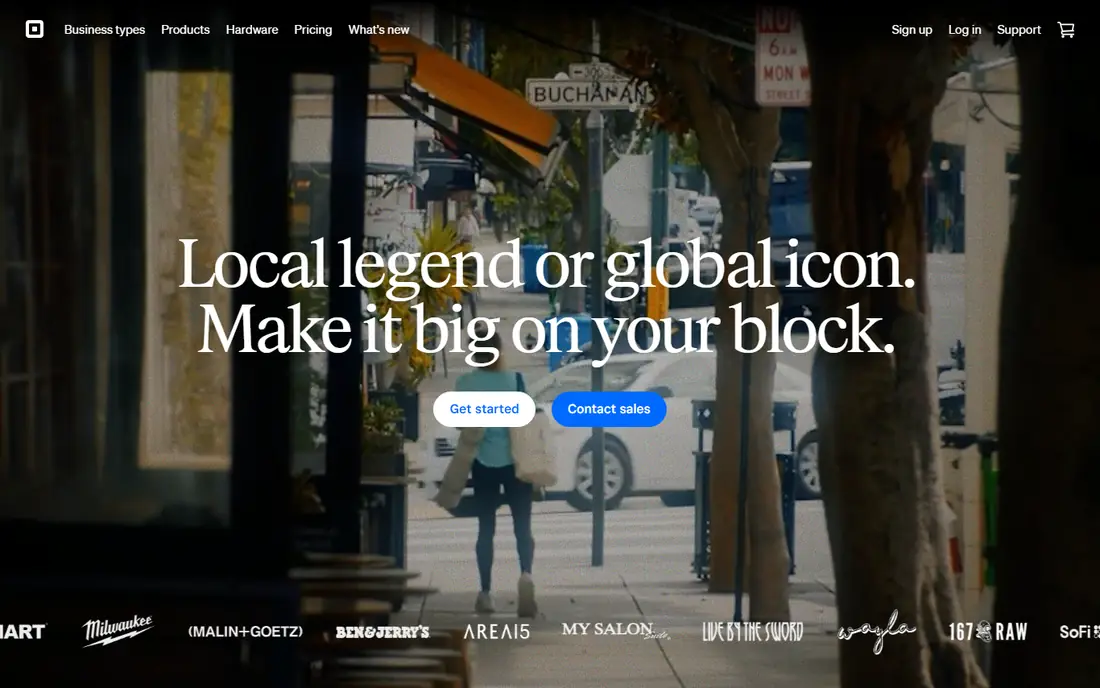
Square is the low-friction choice for a single shop or market stall. The free point-of-sale tier includes sales reports, item performance, and basic staff views, so a new retailer can track what sells from day one. Setup is fast, hardware is simple, and there is no monthly fee to start learning from your own data.
As the business grows, Square's limits become clearer. Multi-location reporting, advanced inventory insight, and deeper customer analysis sit behind paid tiers. For a small team that wants simple, reliable daily numbers, Square remains a strong and honest starting point.
- Free starting tier for point-of-sale reports
- Simple sales, item, and staff reports
- Easy setup for a single location
- Deeper analytics and multi-location tools need paid plans
- Less depth for complex merchandising
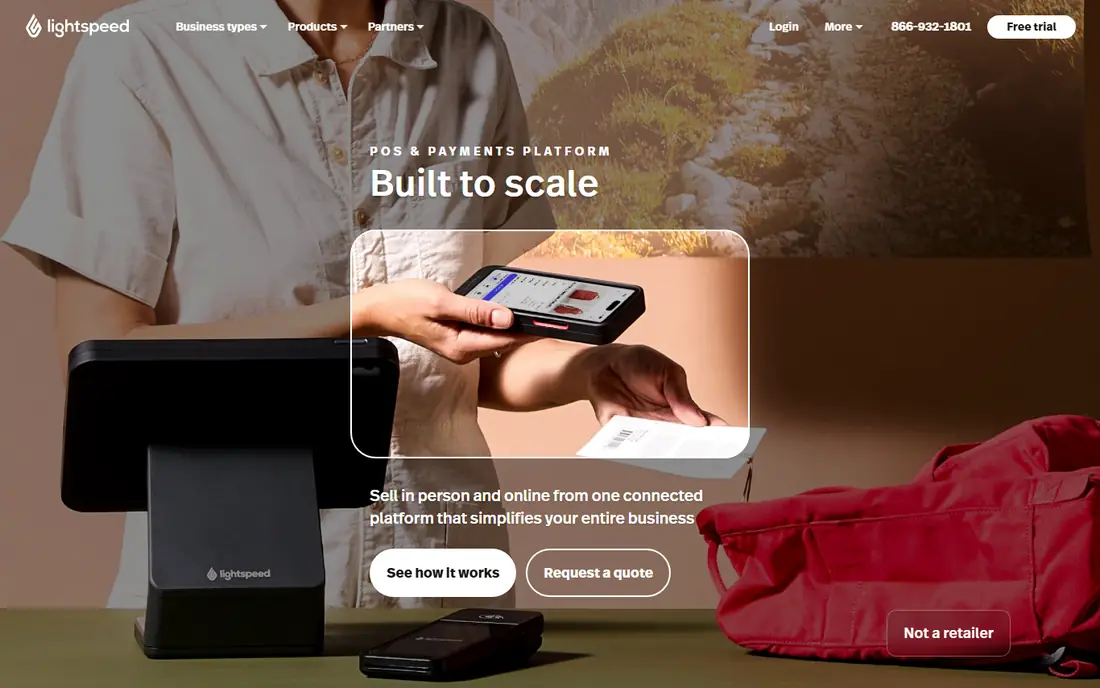
Lightspeed suits shops where inventory is the hard part. Bike shops, apparel stores, golf shops, and other specialty retailers deal with sizes, colors, serial numbers, and vendor catalogs. Lightspeed handles those details natively, and its reports connect stock levels to sales by location, vendor, and product line. Purchase order workflows help buyers see what to reorder and when.
That depth costs more and takes longer to learn than a simple point-of-sale report. A single-till shop with a small catalog may not need it. For a growing specialty chain, the inventory and reporting depth often pays for the higher monthly rate.
- Deep inventory with variants and purchase orders
- Multi-location reporting
- Built-in online store on higher tiers
- Higher starting price than Square or Shopify Basic
- Learning curve for complex catalogs
Placer.ai answers questions that sales data alone cannot. It shows estimated foot traffic, visit patterns, and trade areas for a location, which helps with site selection, lease talks, and local marketing. Retailers can compare a store with nearby competitors and see how visit frequency changes over time. That context is valuable before signing a lease or opening a second site.
The data is estimated from location signals, so it should support a decision, not replace local checks such as a site visit and a review of actual sales. Pricing is quote-based and aimed at multi-location operators. Use it when location strategy is a real cost, not for a single shop that only needs daily sales reports.
- Location and visit data for site decisions
- Trade area and competitor context
- Useful for expansion and leasing choices
- Quote-based enterprise pricing
- Visit data is modeled, not a direct count of every visitor
RetailNext focuses on what happens after a shopper walks in. Sensors and analytics estimate traffic, conversion, and how shoppers move through a store, which helps managers staff busy hours, test layouts, and compare stores on a fair basis. For chains, that in-store view fills a gap between online analytics and till totals.
The setup is heavier than a cloud dashboard alone. Hardware, installation, and calibration take time, and pricing is enterprise and quote-based. RetailNext fits chains that already track online sales well and now need the same discipline for physical stores.
- In-store traffic, conversion, and dwell insight
- Multi-store benchmarking
- Helps link staffing to busy periods
- Requires in-store sensors and installation
- Enterprise pricing with implementation work
ThoughtSpot lets a merchandiser or store manager ask a question in plain words, such as sales by category last month, and get a chart without waiting for a data team. That self-service style helps retail teams test ideas quickly, from promotion results to regional performance. AI features can suggest follow-up questions and summarize a result, which speeds up weekly reviews.
The catch is data readiness. ThoughtSpot is only as good as the sales, inventory, and customer data connected to it. If those sources are messy or disconnected, the answers will be too. Budget time for data modeling, and shortlist ThoughtSpot when many people need answers, not just a small analytics team.
- Search-style questions over retail data
- AI-assisted analysis and summaries
- Dashboards for non-technical users
- Needs clean, connected data sources
- Enterprise pricing and setup effort
Looker, part of Google Cloud, is built for organizations that want one trusted definition of sales, margin, and inventory. Its modeling layer lets a data team define metrics once, so a store report and a finance report use the same numbers. That consistency matters when many teams argue from different spreadsheets.
Looker is not a quick dashboard tool for a small shop. It works best on a cloud data warehouse, with data engineering time for setup and maintenance. Choose it when governance, scale, and shared definitions matter more than speed of first setup.
- Consistent definitions across teams
- Strong modeling layer for large data sets
- Integrates with Google Cloud data tools
- Implementation can take months
- Needs data engineering skill
Sisense suits retailers and retail software vendors that want analytics inside their own product or portal. A supplier portal, a franchise dashboard, or an internal merchandising tool can carry Sisense charts without sending users to a separate analytics site. The platform handles large data sets and custom visualizations, which helps for assortment and supplier reporting.
Embedded use adds design and engineering work. You need to plan permissions, data refresh, and dashboard design, not just buy a license. For a retailer that only needs standard reports, a point-of-sale tool is simpler. For a team building analytics into a product, Sisense is a strong fit.
- Embedded dashboards inside retail tools and portals
- Flexible data modeling
- Strong visualization options
- Quote-based pricing
- Setup complexity grows with custom embedded use
Algonomy focuses on the merchandising side of retail: which products to carry, how to price them, and how to personalize offers. Its analytics support assortment planning, promotions, and recommendations for large retailers with many stores and product lines. That retail-specific focus sets it apart from general business intelligence tools.
Algonomy is an enterprise purchase. Expect a sales process, implementation work, and data integration before value appears. It fits large retailers whose assortment and pricing decisions move significant revenue, rather than small shops that need a daily sales report.
- Retail-specific merchandising and personalization tools
- Assortment and pricing insight
- Serves large grocery and fashion retailers
- Enterprise focus and quote-based pricing
- Implementation is a project, not a quick signup
How we picked these
We compared official product pages, pricing pages, and retail analytics guides, and we favored tools that are live in October 2026 and cover a distinct retail job. We included point-of-sale analytics for small retailers, location and in-store tools for physical stores, and enterprise platforms for multi-source reporting. Where a vendor sells by quote, we list See website rather than inventing a rate. We did not rank a tool higher simply because it serves the largest enterprises.
What to check before you buy
A good retail analytics purchase starts with the decision you need to make, not with the dashboard.
Match the tool to the decision
Daily sales and stock questions belong in your point-of-sale system. Site and expansion questions belong with location data. Assortment, pricing, and multi-channel questions may need an enterprise platform. Buying an enterprise tool for a daily sales report wastes money, and buying a simple report tool for assortment planning leaves the hard question unanswered.
Check data quality first
Connect sales, inventory, and customer data, and check for duplicate products, missing locations, and inconsistent categories. Clean data matters more than a new chart type. Run a trial on one category or one store, and compare the tool output with your till totals before you roll it out.
Count the full cost
Add implementation, data work, hardware for in-store tools, and training to the license price. Enterprise tools often need months of setup, while point-of-sale tools can go live in days. Ask each vendor what happens when you add stores, users, or data volume, so growth does not bring a surprise bill.
Frequently asked questions
What is the best analytics platform for retail?
Shopify and Square are best for small retailers that want analytics inside their sales system. Lightspeed fits specialty retail, Placer.ai fits location decisions, and ThoughtSpot or Looker fit larger teams with many data sources. The best platform is the one that matches the decision you make most often.
What are the best retail analytics tools for a small business?
Start with the reports inside your point-of-sale system, whether that is Shopify or Square. Add a separate analytics platform only when you outgrow those reports, such as when you manage many locations or need cross-channel analysis. A trial on real sales data will show whether the extra tool earns its cost.
What are the best retail analytics platforms for foot traffic?
Placer.ai is the strongest pick for estimated foot traffic and trade areas around a store. RetailNext is stronger for behavior inside the store, such as conversion and dwell patterns. Use both types of data together when you are choosing a site or redesigning a store, and check them against actual sales.
How much does retail analytics software cost?
Point-of-sale analytics can start free with Square or from $39 per month with Shopify Basic, while Lightspeed Retail starts at $89 per month on annual billing in the sources we reviewed. Enterprise platforms are usually quote-based and can run well above those rates once implementation is included. Always ask for the full first-year cost.
Do I need a data warehouse for retail analytics?
No, for most small and mid-size retailers. Point-of-sale and location tools work without one. A data warehouse becomes useful when you combine many sources, such as ecommerce, stores, loyalty, and supply data, and you need consistent definitions across teams. Tools such as Looker are built for that stage.
Sources
See where you really rank - block by block
ProMapRanker scans Google Maps across a grid of your service area. Simple monthly plans from $19, white-label on every plan.
Start freeKeep reading
 zscaler alternatives
Best Zscaler Alternatives in 2026
Looking for zscaler alternatives? We compare 9 SASE and zero trust platforms on architecture, data protection, pricing, and fit for your network and team.
Read → zapier alternatives free
Best Zapier Alternatives Free in 2026
Nine automation tools for zapier alternatives free in 2026, all with genuinely free tiers, plus free plan limits, starting prices and upgrade paths explained.
Read → which platform is best for online reputation
Which Platform Is Best for Online Reputation in 2026
Wondering which platform is best for online reputation? We compare 8 review, listing, and response tools for small and multi-location businesses and agencies.
Read →