 ProMapRanker
Best Resume Builder App for Mobile in 2026

Key takeaways
- Canva is the best design-led mobile option, but single-column templates are safer for automated screening systems.
- Novoresume and Kickresume offer the clearest guided builders, with Novoresume giving a usable free PDF for one resume.
- Zety, Resume Genius and Resume.io guide content well, but check download terms before paying, since trials can renew.
- Teal suits active job seekers who want one resume per application plus application tracking on the go.
Quick comparison
| Pick | Great for | Pricing starts at | Free tier | |
|---|---|---|---|---|
 Canva | Design-led mobile resumes | Free | Yes | Visit |
 Novoresume | Clean guided builder | Free | Yes | Visit |
 Kickresume | AI writing help | Free | Yes | Visit |
 Zety | Guided content suggestions | See website | Yes | Visit |
 Resume Genius | Beginner step-by-step builder | See website | Yes | Visit |
 Resume.io | Fast clean templates | See website | Yes | Visit |
 Teal | Resumes plus job tracking | Free | Yes | Visit |
 FlowCV | Simple free mobile builder | Free | Yes | Visit |
 VisualCV | Online resume hosting | Free | Yes | Visit |
The best resume builder apps for mobile
These builders all work on a phone, either through a mobile app or a mobile-friendly site that lets you edit, preview and export a PDF. We favoured tools where phone editing is practical, not just possible, and where the free terms for downloads are clear.
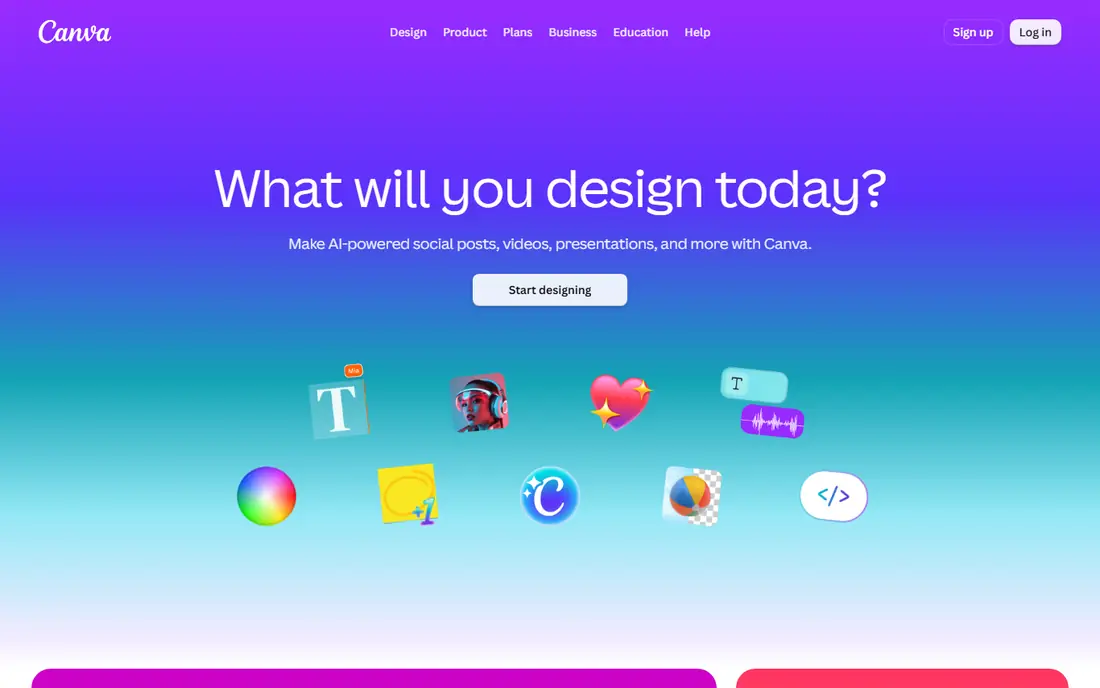
Canva is the easiest mobile builder for visual roles. Open the app, pick a resume template, replace the text and export a PDF. The mobile editor is close to the desktop version, so layout changes, fonts and colours are easy on a phone. Creative, marketing and design candidates will find templates that show visual judgment.
The caution is screening. Automated systems read single-column layouts with standard headings best. Canva two-column showpieces can confuse parsers, so use a clean single-column template for corporate roles and save visual versions for direct sends or portfolios. Check the exported PDF on a phone before applying.
- Polished mobile app with many templates
- Easy drag-and-drop editing
- Free PDF export on many templates
- Some visual templates parse poorly in automated systems
- Pro features need a paid plan
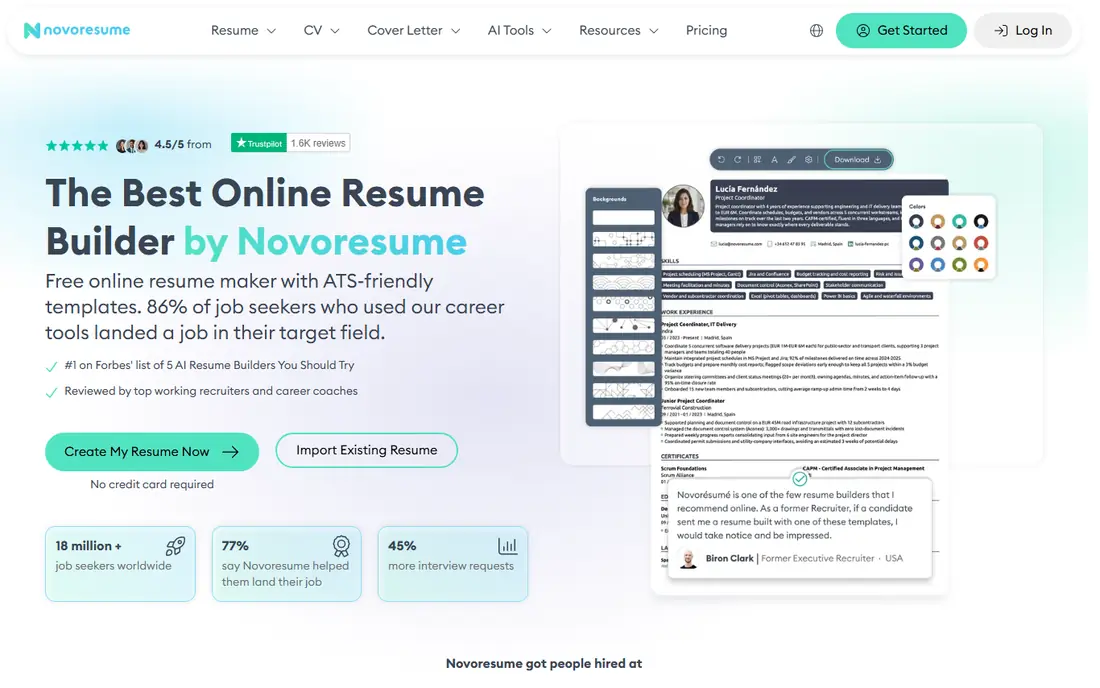
Novoresume suits job seekers who want a polished resume without design work. The builder guides each section, checks content quality as you type and offers templates that stay readable. On a phone browser, editing is straightforward, and the free plan gives a real one-page PDF, which is more useful than a text-only preview.
The limit is one free resume, so tailor it carefully or pay for more versions. For a single strong application, Novoresume is an excellent mobile choice. For many tailored versions, Teal or Kickresume may offer better value.
- Guided builder with real-time content checks
- Clean modern templates
- Free plan allows one resume PDF export
- Free plan limited to one resume
- Premium plan costs $19.99 per month on some billing options
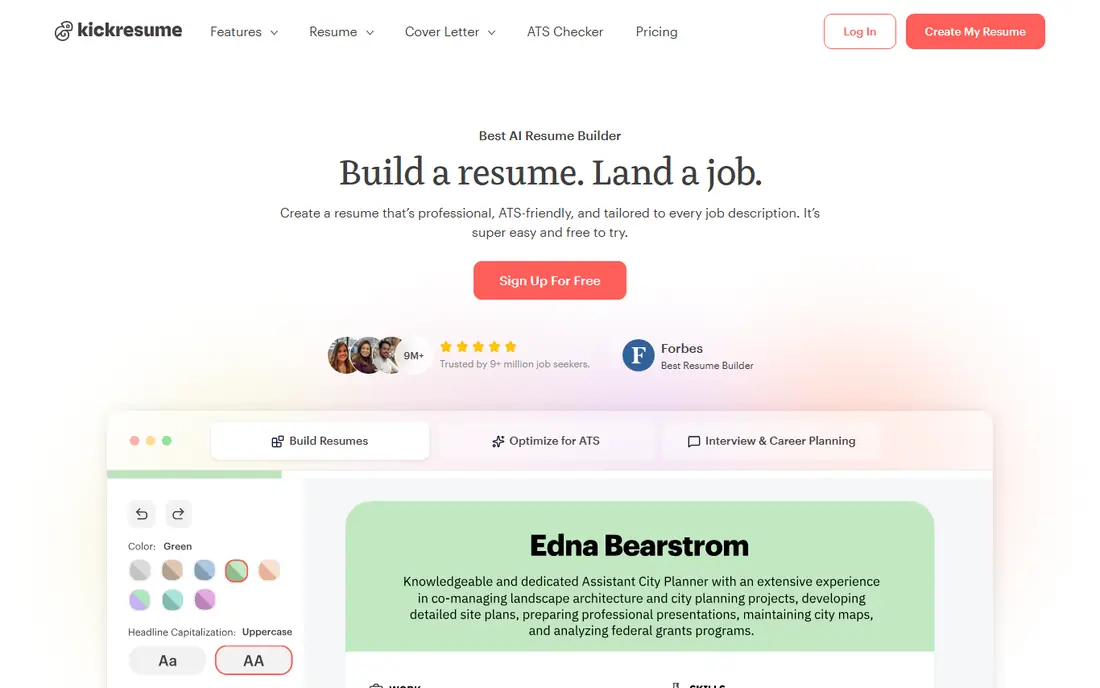
Kickresume helps most when you struggle to phrase achievements. Its AI tools suggest bullet points and tailor content to a job description, which speeds up drafting on a phone. Templates are polished without being overly visual, and the free tier is usable for a basic resume. That mix makes it a good choice for longer job searches.
AI output should never be pasted unchecked. Read every bullet, confirm dates and results and rewrite lines that sound generic. Kickresume works best as a drafting aid, with you as the editor who knows the real work behind each claim.
- AI writing help tailored to job posts
- Many templates
- Free plan allows downloads on some templates
- Some templates and features need a paid plan
- AI text still needs editing for accuracy
Zety guides beginners through each section with suggested phrases for many roles. That help is valuable on a phone, where typing long achievement bullets is slow. Templates are clean and professional, and the cover letter builder keeps applications consistent.
The main caution is billing. Building is free, but a full PDF download often needs a trial or paid plan, and trials can renew automatically. Set a cancellation reminder the day you start a trial, and confirm the download format before paying. For guided help without that risk, Novoresume or Kickresume may suit better.
- Step-by-step builder with pre-written phrases
- Clean templates
- Cover letter builder
- Free version limits downloads
- Trial pricing can renew at a higher rate, so check terms
Resume Genius is built for first-time resume writers. The wizard asks short questions, offers examples and builds a clean document step by step. On a phone, that structure helps you finish a resume in short sessions without staring at a blank page. Error checks catch missing sections and weak phrasing.
As with Zety, check download terms before you rely on it for a deadline. A text-only free export is not a substitute for a PDF. If you need a free PDF fast, start with Novoresume, FlowCV or Canva instead.
- Simple wizard with examples for each section
- Automated checks for common errors
- Clean templates
- Full download often needs a paid plan or trial
- Layouts are less flexible than Canva
Resume.io suits job seekers who already know their content and want a clean layout fast. The editor updates in real time, templates are professional and phone browser editing is smooth. It is a good choice for updating a resume between interviews or tailoring a version for a new role.
The free download limit is the catch. Check whether your chosen template exports as a PDF on the free plan or only as text. For a free PDF, pair Resume.io drafting with a final export check, or choose a builder with a clearer free PDF offer.
- Fast real-time editor
- Clean templates
- Useful for quick updates on a phone browser
- Free plan limits downloads to text on many templates
- Full features need a paid plan
Teal is the best mobile choice for active job seekers running many applications. You can tailor a resume for each role, track applications on a board and keep notes on each employer. That structure prevents the common mistake of sending the same generic resume everywhere. Phone access lets you check status and update a resume on the go.
Teal is less of a pure design tool than Canva, so visual candidates may still use Canva for portfolios. For most corporate and service roles, Teal combination of tailored resumes and tracking saves more time than a prettier template alone.
- One resume per application with tailoring
- Job tracking board
- LinkedIn import features
- Full power needs desktop use for tracking
- Free plan limits some advanced features
FlowCV is a quiet, useful option for job seekers who want a free PDF without trial tricks. The builder is simple, layouts are clean and phone browser editing works well. It lacks the AI depth of Kickresume and the template range of Canva, but it delivers the core job: a readable resume you can actually send.
Use FlowCV when budget is tight and the role values clarity over design. Pair it with a careful proofread and a single-column layout, and it will pass screening systems as well as many paid builders.
- Simple builder with free PDF export
- Clean layouts
- No complex setup
- Fewer templates than larger builders
- Less AI writing help
VisualCV suits candidates who want a resume link for networking, portfolios or direct outreach. You can host a resume online, share a link and see when it is viewed. That is useful for freelancers, consultants and creative professionals who send work samples alongside a resume.
The free plan limits templates and features, so check what you can export before committing. For standard job applications, a PDF from Novoresume or FlowCV is simpler. VisualCV earns its place when a hosted, trackable resume adds real value.
- Online resume hosting with a shareable link
- Analytics on views
- Clean templates
- Free version is restrictive
- Full features need a paid plan
How we picked these
We compared official feature pages, pricing pages and app store listings in October 2026, and favoured builders that work well on a phone, offer clear templates and state download terms. We did not claim hands-on testing. Where prices varied by trial, billing period or region, we wrote the verified starting figure or See website, and readers should confirm download terms before paying.
Building a strong resume on your phone
Phone building works best in short, focused sessions. Draft content first, then format, then proofread on a larger screen if you can. A clean PDF matters more than a fancy layout.
Choose a layout that screening systems can read
Use one column, standard headings such as Experience, Education and Skills, and plain text for job titles and dates. Avoid tables, text boxes and graphics that carry key facts. Save a visual version only for direct sends where a human will open it first.
Tailor, but do not invent
Match bullet points to the job description using real achievements, numbers and tools you actually used. AI suggestions help with phrasing, but every claim must be true and checkable. A tailored resume with honest detail beats a generic resume with polished but vague lines.
Check the export before you apply
Open the exported PDF on your phone, check for cut-off text, missing sections and broken spacing, and confirm the file name is professional. Send a test copy to yourself if the system allows it. A resume that looks fine in the editor can still break on export.
Frequently asked questions
What is the best resume builder app for mobile?
Canva is best for design, Novoresume is best for a clean guided build with a free PDF, and Teal is best for active job seekers who tailor many applications. Pick by role: visual roles suit Canva, corporate roles suit a single-column builder.
What are the best mobile resume builder apps that are free?
FlowCV, Canva and Novoresume offer the most usable free options, with real PDF exports on many templates. Kickresume and Teal also offer useful free tiers. Always confirm the download format, since some builders only offer text on free plans.
Are mobile resume builders good for automated screening?
Yes, when you choose a simple layout. Single-column templates with standard headings parse best. Avoid heavy graphics, two-column designs and text inside images for roles that use automated screening.
Can I build a full resume only on my phone?
Yes. Canva, Novoresume, Kickresume and FlowCV all support full phone editing and PDF export. Draft in short sessions, then proofread carefully, since small screens make typos easy to miss.
Should I use AI to write my resume?
AI can help draft and tighten bullets, but you must edit every line for truth and detail. Recruiters spot generic AI phrasing fast. Use AI for structure and phrasing, and keep achievements, dates and results in your own accurate words.
Sources
See where you really rank - block by block
ProMapRanker scans Google Maps across a grid of your service area. Simple monthly plans from $19, white-label on every plan.
Start freeKeep reading
 zscaler alternatives
Best Zscaler Alternatives in 2026
Looking for zscaler alternatives? We compare 9 SASE and zero trust platforms on architecture, data protection, pricing, and fit for your network and team.
Read → zapier alternatives free
Best Zapier Alternatives Free in 2026
Nine automation tools for zapier alternatives free in 2026, all with genuinely free tiers, plus free plan limits, starting prices and upgrade paths explained.
Read → which platform is best for online reputation
Which Platform Is Best for Online Reputation in 2026
Wondering which platform is best for online reputation? We compare 8 review, listing, and response tools for small and multi-location businesses and agencies.
Read →