 ProMapRanker
Best Resume App in 2026: 9 Apps Compared

Key takeaways
- Teal offers the most usable free plan, with real PDF downloads plus a job tracker, while Novoresume offers the clearest one-time pricing.
- Zety, Resume.io and Resume Genius give the strongest guided writing help, but their free tiers usually limit downloads to text files.
- Kickresume and Enhancv lead for design, while Rezi and Jobscan-style scoring help with applicant tracking systems.
- Almost every paid builder uses a trial that renews into a subscription, so read renewal terms before entering card details.
- A template alone does not get a job. Tailor each resume to the posting, and keep the layout simple enough for hiring software to read.
Quick comparison
| Pick | Great for | Pricing starts at | Free tier | |
|---|---|---|---|---|
 Zety | Guided step-by-step building | $25.95 every 4 weeks | Limited | Visit |
 Resume.io | Fast polished resumes | $29.95 every 4 weeks | Limited | Visit |
 Novoresume | One-time pricing | $23.99 one-time | Yes | Visit |
 Kickresume | Design-forward resumes | $24 per month | Yes | Visit |
 Enhancv | Creative professional layouts | $24.99 per month | Free trial | Visit |
 Resume Genius | Deep content suggestions | $23.95 every 4 weeks | Limited | Visit |
 Teal | Free resumes plus job tracking | $29 every 30 days | Yes | Visit |
 Rezi | ATS-focused resumes | $29 per month | Yes | Visit |
 Canva | Visual resumes and portfolios | Free | Yes | Visit |
The best resume apps
We compared official pricing pages, template libraries and app store listings for resume builders still offered in October 2026. Our pick for most job seekers is Teal for a usable free plan, with Novoresume close behind for buyers who want to pay once and stop.
Zety suits first-time resume writers who want guidance at every step. The builder asks about your role, experience and skills, then suggests bullet points and phrasing you can adapt. Templates are clean and professional, and the editor checks formatting as you go, which helps avoid a resume that looks good on screen but prints badly.
The catch is the free tier. You can build for free, but downloading a PDF or Word file needs a paid plan, with a trial that renews into a subscription at $25.95 every four weeks if you do not cancel. Set a reminder before the trial ends, and cancel promptly if you only needed one resume. For guided writing, Zety remains one of the strongest options.
- Clear guided builder
- Large library of pre-written bullet points
- Many templates
- Free plan allows text download only
- Trial renews into a subscription
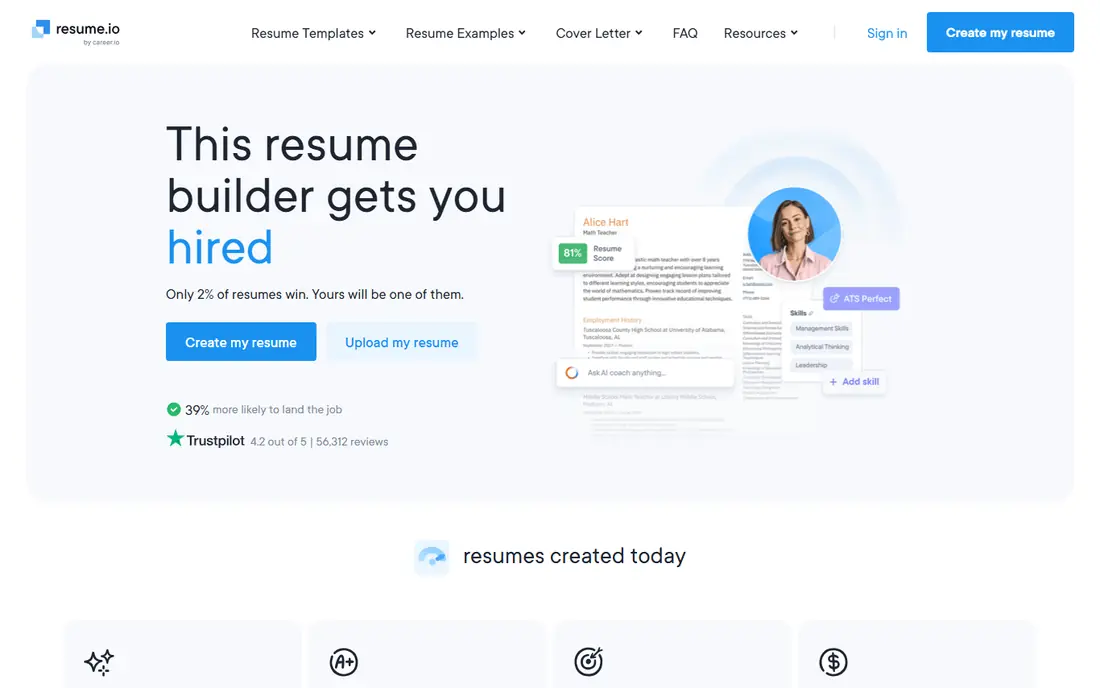
Resume.io is built for speed. Choose a template, fill in guided sections, and you have a presentable resume in under an hour. The design leans traditional, which suits conservative fields such as finance, law and administration, where a creative layout can hurt more than help. A cover letter builder in the same account keeps your application consistent.
Like Zety, Resume.io lets you build for free but charges for PDF and Word downloads, with a trial that renews at $29.95 every four weeks. That model is fine if you cancel after one job search, but costly if you forget. For a fast, traditional resume, Resume.io is a solid choice, provided you watch the renewal date.
- Fast builder
- Polished traditional templates
- Cover letter builder
- Free download is text only
- Trial renews into a subscription
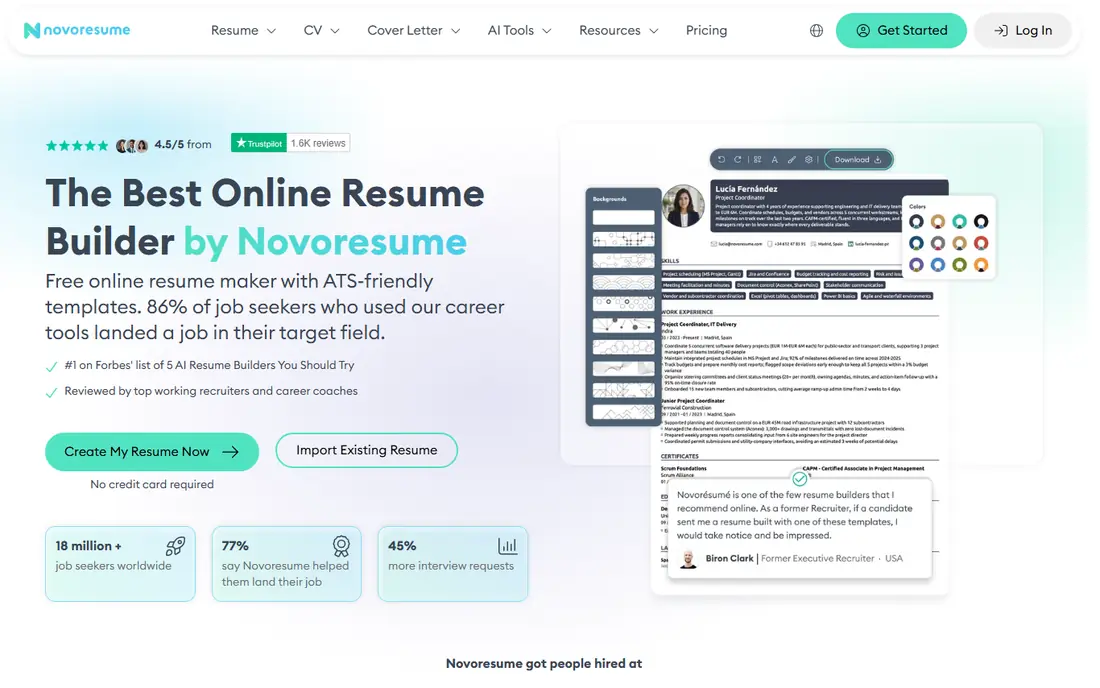
Novoresume stands out for honest pricing. Instead of a subscription that renews every month, Premium is sold as a one-time payment for a set period, starting at $23.99 for one month of Premium access. That makes the total cost clear, and it suits job seekers who want to build a resume, download it and stop paying. Layouts are clean and parse well in hiring systems, and the editor gives real-time tips on length and content.
The free plan covers a one-page resume, which is enough for many early-career applicants but tight for experienced professionals. Design is restrained rather than flashy, so creative candidates may prefer Kickresume or Enhancv. For value and clarity, Novoresume is our pick for buyers who dislike subscriptions.
- One-time purchase with no auto-renewal
- Clean ATS-friendly layouts
- Real-time content checks
- Free plan covers a one-page resume only
- Design is more restrained than Enhancv
Kickresume suits candidates whose resume needs to look as good as it reads. Templates are modern without being hard to parse, and the AI writer helps turn rough notes into polished bullet points. The same plan covers cover letters, a personal website and interview preparation, which makes Kickresume more of a career hub than a single resume builder.
The free plan includes four basic templates with unlimited downloads, which is more generous than Zety or Resume.io. Premium starts at $24 a month, with lower rates on longer plans. If design matters for your field, such as marketing, design or media, Kickresume is worth the price. For traditional corporate roles, a simpler template may serve you better.
- Strong designer templates
- AI writing help
- Cover letters and personal websites
- Free plan is limited to basic templates
- Monthly price adds up over a long search
Enhancv is the design leader in this list for experienced professionals. Layouts use colour, icons and custom sections in a way that still reads clearly, and the editor lets you tailor each resume to a specific posting. A free resume checker scores your draft and suggests fixes, which helps before you send an application.
Pricing is higher than Kickresume for monthly billing, at $24.99 a month, with lower rates on longer plans, and the free trial is limited to seven days on basic features. That makes Enhancv best for a focused search where a standout resume justifies the cost. For a quick, low-cost resume, Teal or Novoresume may be better value.
- Distinctive layouts
- Section customisation
- Resume checker and tailoring tools
- Higher price than some rivals
- Free trial is time limited
Resume Genius suits writers who struggle with wording. Its library of pre-written phrases covers many roles and industries, so you can start from a strong bullet and adapt it to your own results. The builder is simple to follow, and templates are safe for hiring systems, with a traditional look that suits most employers.
As with Zety, the free tier allows text download only, and the trial renews at $23.95 every four weeks if you do not cancel. That is the main drawback, and it means Resume Genius is best used for a short, focused build with a cancellation reminder set. For content help alone, it is one of the deepest libraries here.
- Very large phrase and bullet library
- Step-by-step guidance
- ATS-friendly templates
- Free download is text only
- Trial renews into a subscription
Teal is our pick for job seekers on a budget because its free plan is genuinely usable. You can build a resume, download it as a PDF and track applications in the same account, without paying for the basics. That combination matters during a long search, when a tracker prevents duplicate applications and missed follow-ups.
Paid Teal+ at $29 every 30 days adds AI tailoring, more templates and deeper tracking, but many users will not need it for a first resume. Design is plainer than Kickresume or Enhancv, so creative candidates may want a second tool for layout. For a free, practical job search system, Teal leads this list.
- Usable free plan with PDF downloads
- Job application tracker
- Tailoring tools
- Paid Teal+ is costly for a single resume
- Design options are plainer than Enhancv
Rezi focuses on one problem: getting past applicant tracking systems. It scores your resume against a job description in real time, highlights missing keywords and keeps layouts in a single column that hiring software can parse reliably. That focus suits corporate and government roles where an ATS screens resumes before a human reads them.
The trade-off is design. Rezi resumes look plain next to Enhancv or Kickresume, and the $29 a month price is high if you only need one resume. A lifetime option is also offered, so check the current pricing page. If ATS screening is your main worry, Rezi is a strong specialist choice.
- Real-time ATS scoring
- Keyword targeting against job posts
- Clean single-column layouts
- Design is plain
- Monthly price is high for a single resume
Canva is not a dedicated resume builder, but its template library makes it a popular choice for visual resumes and portfolios. Drag-and-drop editing, icons and colour controls let you build a distinctive one-page resume quickly, and the free plan includes PDF downloads. That makes Canva useful for creative fields, freelancers and students who need a visual summary.
The risk is ATS parsing. Complex layouts with columns, graphics and text boxes can confuse hiring software, so choose a simple, single-column template for corporate applications. Canva Pro at $14.99 a month adds more templates and tools, but the free plan covers most basic resumes. Use Canva for visual impact, and keep a plain version for ATS portals.
- Huge template library
- Free plan with PDF downloads
- Easy visual customisation
- Not all templates are ATS-friendly
- Pro features need a paid plan
How we picked these
We compared official pricing pages, template libraries and app store listings for resume builders still offered in October 2026. We kept tools that build a complete resume, offer a real free tier or trial, and export to PDF or Word. We noted trial renewal terms honestly, since that is where most buyers lose money, and we favoured tools with clear ATS guidance over tools that only offer pretty templates.
How to build a resume that gets read
Start with the job posting, not the template. Pull out the skills, tools and results the employer asks for, then match your bullets to those needs with numbers where you have them. Keep the layout simple: one column, clear headings and standard fonts help both humans and hiring software. Save a plain version for ATS portals and a visual version for direct emails or portfolios.
Tailor the top of the resume for each role. A short summary that names the role, your years of experience and one strong result tells a hiring manager why to keep reading. Avoid listing every job in detail; focus on the last ten years and the roles most relevant to the posting. Proofread twice, and ask a friend to read it once, since errors in a resume are hard to spot in your own writing.
Trial and subscription safety
If you use a trial, set a calendar reminder for the day before it ends, and check the renewal price on the pricing page, not just the trial price. Cancel as soon as you have downloaded your resume if you do not need ongoing access. Keep your downloaded PDF and Word files, since some builders limit re-downloads after cancellation.
Frequently asked questions
What is the best resume app for free?
Teal is our pick for a free resume app, since its free plan includes PDF downloads and a job tracker. Novoresume offers a free one-page resume, and Canva offers free templates with PDF downloads. The best app for resume building depends on whether you need tracking, design or ATS help.
Which resume software is best for ATS?
Rezi and Novoresume are the strongest ATS-focused choices here, with single-column layouts and keyword scoring. Teal and Resume Genius also offer ATS-friendly templates. Avoid complex multi-column designs for ATS portals, even if they look good on screen.
Is Zety or Resume.io better?
Both offer guided building and similar trial models, with Zety slightly stronger on step-by-step guidance and Resume.io slightly faster for a traditional resume. Compare templates for your field, check the renewal price, and set a cancellation reminder for either trial.
Can I make a resume for free without a trial?
Yes. Teal, Novoresume and Canva all offer free plans that let you build and download a resume without a card trial. Zety, Resume.io and Resume Genius allow free building but usually limit free downloads to text files.
How long should a resume be?
One page suits most early-career applicants, while two pages suit experienced professionals with relevant results to show. Keep the most relevant experience on page one, cut older or unrelated roles to short lines, and avoid shrinking fonts to fit more text.
Sources
See where you really rank - block by block
ProMapRanker scans Google Maps across a grid of your service area. Simple monthly plans from $19, white-label on every plan.
Start freeKeep reading
 zscaler alternatives
Best Zscaler Alternatives in 2026
Looking for zscaler alternatives? We compare 9 SASE and zero trust platforms on architecture, data protection, pricing, and fit for your network and team.
Read → zapier alternatives free
Best Zapier Alternatives Free in 2026
Nine automation tools for zapier alternatives free in 2026, all with genuinely free tiers, plus free plan limits, starting prices and upgrade paths explained.
Read → which platform is best for online reputation
Which Platform Is Best for Online Reputation in 2026
Wondering which platform is best for online reputation? We compare 8 review, listing, and response tools for small and multi-location businesses and agencies.
Read →