 ProMapRanker
Best Restaurant Scheduling Software in 2026

Key takeaways
- 7shifts and Homebase are the most restaurant-focused starting points, with free plans for a single location.
- Per-location pricing suits a large part-time team, while per-user pricing suits a small core team, so count staff before comparing prices.
- POS and payroll connections matter as much as the schedule builder, because they cut manual copying of hours and sales data.
- The best scheduling app for restaurants depends on team size, locations, and whether you need tip handling or labour forecasting.
Quick comparison
| Pick | Great for | Pricing starts at | Free tier | |
|---|---|---|---|---|
 7shifts | Restaurants with POS and tip needs | See website | Yes | Visit |
 Homebase | Small single-location restaurants | Free | Yes | Visit |
 Deputy | Multi-site hourly teams | $5 per user per month | Free trial | Visit |
 When I Work | Simple scheduling for one location | $2.50 per user per month | Free trial | Visit |
 Sling | Budget scheduling and messaging | Free | Yes | Visit |
 Planday | Multi-site scheduling with compliance | See website | Free trial | Visit |
 Connecteam | Scheduling plus wider team operations | $29 per month | Yes | Visit |
 HotSchedules by Fourth | Larger restaurant groups | See website | No | Visit |
 Push Operations | Scheduling, payroll, and tips in one place | See website | No | Visit |
The best restaurant scheduling software
We compared restaurant scheduling tools on schedule building, time tracking, team messaging, labour cost controls, and POS and payroll connections. Prices below are starting prices from vendor and review sources checked in October 2026, and quote-only tools are marked as See website so you get an exact figure for your team size.
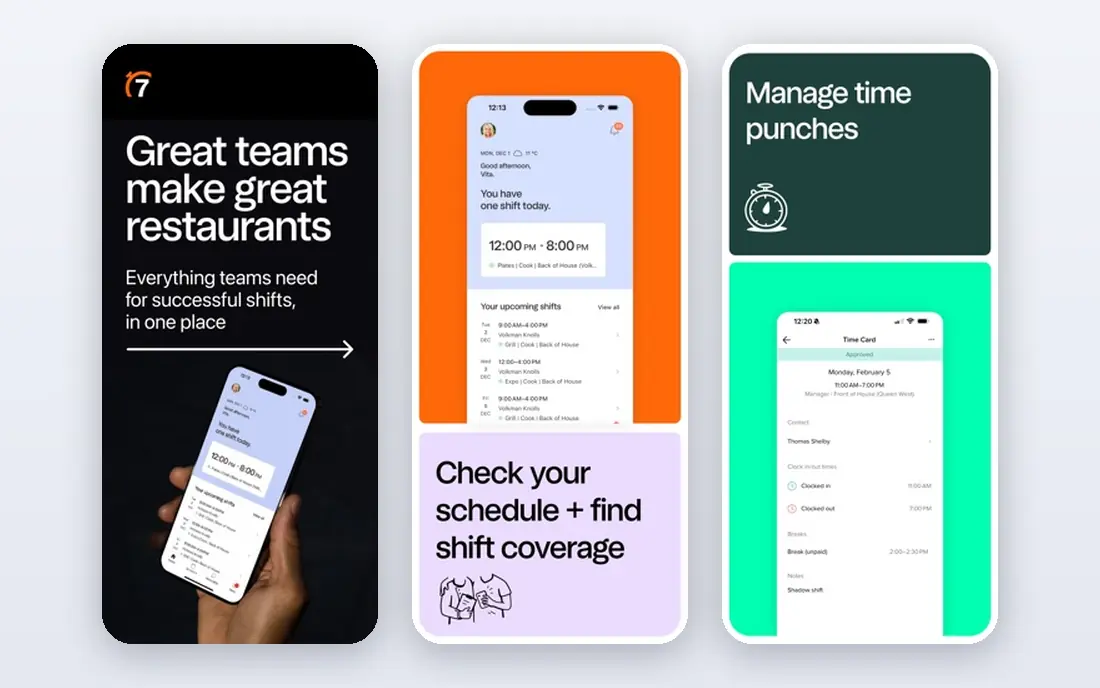
7shifts is built specifically for restaurants, and that focus shows in the details. Schedules can be built with sales data in view, so a manager can compare projected labour cost against projected sales while assigning shifts. Tip management, a manager logbook, and restaurant payroll connections are part of the same picture, which helps a busy restaurant keep shift, pay, and tip work in one place.
The free Comp plan covers a single location with a small team, which makes it easy to test the core scheduling flow before paying. The catch is that pricing for paid plans depends on locations and team size, and the more useful forecasting and automation tools sit on higher tiers. Get a quote for your exact location count before comparing it against a per-user tool.
- Built only for restaurants
- POS connections and sales-based labour views
- Tip management and manager logbook
- Paid plan pricing varies by location and team size
- Some advanced tools sit on higher tiers
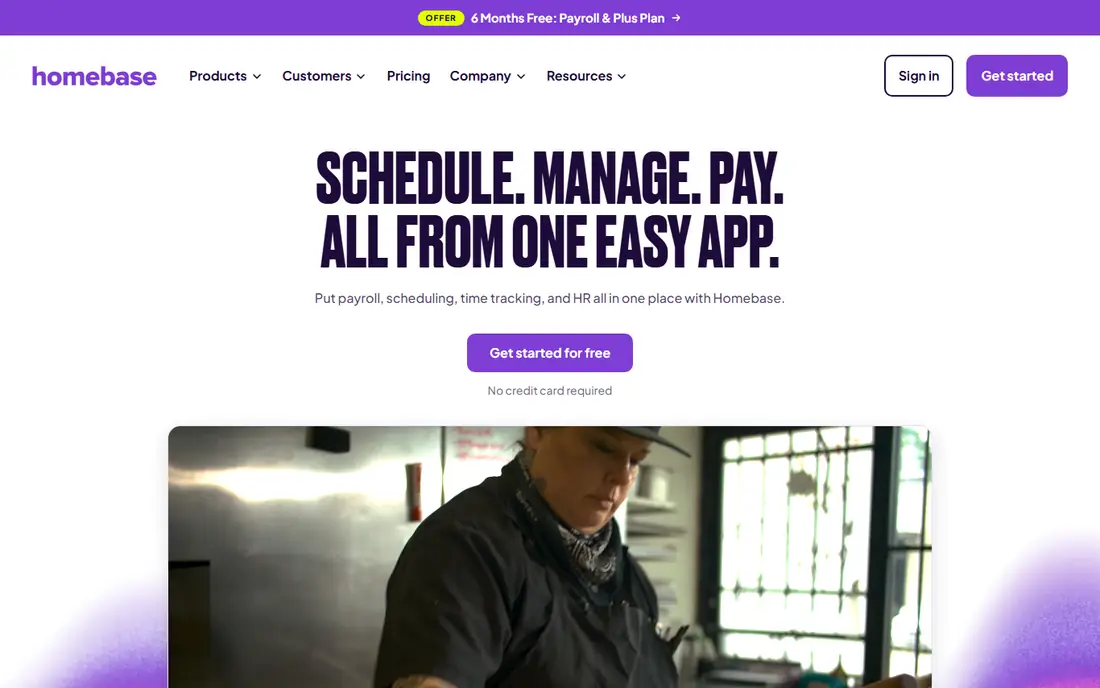
Homebase is a strong starting point for a small restaurant because its basic plan is free for one location with a limited team, and it covers scheduling, time tracking, and team messaging in one app. Staff can view shifts, swap where allowed, clock in, and message managers without a separate chat tool. That simplicity suits a single site that wants to move off paper schedules quickly.
Paid plans add POS connections, more hiring tools, and wider team management, with prices charged per location. Payroll is an add-on rather than part of the core plan, so factor that in if you want hours to flow straight into pay. For a one-location restaurant with a modest team, the free plan is a genuine way to test the workflow before spending anything.
- Free basic plan for one location
- Scheduling, time tracking, and messaging together
- POS connections on paid plans
- Payroll is an add-on
- Paid plan costs rise with locations
- Advanced hiring tools are separate
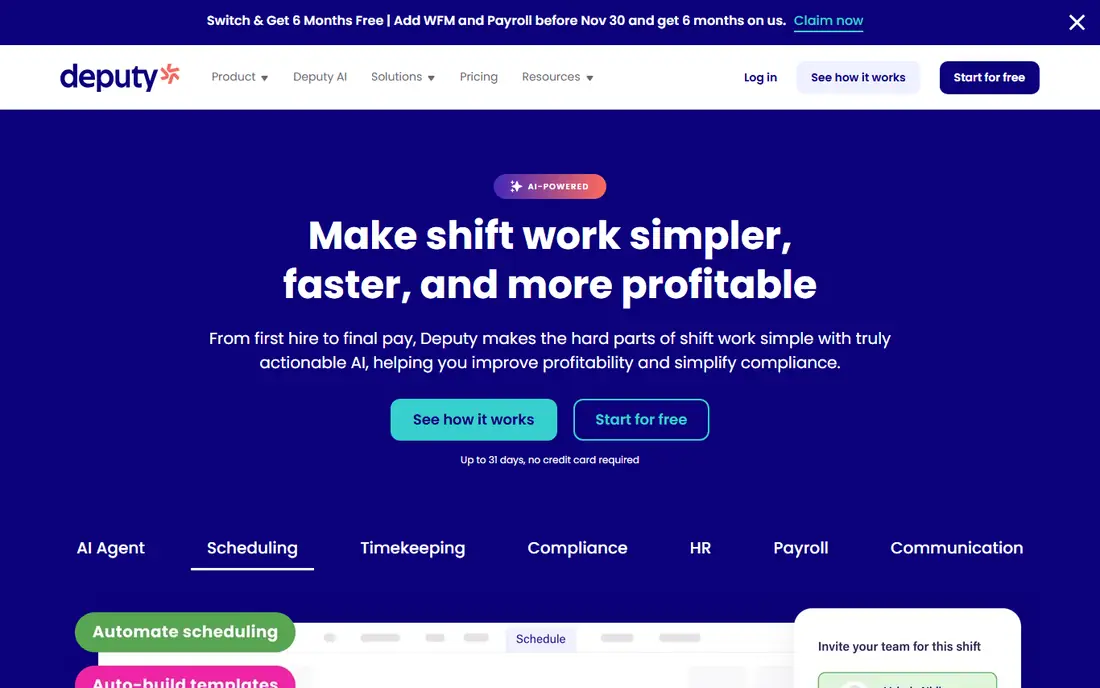
Deputy is a scheduling and time tracking tool used well beyond restaurants, with a strong fit for hourly teams across several sites. Managers build rosters, staff confirm shifts in the app, and timesheets flow from the time clock, which cuts manual hour entry. Higher plans add demand forecasting and deeper compliance controls, useful for teams with complex shift rules.
Pricing is per user, starting at $5 per user per month for the Lite scheduling plan in sources checked in 2026, with a monthly minimum. That model is cheap for a small core team and expensive for a restaurant with dozens of part-timers, so count active staff before you compare it with per-location tools. If you run several sites with varied shift patterns, Deputy is worth a trial.
- Per-user pricing suits small core teams
- Demand forecasting on higher plans
- Strong time clock and compliance tools
- Per-user cost grows with many part-timers
- Forecasting and advanced compliance need higher tiers
When I Work suits a restaurant that wants scheduling done well without a large operations suite. The schedule builder uses templates, availability, and time-off requests, and staff get shift alerts in the app. Built-in messaging keeps shift talk out of personal group chats, and time tracking feeds labour reports that help managers spot overtime early.
The single-location plan starts at $2.50 per user per month in sources checked in 2026, with a higher per-user price for multi-location teams. That keeps costs clear for a small team, but a large part-time roster can still add up. Try the trial with a real week of shifts, including swaps and time-off requests, to see whether the simple flow covers your busiest service pattern.
- Simple schedule builder with templates
- Team messaging built in
- Time tracking and labour reporting included
- Multi-location plan costs more per user
- Advanced forecasting is limited compared with larger suites
Sling is the budget pick for a small restaurant or food truck that mainly needs a shared schedule and a way to message the team. The free plan covers scheduling for up to 30 users, with shift swaps, time-off requests, and private messaging included. That is enough for many small teams to leave paper schedules and scattered texts behind at no cost.
The limits are clear. Time tracking sits on paid plans, and reporting stays basic, so a restaurant that needs detailed labour analysis or payroll-ready timesheets will need to pay or pair Sling with another tool. Paid plans start at a low per-user price in sources checked in 2026. If your main problem is simply getting shifts seen and covered, Sling is hard to beat on price.
- Free scheduling for up to 30 users
- Shift scheduling and messaging in the free plan
- Simple interface
- Time clock needs a paid plan
- Reporting is basic
- No advanced forecasting on the free tier
Planday is a scheduling tool built for shift-based businesses, including hospitality, with scheduling, time tracking, and communication in one system. Managers can set working-time rules, breaks, and departments, and staff can trade shifts and message the team from the app. That structure suits a restaurant group with several departments or sites that need consistent rules.
Pricing is the main question mark for US buyers, since published prices are in other currencies and US quotes are needed for an exact figure. A free trial is available on some plans, so test the rule setup with your real shift patterns before committing. If you run one small site, a simpler free tool may be enough. If you run several sites, Planday is worth a quote.
- Scheduling across departments and sites
- Working-time rules and breaks
- Employee app with messaging and shift trading
- US pricing is quote-based
- SMS and onboarding can add costs
- Smaller US presence than some rivals
Connecteam is an all-in-one workforce app that includes scheduling alongside timesheets, chat, forms, and task management. For a restaurant, that means shift schedules, clock-ins, daily checklists, and team announcements can live in one place rather than across four tools. The free plan covers up to 10 users, and paid pricing starts at $29 per month for the first 30 users in sources checked in 2026.
The breadth is both the strength and the drawback. A restaurant that only wants a schedule may find the extra hubs unnecessary, while a restaurant that also needs forms, training, or task tracking will get more value. Start with the scheduling hub alone, and add other hubs only if the team actually uses them, so the app does not become another chore.
- Scheduling, timesheets, chat, forms, and tasks in one app
- Free plan for up to 10 users
- Flat pricing for first users
- Broader scope can feel heavy for scheduling-only needs
- Some hubs need higher tiers
HotSchedules, now part of Fourth, is a long-standing hospitality scheduling tool aimed at restaurant groups rather than single sites. It builds schedules with sales data in view, supports above-store control across locations, and connects with wider Fourth tools for labour, inventory, and payroll where those modules are used. For a group, that shared view across sites is the main draw.
For a single restaurant, it is usually more than needed, and pricing is quote-based, so a small operator cannot compare it quickly against a published price. Expect a sales conversation and a setup period rather than a same-day start. If you run several restaurants and want consistent scheduling rules and group reporting, ask Fourth for a quote based on your location count.
- Built for hospitality groups
- Sales-informed scheduling
- Part of a wider Fourth hospitality suite
- Quote-only pricing
- Better suited to groups than to a single small site
- Setup can take time
Push Operations is a restaurant platform that links scheduling with payroll and tip management, so hours, tips, and pay sit in one system rather than in separate tools. Managers build schedules, track time, and run payroll from the same data, which reduces the manual transfer of hours at the end of a pay period. That link is the reason to consider it over a scheduling-only app.
Pricing is quote-based, and minimum charges can apply to each product, so a small restaurant should ask for a full written quote before deciding. The footprint is also smaller than the largest scheduling brands, which may affect POS coverage in your area. If payroll and tips are your main pain points, Push Operations deserves a demo with your real pay rules.
- Restaurant-focused scheduling, payroll, and tip handling
- Labour and payroll linked in one system
- POS connections
- Quote-based pricing
- Minimum charges can apply per product
- Smaller footprint than the largest rivals
How we picked these
We compared official product pages, pricing pages, and recent independent comparisons checked in October 2026. We kept tools that are live, that support restaurant shift patterns, and that offer a real schedule builder rather than a generic calendar. We included free and paid tools, per-location and per-user pricing models, and options for single sites and for groups, so the list covers different team sizes rather than one type of restaurant.
What to check before you buy
Count your active staff and locations first, because the pricing model changes the result. A per-location tool can be cheaper for a restaurant with 40 part-timers, while a per-user tool can be cheaper for a team of 12. Next, check POS and payroll connections for the systems you already use, and ask whether the connection is live or a manual export.
Test the workflow that causes the most trouble today, whether that is shift swaps, time-off requests, tip splits, or overtime alerts. Run a trial with a real week, including a busy weekend, and ask staff how the app feels on a phone during service. Finally, confirm the total cost, including payroll add-ons, SMS fees, and any per-location minimums, before you sign a longer plan.
Frequently asked questions
What is the best scheduling software for restaurants?
For most small to mid-size restaurants, 7shifts and Homebase are strong starting points because they are restaurant-focused and have free plans. Deputy suits multi-site hourly teams, while Sling suits a tight budget. The best choice depends on team size, locations, and POS needs.
What is the best restaurant scheduling app for a small team?
Homebase and Sling both offer free plans that cover scheduling for a small team, with Homebase adding time tracking on its free tier. Connecteam also offers a free plan for up to 10 users. Try the free tier with a real week of shifts before paying.
How much does restaurant scheduling software cost?
Costs vary by pricing model. Sources checked in 2026 show Deputy from $5 per user per month, When I Work from $2.50 per user per month, and Connecteam from $29 per month for the first 30 users. Several tools, including 7shifts, Planday, and HotSchedules, use quote-based pricing for paid plans.
Do these apps handle tips and payroll?
Some do. 7shifts and Push Operations include tip handling, and several tools connect to payroll systems or offer payroll as an add-on. Check whether payroll is included or extra, and whether tip rules match how your restaurant actually splits tips.
Can staff swap shifts in these apps?
Yes, most tools here support shift swaps, with manager approval where you set it. Staff can usually offer a shift, pick up open shifts, and request time off from the app. Set clear swap rules before launch so coverage stays safe during busy services.
Sources
See where you really rank - block by block
ProMapRanker scans Google Maps across a grid of your service area. Simple monthly plans from $19, white-label on every plan.
Start freeKeep reading
 outreach alternatives
Outreach Alternatives in 2026
Compare outreach alternatives for 2026, from Salesloft and Apollo to HubSpot and Lemlist, with pricing, channels, features, limits, and honest trade-offs.
Read → best web conference tools
Best Web Conference Tools in 2026
Compare the best web conference tools for meetings, webinars and team calls, with current pricing, free plans and honest limits for each option here today.
Read → best voice cloning tools
Best Voice Cloning Tools in 2026
Compare the best voice cloning tools in 2026, from ElevenLabs and Descript to Resemble and Cartesia, with consent rules, pricing, licenses, and limits.
Read →