 ProMapRanker
Best Restaurant POS Software in 2026

Key takeaways
- Square for Restaurants is the easiest low risk start, with a free tier and no long contract for a small cafe or new restaurant.
- Toast suits full service restaurants that want kitchen displays, handheld ordering, and one system for dining room and online orders.
- Lightspeed Restaurant stands out for inventory depth and multi-location reporting, but it is built around iPad hardware.
- TouchBistro suits iPad-based restaurants that want to keep their own payment processor, while add-ons raise the total cost.
- Always price hardware, payment processing, and add-ons together, because software price alone does not show the full monthly cost.
Quick comparison
| Pick | Great for | Pricing starts at | Free tier | |
|---|---|---|---|---|
 Square for Restaurants | Small restaurants | Free | Yes | Visit |
 Toast | Full service restaurants | Free | Yes | Visit |
 Lightspeed Restaurant | Inventory and multi-location | $69 per month | No | Visit |
 TouchBistro | iPad restaurants | $69 per month | No | Visit |
 SpotOn | Tableside and marketing add-ons | See website | Yes | Visit |
 Clover | Hardware choice and apps | See website | No | Visit |
 Revel Systems | Multi-location groups | See website | No | Visit |
 Lavu | Bars and full service | See website | No | Visit |
 SkyTab | Budget full service | $29.99 per month | No | Visit |
The best restaurant pos software
A restaurant POS has to do more than take a card payment. It must send orders to the kitchen, track tables, handle modifiers and splits, and keep working when the internet drops. The systems below cover cafes, quick service counters, bars, and full service dining rooms.
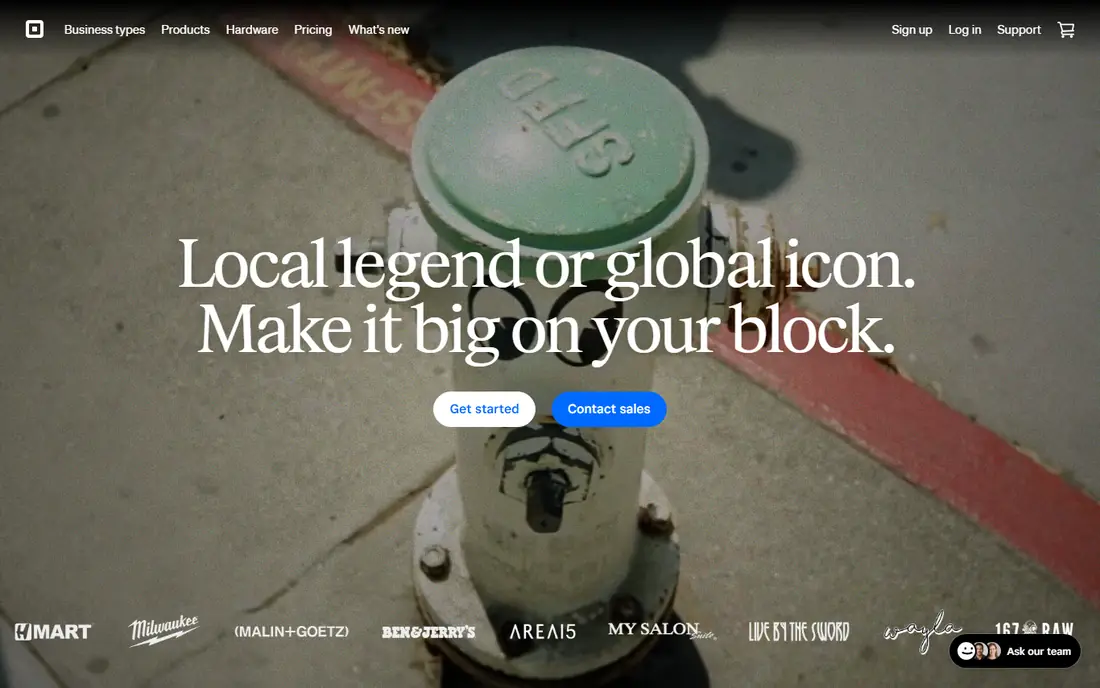
Square is the safest first POS for a small restaurant because you can start free and learn the system before paying a monthly software fee. The free tier covers core ordering and payments, and Square hardware is widely available, from a simple terminal to a full register setup. For a cafe, food truck, or small counter restaurant, that low entry cost removes much of the risk of choosing the wrong system.
The limits appear as the restaurant grows. Course management, kitchen display tools, and stronger multi-location features sit on paid tiers, and the free plan will not suit a busy full service room with complex table splits. Still, the lack of a long contract makes Square easy to test in real service, and many owners stay because the system is simple for new staff to learn during a shift.
- Free tier to start with no long contract
- Simple setup and Square hardware options
- Online ordering and table tools on paid tiers
- Advanced kitchen and multi-location tools need paid plans
- Processing fees apply on every sale
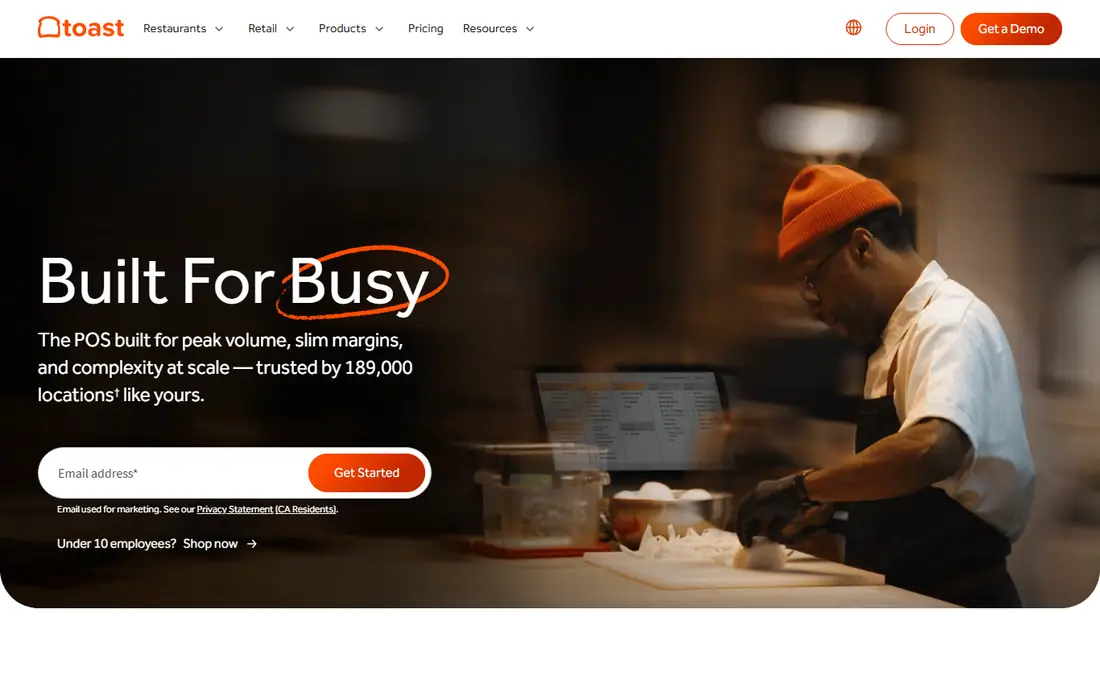
Toast is built for restaurants first, not adapted from a general retail POS, and that shows in service. Handheld devices let servers take orders and payments at the table, kitchen display screens replace paper tickets, and online ordering can feed the same kitchen queue as in-house orders. Offline mode also helps during an internet outage, which matters when a full dining room cannot wait for a connection to return.
The trade-off is commitment. Toast hardware is specific to the platform, processing usually runs through Toast, and plans can involve longer terms than a no-contract rival. A small cafe may not need that depth, but a full service restaurant that wants one system for tables, kitchen, payroll tools, and online orders will find Toast hard to beat on fit, even if the total bill is higher.
- Restaurant-first tools for kitchen display, handhelds, and online ordering
- Strong offline mode for busy service
- Wide set of restaurant add-ons
- Hardware and processing are tied closely to Toast
- Contracts and total cost can be high for small venues
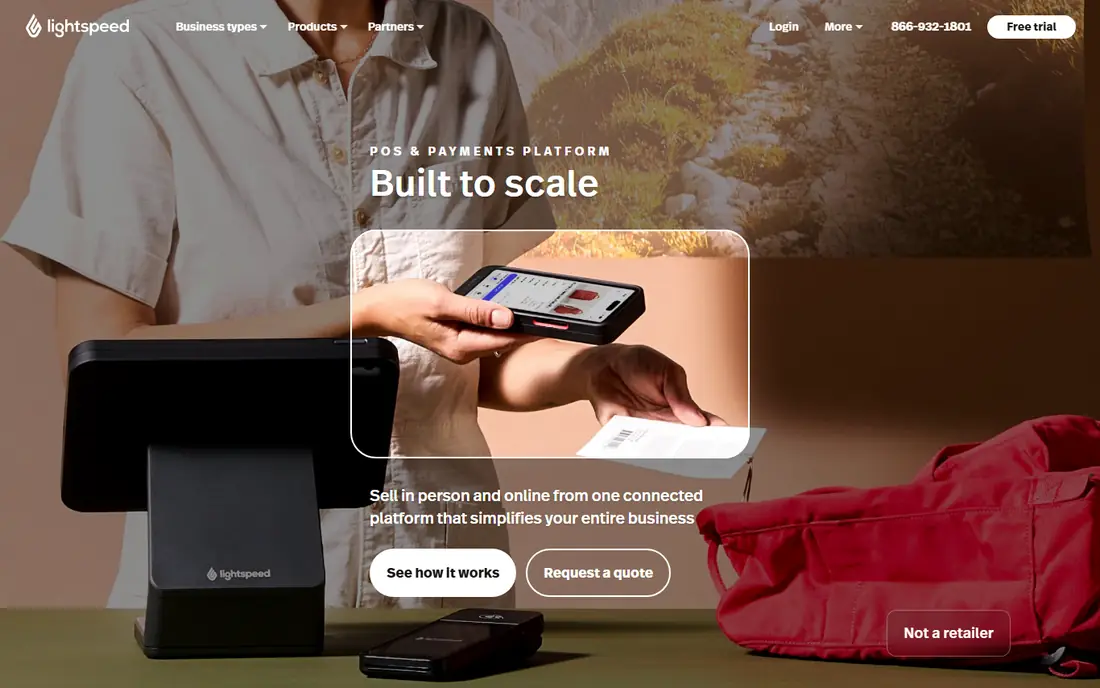
Lightspeed suits an owner who watches food cost closely. Ingredient-level inventory helps a restaurant track what each dish really costs, spot waste, and adjust menus before margins slip. Reporting across locations is also strong, so a small group can compare sites, menus, and staff performance from one dashboard instead of pulling separate reports each week.
The system runs on iPad hardware, which is a clear limit for teams that already own Android tablets or want a different device mix. Pricing also climbs with higher tiers and add-ons, and terms depend on the quote, so get the full contract in writing before you sign. For inventory-heavy restaurants and growing groups, the reporting depth can justify that cost.
- Deep inventory and ingredient-level tracking
- Strong reporting across locations
- Floor plans and bar tab tools
- IPad-based, so Android tablets are not supported
- Add-ons and higher tiers raise the cost
- Contract terms vary by quote
TouchBistro is a strong iPad option for full service restaurants that want a familiar tablet setup and control over payments. Tables, menus, modifiers, and staff permissions are built for restaurant work, and offline mode keeps orders moving if the connection drops. Because TouchBistro does not process payments itself, an owner can bring a processor deal they already trust, which is a real difference from systems that require their own processing.
Costs need careful checking. The base license covers the core POS, but reservations, online ordering, gift cards, and loyalty are add-ons with their own fees. Public reviews also raise mixed views on support, so test response times during a trial and ask what support hours cover dinner service. For an iPad restaurant that values payment choice, TouchBistro remains a solid shortlist pick.
- IPad-based system with table, menu, and staff tools
- Offline mode for service
- Owners can keep their own payment processor
- Reservations, online ordering, and loyalty are separate add-ons
- Support quality is mixed in public reviews
SpotOn fits a restaurant that wants the POS plus marketing tools from one vendor. Tableside handhelds speed up full service, online ordering keeps takeout in the same system, and add-ons cover loyalty, email marketing, reservations, and labor scheduling. That bundle can replace several separate subscriptions for an owner who wants one account for operations and guest outreach.
The catch is that the real price depends on which add-ons you choose and how many stations you run. A free tier may cover a simple setup, but a full service restaurant with several handhelds and marketing tools will pay more. Ask for a quote that lists every station, add-on, and processing rate, then compare that total with Toast or Lightspeed for the same setup.
- Tableside handhelds and online ordering
- Marketing, loyalty, and labor tools as add-ons
- Free tier available in some setups
- Pricing varies by setup and quote
- Add-ons can raise the total well above the entry price
Clover suits a restaurant that wants hardware choice. The range runs from a small handheld device for tableside payments to a full counter station, and the app marketplace lets owners add tools for ordering, loyalty, inventory, and reporting. That flexibility helps a venue that mixes counter service, table service, and takeout, because the same system can cover each flow.
The main risk is variation. Clover is often sold through banks and resellers, so the monthly software cost, processing rate, hardware price, and contract length can differ from one seller to another. Get the full terms in writing, including the contract length and what happens at renewal, before you accept a quote. A good Clover deal can be strong value, while a poor reseller deal can be costly to leave.
- Wide hardware range from handheld to station
- Large app marketplace for extra tools
- Flexible setup for counter and table service
- Pricing and contracts vary by reseller
- Software, hardware, and app costs can stack up
Revel is built for groups that need central control. Menus, pricing, inventory, and reports can be managed across locations from one system, which saves time for a chain or franchise group compared with running each site as a separate account. The iPad-based setup also works well for counter and table service, and accounting integration helps finance teams close the books without manual re-entry.
For a single small restaurant, Revel is usually more system than needed, and quote-based pricing makes quick comparison harder. Contract terms can also be longer than a no-contract rival. If you run several locations, or plan to grow into them soon, Revel deserves a demo focused on central menu changes, multi-site reporting, and permissions for managers at each site.
- Central management for multiple locations
- IPad-based system with inventory and reporting
- QuickBooks integration for accounting
- Pricing is quote-based and aimed at larger operations
- Setup and contract terms can be heavy for a single small cafe
Lavu has long served bars, restaurants, and full service venues that want an iPad system with strong table and bar workflows. Tab management, split checks, menu modifiers, and floor plans cover the daily work of a busy dining room or bar, and integrations connect payments and online ordering to the same system. For a bar-led venue, the tab and drink menu handling is a practical advantage over a generic retail POS.
The drawback is pricing clarity. Entry pricing is not published in a simple form, so you need a quote for your station count and add-ons. Support and integration quality can also vary by setup, so run a trial with your real menu, modifiers, and busiest service pattern. Lavu fits best when bar and table workflows matter more than a low published starting price.
- IPad POS with bar and table features
- Menu and floor plan tools
- Payment and online ordering integrations
- Pricing is not published as a simple entry price
- Some features depend on add-ons and integrations
SkyTab is worth a look for a restaurant that wants full service features without the higher starting price of Toast or Lightspeed. The system covers tables, kitchen workflow, online ordering in some plans, and payments, with hardware included in certain bundles. That combination can lower the upfront cost of opening or switching systems, which matters for an independent restaurant with tight cash flow.
The main caution is processing. Rates are custom, so the monthly software price alone does not tell you the full cost. Ask for the processing rate, the contract length, any early exit terms, and what hardware is included versus rented. If the total works out lower than rivals for the same station count, SkyTab can be a smart budget pick for full service dining.
- Lower published starting price than many full service rivals
- Full POS with tables, kitchen, and payments
- Hardware included in some plans
- Processing rates are custom and quote-based
- Contract terms need checking before signing
How we picked these
We compared official feature pages, pricing pages, and public reviews for POS systems that are live in October 2026 and built for restaurant service. We kept systems that handle tables or counter orders, kitchen workflow, payments, and menu management, and we left out general retail POS tools with no real restaurant features. Prices shown are starting software prices where published, and we used See website where pricing is quote-based or varies by reseller.
What to check before you buy a restaurant POS
Start with your service style. A cafe needs speed at the counter and simple modifiers, a quick service restaurant needs fast order flow and kitchen timing, and a full service restaurant needs tables, courses, splits, and handhelds. Test the exact order types you serve, including split checks, happy hour pricing, and a large party, because a demo with a simple coffee order hides real problems.
Next, price the whole system. Add software per station, hardware purchase or rental, payment processing on your real monthly sales, and every add-on you need for online ordering, reservations, loyalty, and gift cards. Ask about contract length, renewal terms, and what happens to your menu and sales data if you leave. Finally, check support hours against your service hours, and test offline mode, because a POS failure during dinner service costs far more than a small monthly saving.
Hardware and payments matter as much as software
Some systems lock you to their hardware and processing, while others let you bring your own tablets or processor. Locked systems can be simpler to support, but they limit your ability to shop for a better processing rate later. Open systems give more choice, but you must check that every printer, cash drawer, and card reader works with the software before you buy.
Train staff on the real menu
Use your full menu in a trial, with modifiers, combos, and allergy notes, and let servers, bartenders, and kitchen staff test their own screens. A system that looks clean in a sales demo can still slow down a real shift if modifiers take too many taps or kitchen tickets are hard to read.
Frequently asked questions
What is the best pos software for restaurants for a small cafe?
Square for Restaurants is a strong start because the free tier covers core ordering and payments with no long contract. If the cafe grows into full table service, Toast or Lightspeed may fit better, but starting free lets a small owner learn the system without a large upfront cost.
What is the best quick service pos system?
For quick service, look for fast counter ordering, kitchen display timing, and online ordering in one queue. Toast, Square for Restaurants, and SkyTab all cover this well, with Toast offering the deepest restaurant tools and Square offering the lowest entry cost. Test order speed with your busiest menu items before you choose.
Is there a best pos app for restaurant use on iPad?
Lightspeed Restaurant, TouchBistro, Lavu, and Revel all run on iPad hardware and suit table service. TouchBistro stands out if you want to keep your own payment processor, while Lightspeed stands out for inventory and multi-location reporting. Check that your printers and card readers work with the iPad setup you choose.
How much does restaurant POS software cost per month?
Software alone ranges from free on entry tiers to about $69 per month per station or license on published plans, with quote-based systems varying more. Hardware, payment processing, and add-ons often cost more than the software itself, so compare the full monthly total for your station count and sales volume.
Do I need a contract for a restaurant POS?
Not always. Square offers no-contract options, while Toast, Clover, and Revel often involve longer terms depending on the plan and reseller. Read the contract length, renewal terms, and exit fees before signing, and keep a copy of the quote that lists software, hardware, and processing together.
Sources
See where you really rank - block by block
ProMapRanker scans Google Maps across a grid of your service area. Simple monthly plans from $19, white-label on every plan.
Start freeKeep reading
 zscaler alternatives
Best Zscaler Alternatives in 2026
Looking for zscaler alternatives? We compare 9 SASE and zero trust platforms on architecture, data protection, pricing, and fit for your network and team.
Read → zapier alternatives free
Best Zapier Alternatives Free in 2026
Nine automation tools for zapier alternatives free in 2026, all with genuinely free tiers, plus free plan limits, starting prices and upgrade paths explained.
Read → which platform is best for online reputation
Which Platform Is Best for Online Reputation in 2026
Wondering which platform is best for online reputation? We compare 8 review, listing, and response tools for small and multi-location businesses and agencies.
Read →