 ProMapRanker
Best Restaurant Food Delivery Apps in 2026

Key takeaways
- DoorDash and Uber Eats offer the widest restaurant choice in most US cities, while Grubhub remains strong in many urban and campus areas.
- Delivery fees, service fees, tips, and menu markups together decide the real cost, so compare the checkout total, not just the delivery fee.
- Subscriptions such as DashPass, Uber One, and Grubhub+ can cut fees if you order often, but they do not remove menu markups.
- Direct ordering through ChowNow or Slice can mean more money stays with the restaurant, and sometimes lower prices for the diner.
- Check pickup options too, because pickup often saves the delivery and service fees entirely.
Quick comparison
| Pick | Great for | Pricing starts at | Free tier | |
|---|---|---|---|---|
 DoorDash | Widest restaurant choice | Free | No | Visit |
 Uber Eats | Food plus groceries in one order | Free | No | Visit |
 Grubhub | Urban and campus ordering | Free | No | Visit |
 Seamless | New York and office ordering | Free | No | Visit |
 Instacart | Restaurant meals with groceries | Free | Free trial | Visit |
 ChowNow | Direct restaurant ordering | Free | No | Visit |
 Slice | Local pizzerias | Free | No | Visit |
 Favor Delivery | Texas delivery | Free | No | Visit |
 Too Good To Go | Discounted surplus restaurant food | Free | No | Visit |
The best restaurant food delivery apps
Restaurant delivery apps differ more than their home screens suggest. Some win on restaurant count, some on speed, and some on keeping more money with the restaurant itself. The apps below all deliver restaurant food in the United States in October 2026, and each fits a different ordering habit, from a weekly family dinner to a late-night snack.
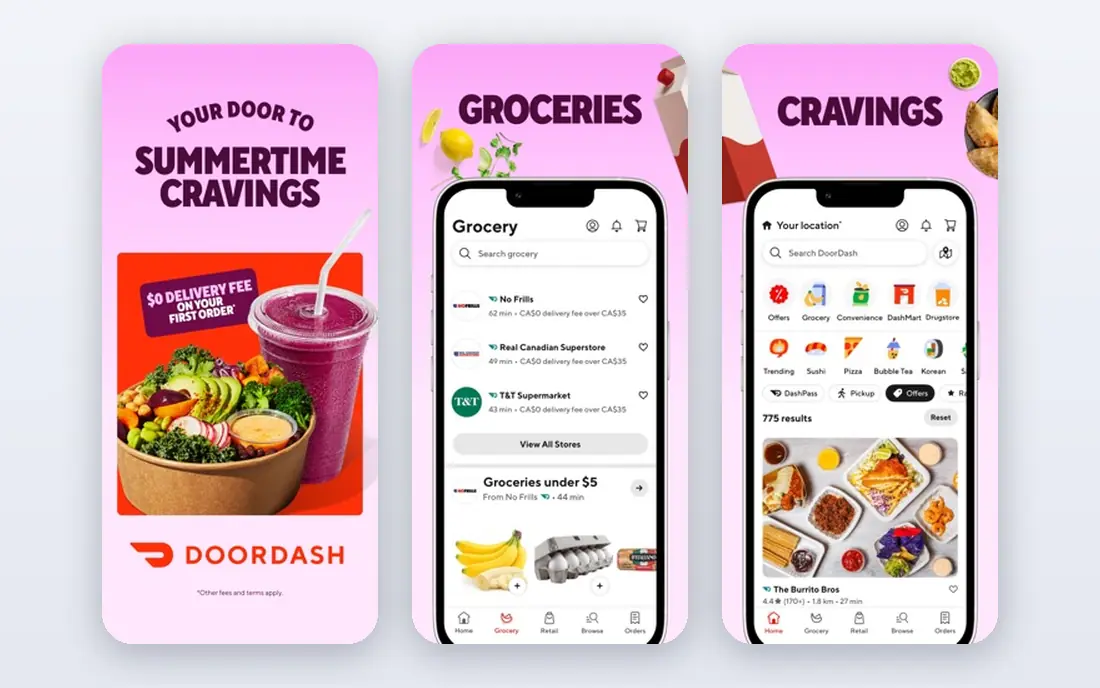
DoorDash is the safest default for most diners because it lists the most restaurants in many US cities. You can order from national chains, local independents, and late-night spots in one app, and tracking is clear from kitchen to door. DashPass, at a monthly fee, reduces delivery and service fees on eligible orders, which helps if you order several times a month.
The real cost is the catch. Menu prices in the app are often higher than in-store prices, and service fees add to the delivery fee and tip. DashPass does not change those markups. Compare the checkout total across apps for the same restaurant before you assume DoorDash is cheapest for that order.
- Largest restaurant network in many cities
- DashPass cuts fees for frequent orders
- Grocery and convenience options in the same app
- Fees and menu markups vary by restaurant
- Delivery times vary at peak hours
- DashPass only pays off with regular orders
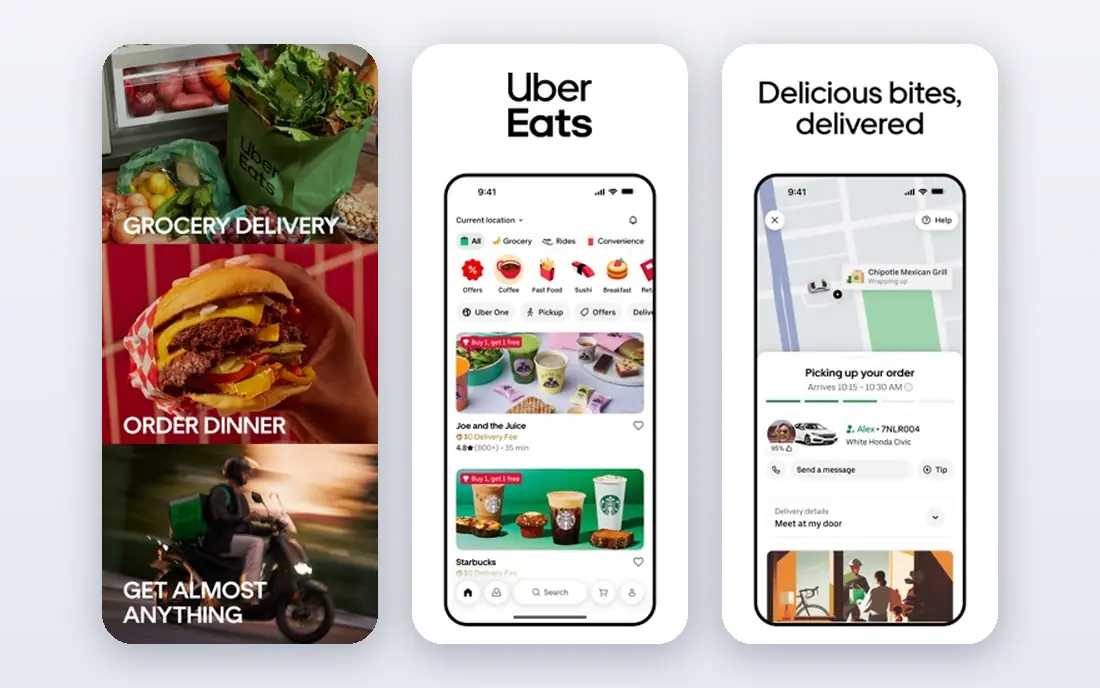
Uber Eats suits diners who already use Uber for rides or grocery delivery, because one account covers food, groceries, and alcohol where allowed. Group ordering and bill splitting work well for offices and families, and tracking is easy to follow. Uber One can cut delivery and service fees for members who order often.
Fees are still the main downside. Delivery fees change with distance and demand, and service fees and menu markups vary by restaurant. Uber One helps with fees, but it does not remove markups. If you order rarely, pay per order and skip the subscription, and compare the same meal on DoorDash before you commit.
- Strong restaurant and grocery coverage
- Uber One bundles delivery benefits
- Clear tracking and group ordering
- Fees vary by restaurant and demand
- Uber One only saves money with frequent orders
- Some restaurants cost more than on rivals
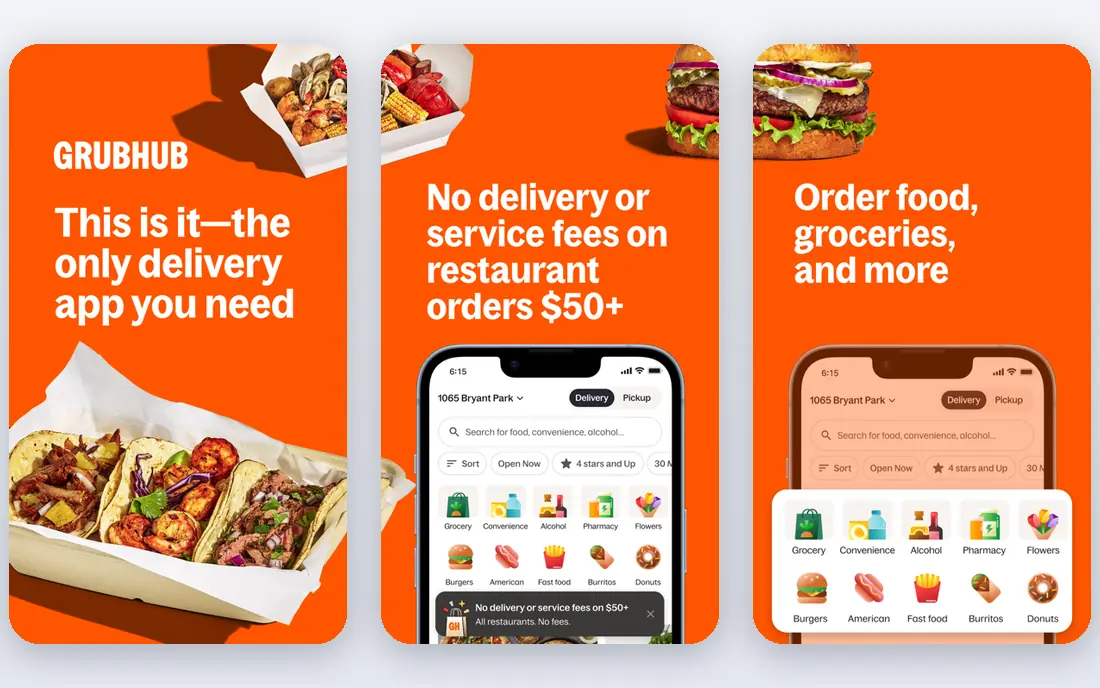
Grubhub remains a strong choice in cities and college towns where it built its early network. It lists many local restaurants alongside chains, and Grubhub+ can remove delivery fees on eligible orders above a minimum. Amazon Prime members should check current Grubhub+ offers, because Prime has included Grubhub+ benefits in past promotions.
Outside major cities, the restaurant list can be thinner than DoorDash or Uber Eats, so check your address before you rely on it. Fees and minimums also vary by restaurant. Grubhub works best as a second app to compare against the larger rivals, especially when a Grubhub+ offer or a restaurant exclusive applies.
- Long history in cities and campus areas
- Grubhub+ offers free delivery on eligible orders
- Prime members can get Grubhub+ at no extra cost in some offers
- Restaurant count is smaller than DoorDash in many suburbs
- Fees vary by restaurant
- App design feels dated to some users
Seamless is closely related to Grubhub, and it remains popular in New York City for office lunches and repeat orders. The interface is simple, saved restaurants and group ordering make repeat office orders fast, and delivery tracking is clear. If you work in New York and order lunch often, Seamless can feel more focused than a national marketplace.
National coverage is the limit. Seamless is not the best choice in suburbs or smaller cities where its restaurant list is thin. It also overlaps so much with Grubhub that most diners need only one of the two. Use Seamless where it is strong, and use DoorDash or Uber Eats elsewhere.
- Strong New York restaurant list
- Simple ordering for offices and groups
- Same parent company support as Grubhub
- Coverage is focused on selected cities
- Fewer restaurants than DoorDash nationally
- Features overlap heavily with Grubhub
Instacart is not mainly a restaurant app, but it earns a place here for diners who want restaurant meals alongside a grocery shop. You can add a restaurant order to a grocery run in some areas, and Instacart+ offers delivery benefits for members. Scheduled windows help for planned family meals.
The restaurant list is smaller than DoorDash or Uber Eats, and fees can stack if you combine categories. Delivery times also depend on shopper availability. Use Instacart when the grocery order is the main shop and the restaurant meal is an add-on, not when you need the widest restaurant choice.
- Grocery and restaurant options in one account
- Scheduled delivery
- Shopper contact for substitutions
- Restaurant range is smaller than dedicated food apps
- Fees stack on grocery and restaurant orders
- Delivery windows vary
ChowNow takes a different approach: it powers ordering on the restaurant's own website or app, rather than listing thousands of restaurants in one marketplace. That means more of your payment stays with the restaurant, and menus often match in-store prices more closely than marketplace listings. Regulars can also join loyalty offers direct from the restaurant.
The trade-off is convenience. You cannot browse every restaurant in town in one app, and delivery depends on the restaurant's own drivers or a delivery partner. If you have favorite local restaurants, check their websites first for a ChowNow ordering link before you open a marketplace app. For discovery, use the large marketplaces, then switch to direct ordering for repeats.
- Orders go direct to the restaurant
- Restaurants keep more of the order value
- Loyalty and marketing tools for regulars
- Diners must order restaurant by restaurant
- Delivery is handled by the restaurant or a partner
- Coverage depends on each restaurant joining
Slice focuses on one category and does it well: independent pizzerias. It helps small pizza shops take online orders without paying full marketplace commissions, and diners get a focused search for local pizza, including shops that may not list on larger apps. Rewards and tracking add convenience for weekly pizza nights.
The focus is also the limit. Slice will not help with sushi, Thai food, or a mixed family order, and coverage varies by city. Delivery quality depends on the pizzeria. If pizza is your regular order, Slice is worth checking first, because it supports the shop and often lists the full menu.
- Focus on independent pizzerias
- Direct ordering benefits for small shops
- Pizza tracking and rewards
- Limited to pizza and related items
- Coverage varies by city
- Delivery handled by the pizzeria or a partner
Favor Delivery is a Texas-focused service that delivers restaurant meals, groceries, and convenience items through local runners. In its Texas cities, it lists many local restaurants alongside chains, and the runner model can handle varied orders, such as a restaurant meal plus a convenience stop. For Texans, it is a strong local alternative to national apps.
Outside Texas, Favor is not a practical choice, because coverage is limited. Even inside Texas, check whether your favorite restaurant lists on Favor or only on a national app. Fees vary by order, so compare the checkout total. Use Favor for local Texas ordering, and keep a national app for travel and for restaurants that do not list locally.
- Strong Texas coverage
- Restaurant, grocery, and convenience delivery
- Local runner model for varied orders
- Coverage is mainly in Texas cities
- Restaurant count outside Texas is limited
- Fees vary by order
Too Good To Go is different from the other apps here, because it sells surplus food at a discount rather than a full menu order. Restaurants, bakeries, and cafes list surprise bags of unsold food at the end of the day, and you collect them at a set pickup time. Prices are low, and the model reduces food waste.
The surprise format is the catch. You cannot choose the exact dish, and dietary needs are harder to manage, because bag contents vary. Most orders are pickup, not delivery, so you need to travel to the store at the pickup window. Use Too Good To Go for cheap, flexible meals and snacks, not for a planned dinner with specific dishes.
- Discounted surprise bags from restaurants and bakeries
- Reduces food waste
- Pickup prices are low
- Contents are a surprise, not a chosen meal
- Pickup only in most cases
- Availability depends on the day and store
How we picked these
We compared official product pages, app store listings, and public help pages for restaurant delivery services operating in the United States in October 2026. We kept services that deliver restaurant food to consumers, including direct ordering platforms that diners use through restaurant websites. We favored a mix of national marketplaces, regional services, and direct ordering options so readers can weigh choice, fees, and support for local restaurants. Fees vary by restaurant, distance, and time, so we list See website or Free for the app download where checkout is the safest source.
What to check before you order
Compare the checkout total, not just the delivery fee. Add the menu price, delivery fee, service fee, taxes, and tip, then compare the same restaurant on a second app and on the restaurant's own site. A lower delivery fee can still mean a higher total if menu prices are marked up.
Check pickup first when cost matters. Pickup removes delivery and often service fees, and many restaurants offer direct pickup ordering on their own sites. For frequent orders, work out whether a subscription pays off: divide the monthly fee by the fee saving per order, and only subscribe if you order often enough to cover it. For regular favorites, save the restaurant's direct ordering link, because repeat direct orders often cost less and support the restaurant more.
Frequently asked questions
Which food delivery app has the most restaurants?
DoorDash generally lists the most restaurants in most US cities, followed by Uber Eats. Grubhub is strong in cities and campus areas, while regional apps such as Favor lead in their home markets. Check your address in each app, because local coverage matters more than national rankings.
Are subscription plans worth it for food delivery?
They can be, if you order often. DashPass, Uber One, and Grubhub+ cut delivery and service fees on eligible orders, but they do not remove menu markups. If you order once a month, pay per order. If you order weekly, a subscription often pays for itself in fee savings.
Why is the app price higher than the restaurant menu price?
Restaurants often set higher app menu prices to cover marketplace commissions, and apps add delivery fees, service fees, and taxes on top. Pickup ordering or direct ordering on the restaurant website often shows lower prices, because those channels carry lower fees.
Can I order from a restaurant that is not on a delivery app?
Yes, in many cases. Check the restaurant website for direct ordering, pickup, or its own delivery service. ChowNow and Slice power many direct ordering pages, and some restaurants take phone orders for pickup or delivery.
How can I save money on restaurant delivery?
Order pickup when possible, compare the checkout total across apps, use a subscription only if you order often, and order direct for repeat favorites. Group orders with friends or family also spread the delivery fee across more dishes.
Is Too Good To Go a full delivery app?
No. Too Good To Go mainly offers discounted surplus bags for pickup at a set time, with surprise contents. It is a good way to save money and reduce waste, but it does not replace a full menu delivery app for planned meals.
Sources
See where you really rank - block by block
ProMapRanker scans Google Maps across a grid of your service area. Simple monthly plans from $19, white-label on every plan.
Start freeKeep reading
 zoro.to alternatives
Best Zoro.to Alternatives in 2026
We compare the best zoro.to alternatives in 2026, listing only legal licensed anime streaming services, from Crunchyroll to free options for fans today.
Read → zip alternatives
Best Zip Alternatives in 2026
We compare the best zip alternatives for buy now, pay later in 2026, covering pay-in-4 plans, fees, spending limits, and credit reporting options today.
Read → yesware alternatives
Best Yesware Alternatives in 2026
Compare the best yesware alternatives for sales email tracking, templates, and sequences, with current pricing and honest tradeoffs for small sales teams.
Read →