 ProMapRanker
Best Residential VoIP Phone Service in 2026

Key takeaways
- Ooma is our pick for most homes, with a basic plan that costs only taxes and fees after you buy its adapter.
- MagicJack is the cheapest option for light home use, with a low annual price.
- Google Voice is a strong free option for calls from a computer or phone app, but it is not a full replacement for a traditional home phone in every home.
- Check 911 support, number porting, and internet reliability before you cancel a landline, since VoIP needs a working internet connection.
Quick comparison
| Pick | Great for | Pricing starts at | Free tier | |
|---|---|---|---|---|
 Ooma | Best overall home VoIP | See website | Yes | Visit |
 MagicJack | Lowest annual cost | See website | No | Visit |
 Vonage | Simple home and mobile calling | See website | No | Visit |
 Google Voice | Free calls with a Google account | Free | Yes | Visit |
 VoIPo | Budget home phone with features | See website | No | Visit |
 1-VoIP | Low-cost residential plans | See website | No | Visit |
 Axvoice | Simple low-price home service | See website | No | Visit |
 Callcentric | Flexible pay-as-you-go home use | See website | No | Visit |
The best residential VoIP phone service
We compared home VoIP services on price, call quality, features, hardware, and 911 support. The best choice depends on whether you want to keep a traditional handset, how much you call abroad, and how much you want to pay each month.
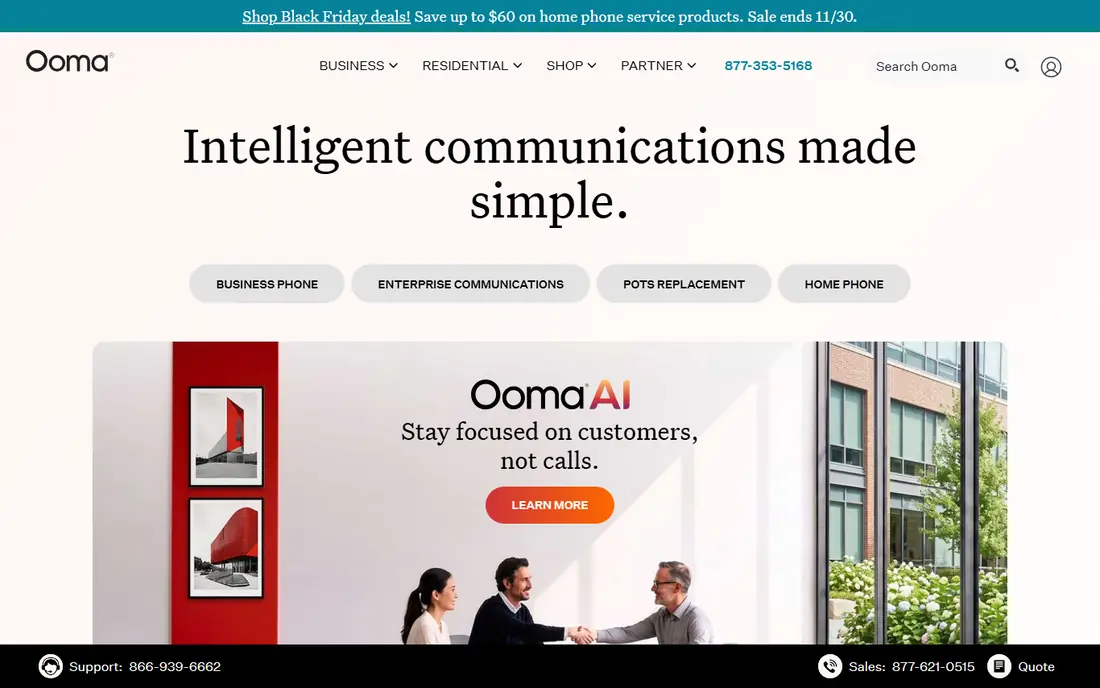
Ooma is our pick for most homes because its basic plan is unusually cheap over time. You buy a Telo adapter once, plug your existing home phone into it, and the basic service covers unlimited calls in the United States with caller ID, call waiting, voicemail, and 911 service, with only taxes and fees each month. Published comparisons list those taxes and fees at roughly $6 to $9 per month, and the Premier plan at $9.99 per month adds call forwarding, voicemail to email, and stronger privacy tools.
The main cost is the adapter itself, which is a one-time purchase, and Premier features are a separate monthly charge if you want them. Setup is straightforward for most homes, and Ooma's call blocking tools help cut spam calls, which is a real benefit on a home number that has been around for years. If you want a traditional handset experience at a low monthly cost, start here.
- Basic plan costs only taxes and fees
- Works with regular home phones
- Strong call blocking
- Requires buying a Telo adapter
- Premier features cost extra
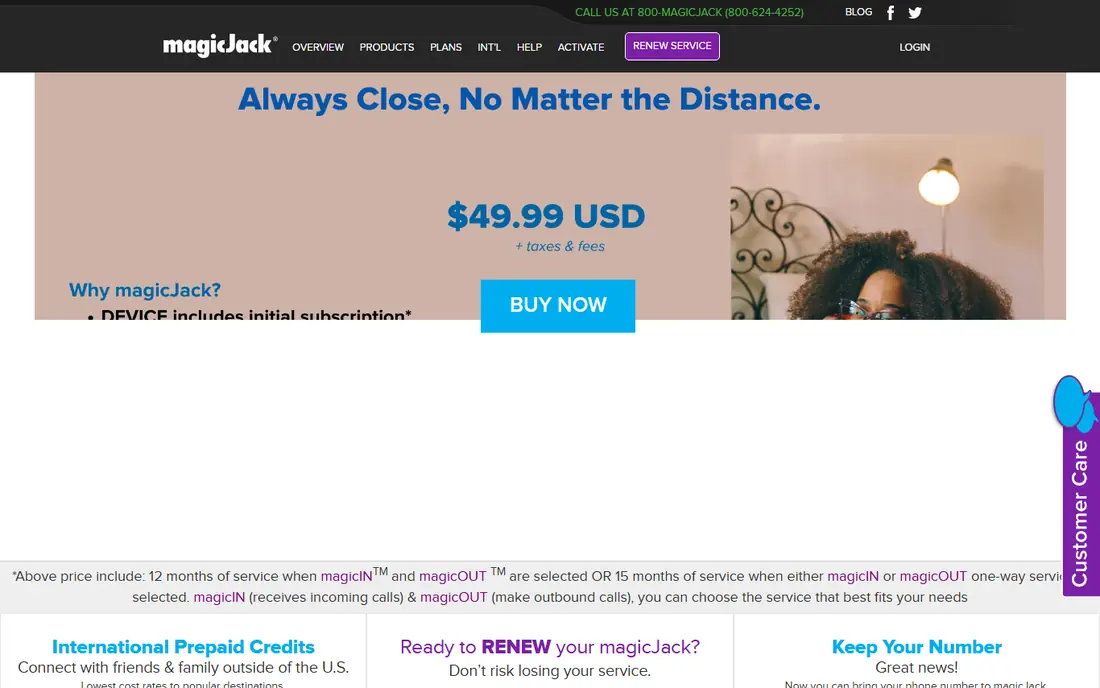
MagicJack is the classic budget home phone service, and it remains one of the cheapest ways to keep a home number. You buy a small device, plug it into your router and a phone, and pay a low annual fee for unlimited calls in the United States and Canada. It includes voicemail, caller ID, and call waiting, which covers the basics most homes need.
Support is the weak point, with limited hours compared with larger providers, and call quality depends on your internet connection. It is best for a second line, a vacation home, or a household that mainly receives calls and wants the lowest possible bill. If you need hands-on help or advanced features, a fuller service such as Ooma is a better fit.
- Very low annual price
- Simple plug-in device
- Includes voicemail and caller ID
- Support hours are limited
- Device must stay connected to work
Vonage has offered home internet calling for many years, and its strength is simplicity. You get unlimited domestic calling, a mobile app so you can make and take home calls from your smartphone, voicemail, and caller ID, with setup that most households can finish without a technician. Support is available around the clock by phone and chat, which helps if your home phone stops working in the evening.
The price is higher than Ooma basic or MagicJack, and some features, such as call recording or visual voicemail, sit on higher tiers in its business plans. Vonage is now mainly focused on business customers, so check that a residential plan is still offered in your area before you commit. If it is, it is a solid choice for a household that wants an easy setup and a mobile app.
- Easy setup
- Mobile app for calls away from home
- 24/7 support
- Monthly price higher than budget rivals
- Some features need higher plans
Google Voice gives you a free phone number for calls and texts in the United States when you sign up with a Google account. Calls from a computer or the Google Voice app are free, voicemail is transcribed to text, and you can forward calls to other numbers. For a household that mainly calls from a computer or smartphone and does not need a wall handset, it costs nothing to try.
It is not quite the same as a traditional home phone service. It is designed around apps and forwarding, and emergency calling rules differ from a dedicated home VoIP line, so read the current 911 details before you rely on it as your only home phone. Used as a second number, a spam filter for an old number, or a free calling tool, it is excellent value.
- Free calls in the United States
- Voicemail transcription
- Works on computer and phone
- Not a full traditional home phone
- Needs a Google account and internet
VoIPo is a smaller residential provider that focuses on doing the basics well at a low price. Its plans include unlimited domestic calling, voicemail to email, call forwarding, caller ID, and spam blocking, and you can usually bring your existing number with you. It works with a standard adapter and a regular home phone, so the experience feels familiar.
Being smaller has trade-offs. Support hours are narrower than at a large provider, and there are fewer retail or partner options if you want in-person help. For a household that wants a low bill and a traditional handset without paying for business features, VoIPo is worth a look, provided you are comfortable with online setup.
- Low monthly price
- Includes many calling features
- Number porting offered
- Smaller provider
- Support is not 24/7
1-VoIP offers residential plans at a low monthly price, with options for households that call a little or a lot. Features include voicemail, caller ID, call forwarding, and number porting, and some plans add fax support, which still matters for households that deal with doctors, schools, or government forms. There is no long contract on most plans, so you can leave if it does not suit you.
Setup can feel more hands-on than Ooma or Vonage, since you may need to configure an adapter yourself. Check the exact feature list for the plan you pick, because features vary between tiers. If you are comfortable with a short setup process and want a low monthly bill, 1-VoIP is a practical choice.
- Low monthly plans
- No long contract on most plans
- Fax support on some plans
- Setup is more hands-on
- Feature list varies by plan
Axvoice keeps home VoIP simple, with low monthly plans that include unlimited domestic calling, voicemail, caller ID, and call forwarding. It works with standard VoIP adapters and regular home phones, so you do not need to learn a new app to make a call. For a household that wants a cheap replacement for a landline and nothing fancy, that simplicity is the point.
The feature list is thinner than Ooma Premier or Vonage, with fewer smart home or business tools. Support is also smaller in scale, so expect email or ticket help rather than a large call center. If your priority is a low bill and a phone that just works, Axvoice fits, and its low price makes it easy to test.
- Low monthly price
- Simple plans
- Works with standard adapters
- Smaller provider
- Fewer advanced features
Callcentric is different from the other services here because it suits light callers who want flexibility. You can choose a pay-as-you-go plan and pay mainly for the calls you make, or pick a monthly plan if you call more often. It offers a wide set of routing, forwarding, and voicemail features, which appeals to households that like to control exactly how calls are handled.
That flexibility comes with complexity. The pricing pages list several options, and setup needs more technical comfort than a plug-in adapter from Ooma or MagicJack. For a second line, a home office, or a household with very light calling, Callcentric can be the cheapest option of all. For a simple family home phone, pick a simpler service first.
- Pay-as-you-go options
- Low cost for light callers
- Many routing features
- Pricing can confuse beginners
- Setup needs some technical comfort
How we picked these
We compared official product pages, pricing pages, and public reviews for services that offer residential phone service in the United States. We favored services that support number porting, 911 calling, and standard home handsets, and we left out business-only platforms and services that could not be verified as current in October 2026. Prices change often in this market, so where a vendor does not publish a clear current price, we list See website and advise checking before you sign up.
What to check before you switch
First, test your internet connection. VoIP calls need a stable connection, so if your video calls freeze or your internet drops often, fix that before you cancel a landline. A wired connection to the VoIP adapter usually gives better call quality than Wi-Fi alone.
Second, confirm 911 and number porting. Ask the provider how 911 calls are routed from your home address, and confirm that your current number can move over. Keep your old service active until the port completes and you have made a successful test call on the new service.
Third, think about power cuts. A traditional landline often works during a power cut, while VoIP needs power for your router and adapter. A small backup battery for your router, plus a mobile phone as a backup, covers most households. If anyone in the home relies on a medical alert system, check with that company that it works over VoIP before you switch.
Frequently asked questions
What is the best internet phone service provider for a home?
Ooma is our pick for most homes, thanks to its low ongoing cost after buying the adapter and its support for regular handsets. MagicJack is cheaper per year, while Google Voice is free if you are happy calling from an app or computer.
Is residential VoIP cheaper than a landline?
In most cases, yes. Traditional landlines often cost $30 or more per month, while home VoIP can cost only taxes and fees, a low monthly plan, or a low annual fee. Add the one-time adapter cost when you compare the first year.
Can I keep my home phone number with VoIP?
Most providers in this list support number porting. Do not cancel your old service before the transfer is done, and check that the new service shows your old number on outgoing calls.
Does VoIP work during a power cut?
No, unless your router, modem, and adapter have backup power. Keep a charged mobile phone as a backup, and consider a small battery backup for your internet equipment.
Do I need a special phone for VoIP?
Most services work with a regular corded or cordless home phone connected to an adapter. Some also offer apps, so you can answer home calls on a smartphone when you are away.
Sources
See where you really rank - block by block
ProMapRanker scans Google Maps across a grid of your service area. Simple monthly plans from $19, white-label on every plan.
Start freeKeep reading
 zscaler alternatives
Best Zscaler Alternatives in 2026
Looking for zscaler alternatives? We compare 9 SASE and zero trust platforms on architecture, data protection, pricing, and fit for your network and team.
Read → zapier alternatives free
Best Zapier Alternatives Free in 2026
Nine automation tools for zapier alternatives free in 2026, all with genuinely free tiers, plus free plan limits, starting prices and upgrade paths explained.
Read → which platform is best for online reputation
Which Platform Is Best for Online Reputation in 2026
Wondering which platform is best for online reputation? We compare 8 review, listing, and response tools for small and multi-location businesses and agencies.
Read →