 ProMapRanker
Best Remote Software for Tech Support in 2026

Key takeaways
- Support teams need attended and unattended access, session recording, and clear consent controls.
- Per-technician pricing suits helpdesks, while per-device pricing suits fleets of managed machines.
- Free personal tiers are not a substitute for a business support licence.
- Use remote tools only for lawful, authorised administration, with the device owner's consent.
- Check session logs, permissions, and data handling before granting access to sensitive systems.
Quick comparison
| Pick | Great for | Pricing starts at | Free tier | |
|---|---|---|---|---|
 TeamViewer | Large mixed device fleets | See website | Yes | Visit |
 AnyDesk | Low-latency support sessions | See website | Yes | Visit |
 Splashtop | Value support for technicians | See website | No | Visit |
 Zoho Assist | Small support teams | See website | Yes | Visit |
 ConnectWise ScreenConnect | MSPs and IT departments | See website | Yes | Visit |
 BeyondTrust Remote Support | Regulated enterprise support | See website | No | Visit |
 RealVNC Connect | Cross-platform lightweight access | See website | Yes | Visit |
 GoTo Resolve | Support plus endpoint management | See website | Yes | Visit |
 Chrome Remote Desktop | Free basic personal access | Free | Yes | Visit |
The best remote software for tech support
Tech support means fixing someone else's machine quickly and safely, so we judged these tools on attended support, unattended access, session controls, security, and how pricing scales with technicians or devices.
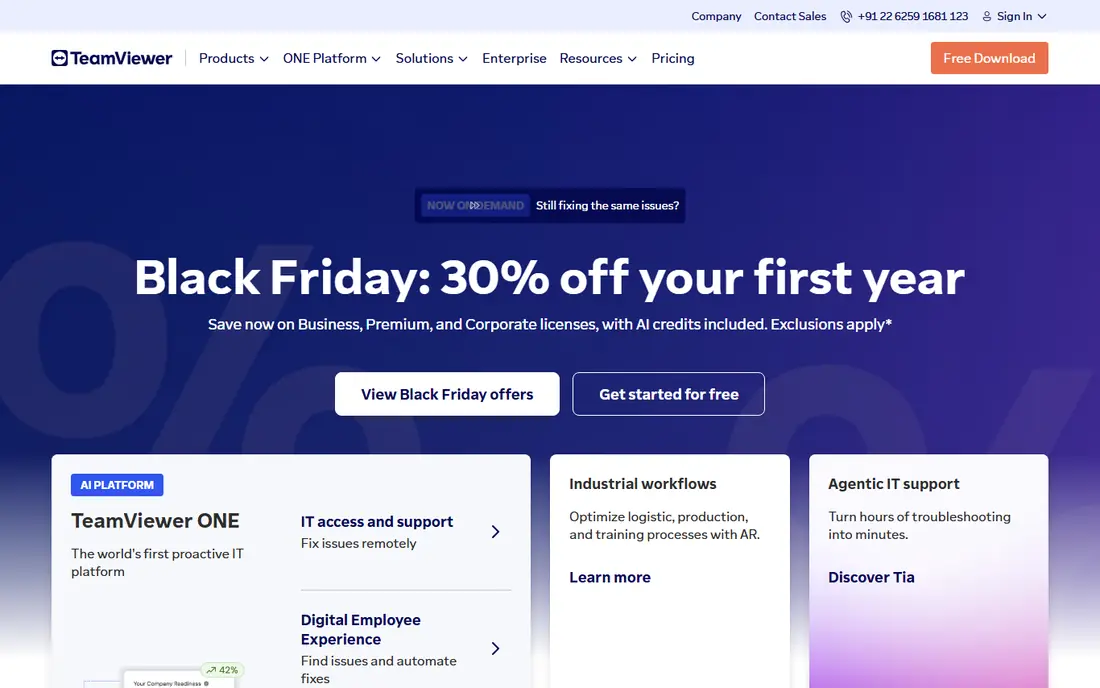
TeamViewer is the best-known remote support tool for a reason: it connects across Windows, Mac, Linux, mobile, and other platforms with a familiar ID and password or managed device flow. Support teams get file transfer, remote reboot, session handling, and management add-ons, and larger organisations can layer on compliance and reporting features. That breadth matters when a helpdesk supports many device types.
The cost is the main drawback. Business plans are priced above budget alternatives, and the free tier must not be used for commercial support. For a large or mixed fleet where coverage matters more than the lowest price, TeamViewer remains a safe, capable choice.
- Very broad device and platform support
- Strong session and management features
- Well-known in enterprise IT
- Business pricing is higher than budget rivals
- Free tier is for personal use only
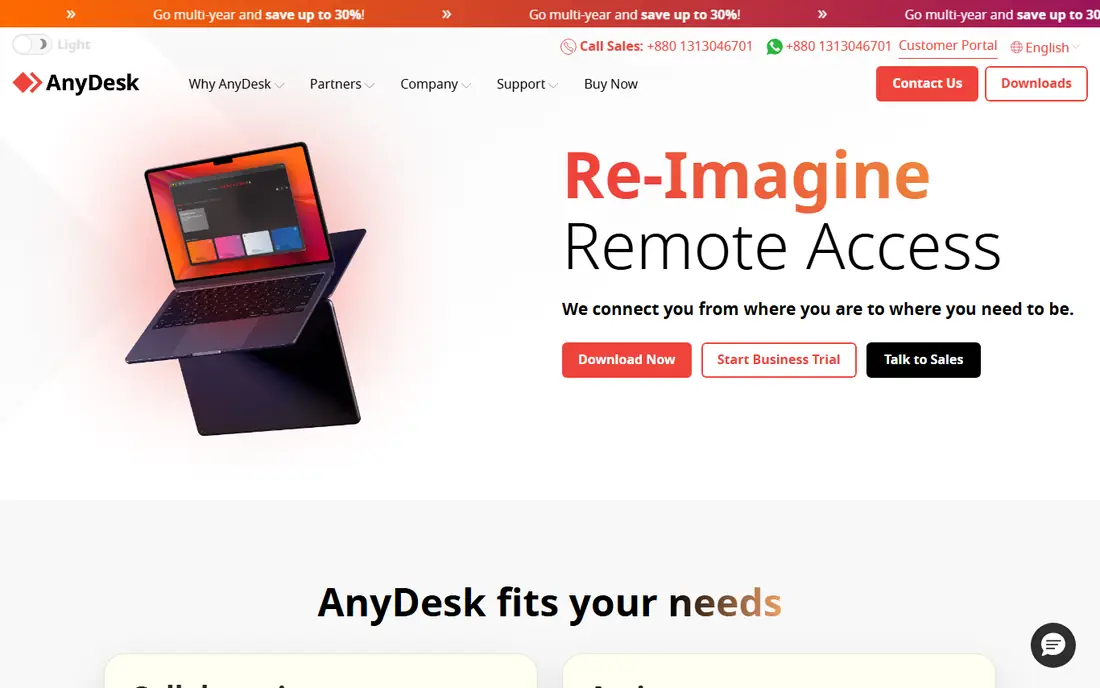
AnyDesk is built for speed, and support teams notice it most on slower connections or older machines where a heavy client would lag. Sessions start quickly, the client is light, and technicians can control, view, or transfer files without a long setup for the person being helped. That speed keeps support calls shorter and less frustrating for both sides.
Paid plans are needed for business support features, address book management, and larger team use, so the free personal tier is not a business solution. Pricing should be checked for the current solo and team tiers, since annual billing changes the monthly figure. For speed-first support, AnyDesk is hard to beat.
- Fast performance on weaker connections
- Lightweight client
- Simple session setup
- Business features need paid plans
- Free tier is for personal use only
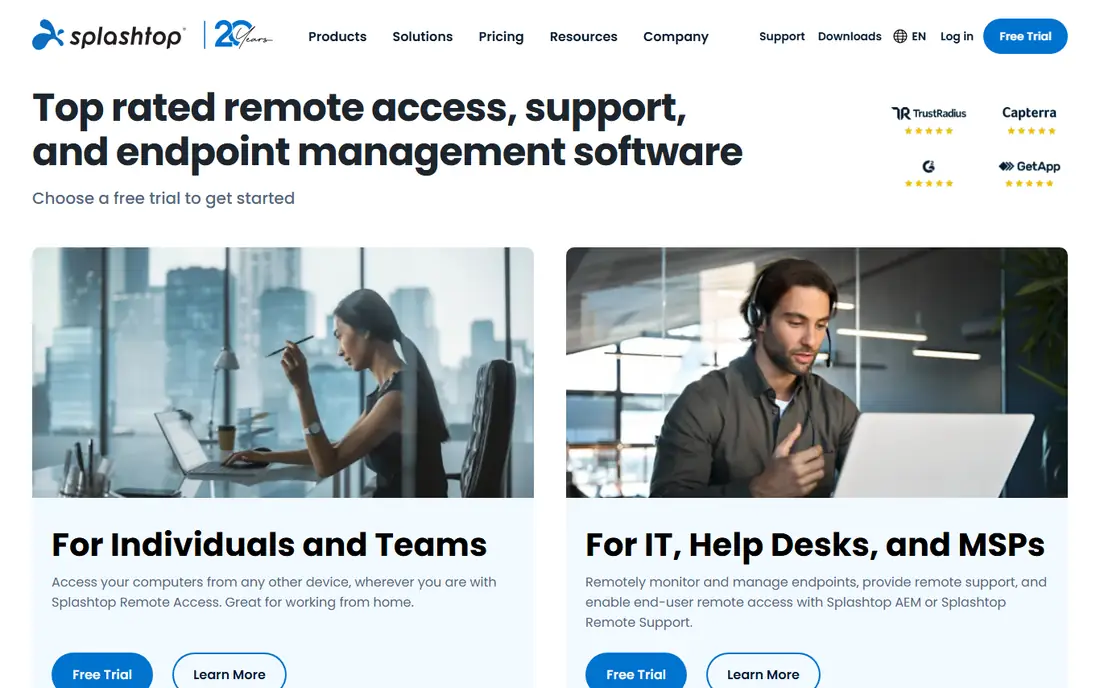
Splashtop gives support teams good session quality at a lower price than the largest names, with plans aimed at technicians rather than per-device fleets. Its SOS plans are built for attended support, while business access plans cover unattended machines, so a team can match the plan to how it actually works. Multi-monitor and high-quality streaming support help with detailed troubleshooting.
The product range is broad, so a buyer should compare SOS, business access, and enterprise tiers line by line rather than assuming every feature is included. For a small or mid-sized helpdesk that wants solid performance without enterprise pricing, Splashtop is a strong value pick.
- Good streaming quality for the price
- Per-technician support plans
- Strong unattended access options
- Feature tiers need careful comparison
- Some enterprise features are higher tier only
Zoho Assist is a practical choice for small support teams that need attended and unattended access without a large budget. The free plan covers a single technician and a small number of unattended computers, and paid plans stay low per technician compared with enterprise tools. Browser-based sessions reduce friction for the person receiving help.
Larger teams may want deeper endpoint management or reporting that sits on higher tiers or in companion Zoho products. For a small team, especially one already using Zoho, the mix of price, simplicity, and support features is compelling.
- Low per-technician pricing
- Free plan for very small teams
- Browser-based attended support
- Advanced management features are tiered
- Best value inside the Zoho ecosystem
ConnectWise ScreenConnect, also known as ConnectWise Control, is a favourite among managed service providers and IT departments that support many clients. It offers attended and unattended access, session management, automation, and a choice of cloud or self-hosted deployment, which matters for teams with specific data or network requirements. A free single-technician licence helps very small teams start.
The platform rewards teams that invest time in setup, permissions, and automation, and it can feel complex at first. For MSPs and IT departments that need control over deployment and workflows, that flexibility is worth the learning curve.
- Flexible cloud or self-hosted deployment
- Strong automation and session tools
- Free single-technician option
- Interface and setup take learning
- Pricing varies by deployment
BeyondTrust Remote Support is aimed at enterprises where every remote session must be authorised, recorded, and auditable. It offers granular permissions, credential vaulting, session recording, and reporting that help regulated organisations prove who accessed what and when. For banks, healthcare, government, and other controlled environments, those controls are the point.
Pricing is quote-based and enterprise-level, and a small team will find it far more than it needs. For organisations where audit and least-privilege access are non-negotiable, BeyondTrust is the tool to evaluate first, with a clear requirements list in hand.
- Strong audit, vault, and permission controls
- Built for regulated environments
- Detailed session recording and reporting
- Quote-based enterprise pricing
- More system than a small helpdesk needs
RealVNC Connect is a long-standing, lightweight remote access tool that works across Windows, Mac, Linux, and other platforms, including Raspberry Pi devices. It suits support teams and individuals who need reliable, secure access without a heavy client, and its free Lite tier covers a small number of personal devices. Device-based pricing can also suit fleets where technician count is not the right measure.
It is less of a full helpdesk workflow tool than ConnectWise or BeyondTrust, so teams that need ticketing, automation, and session queues may pair it with other systems. For straightforward, cross-platform remote access, RealVNC Connect is dependable and easy to deploy.
- Lightweight cross-platform client
- Good for mixed operating systems
- Free Lite option for personal use
- Support workflow features are lighter than PSA-style tools
- Business tiers needed for teams
GoTo Resolve combines remote support with endpoint management, ticketing, and monitoring, which suits small and mid-sized IT teams that want more than a remote control window. The free tier covers a small number of agents and devices, letting a team test attended and unattended support before paying. Paid tiers add more agents, devices, and management depth.
The breadth can be a lot to learn at first, and the most useful management features sit on paid plans. For a team that wants support and basic device management in one product, rather than buying two tools, GoTo Resolve is a practical shortlist option.
- Remote support plus endpoint management
- Free tier for small teams
- Ticketing and monitoring features
- Some features need higher tiers
- Interface breadth takes time to learn
Chrome Remote Desktop is the free, simple option for personal help: install the extension, share a code or set up unattended access, and connect from a browser. For helping family, reaching a home computer, or covering a one-off personal task, it is fast and requires no licence. That simplicity is its whole appeal.
It is not a business support tool. There is no technician queue, ticketing, detailed audit, or fleet management, and businesses should not rely on it for commercial support. Use it for personal access, and choose a paid support tool for any team that supports customers or staff at scale.
- Free and simple to set up
- Works in the Chrome browser
- Good for personal and family help
- No business support workflow
- Limited management, reporting, and session controls
How we picked these
We compared official feature and pricing pages, support-focused reviews, and documentation, and we weighted attended and unattended access, session security, consent and permission controls, logging, and pricing model. We did not run hands-on support trials, and we did not invent prices or session figures. Tools were included only when they offer a real support workflow, not just screen sharing for meetings.
How to run remote support safely
Only use remote access with the device owner's clear consent, and only for systems you are authorised to administer. Explain what you will do, what you can see, and how long the session will last, and end the session as soon as the work is done. Use unique access codes or managed device enrolment rather than sharing a permanent password, turn on two-factor authentication for technician accounts, and keep session logs for review.
For business use, limit technician permissions to the systems they actually support, and review who has unattended access regularly. Never use a support tool to access a device without permission, to view personal files unrelated to the task, or to bypass security controls. A short privacy note at the start of each session, plus a written consent and logging policy, protects both the support team and the person being helped.
Frequently asked questions
What is the difference between attended and unattended remote access?
Attended access needs someone at the remote device to accept the session, while unattended access lets an authorised technician connect to a managed machine without someone present. Support teams usually need both: attended for one-off help, unattended for managed fleets.
Is a free remote tool safe for business support?
Free personal tiers are designed for personal use, not commercial support, and they lack business controls such as technician management, audit logs, and support terms. A business should use a paid support licence that matches its team size and compliance needs.
How do I get consent for a remote support session?
Ask the device owner to confirm the session, explain what you will access, and have them accept the connection themselves where possible. Keep a record of consent and session activity, and stop immediately if consent is withdrawn.
Should I choose per-technician or per-device pricing?
Choose per-technician pricing when a small team supports many machines, and per-device pricing when many technicians support a fixed fleet or when device count is the stable measure. Model both against your actual team and fleet before signing.
Can remote support tools work across Windows, Mac, and mobile?
Most tools on this list support Windows and Mac, and many support Linux, iOS, and Android, but mobile control depth varies by platform and device policy. Check the exact platform list for the devices you support most.
Sources
See where you really rank - block by block
ProMapRanker scans Google Maps across a grid of your service area. Simple monthly plans from $19, white-label on every plan.
Start freeKeep reading
 worlds best local seo company
8 Worlds Best Local SEO Companies for Map Pack Growth in 2026
Compare the worlds best local seo company options for Google Business Profile work, citations, reviews, and multi-location rankings and reporting in 2026.
Read → world's best web hosting company
World's Best Web Hosting Company in 2026
Searching for the world's best web hosting company? We compared 10 hosts on price, renewal rates, speed, and support to help you choose well today in 2026.
Read → who's got the best nanny tax services
Who's Got the Best Nanny Tax Services in 2026
We answer who's got the best nanny tax services, comparing full filing, back taxes, software, and pricing so families can handle nanny taxes correctly.
Read →