 ProMapRanker
7 Strong Remote Desktop Software for Multiple Monitors in 2026

Direct answer
ScreenConnect comes first here, mainly for MSP remote support. For a different need, Splashtop covers high-performance remote work and Zoho Assist covers web-based remote support. The remaining 4 options are covered below with prices and limits.
Key takeaways
- Number one here is ScreenConnect, a fit for MSP remote support.
- Chrome Remote Desktop is the one to check for free straightforward remote access.
- What to know about Splashtop first: product lineup is confusing.
- A free plan is available from 3 of the 7 tools: Zoho Assist, RustDesk, Chrome Remote Desktop.
Quick comparison
| Pick | Great for | Pricing starts at | Free tier | |
|---|---|---|---|---|
 ScreenConnect | MSP remote support | See website | Free trial | Visit |
 Splashtop | High-performance remote work | See website | Free trial | Visit |
 Zoho Assist | Web-based remote support | See website | Yes | Visit |
 RustDesk | Open-source self-hosted access | Free | Yes | Visit |
 GoTo Resolve | IT support and management | See website | Free trial | Visit |
 TeamViewer | General remote access with multi-monitor | See website | Free trial | Visit |
 Chrome Remote Desktop | Free straightforward remote access | Free | Yes | Visit |
The full remote desktop software for multiple monitors list
ProMapRanker compared 7 remote desktop software for multiple monitors. The goal is a practical shortlist: published prices, free plan facts, best-fit use cases and honest limits for every entry.
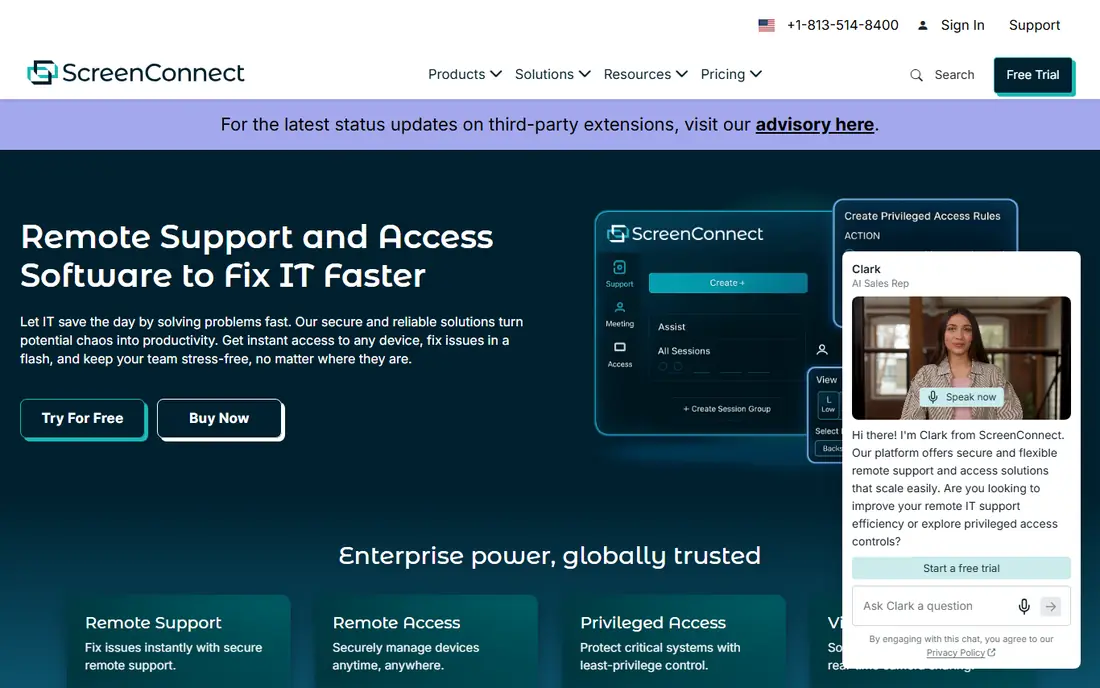
In short, ScreenConnect is for MSP remote support. ConnectWise ScreenConnect is the remote support tool that managed service providers swear by. In practice, you can run scripts, handle processes and services, transfer files and troubleshoot without ever showing a window on the user's screen.
In daily use, technicians get quick remote control with multi-monitor support, background access without interrupting users, command-line tools, file transfer and session auditing. The trade-off is the ramp-up time and look. Pricing for ScreenConnect is not stated here, so ask the vendor for current figures. Free plan details: Free trial.
Honest limits: Pricing is per technician.
- Self-hosted choice
- Loved by MSPs
- Interface is utilitarian
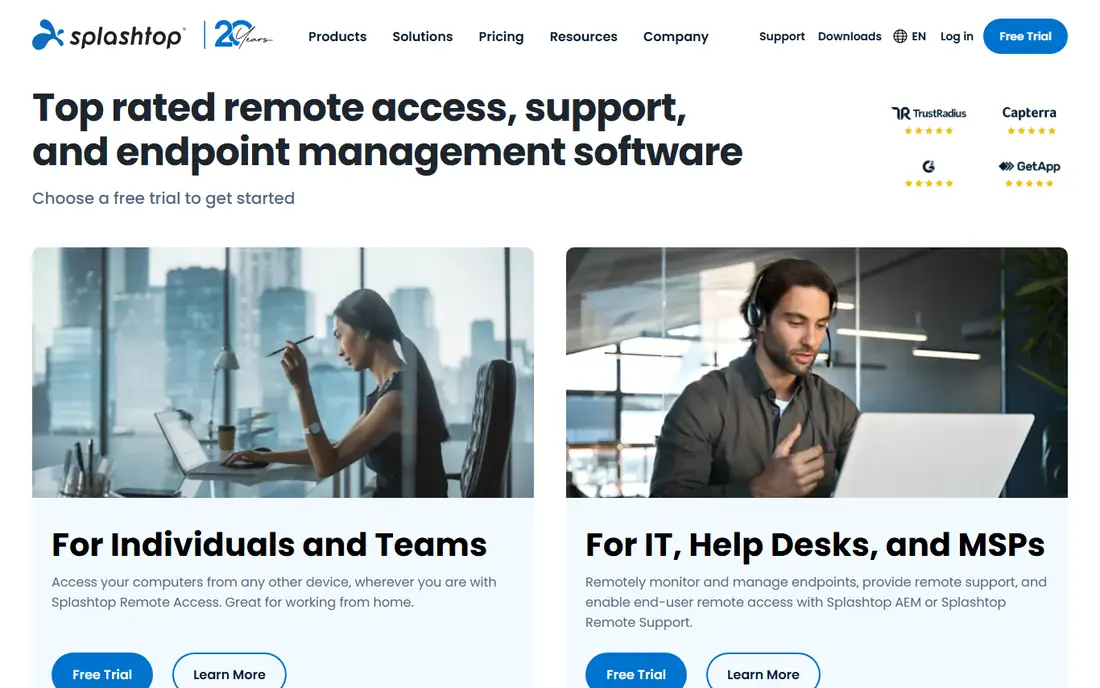
Splashtop works best for high-performance remote work. The streaming performance manages high resolutions and several displays smoothly, with 4K support and low latency that makes remote work feel local. Some features you expect are edition-specific.
Where it is weaker: Some features split across editions.
But for performance-per-dollar with multi-monitor setups, it is hard to beat. From a buyer's view, pricing undercuts TeamViewer substantially. The honest complaint is the product lineup. From a buyer's view, Splashtop sells multiple editions (Business Access, SOS, Remote Support, Enterprise) and figuring out which one you need takes effort. Splashtop shows no starting price here, so confirm the cost on the vendor site. Free options: Free trial.
- Very good streaming performance for multi-monitor
- Budget-friendly business pricing
- Product lineup is confusing
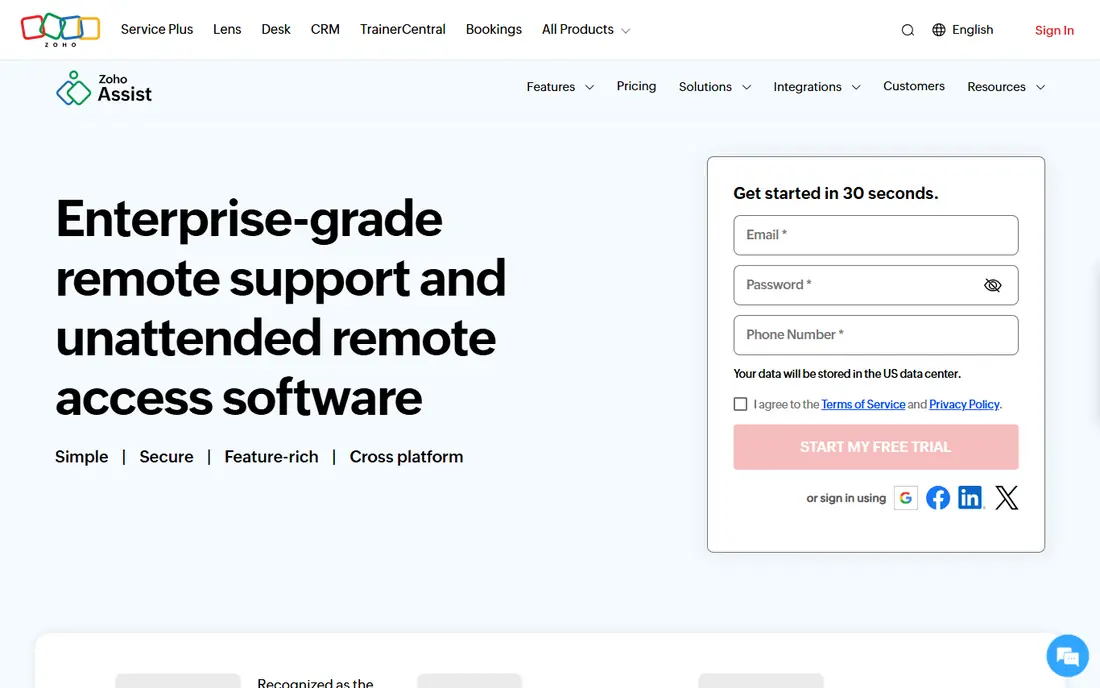
Zoho Assist is designed for web-based remote support. Zoho Assist is the remote support tool for teams that want to start now: it runs in the browser, the free plan spans light use, and premium plans are among the cheapest here. In practice, integration with Zoho Desk ties sessions to tickets.
Worth adding: for planned support workflows on a budget, notably inside the Zoho ecosystem, it is the value pick. The honest limits are performance and polish. No starting price is listed for Zoho Assist here; confirm pricing on the vendor site. Zoho Assist offers a free plan.
Drawbacks to consider: Performance is mid-range.
- Decent value premium levels
- Free plan available
- Multi-monitor controls less refined
Pick RustDesk if this describes you: open-source self-hosted access. RustDesk is the open-source answer to TeamViewer: a full remote desktop client with multi-monitor support, file transfer, chat and unattended access, free forever, with the choice to self-host the relay server so no traffic passes through third parties. It runs on Windows, macOS, Linux, Android and iOS.
Drawbacks to consider: Setup needs technical skill.
Upsides: Free and open source.
Beyond that, the self-hosting is the killer feature for privacy-conscious organizations. In practice, the multi-monitor support deals with display switching well, and performance is respectable. In daily use, setup, especially self-hosting, needs technical skill, and support comes from the community instead of a vendor SLA. It lacks the management consoles, audit features and polish of commercial products. Price to start with RustDesk: Free. RustDesk has a free plan.
- Decent multi-monitor support
- Self-hostable relay server
- Support is community-based
GoTo Resolve was built for IT support and management. GoTo Resolve, from the company formerly known as LogMeIn, is the IT support system that comes with remote desktop as part of a larger picture. Worth adding: the integration is the point.
Points against: Priced for IT teams, not individuals.
Rather than juggling a remote tool, a ticket system and a device manager, the help desk works from one place. In daily use, technicians get multi-monitor remote control, unattended access and file transfer, plus ticketing, device management, patching and background system tools in the same console. Multi-monitor support deals with the tech's own multi-display setup and the end user's. The drawback is the audience. Pricing for GoTo Resolve is not stated here, so ask the vendor for current figures. Free access: Free trial.
- Trusted vendor
- Merges remote support with IT management
- Some features need the full GoTo suite
TeamViewer is a good fit for general remote access with multi-monitor. TeamViewer is the remote desktop name everyone knows, and its multi-monitor support is genuinely decent. It works across Windows, macOS, Linux, mobile and even in browsers.
Points against: Premium pricing.
TeamViewer is among the most pricey choices here, and the free version aggressively flags suspected commercial use, which frustrates legitimate personal users. For everyday use, the system spans the full remote access picture: unattended access for servers and workstations, file transfer, remote printing, session recording and meeting features. From a buyer's view, the connection quality adapts to bandwidth well. From a buyer's view, IT teams use it for support, and individuals use it to reach their office workstation from home. Pricing for TeamViewer is not stated here, so ask the vendor for current figures. Free options: Free trial.
- Works across all major products
- Dependable multi-monitor display and switching
- Free version flags commercial use aggressively
Chrome Remote Desktop is built with free simple remote access in mind. It is free for personal and commercial use with no catches, which no other tool here can claim. The limitations are everything else.
It is a personal tool, not a business system. But free is free, and for straightforward multi-monitor access it is enough. For entry-level needs, it works. Chrome Remote Desktop starts at: Free. Chrome Remote Desktop has a free plan.
What to check first: Minimal features.
- Works in the browser
- Dead straightforward setup
- Multi-monitor support is rudimentary
How we built this list
Pricing pages, product documentation and feature lists were the main sources, and every entry carries at least one honest drawback. Treat prices as a snapshot: vendors change plans often, so check the vendor site for the figure that applies today. The sequence is a judgement call: typical use case first, then pricing transparency, then free access. Use the profiles to check fit.
Questions to settle before buying
- Get a written quote from ScreenConnect, Splashtop, Zoho Assist and others; the list shows no starting price for them.
- Read the fine print on the free plans from Zoho Assist, RustDesk and Chrome Remote Desktop; seat, project and feature caps differ.
- Run a trial of ScreenConnect, Splashtop, GoTo Resolve and TeamViewer with real work before paying for a year; your own workflow is the best test.
- Read the limits listed for ScreenConnect first: interface is utilitarian.
- Ask the daily users to test Splashtop on a live task before you roll it out to everyone.
- Before you load data into RustDesk, check what an export looks like and who can run it.
Frequently asked questions
Is remote desktop software secure?
The reputable vendors encrypt sessions, offer two-factor authentication and publish security certifications. Use capable unique passwords, enable 2FA and keep the software updated.
Can I try these tools before paying?
Often, yes. Zoho Assist, RustDesk and Chrome Remote Desktop have a free plan and ScreenConnect, Splashtop, GoTo Resolve and TeamViewer offer a free trial. Use your own data and a real task during the test, and check what the free tier or trial limits before you rely on it.
How are the tools for remote desktop software for multiple monitors ordered?
The order follows typical fit for remote desktop software for multiple monitors, with ScreenConnect first and Chrome Remote Desktop last, then price clarity and free access. It is editorial judgement, not a score, so another team could rank the tools differently.
Is ScreenConnect the right pick for everyone comparing remote desktop software for multiple monitors?
No single tool suits every team. ScreenConnect comes first because it fits MSP remote support, while Splashtop suits high-performance remote work and Zoho Assist suits web-based remote support. Match the tool to your own size, budget and workflow before deciding.
Which options for remote desktop software for multiple monitors have a free plan?
On this list, Zoho Assist, RustDesk and Chrome Remote Desktop include a free plan. Caps on seats, usage or features are common, so test the free plan against your real workload. Several others offer a trial instead.
Sources
See where you really rank - block by block
ProMapRanker scans Google Maps across a grid of your service area. Simple monthly plans from $19, white-label on every plan.
Start freeKeep reading
 zscaler alternatives
Best Zscaler Alternatives in 2026
Looking for zscaler alternatives? We compare 9 SASE and zero trust platforms on architecture, data protection, pricing, and fit for your network and team.
Read → zapier alternatives free
Best Zapier Alternatives Free in 2026
Nine automation tools for zapier alternatives free in 2026, all with genuinely free tiers, plus free plan limits, starting prices and upgrade paths explained.
Read → which platform is best for online reputation
Which Platform Is Best for Online Reputation in 2026
Wondering which platform is best for online reputation? We compare 8 review, listing, and response tools for small and multi-location businesses and agencies.
Read →