 ProMapRanker
Best Remote Collaboration Tools in 2026

Key takeaways
- Most remote teams need three layers: chat, a place for work to live, and a place for decisions to be written down.
- Slack suits fast chat and integrations, while Microsoft Teams suits companies already paying for Microsoft 365.
- Asana, monday.com, and ClickUp cover project work, while Notion covers docs and wikis, and Miro covers visual workshops.
- Free tiers work for small teams, but chat history limits, meeting time limits, and admin controls push larger teams to paid plans.
- Paying for two tools that do the same job is the most common waste, so audit overlap before adding a new tool.
Quick comparison
| Pick | Great for | Pricing starts at | Free tier | |
|---|---|---|---|---|
 Slack | Team chat and integrations | $8.75 per month | Yes | Visit |
 Microsoft Teams | Microsoft 365 companies | $4 per month | Yes | Visit |
 Zoom | Video meetings and webinars | See website | Yes | Visit |
 Asana | Structured project work | $10.99 per month | Yes | Visit |
 Notion | Docs, wikis, and light projects | $10 per month | Yes | Visit |
 Miro | Visual brainstorming and workshops | $8 per month | Yes | Visit |
 monday.com | Visual project boards | See website | Yes | Visit |
 Trello | Simple Kanban boards | See website | Yes | Visit |
 ClickUp | All in one tasks, docs, and dashboards | $7 per month | Yes | Visit |
The best remote collaboration tools
We compared tools that help distributed teams talk, meet, plan, and document work, using official pricing pages and 2026 comparisons. Prices are per user per month unless noted, and annual billing often lowers the monthly figure shown.
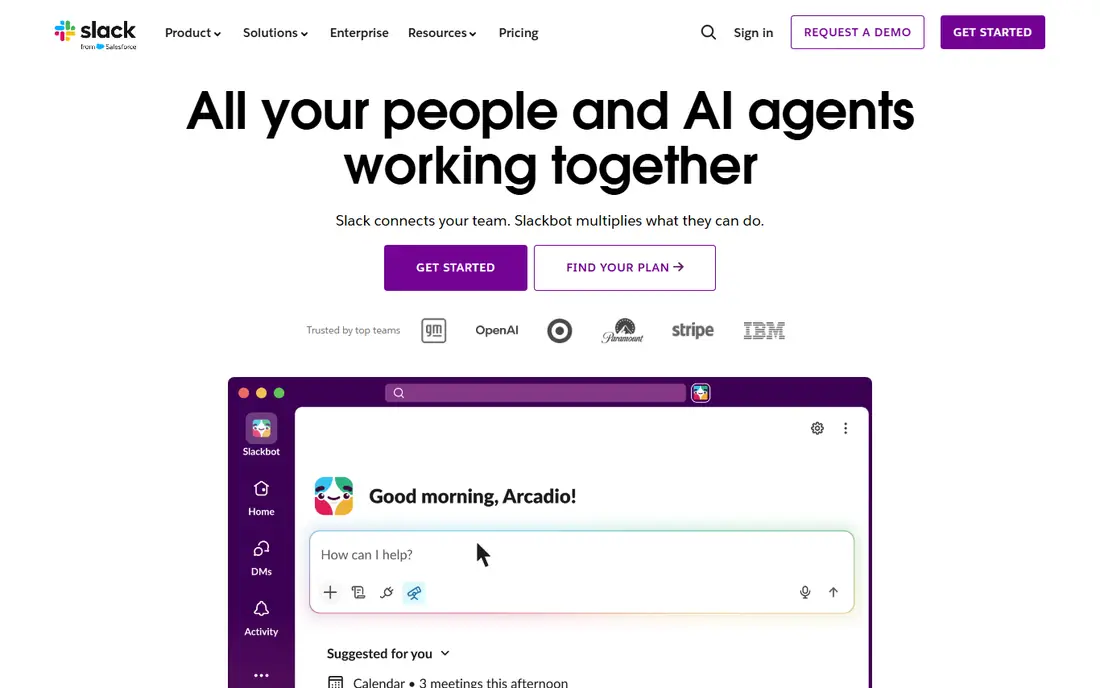
Slack is our pick for teams that live in chat. Channels separate projects, clients, and social talk, threads keep replies attached to the right topic, and integrations bring updates from project tools, support desks, and code systems into chat. Huddles offer a quick audio or video call without scheduling a formal meeting, which suits fast moving remote teams.
The free plan limits searchable history, often to 90 days in recent listings, so older decisions can disappear from search. Paid plans from $8.75 per user per month billed annually add full history, more storage, and admin controls. Slack does not replace a wiki or a project tracker on its own, so pair it with Notion or Asana for lasting records.
- Channels keep talk organized
- Large integration library
- Huddles for quick calls
- Paid cost adds up for large teams
- Free plan limits message history
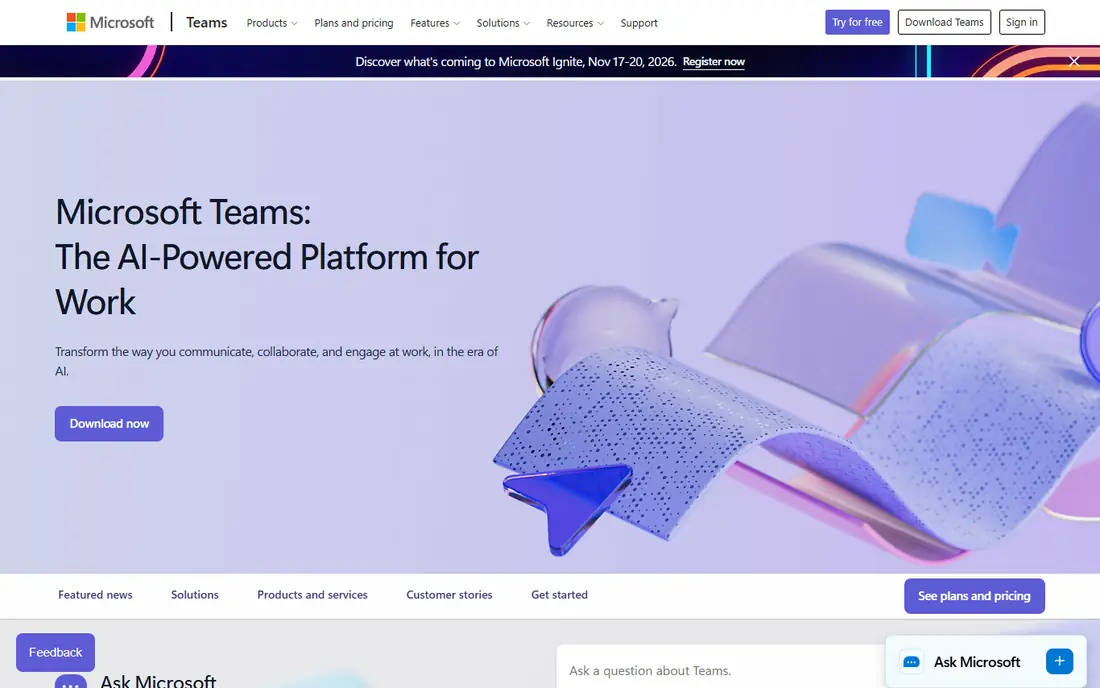
Microsoft Teams suits companies already paying for Microsoft 365, since chat, video meetings, and file storage arrive in the same bundle. Co authoring in Word, Excel, and PowerPoint works directly from Teams, and IT teams get enterprise security and compliance controls in higher plans. A standalone Essentials plan is listed from $4 per user per month in several 2026 comparisons.
The interface layers chat, channels, files, and apps into one window, which can overwhelm new users. Teams also makes less sense for a small startup that does not use Office apps, since Slack plus Google Workspace may be simpler. For a Microsoft shop, however, Teams avoids paying for a separate chat tool.
- Chat, video, and files in one bundle
- Strong Office integration
- Enterprise security options
- Interface can feel heavy
- Best value only inside Microsoft 365
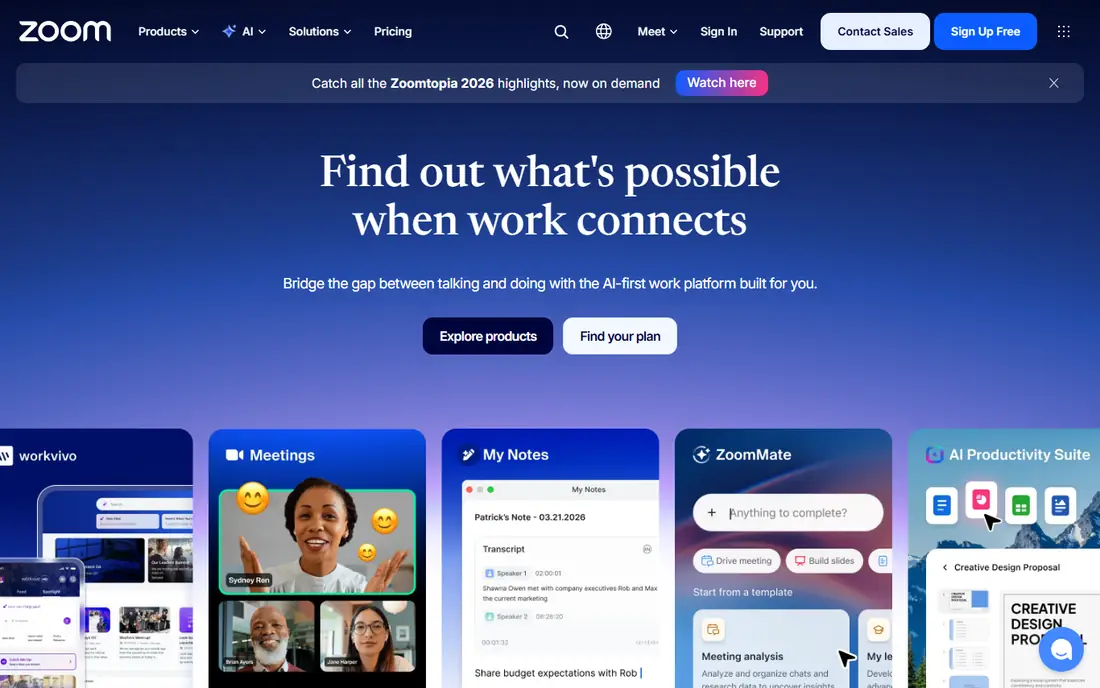
Zoom remains the default for video meetings with clients, partners, and large groups. It handles large calls well, offers breakout rooms for workshops, and provides recording, transcription, and webinar tools on paid plans. Guests can join from a browser without an account in many cases, which lowers friction for external meetings.
The free plan limits group meetings, often to 40 minutes, so regular team meetings need a paid plan. Pricing varies by plan and has changed over time, so we mark it as See website rather than quoting a figure that may be out of date. Zoom is a meeting tool first, so pair it with Slack or Teams for daily chat and Asana or Notion for follow up work.
- Reliable video for large meetings
- Breakout rooms
- Webinar and recording options
- Free plan limits group meeting length
- Paid pricing varies by plan
Asana suits marketing, operations, and cross functional teams with repeatable workflows. Tasks have owners, due dates, and dependencies, timelines show how work connects, and rules automate routine steps such as assigning a task when its status changes. That structure helps remote teams see who owns what without a daily status meeting.
The free Personal plan covers basic tasks for small teams, while Starter is listed from $10.99 per user per month. Larger teams that need portfolios, advanced reporting, or stronger admin controls pay more. For a simple to do list, Trello is lighter, but for a launch with many owners and deadlines, Asana keeps work visible.
- Clear task ownership and timelines
- Workflow rules
- Portfolio views on higher plans
- Paid cost per seat adds up
- Can feel heavy for very simple lists
Notion is the best place for remote decisions to live. Teams use it for wikis, meeting notes, product docs, and lightweight project pages, all linked together in databases that can be filtered and sorted. That flexibility suits documentation heavy teams, startups writing their first playbooks, and companies that want one searchable home for how work is done.
Notion is not a full replacement for Asana or monday.com for complex workflows, since automations and dependency tracking are lighter. Large workspaces can also sprawl without an owner who sets structure and permissions. Paid Plus plans are listed from $10 per user per month, while the free plan suits individuals and small teams testing the system.
- Flexible docs and databases
- Good for wikis and meeting notes
- Easy sharing
- Weak as a heavy project tracker
- Large workspaces need governance
Miro suits remote workshops, brainstorming, and planning sessions that would use a whiteboard in an office. Teams can add sticky notes, diagrams, and frames in real time, use templates for retrospectives and design sprints, and keep the board as a record after the session. It works well alongside Zoom for a live workshop and Asana for the tasks that follow.
Miro does not manage task ownership or deadlines well on its own, so it should not replace a project tool. The free plan covers a limited number of boards, while Starter is listed from $8 per user per month. For teams that run regular visual sessions, Miro is worth the cost, while teams that rarely brainstorm may not need it.
- Real time whiteboards
- Many workshop templates
- Good for design sprints
- Not a task tracker
- Paid seats needed for full team boards
monday.com suits teams that want a visual view of work across departments. Boards use color, status columns, and timelines to show progress at a glance, and automations move items, notify owners, and update statuses without manual work. Marketing, sales, and operations teams often adopt it faster than a more rigid project tool.
Pricing varies by plan, with Basic listed from around $9 to $14 per user per month in different 2026 comparisons, and seat minimums can raise the total for small teams. We mark it as See website to avoid quoting a figure that depends on plan and billing. Test monday.com against Asana with a real project before committing, since the better interface for your team matters more than feature lists.
- Visual boards for many departments
- Automations
- Dashboards for managers
- Pricing varies by plan and seat minimums
- Can be costly for large teams
Trello is the simplest project tool on this list, and that simplicity is its strength. Boards, lists, and cards show work moving from to do to done, and anyone can learn it in minutes. Small remote teams, freelancers, and personal projects often need nothing more, and Power Ups add calendars, automations, and integrations when needed.
Complex projects with dependencies, portfolios, and advanced reporting will outgrow Trello. Paid plans add those features, but at that point Asana or monday.com may be a better fit. Pricing varies by plan, so we mark it as See website. Choose Trello when a clear, shared board is the whole job, and choose a stronger tracker when work has many owners and deadlines.
- Simple drag and drop boards
- Fast to learn
- Good for small teams
- Limited for complex workflows
- Advanced features need paid plans
ClickUp aims to replace several tools at once, with tasks, docs, whiteboards, goals, and dashboards in one workspace. That breadth suits startups and agencies that want one subscription instead of separate chat, docs, and tracker bills. The free plan is generous for small teams, and Unlimited is listed from $7 per user per month in several 2026 comparisons.
The breadth is also the risk. New users face many views, settings, and options, and a team without a clear setup can end up with a messy workspace. Spend time on templates, naming, and permissions before inviting the whole team. For teams willing to invest in setup, ClickUp can cut tool overlap, which is a common source of wasted spending.
- Tasks, docs, whiteboards, and dashboards in one place
- Generous free plan
- Strong customization
- Many features can overwhelm new users
- Setup takes time
How we picked these
We compared official pricing pages, feature guides, and 2026 remote tool comparisons for tools active in 2026. We gave weight to tools that cover a distinct layer, chat, meetings, projects, docs, or visual work, and that work well for distributed teams. We marked pricing as See website where plans and seat rules vary enough that a single figure would mislead.
How to build a remote stack without overlap
Start by naming the jobs your team must cover: talk, meet, track work, write decisions down, and store files. Assign one tool to each job, and write that assignment where new hires can find it. When a new tool is proposed, ask which job it replaces, not just what feature it adds. That single question prevents most overlap.
Audit seats twice a year
Check who actually uses each paid tool, remove seats for people who left, and cancel tools no one opened in three months. Per seat pricing looks small alone, but a stack of Slack, Asana, Notion, Zoom, and Miro can pass $45 per person per month quickly. An audit often saves more than switching to a cheaper plan for one tool.
Write decisions where they can be found
Chat is for coordination, not for lasting decisions. When a decision is made in Slack or a Zoom call, write it in Notion or your project tool with the reason and the owner. New hires should be able to answer where to talk, what is assigned to them, and why a decision was made, without asking three different people. That habit matters more than any single tool choice.
Frequently asked questions
What are the best communication tools for remote teams?
Slack is best for fast chat and integrations, while Microsoft Teams is best for companies already on Microsoft 365. Zoom covers video meetings for both. Pick Slack when your team uses many separate apps, and pick Teams when Office apps and enterprise controls already shape your workflow.
What are the best collaboration tools for virtual teams?
A strong virtual team stack pairs Slack or Teams for chat, Zoom for meetings, Asana or monday.com for projects, Notion for docs, and Miro for visual workshops. No single tool covers all five jobs well. Start with chat and projects, add docs before knowledge is lost, and add Miro only when visual sessions are regular.
What is the best collaborative software for project work?
Asana suits structured workflows with owners and timelines, monday.com suits visual boards across departments, and ClickUp suits teams wanting tasks, docs, and dashboards in one place. Trello suits simple Kanban work. Test two tools with a real project, since team habit matters more than a feature list.
Do remote collaboration tools have free plans?
Yes, Slack, Asana, Notion, Miro, Trello, ClickUp, and Zoom all offer free plans, though limits apply to history, meeting length, boards, or admin controls. Free tiers suit small teams and trials. Larger teams usually need paid plans for full history, security controls, and reporting.
How much do remote collaboration tools cost?
Paid plans in this list range from $4 per user per month for Microsoft Teams Essentials to $10.99 for Asana Starter, with Slack at $8.75, Miro at $8, Notion at $10, and ClickUp at $7 in several 2026 listings. Zoom, monday.com, and Trello vary by plan, so check vendor pricing. A lean paid stack often totals around $45 per person per month across tools.
How do I stop tool overlap in a remote team?
Assign one tool to each job, chat, meetings, projects, docs, and files, and audit seats twice a year. Remove tools no one uses, cancel duplicate subscriptions, and write decisions in one place. Overlap usually comes from separate teams buying similar tools, so a shared stack list helps everyone see what is already paid for.
Sources
See where you really rank - block by block
ProMapRanker scans Google Maps across a grid of your service area. Simple monthly plans from $19, white-label on every plan.
Start freeKeep reading
 zoho inventory alternatives
6 Alternatives to Zoho Inventory, Compared on Price and Fit
Zoho Inventory alternatives: 6 tools compared on price, free plans and fit. Katana leads the list for manufacturers. Fit and flaws are laid out for each entry.
Read → zoho crm alternatives
Best Zoho CRM Alternatives (2026)
Need Zoho CRM alternatives? We compare 7 tools on cost, free access and who each suits. Every pick gets a straight assessment. Built for quick decisions.
Read → zelle alternatives
Best Zelle Alternatives in 2026
Compare the best Zelle alternatives for sending money to friends, paying sellers and moving funds abroad, with honest notes on fees, speed and safety in 2026.
Read →