 ProMapRanker
Best Redaction Software in 2026

Redaction inside everyday PDF work · Pricing starts at: $19.99 per month
Key takeaways
- True redaction permanently removes text, images and hidden metadata, while a black box drawn over a page does not remove the data underneath.
- PDF editors suit occasional redaction, while dedicated tools suit high volume legal, government and law enforcement work with audit trails.
- AI detection speeds review, but a human must still check every redaction before release, because missed text is a disclosure, not a typo.
- Software alone does not guarantee complete removal. Always verify redacted output, check metadata and hidden layers, and use these tools only for lawful purposes.
Quick comparison
| Pick | Great for | Pricing starts at | Free tier | |
|---|---|---|---|---|
| Adobe Acrobat Pro | Redaction inside everyday PDF work | $19.99 per month | Free trial | Visit |
 CaseGuard | AI redaction for documents and media | $279 per user per month | No | Visit |
 Redactable | Legal teams redacting documents online | $29 per month | Free trial | Visit |
 iDox.ai | AI redaction plus anonymisation | See website | Free trial | Visit |
 Foxit PDF Editor | Affordable PDF editing with redaction | See website | Free trial | Visit |
 Nitro PDF Pro | Teams replacing Acrobat for PDF work | See website | Free trial | Visit |
 Veritone Redact | Law enforcement video and audio evidence | See website | No | Visit |
 Extract Systems | High volume government and healthcare files | See website | No | Visit |
The best redaction software
We compared vendor feature pages, pricing pages and public reviews for redaction tools live in October 2026. We judged them on true removal, detection accuracy, file types covered, audit trails, and how easily a team can verify output before a file leaves the building.
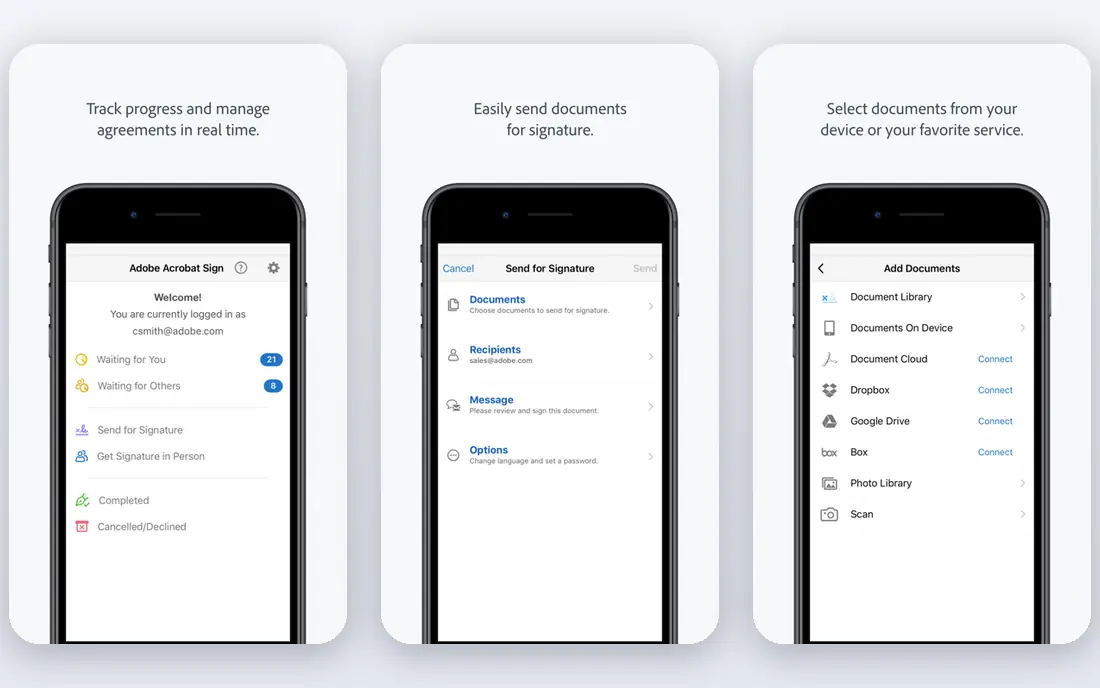
Adobe Acrobat Pro is the practical default when redaction is one task among many PDF jobs. Its redaction tools let you mark text and images for removal, search for patterns such as names or numbers, and apply redaction across a document, rather than drawing boxes page by page. Options to remove hidden information, including metadata and hidden text, are the difference between a file that looks clean and a file that is clean.
Acrobat is not a dedicated redaction platform, so high volume teams will miss batch AI detection, video tools and detailed audit workflows. For a law office, HR team or small agency that redacts a few documents a week inside normal PDF work, it is the simplest reliable choice. Always run the final check on a copy, and open the output to confirm nothing remains selectable underneath.
- Standard redaction tools in a familiar PDF editor
- Search and redact across a document
- Removes hidden text and metadata options
- Redaction is one feature among many
- No AI video redaction
- Subscription cost adds up for occasional users
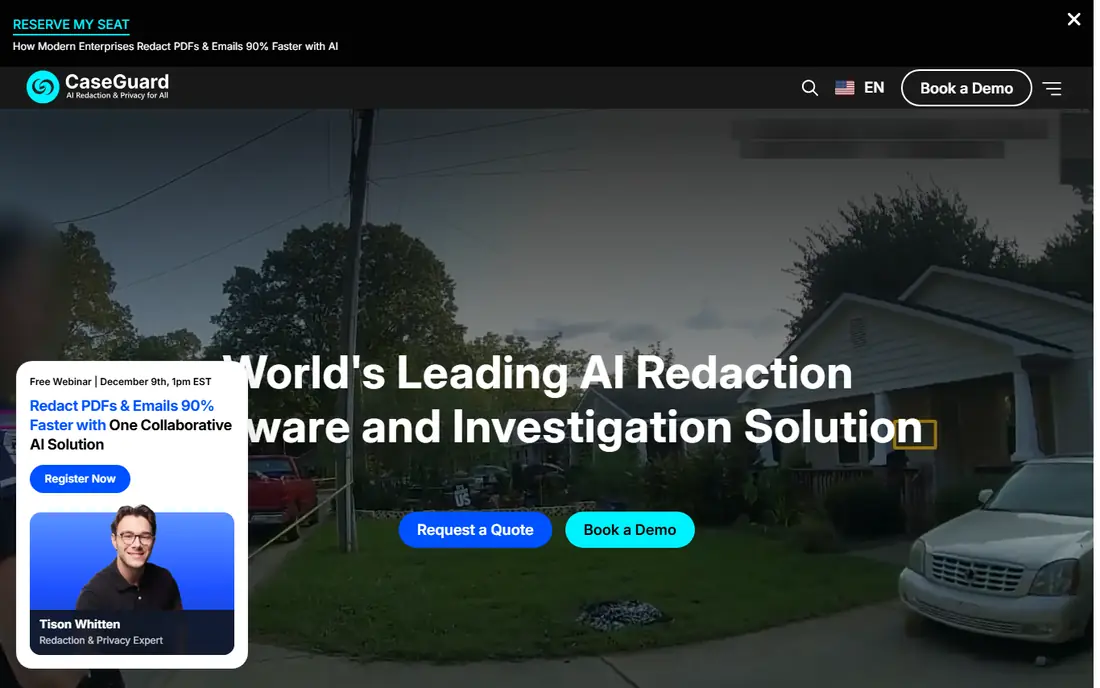
CaseGuard is built for teams that must redact at volume and prove it, including law enforcement, government, legal and healthcare organisations. Its Doc Suite covers AI powered redaction for documents, emails, scans and images, while Media and Ultimate suites add video and audio, transcription and batch processing. AI detection for faces, plates and sensitive text speeds the first pass, and review tools let staff approve or correct each hit before export.
The price reflects that scope, and small teams will find it steep for occasional use. CaseGuard also suits structured compliance work more than casual PDF editing, so a team that only redacts a few pages a month should start with Acrobat or Redactable. For a team with FOIA, HIPAA or court disclosure deadlines, the audit trail and batch handling justify a trial on real files.
- AI detection for documents, video and audio
- Doc, Media and Ultimate suites by file type
- Built for compliance workflows
- High per user price
- Desktop focus limits some team workflows
- Enterprise features need larger seat counts
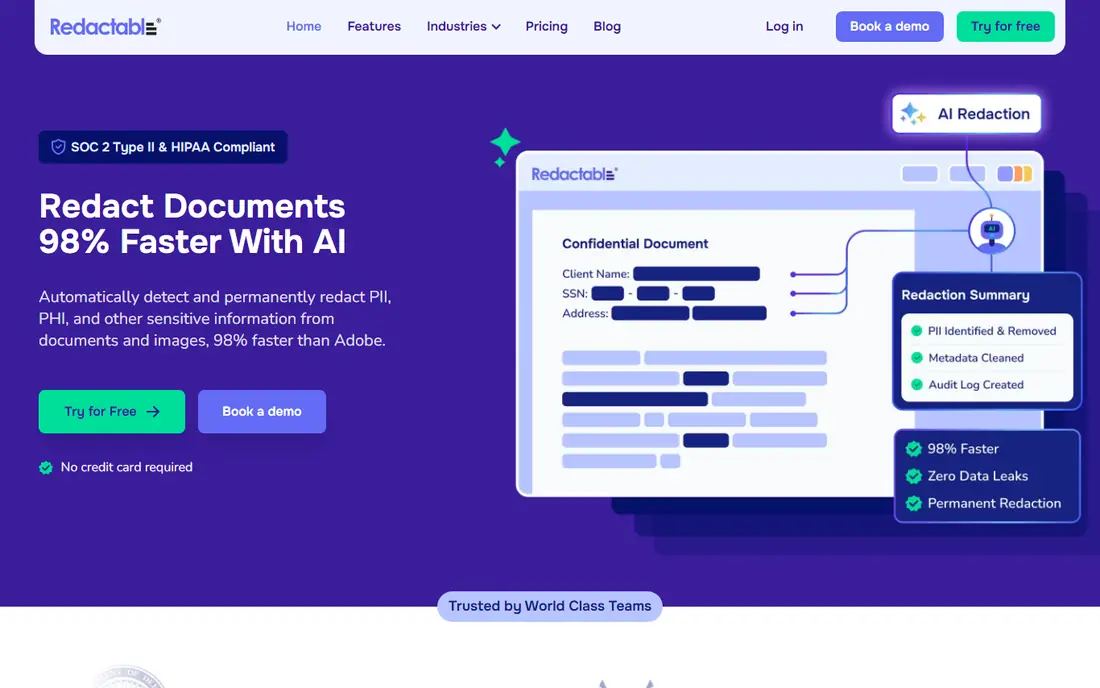
Redactable takes a simpler route: upload a document in the browser, let AI suggest sensitive data by category, review each suggestion, preview the result, and finalise. That preview step matters, because it lets a reviewer catch a missed name or a wrongly flagged term before the file is shared. Colour options for final redactions also help teams that code different record types.
Redactable is a document tool first, so teams with body camera video or call audio need a media specialist such as CaseGuard or Veritone instead. Lower plans cap monthly documents, so a firm should count its real monthly volume before choosing a tier. For legal and compliance teams that live in documents, Redactable offers the clearest balance of ease and control at a low entry price.
- Browser based redaction with AI auto detection
- Category search for names, numbers and similar data
- Preview before finalising
- Document focused, not a video platform
- Monthly document limits on lower plans
- Larger teams need higher tiers
iDox.ai focuses on finding sensitive data automatically and removing or anonymising it for safe sharing, which suits organisations that must release documents to third parties or publish datasets. Its AI scans documents for personal and sensitive categories, applies redactions, and keeps an audit trail so a compliance reviewer can see what was changed. That combination helps teams that handle large document sets under privacy rules.
Pricing is less clear than Redactable, so we mark it as See website and recommend a direct quote for your volume. Like every AI tool here, iDox.ai speeds review but does not replace it: a human must verify the output, especially on scanned documents where text quality varies. For a privacy team that redacts documents daily, it is worth comparing head to head with Redactable on the same file set.
- AI detection across document types
- Anonymisation for data sharing
- Audit trail for compliance review
- Pricing requires a vendor check
- Document focus, not video evidence
- AI suggestions still need human review
Foxit PDF Editor gives teams a full PDF editor, including redaction, at a price that often undercuts Acrobat, which is why many small firms switch to it. Redaction tools cover text and images, and the editor handles the surrounding PDF work, from forms to signatures, in the same app. For a team that redacts as part of general document handling, that single app workflow saves time.
Foxit is not a compliance platform, and it lacks the AI media redaction and audit depth of CaseGuard. Teams that need batch detection, video tools or detailed redaction logs should look higher up this list. For everyday PDF redaction on a budget, Foxit is a solid, lower cost alternative to Acrobat, and its trial lets a team test redaction on real documents first.
- Full PDF editing with redaction tools
- Lower cost than Acrobat for many teams
- Familiar workflow for PDF users
- Redaction depth is below dedicated platforms
- Pricing varies by edition
- AI detection is more limited
Nitro PDF Pro appeals to businesses that want Acrobat style PDF work, including redaction, without Acrobat pricing or licensing complexity. It covers editing, conversion, signing and redaction, so a team can standardise on one PDF tool across departments. That breadth helps IT teams that want one deployment and one support contract rather than a separate tool for each PDF job.
As with Foxit, redaction here is competent but not specialised. High volume, AI assisted or media redaction needs a dedicated platform, and Nitro will not replace that workflow. For a business that redacts documents occasionally and wants a capable all round PDF editor, Nitro is a practical choice, and its trial is the right way to judge redaction quality on your own files.
- PDF editing, signing and redaction in one app
- Team friendly licensing
- Good Acrobat alternative for business users
- Redaction is a feature, not the core product
- Pricing varies by plan
- Fewer specialised compliance tools
Veritone Redact is built for evidence teams that must release video and audio with faces, plates and other identifiers removed. Its AI detects faces and objects in footage, applies tracking redactions across frames, and works inside the wider Veritone media platform, where teams can also search and manage assets. That media focus is the reason to choose it over a document tool.
Veritone is cloud only, which rules it out for agencies with strict data residency or offline requirements, and its annual pricing can rise fast with hours of footage. Document heavy teams should not buy it as a general redaction tool. For a law enforcement or security team already using Veritone, or a team whose main problem is video evidence, it is a strong specialist pick.
- Cloud based AI redaction for video and audio
- Face and object detection
- Fits Veritone media workflows
- Quote based and costly at high volume
- Cloud only, so air gapped teams cannot use it
- Document redaction is not its core
Extract Systems serves organisations with backlogs: government offices, courts and healthcare providers that must redact large numbers of documents consistently. Its tools automate detection and redaction across document sets, with workflows that route files for review and track completion. That batch discipline matters when a FOIA queue or a records release deadline involves thousands of pages, not ten.
Extract is an enterprise purchase, with quote based pricing and an implementation project, so small teams should not start here. The value appears at volume, where manual redaction would take weeks and inconsistent handling would create risk. If your backlog is measured in boxes or terabytes, ask Extract to run a sample set and report accuracy and review time, since those two numbers decide the business case.
- High volume document redaction for government and healthcare
- Automated detection and workflow handling
- Compliance focused
- Quote based enterprise pricing
- Implementation takes planning
- Overkill for occasional single document work
How we picked these
We compared vendor feature pages, pricing pages and public reviews for redaction tools live in October 2026. We required true removal, not just visual covering, and we favoured tools that support verification, audit trails or preview before release. Prices are shown where vendors publish them; where pricing is quote based or varies by edition, we used See website rather than repeating a third party estimate as a vendor price.
What to check before you release a redacted file
Never trust a black box. After redacting, open the output file, try to select and copy text under each redaction, check hidden layers, comments and metadata, and search for the sensitive terms you removed. Test scanned pages separately, because poor scan quality hides text that a clean digital page would reveal. Keep the original in a restricted location, and release only the checked copy, with access limited to staff who need it.
Set a review rule before volume grows: every file gets a second check by someone other than the person who redacted it, and high risk files get a sample audit. Record who redacted, who checked and when, so a later question has an answer. Software alone does not guarantee complete removal, so verification is part of the tool, not an optional extra. Use these tools only for lawful purposes, and follow your organisation and jurisdiction rules for the records you handle.
Frequently asked questions
What is the difference between redaction and covering text?
Covering text with a black box in a viewer only hides it on screen, while the text often remains in the file and can be copied or revealed. True redaction removes the underlying text, images and related metadata and replaces the area with a clean mark. Always verify output by trying to select, copy and search for the removed content.
Can AI redaction be trusted on its own?
No. AI detection speeds the first pass and catches patterns a tired reviewer might miss, but it can miss unusual names, poor scans and context dependent identifiers. Every redacted file should get human review and a final output check before release. The cost of a missed redaction is far higher than the time saved by skipping review.
Which tool is best for video redaction?
CaseGuard and Veritone Redact lead for video, with AI face and object tracking across frames, while document tools such as Acrobat and Redactable do not cover video evidence well. Choose based on volume, cloud rules and whether you also need audio redaction. Test both on your own footage, since tracking quality varies by lighting and camera angle.
How much does redaction software cost?
PDF editors start around $20 per month or a comparable annual price, dedicated document tools start near $29 per month, and specialist platforms such as CaseGuard run into hundreds per user per month. Enterprise and high volume tools are quote based. Count monthly documents or hours of media, not just seats, when comparing plans.
Is redacted output always safe to share?
Not automatically. Verify the output file, check metadata and hidden layers, and confirm that no other copy of the unredacted file is shared by mistake. Software alone does not guarantee complete removal, so a documented check step is essential. When in doubt, have a second reviewer confirm the file before it leaves your organisation.
Sources
See where you really rank - block by block
ProMapRanker scans Google Maps across a grid of your service area. Simple monthly plans from $19, white-label on every plan.
Start freeKeep reading
 what’s the best risk software for enterprises
What Is the Best Risk Software for Enterprises in 2026
We compared what’s the best risk software for enterprises on risk registers, controls, third-party risk, and reporting, with pricing notes for large teams.
Read → what's the best pam software for enterprises
What is the Best PAM Software for Enterprises in 2026
Find what's the best pam software for enterprises, with vaulting, session recording, just in time access and pricing compared for large enterprise IT teams.
Read → what’s the best grc software
What Is the Best GRC Software in 2026
We compared what’s the best grc software on risk, compliance, audit and vendor risk, so teams can pick a platform that fits their frameworks and budget.
Read →