 ProMapRanker
Best Recruitment Apps With Easy Apply in 2026

Key takeaways
- Indeed and LinkedIn offer the widest easy-apply coverage, but a fast application still needs a tailored resume for strong roles.
- ZipRecruiter and Glassdoor add useful matching and company research, while Dice and Handshake suit specialist and early-career searches.
- Easy apply works best when your profile, resume and location are complete before you start applying.
- Some listings still redirect to an employer site, so easy apply does not cover every job on every platform.
Quick comparison
| Pick | Great for | Pricing starts at | Free tier | |
|---|---|---|---|---|
 LinkedIn | Professional roles and networking | Free | Yes | Visit |
 Indeed | Widest job breadth | Free | Yes | Visit |
 ZipRecruiter | Matched jobs and alerts | Free | Yes | Visit |
 Glassdoor | Jobs plus company research | Free | Yes | Visit |
 Monster | Broad listings and resume tools | Free | Yes | Visit |
 SimplyHired | Simple search across listings | Free | Yes | Visit |
 Dice | Tech roles | Free | Yes | Visit |
 Handshake | Students and early careers | Free | Yes | Visit |
 Snagajob | Hourly and shift work | Free | Yes | Visit |
The best recruitment apps with easy apply
We compared official feature pages, app store listings, help pages and public reviews, focusing on how easy apply actually works: profile reuse, resume handling, application tracking and whether listings redirect elsewhere. All nine apps are free for job seekers, with employer pricing separate.
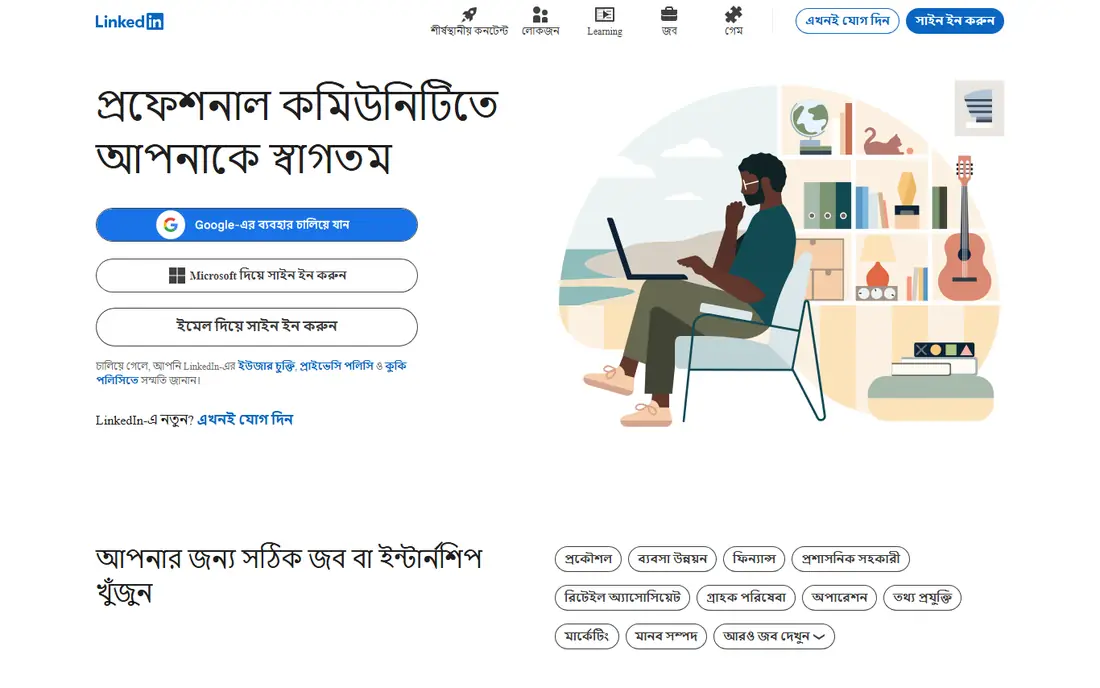
LinkedIn Easy Apply lets users apply with profile details and an uploaded resume in a few taps, which is why it suits high-volume searches for professional roles. The same profile also supports networking, recruiter messages and company research, so one well-built profile serves several parts of a job search. Job alerts and saved searches help users catch new Easy Apply roles quickly.
The drawback is volume. Popular Easy Apply roles attract many applicants, so a generic application rarely stands out, and some employers still ask for a full application after the initial step. Use Easy Apply for fit-strong roles, and tailor the resume and headline for roles that matter most.
- Easy Apply on many listings
- Profile doubles as a networking tool
- Job alerts and saved searches are simple to set
- High competition on popular Easy Apply roles
- Some listings still redirect to employer sites
- Premium features are paid
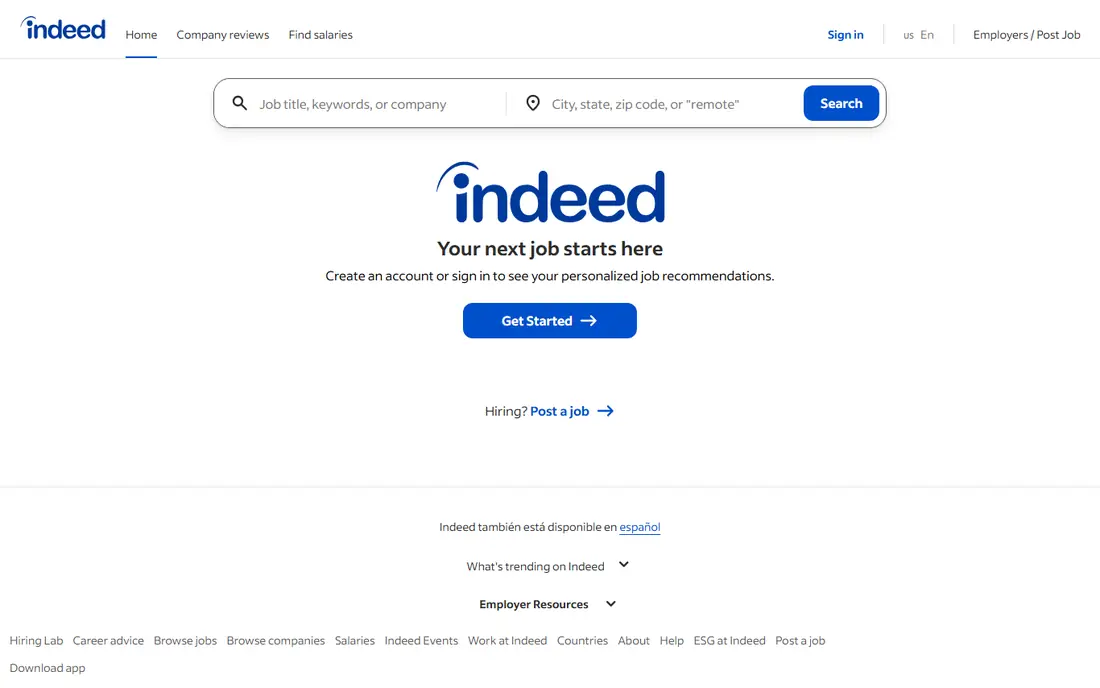
Indeed Apply covers a large share of listings on the platform, and the free resume builder plus alerts make it easy to apply repeatedly without retyping details. Breadth is the main strength: from hourly work to professional roles, Indeed lists jobs across industries and regions that smaller boards miss. That range makes it a good first stop for most US job seekers.
Quality control falls to the user. Sponsored listings appear prominently, and some roles redirect to an employer application system after the initial click. Filter by date, location and job type, and check the employer site carefully when a listing leaves Indeed.
- Very large listing pool
- Indeed Apply on many jobs
- Resume and alert tools are free for seekers
- Easy Apply volume is high
- Some jobs redirect to employer sites
- Sponsored listings can crowd organic results
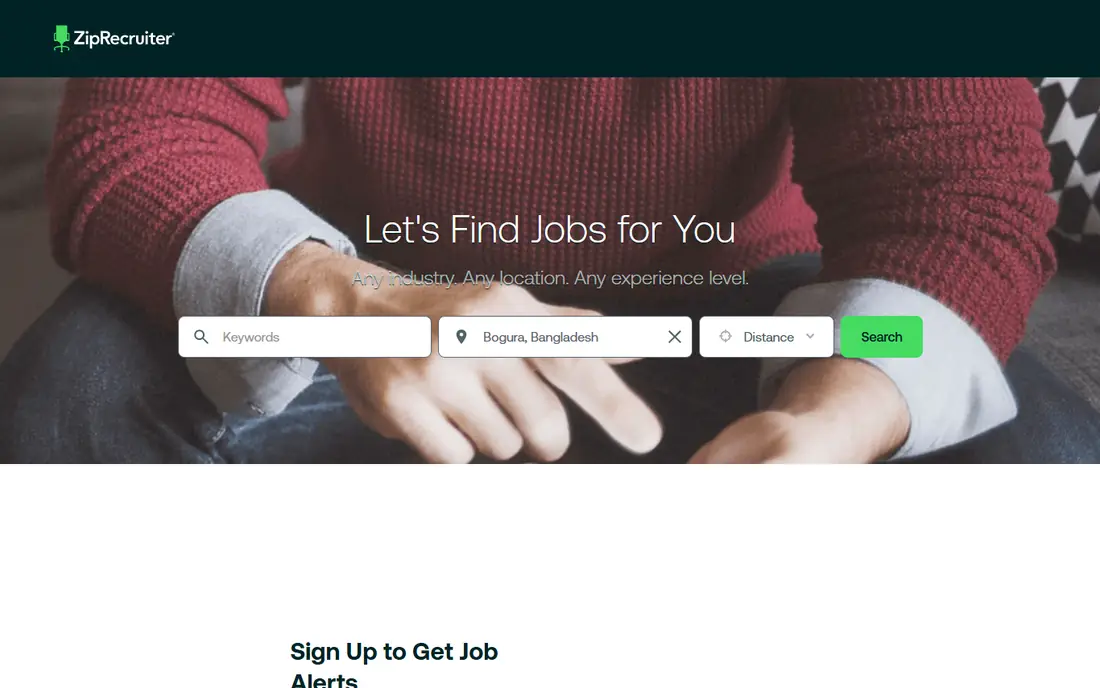
ZipRecruiter focuses on matching, sending job suggestions based on profile details and alerting users when a role fits. One-tap apply keeps the process short for many listings, and employers can invite matched candidates to apply, which can shorten the wait for a first reply. The app suits seekers who want suggestions delivered rather than running endless searches.
Matches are not perfect. Some suggestions miss on location, pay or seniority, and a few listings still require extra employer steps. Treat ZipRecruiter alerts as a shortlist, then check each role closely before applying.
- One-tap apply on many listings
- Matching emails surface relevant roles
- Employer invites can follow a profile
- Match quality varies
- Some listings need extra steps
- Employer tools are paid, which shapes listing mix
Glassdoor pairs job listings with salary ranges, reviews and interview notes, which helps users judge a role before applying. Easy Apply appears on many listings, letting users reuse a profile and resume, while the research tools help prioritise employers with better pay or culture signals. That combination suits seekers who care about fit, not just speed.
Coverage is the limit. Easy Apply does not appear on every listing, and smaller employers may have thin review data, so research quality varies. Use Glassdoor to shortlist employers, then apply through the fastest clean route for each role.
- Salary and review data next to listings
- Easy Apply on many jobs
- Company research helps target applications
- Some listings redirect to employer sites
- Review data varies by company size
- Easy apply coverage is narrower than Indeed
Monster still offers a broad pool of listings with resume upload and quick apply options on many roles, making it a useful second board alongside Indeed and LinkedIn. Resume tools and alerts help users keep applications organised, and the board covers a wide range of industries rather than one niche. For seekers in smaller markets, that breadth can surface roles other boards miss.
The experience feels older than rivals, and easy apply coverage is uneven, so some roles still need a full employer form. Check posting dates and employer details before applying, and keep Monster as part of a multi-board search rather than the only source.
- Long-running job board with broad coverage
- Resume upload and profile reuse
- Alerts and saved jobs
- Interface feels dated next to newer rivals
- Easy apply coverage varies
- Some listings are older than they appear
SimplyHired aggregates listings from many sources into a simple search, with salary estimates shown where data allows. Quick apply works on many listings, and the clean layout suits users who want to scan many roles fast without extra features getting in the way. It is a good complement to a main board, especially for local searches.
Aggregation brings trade-offs. Some listings redirect to the source board or employer site, and job detail depth depends on that source. Use SimplyHired to discover roles, then complete the application on the clearest available route.
- Clean search with salary estimates
- Quick apply on many listings
- Broad aggregation from many sources
- Some listings redirect to the original board
- Detail depth varies by source
- Fewer networking features than LinkedIn
Dice focuses on technology jobs, with listings for software, data, security and related roles, plus salary and skill data that help tech seekers judge fit. Quick apply on many listings reuses profile and resume details, and recruiters actively search Dice profiles for tech talent. That specialist focus gives it an edge over general boards for tech candidates.
Outside tech it offers little, and remote roles attract heavy competition, so a strong skills profile matters. Dice suits tech seekers who keep their skills, location and salary expectations current, and who apply early to fresh listings.
- Tech-focused listings and salary data
- Quick apply on many roles
- Recruiter search for tech profiles
- Narrow focus outside tech
- Some roles need employer-site steps
- Competition for remote tech roles is high
Handshake connects students and recent graduates with employers who recruit on campus and for early-career roles, and quick apply keeps applications short for many listings. School affiliation helps employers find candidates by major, graduation year and interests, which gives early-career seekers a clearer route than general boards. Internships and entry-level roles are a particular strength.
Senior professionals will find less here, since the platform centres on early careers, and some employers still route applicants to their own systems. Handshake is strongest as a first-career tool, used alongside LinkedIn and Indeed as experience grows.
- Built for students and recent graduates
- Employer connections through schools
- Quick apply on many early-career roles
- Best for users with a school affiliation
- Senior roles are limited
- Some employers still use their own systems
Snagajob focuses on hourly, part-time and shift work, with listings for retail, food service, warehouse and similar roles. Quick apply on many listings suits seekers who need to apply fast for local work, and filters for shift, availability and distance help narrow results to realistic options. That local, hourly focus sets it apart from professional boards.
Professional and salaried roles are limited, and some employers add assessments or screening after the quick step. Snagajob is best for hourly seekers who want speed and local fit, with a general board covering any professional search in parallel.
- Strong hourly and shift listings
- Quick apply on many roles
- Local search by shift and availability
- Professional roles are limited
- Some employers add screening steps
- Pay data varies by listing
How we picked these
We compared official feature pages, help documentation, app store listings and public reviews, checking whether easy apply or quick apply genuinely reuses profile data or merely links to an employer form. We favoured boards with free seeker accounts, broad US coverage, application tracking or alerts, and clear employer information. Boards that mainly automate bulk applications, or that charge seekers for basic applying, were left out.
How to make easy apply work harder
Complete your profile before applying in bulk. A current resume, a clear headline, location, work authorisation details where asked, and salary expectations where relevant all reduce friction and improve match quality. Incomplete profiles lead to weak matches and wasted applications, even when the apply button is fast.
Tailor for roles that matter. Easy apply tempts users to apply to everything, but employers still read resumes, so adjust the top bullets and skills for priority roles. Use quick applications for strong-fit roles and broader searches for discovery, then track replies and follow up politely where a contact is given.
Watch for redirects and scams. If a listing suddenly asks for payment, bank details or a fee to apply, stop and report it, since legitimate employers do not charge to apply. Verify the employer through its official site before sharing sensitive personal data beyond a normal application.
Frequently asked questions
What does easy apply mean?
Easy apply lets you submit an application using saved profile and resume details in a few steps, without retyping a full form. Some employers still ask follow-up questions or a full application later, so it is a faster start, not always a complete process.
Is easy apply free for job seekers?
Yes on all apps listed here. Employers pay for postings and recruiter tools, while job seekers can search, build profiles and apply without a subscription, although some platforms sell optional premium features.
Does easy apply hurt my chances?
Not by itself, but a generic resume sent to many roles can hurt if it ignores the job requirements. Tailor priority applications, even when the button is quick, and keep the resume focused on the skills each role asks for.
Why do some jobs not offer easy apply?
Some employers prefer their own application system for screening, compliance or assessment reasons, so the board links out instead. In those cases, completing the employer form is still worth it for a strong-fit role.
How many easy apply jobs should I apply to each day?
Quality matters more than a fixed number. A short list of well-matched roles with tailored resumes usually beats dozens of generic applications, and tracking replies helps you learn which boards and roles respond best.
Can recruiters find me without me applying?
Yes on LinkedIn, Dice, Handshake and ZipRecruiter, where recruiter search can surface complete profiles. Keep your profile current, set your availability accurately, and use privacy settings to control who sees your search status.
Sources
See where you really rank - block by block
ProMapRanker scans Google Maps across a grid of your service area. Simple monthly plans from $19, white-label on every plan.
Start freeKeep reading
 zyte alternatives
Best Zyte Alternatives in 2026
These zyte alternatives cover managed scraping APIs, proxy networks and no code tools for lawful collection from your own or consented sources only in 2026.
Read → zerto alternatives
Best Zerto Alternatives in 2026
Compare the best zerto alternatives for disaster recovery and replication, with recovery targets, cloud options and honest trade-offs for teams in 2026.
Read → zerofox alternatives
Best ZeroFox Alternatives in 2026
We compared 9 zerofox alternatives for brand protection, phishing takedowns, dark web monitoring, and social impersonation, with clear coverage notes.
Read →