 ProMapRanker
Best Recipe Apps in 2026: 9 Apps Compared

Key takeaways
- Paprika suits cooks who want to own and organize recipes from any website, while Plan to Eat suits cooks who plan from their own collection.
- Yummly, Tasty, and Kitchen Stories suit discovery, with large libraries, videos, and filters for diet and time.
- BigOven, Samsung Food, and AnyList help with grocery lists, leftovers, and household sharing.
- Cookpad suits cooks who like community recipes and simple home cooking ideas.
- The best recipe app depends on whether you need discovery, organization, meal planning, or shopping help, because few apps do all four equally well.
Quick comparison
| Pick | Great for | Pricing starts at | Free tier | |
|---|---|---|---|---|
 Yummly Yummly | Personalized discovery | Free | Yes | Visit |
 Paprika Recipe Manager Paprika Recipe Manager | Saving and organizing recipes | See website | Free trial | Visit |
 Tasty Tasty | Video led cooking | Free | Yes | Visit |
 Kitchen Stories Kitchen Stories | Guided cooking videos | Free | Yes | Visit |
 BigOven BigOven | Large library and leftovers | Free | Yes | Visit |
 Samsung Food Samsung Food | Saving web recipes and lists | Free | Yes | Visit |
 Plan to Eat Plan to Eat | Meal planning from own recipes | See website | Free trial | Visit |
 AnyList AnyList | Shared lists and planning | Free | Yes | Visit |
 Cookpad Cookpad | Community home recipes | Free | Yes | Visit |
The best recipe apps
We looked for apps that save recipes cleanly, scale servings, build grocery lists, and work in the kitchen with hands free or step by step modes where available. The list covers discovery apps, managers, planners, and list tools, so you can pick by workflow rather than by library size alone.
Yummly is a good starting point when you ask what to cook tonight and want ideas matched to your diet, allergies, and available time. Filters help narrow a large library to vegetarian, gluten free, quick, or kid friendly options, and saved recipes can feed a shopping list. That makes it useful for weeknight decisions, when choice overload is the main problem. The limit is control. Yummly is stronger for discovery than for managing a personal cookbook, and some features sit behind a paid plan. If you already have a large collection of family recipes, a manager such as Paprika or Plan to Eat may serve you better. For new ideas and filters, Yummly remains one of the best apps for recipes.
- Strong filters for diet, allergies, and cooking time
- Personalized recommendations
- Shopping list from saved recipes
- Some advanced features need a paid plan
- Recipe quality varies because sources differ
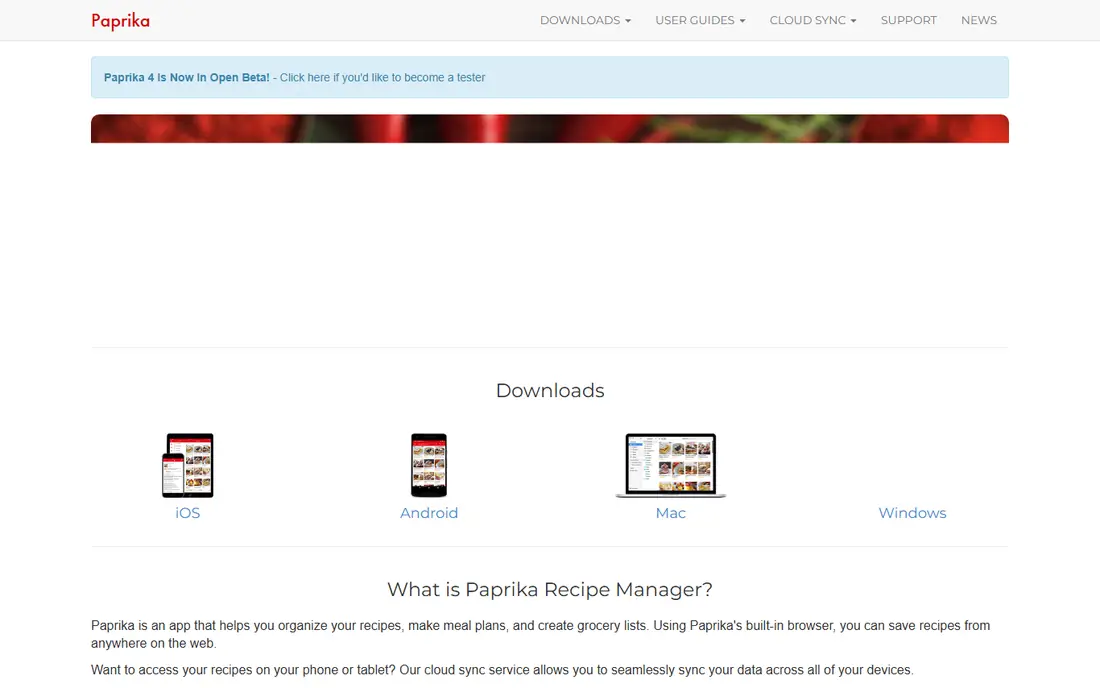
Paprika is the best recipe app for cooks who collect recipes from blogs, magazines, and family sites. Its browser imports ingredients and steps, removes ads and clutter, and stores the recipe in a searchable library. Scaling servings, converting units, and building a grocery list from planned meals all work from that same collection. The price model needs care. Paprika is often a one-time purchase per platform, so buying for phone, tablet, and desktop can add up, and cloud sync is included with purchase in many listings. A free Android version with a recipe limit and a Windows trial help you test import quality first. If your cookbook lives across the web, Paprika gives you a clean, owned copy of it.
- Imports recipes from websites with one tap
- Scales servings and converts units
- Meal planner and grocery lists included
- Paid per platform in many cases
- No built-in discovery library like Yummly
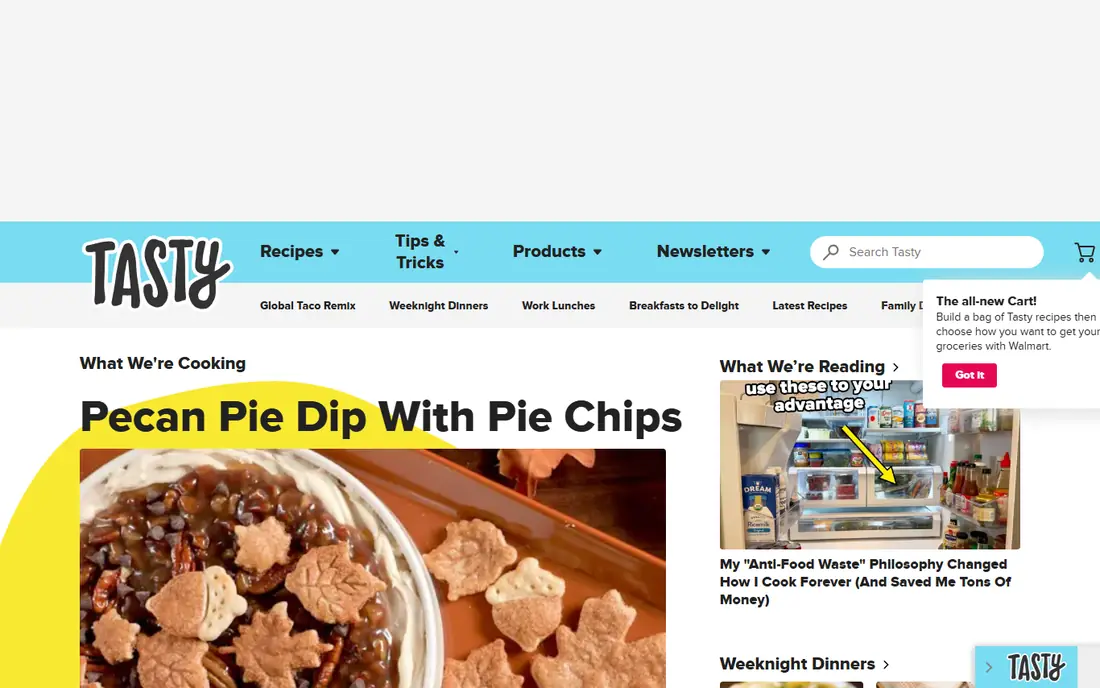
Tasty suits cooks who learn by watching. Short videos show texture, timing, and technique in a way that text alone can miss, and the library covers snacks, dinners, desserts, and party food. Saving favorites is simple, and the app works well for weekend cooking and for cooks who want confidence before they start. For strict meal planning, Tasty is thinner than Paprika or Plan to Eat. Grocery lists and planning tools are more basic, and you may need a second app for a weekly shop. If video guidance is what gets you cooking, Tasty is a strong free choice among the best recipe apps.
- Short videos show each step clearly
- Large library for quick and comfort food
- Easy saving and sharing
- Less meal planning and list control than a manager
- Many recipes favor indulgent or simple dishes
Kitchen Stories feels like a calm cooking guide rather than a noisy feed. Recipes use clear photos, videos, and steps, and the focus on tested home cooking helps beginners trust timings and quantities. Baking, weeknight dinners, and seasonal dishes are well covered, and the app layout stays readable in the kitchen. The library is smaller than the largest discovery apps, so you may not find every niche dish. Meal planning and grocery features are also lighter than in a dedicated planner. For cooks who want reliable guidance and a pleasant cooking experience, Kitchen Stories is a strong free pick.
- Clear step by step photos and videos
- Recipes tested for home kitchens
- Useful for baking and everyday meals
- Smaller library than Yummly or BigOven
- Less focus on large scale meal planning
BigOven helps with a practical kitchen problem: what to cook with what you already have. The Use Up Leftovers tool suggests recipes from ingredients you enter, which can reduce waste and save a shopping trip. The library is large, and meal planning and grocery lists cover the weekly shop. The free version has ads and some limits, and the interface packs in many features, so new users may need a few days to find their flow. A paid Pro plan removes ads and adds features in many listings. If you cook from a full pantry and want variety, BigOven is a useful, budget friendly option.
- Very large recipe library
- Use Up Leftovers tool
- Meal planning and grocery list features
- Free version includes ads and limits on some features
- Interface can feel busy
Samsung Food, formerly Whisk, combines recipe saving with planning and shopping. You can send a recipe link and get ingredients, steps, and a photo, then add the meal to a plan and turn the week into a shared grocery list. That shared list is useful for households where shopping is not one person's job. Nutrition estimates should be treated as rough guides, because they come from parsed ingredients rather than lab testing. Some features, including Food+ in some listings, need payment. For a free tool that covers saving, planning, and lists in one place, Samsung Food is one of the most complete options here.
- Saves recipes from websites and videos
- Nutrition estimates and meal planning
- Shopping list that can be shared
- Nutrition figures are estimates from parsed ingredients
- Some premium features need a paid plan
Plan to Eat is built for planners, not browsers. You import recipes you already love, drag them onto a calendar by day and meal, and the app builds a grocery list from that plan. Serving scaling, nutrition totals, and a shared household account help families plan together without retyping lists each week. The catch is that you must supply the recipes. If you want discovery and recommendations, Yummly or Tasty will feel richer. Plan to Eat offers a trial without a card in many listings, so you can test a full week before paying. For households that plan ahead and hate duplicate shopping, it is one of the best recipe management software options.
- Drag and drop meal calendar
- Imports recipes from websites
- Grocery list auto built from the plan
- No built-in recipe library, you bring your own recipes
- Subscription only after the trial
AnyList started as a list app, and that focus shows. Shared lists update for everyone in the household, items sort by store aisle, and recipes can feed lists and a meal calendar. For families, roommates, and couples who split shopping, that shared, reliable list matters more than a huge recipe library. The free version covers basic lists, but recipe features and some list tools need the Complete plan. If you already use Paprika or Plan to Eat for recipes, AnyList can still be the shopping layer. If you want one app for lists and planning, AnyList is a strong, practical choice.
- Excellent shared grocery lists
- Recipe import and meal planning
- Works well for households
- Full recipe and list features need the Complete plan
- Discovery is limited
Cookpad is a community cookbook, with recipes shared by home cooks around the world. That gives you everyday dishes, regional home cooking, and simple ideas that may not appear in polished test kitchens. Publishing your own recipes is also easy, which suits cooks who want to share family dishes. Quality varies, because authors differ in detail, timing, and testing. Read comments, check photos, and use your judgment for baking and food safety. For discovery and community cooking, Cookpad is a warm, free addition to a recipe manager, and it is especially useful when you want real home cooking rather than studio perfect dishes.
- Large community of home cook recipes
- Simple, everyday dishes
- Easy publishing and saving
- Recipe quality and detail vary by author
- Less planning and list control than a manager
How we picked these
We compared official feature pages, pricing pages, app store listings, privacy policies, and public reviews. We checked recipe import, scaling, meal planning, grocery lists, offline use where stated, and whether prices were clear. We did not claim hands-on testing, and we favored apps that state free limits and paid features plainly.
How to choose by workflow
Ask where your recipes come from. If they come from the web, a manager such as Paprika or Samsung Food will save time. If they come from your own collection, a planner such as Plan to Eat or AnyList will organize the week better. If you need ideas, start with a discovery app and save favorites into your manager, rather than trying to make one app do everything. Also check kitchen use. Step by step modes, large text, and timers help when hands are busy. Offline access matters if your kitchen has weak signal. Test one full week, including shopping, before you pay, because a recipe app only helps if the list and plan survive a real shop.
Planning, lists, and food waste
A good plan starts with what you already own. Use a leftovers tool, plan two or three meals from one ingredient, and build the list from the plan, not from memory. Shared lists reduce duplicate buys, and scaling servings avoids cooking far more than you need. If an app makes lists hard to edit at the store, it will fail even if its recipes look good.
What to check before you pay
Confirm whether the price is per platform, per month, or per year, and whether a family or household plan is included. Check whether recipe import, cloud sync, and offline access are in the free tier or only in paid tiers. For the best recipe software, compare the features you use each week, not the total recipe count, because a huge library you never cook from adds little value.
Frequently asked questions
What is the best recipe app?
The best recipe app depends on your workflow. Paprika is best for organizing web recipes, Plan to Eat is best for calendar planning, Yummly is best for discovery, and AnyList is best for shared shopping lists. Choose the workflow first, then pick the app that handles that job well, and use a second free app for discovery if needed.
What is the best app for recipes for beginners?
Tasty and Kitchen Stories are strong for beginners because videos and clear steps show technique and timing. Yummly also helps beginners with filters for time, diet, and skill friendly dishes. The best app for recipes for beginners is the one with clear steps and a library you will actually cook from, not the largest library.
What is the best cookbook app for saving recipes?
Paprika is a strong cookbook app for saving recipes from any website, with scaling, unit conversion, and a searchable library. Samsung Food also saves web recipes and adds planning and lists. For a personal cookbook you own and can search, Paprika is hard to beat, while Samsung Food suits households that also need shared lists.
Is there a best recipe box app for meal planning?
Plan to Eat and AnyList both work as recipe box apps with meal planning, because they let you store recipes and build a week from them. Paprika also includes a meal planner and grocery lists from saved recipes. The best recipe box app is the one whose calendar and list match how your household shops.
What is the best recipe management software for families?
AnyList and Plan to Eat suit families because they support shared accounts, shared lists, and a calendar view. Samsung Food also helps families with shared shopping lists and meal plans. Check whether the paid plan covers the whole household or charges per person, because that changes the real cost for a family.
Are free recipe apps good enough?
Yes, free recipe apps are good enough for many cooks, especially for discovery, basic lists, and simple planning. Yummly, Tasty, Kitchen Stories, BigOven, Samsung Food, and Cookpad all offer useful free tiers. Pay only when you need ad free use, full recipe import, advanced planning, or household sharing that the free tier does not include.
Sources
See where you really rank - block by block
ProMapRanker scans Google Maps across a grid of your service area. Simple monthly plans from $19, white-label on every plan.
Start freeKeep reading
 youtube alternatives
Best YouTube Alternatives in 2026
Looking for youtube alternatives in 2026? We compare Vimeo, Dailymotion, Twitch, Rumble, and more on price, audience, monetization, control and privacy.
Read → what's the best ai tool for photo editing
What Is the Best AI Tool for Photo Editing in 2026
What is the best AI tool for photo editing? We compare ten tools for 2026, from Photoshop and Lightroom to Luminar, Topaz, Canva and mobile editors today.
Read → twitter alternatives
Best Twitter Alternatives in 2026
Compare the best twitter alternatives for 2026, from Bluesky, Threads, and Mastodon to Reddit, Tumblr, and Micro.blog, with free plans and audience notes.
Read →