 ProMapRanker
Best Receipt Tracking App in 2026


Unlimited receipt scanning for individuals and teams · Pricing starts at: Free
Key takeaways
- Expensify is the best all-round receipt scanner for individuals and teams, with unlimited scans on its free plan for personal use.
- Zoho Expense is the best value for small teams, with a free plan for up to three users and paid plans from a low monthly rate.
- Dext and Shoeboxed suit businesses that hand receipts to a bookkeeper, with Shoeboxed adding a mail-in scanning service.
- QuickBooks Online and Wave suit people who already keep books in those systems, since capture lives inside the accounting tool.
- Check scan limits, tax line capture and your accounting integration before you pick, since those three details decide daily usefulness.
Quick comparison
| Pick | Great for | Pricing starts at | Free tier | |
|---|---|---|---|---|
| Expensify | Unlimited receipt scanning for individuals and teams | Free | Yes | Visit |
 Zoho Expense | Small teams that want a free expense tool | Free | Yes | Visit |
 Dext | Accountant-ready capture for businesses | See website | No | Visit |
 Shoeboxed | Paper receipts and mail-in scanning | See website | No | Visit |
 QuickBooks Online | Receipt capture inside your books | See website | No | Visit |
 Wave | Budget bookkeeping with receipt capture | Free | Yes | Visit |
 Everlance | Mileage plus receipts for drivers and freelancers | Free | Yes | Visit |
 SimplyWise | Simple receipt filing for small businesses | See website | No | Visit |
 Foreceipt | Fast receipt scanning on mobile | See website | Yes | Visit |
 FreshBooks | Invoicing plus expense capture for freelancers | See website | No | Visit |
The best receipt tracking app
We compared these apps on scanning accuracy, scan limits, expense reports, accounting links and price, using vendor pages and app listings. This guide is not tax advice, and retention rules vary by place, so check your local rules with a tax professional.

Expensify is the closest thing this category has to a default. Photograph a receipt and SmartScan pulls out the merchant, date and amount, then categorizes it for an expense report. For teams, it matches receipts to card transactions so nothing is counted twice, and it supports a wide range of currencies for travelers.
The free plan covers personal receipt capture well, but team features such as reimbursements, corporate card management and QuickBooks or Xero sync need the Collect plan, priced at 5 dollars per member per month. If you only need to file your own receipts, start free; if you run a team, budget for Collect.
- Unlimited SmartScan receipt capture
- Card matching for teams
- Many currencies supported
- Reimbursements and accounting sync need a paid plan
- Advanced controls are quote based
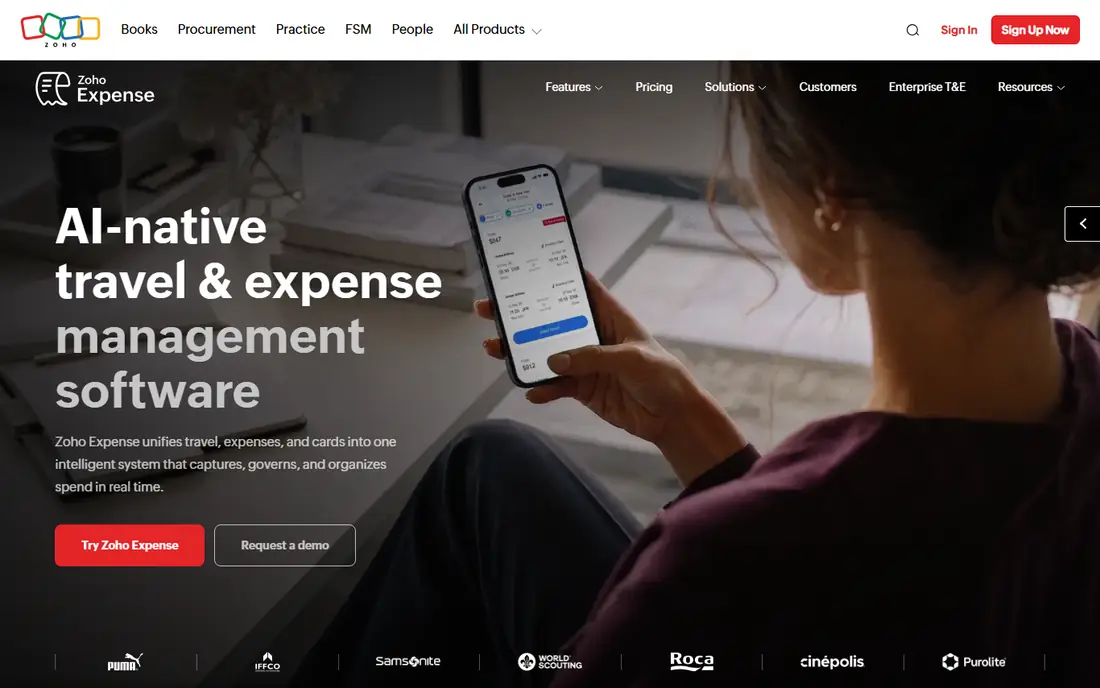
Zoho Expense is the value pick. Its free plan supports up to three users with receipt scanning and proper expense reports, not a stripped-down demo, and paid plans start at a low monthly rate per user. It scans receipts in several languages and fits well if you already use other Zoho tools.
The free scan cap, 20 scans per user per month as reported, is the main limit, and Zoho Expense is an expense tracker, not full books, so you will still need accounting software elsewhere. For a small team that wants focused expense tracking at low cost, it is an easy recommendation.
- Free for up to three users
- Real expense reports
- Mileage tracking included
- Free scan cap per user
- Not a full accounting system
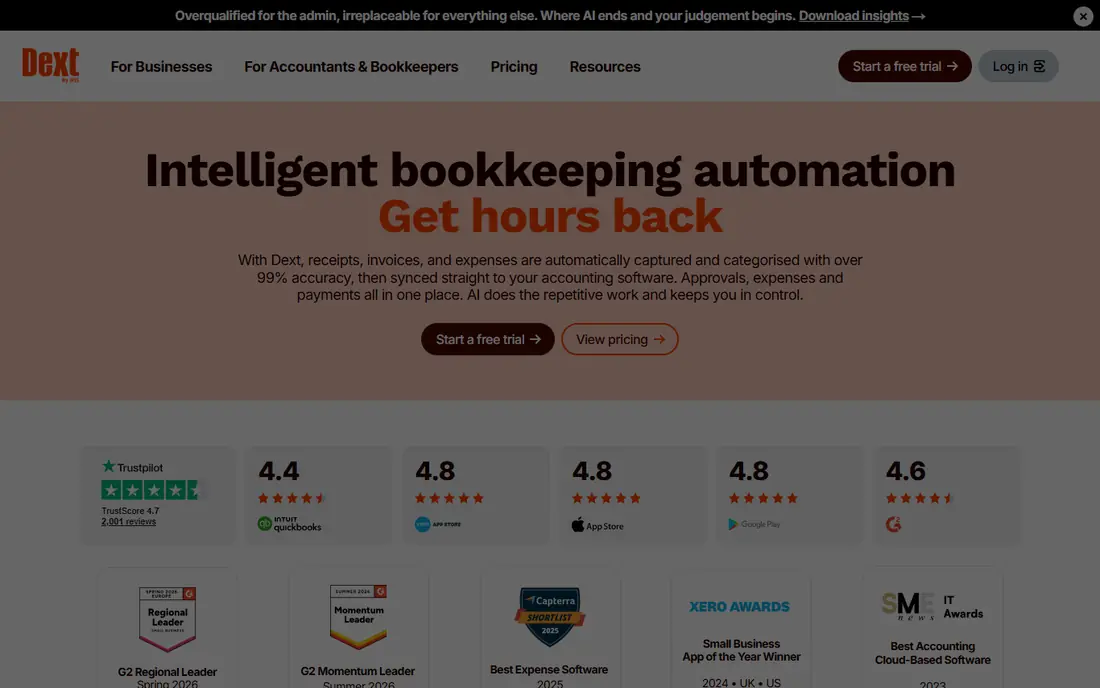
Dext, formerly Receipt Bank, is built for the accountant and client workflow. It captures receipts and invoices, fetches supplier documents automatically, and pushes coded data into QuickBooks, Xero or Sage. Accuracy and clean coding are the selling points, since the buyer is often a bookkeeper processing many clients.
That focus comes at a higher price than a personal scanner, and solo users may find the workflow more structured than they need. If your receipts go straight to a bookkeeper each month, Dext saves both of you time and reduces manual entry errors.
- High accuracy capture
- Supplier invoice fetching
- Strong QuickBooks, Xero and Sage links
- Higher price than consumer apps
- Built for bookkeeper workflows
Shoeboxed keeps a feature no other app here offers: the Magic Envelope. You put paper receipts in a prepaid envelope, mail them in, and Shoeboxed scans, categorizes and files them for you. Digital scans through the app are also supported, so you can mix paper and phone capture.
Plans are paid only and priced by scan volume and user count, so check the current vendor page for your volume. If your receipts are still mostly paper, especially from travel or field work, the mail-in service alone can justify Shoeboxed.
- Mail-in Magic Envelope service
- Digital scanning and filing
- Searchable receipt archive
- Paid plans only
- Mail-in turnaround takes time
QuickBooks Online includes receipt capture as part of its accounting plans, so a photographed receipt can be matched to an expense and filed with your books without a second app. That single-system flow suits small businesses that already run payroll, invoicing and tax reports in QuickBooks.
Do not buy QuickBooks just for receipt scanning, since the accounting subscription costs more than a dedicated scanner. But if QuickBooks is already your bookkeeping home, using its built-in capture is simpler than syncing a separate tool.
- Capture built into accounting
- Receipts attach to expenses
- Bank and tax workflows in one place
- No free plan
- Capture alone does not justify the accounting price
Wave offers free invoicing and accounting tools for small businesses, with receipt scanning available on its Pro plan. That combination suits freelancers and very small firms that want books and capture together without a large monthly bill.
The limit is that scanning is not on the free tier, so budget for Pro if receipts are your main need. Wave also offers fewer advanced approval and policy controls than Expensify or Dext, which matters less for a solo operator than for a team.
- Free accounting tools
- Receipt scanning on paid plan
- Simple for freelancers
- Receipt scanning needs the Pro plan
- Fewer advanced expense controls
Everlance combines automatic mileage tracking with receipt capture, which suits drivers, field workers and freelancers who claim both kinds of expense. The app logs trips in the background, lets you classify them as business or personal, and pairs receipts with the trip record for tax time.
Office-based teams will find the mileage focus less relevant, and the most useful reports sit behind paid plans. For anyone whose car is a workplace, though, Everlance covers two expense jobs in one app, and that pairing is its main strength.
- Automatic mileage tracking
- Receipt capture
- Tax-ready reports
- Best for drivers and mobile workers
- Team features need a paid plan
SimplyWise focuses on simple receipt filing: snap a receipt, let the app read the key details, and file it in a searchable archive you can export for your bookkeeper. Small business owners who want filing without a full expense policy system may prefer that plain approach.
The app has a smaller feature set than the leaders, and pricing should be checked on the vendor site for your needs. If your goal is a tidy receipt archive rather than approvals and reimbursements, SimplyWise fits that narrower job well.
- Simple receipt organization
- Export options
- Built for small business owners
- Pricing not fully transparent
- Smaller feature set than Expensify
Foreceipt is a mobile-first receipt scanner with folders, tags and simple reports, built for people who want to clear a wallet full of receipts quickly. Scanning is fast, the folder system keeps business and personal receipts apart, and exports help at tax time.
It does not match the accounting depth of Dext or Expensify, and team approval workflows are limited. As a personal or very small business scanner, especially for users who value speed on a phone, Foreceipt is a practical choice.
- Fast mobile scanning
- Folders and reports
- Free tier available
- Less accounting depth
- Team features are limited
FreshBooks pairs receipt and expense capture with its well known invoicing tools, which suits service freelancers who bill clients as often as they spend. Expenses can be attached to invoices, bank feeds reconcile spending, and an accountant can be given access to the books.
Receipt scanning depth varies by plan, with fuller automatic capture on higher tiers, so check which plan covers your receipt volume. FreshBooks is best when invoicing is your main job and receipt capture is part of that workflow, rather than a standalone need.
- Strong invoicing
- Expense capture and bank reconciliation
- Accountant access
- No permanent free plan
- Receipt capture depth varies by plan
How we picked these
We compared vendor pricing pages, app listings and feature documentation for apps live in October 2026. We favored apps with a clear scanning workflow, a stated price or free tier, and a real accounting or export path, since a receipt archive you cannot hand to a bookkeeper has limited value. Where pricing was not published on the vendor site, we used See website rather than repeating third party figures.
How to pick the right receipt app
Start with who sees the receipts. Solo filers do well with Expensify free, Zoho Expense free, or Foreceipt, while teams need approvals, reimbursements and accounting sync, which points to Expensify Collect, Dext or QuickBooks. A bookkeeper handoff favors Dext or Shoeboxed, since both are built around that workflow.
Next, check scan limits and tax capture. A free plan with a low monthly scan cap will frustrate you in a busy month, and a scanner that misses the tax line creates extra work at filing time. Test the app on your messiest receipts, not just clean printed ones, during any trial.
Finally, keep the originals until you know your retention rule. Digital copies are widely accepted for taxes, but rules vary by jurisdiction and by document type, so confirm with a tax professional before shredding paper. A good scanner plus a clear backup habit beats a perfect scanner with no backup.
Frequently asked questions
What is the best app to keep track of receipts?
Expensify is the best all-round pick for most people, with unlimited free scans for personal use and strong team features on paid plans. Zoho Expense is the best free option for small teams, while Dext suits businesses that hand receipts to a bookkeeper.
What is the best app for tracking receipts for taxes?
Dext, Shoeboxed and Expensify all produce searchable, exportable receipt archives that help at tax time, and Everlance adds mileage records for drivers. Keep clear scans with merchant, date, amount and tax line visible, and check local retention rules with a tax professional.
Are there free receipt tracking apps?
Yes. Expensify offers a free plan with unlimited personal scans, Zoho Expense is free for up to three users, Wave offers free accounting tools, and Everlance and Foreceipt have free tiers. Free plans usually cap team features, scan counts or accounting sync, so check limits before you rely on them.
Do receipt apps work with QuickBooks and Xero?
Most leading apps sync with QuickBooks Online and Xero, including Expensify, Dext and Zoho Expense, while QuickBooks itself has capture built in. Confirm the sync direction and the plan that includes it, since some integrations sit only on paid tiers.
Can I scan old paper receipts with these apps?
Yes, and Shoeboxed goes further by letting you mail paper receipts in for scanning. For other apps, photograph receipts in good light on a flat surface, check that the total and tax line are readable, and file the originals until you confirm your retention rule.
Sources
See where you really rank - block by block
ProMapRanker scans Google Maps across a grid of your service area. Simple monthly plans from $19, white-label on every plan.
Start freeKeep reading
 zscaler alternatives
Best Zscaler Alternatives in 2026
Looking for zscaler alternatives? We compare 9 SASE and zero trust platforms on architecture, data protection, pricing, and fit for your network and team.
Read → zapier alternatives free
Best Zapier Alternatives Free in 2026
Nine automation tools for zapier alternatives free in 2026, all with genuinely free tiers, plus free plan limits, starting prices and upgrade paths explained.
Read → which platform is best for online reputation
Which Platform Is Best for Online Reputation in 2026
Wondering which platform is best for online reputation? We compare 8 review, listing, and response tools for small and multi-location businesses and agencies.
Read →