 ProMapRanker
Best Receipt Scanning Apps in 2026

Key takeaways
- Expensify and Zoho Expense suit teams that need expense reports, while Dext suits accountant-led bookkeeping.
- Shoeboxed is the standout for paper backlogs, thanks to its mail-in scanning option.
- QuickBooks Online and Wave suit users who want receipt capture inside the books they already keep.
- Check OCR accuracy on your worst receipts, such as faded thermal paper, before you commit to a paid plan.
Quick comparison
| Pick | Great for | Pricing starts at | Free tier | |
|---|---|---|---|---|
 Expensify | Employee expense reports | Free | Yes | Visit |
 Zoho Expense | Small teams that want a free tier | Free | Yes | Visit |
 Dext | Bookkeeping led by an accountant | See website | No | Visit |
 Shoeboxed | Turning paper backlogs into digital records | See website | Free trial | Visit |
 QuickBooks Online | Receipt capture inside your books | $38 per month | Free trial | Visit |
 Wave | Freelancers on a budget | Free | Yes | Visit |
 Adobe Scan | Free scans for individuals | Free | Yes | Visit |
 Ramp | Matching receipts to corporate cards | Free | Yes | Visit |
 Veryfi | High-volume and developer-led extraction | See website | Free trial | Visit |
The best receipt scanning apps
A good receipt app does more than take a photo. It reads the vendor, date, total, and tax, categorises the spend, and sends clean data to your accounting file. We compared apps by capture quality, expense workflow, accounting sync, and price, for solo users, small teams, and accountant-led businesses.
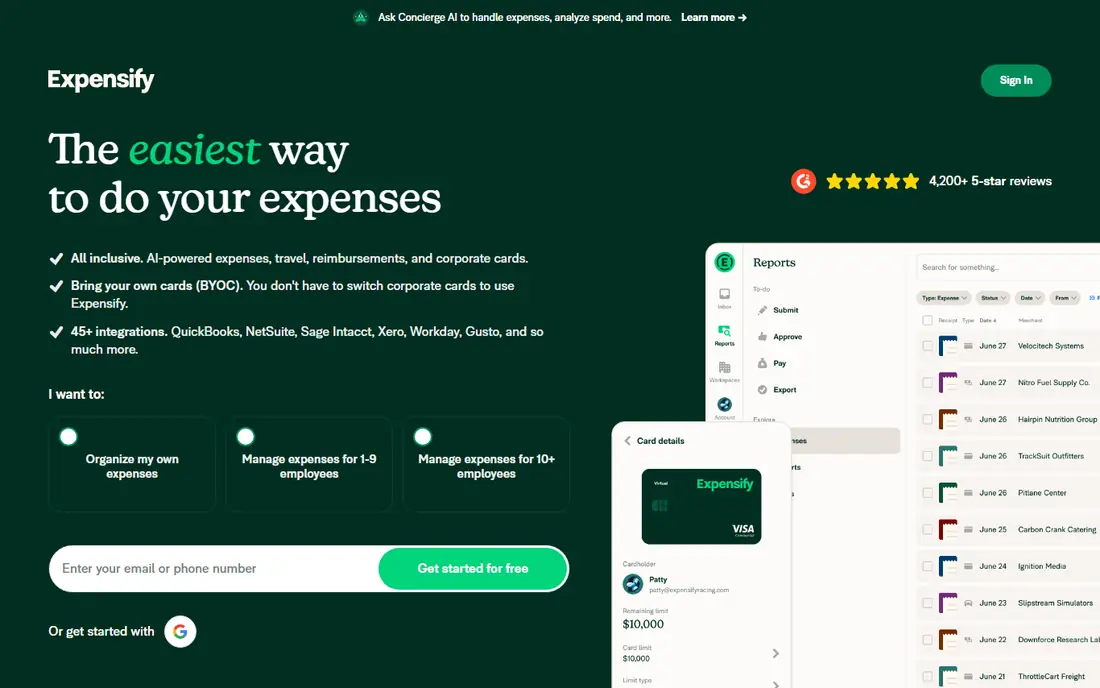
Expensify built its name on SmartScan, which reads merchant, date, total, and currency from a photographed receipt, then builds an expense with little typing. For teams, it adds card matching, approvals, and reimbursement in one flow, and it syncs with QuickBooks, Xero, and NetSuite. The free Submit plan suits individuals who submit expenses, while Collect costs $5 per member per month for small businesses.
The workflow is the point, and also the overhead. A solo freelancer may find approval steps unnecessary, while a team with travellers will save real time. Test SmartScan on faded receipts and long itemised bills, since those are where any OCR tool shows its limits.
- SmartScan reads receipts fast
- Card matching and approvals
- Syncs with major accounting tools
- Per-member pricing adds up for larger teams
- Solo users may not need the full workflow
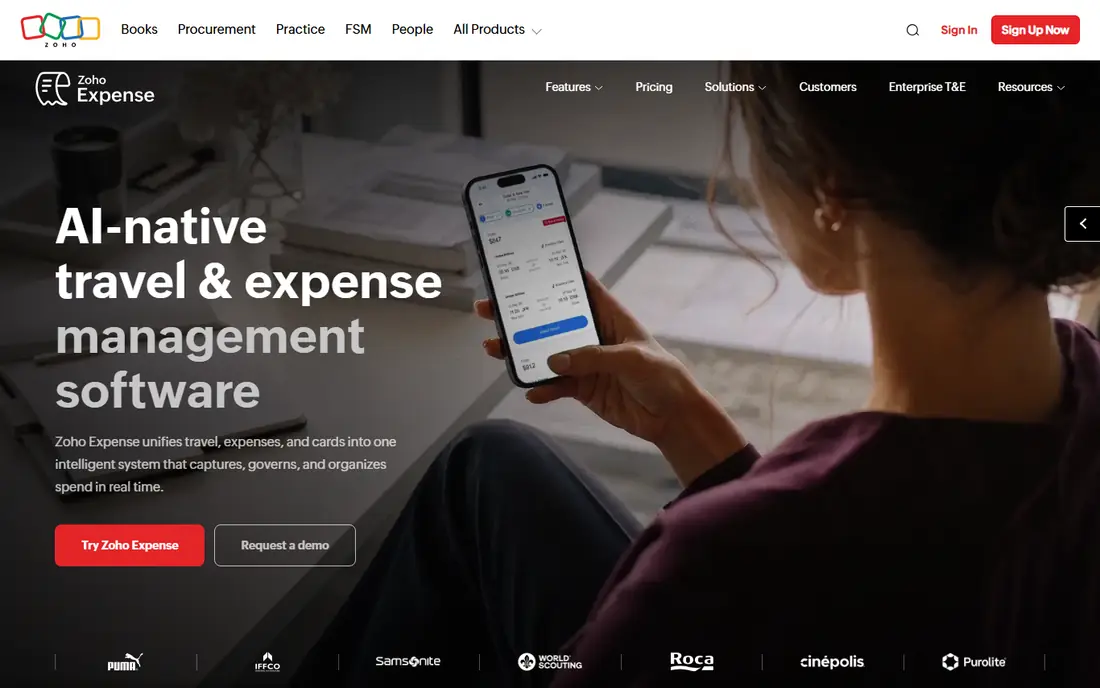
Zoho Expense offers a free plan for up to three users, which makes it one of the best value options in this list. Autoscan reads receipts, builds expenses, and supports reports and approvals, so a small team can run real expense reporting without paying. Paid plans start at a low per-user price for larger teams and added controls.
If your business already uses Zoho Books or Zoho CRM, the integration adds value. If you use QuickBooks or Xero, check sync carefully, since Zoho Expense still syncs with major tools but its home ground is Zoho. For a three-person team, the free tier is a strong place to start.
- Free plan for up to three users
- Autoscan in many languages
- Expense reports and approvals
- Paid tiers needed for larger teams
- Deepest value comes inside the Zoho suite

Dext, formerly Receipt Bank, focuses on capture quality for accountants and bookkeepers. It extracts data from receipts, invoices, and supplier statements, then publishes it to QuickBooks, Xero, or Sage with less manual correction. Accounting firms use practice plans to manage many clients, while businesses can buy direct plans by users and volume.
Dext is a capture layer, not a full view of profit and loss, so it pairs with accounting software rather than replacing it. Pricing varies by plan and volume, so get a quote for your document count. Choose Dext when accuracy and accountant workflow matter more than a low solo price.
- Strong extraction for receipts and invoices
- Publishes clean data to accounting software
- Practice plans for firms
- Pricing is practice- and volume-led
- Not built as a personal finance app
Shoeboxed is unique here because you can mail paper receipts in prepaid envelopes and have them scanned and digitised for you, as well as scanning with the mobile app or forwarding email receipts. That mail-in option suits anyone facing a drawer, box, or year of paper receipts, since the backlog disappears without hours of phone scanning.
Human verification helps accuracy, but mailed turnaround is slower than instant app scanning, so it suits catch-up work more than same-day expense claims. Check current plan prices and document limits on its site, since plans have changed over time. For a paper mountain, Shoeboxed is still our pick.
- Mail-in scanning with prepaid envelopes
- Human verification on scanned data
- Searchable digital archive
- Mailed receipts take time to return
- Document limits apply on lower plans
QuickBooks Online includes receipt capture in its accounting plans, starting at $38 per month for Simple Start in current US pricing, with a free trial. You photograph a receipt in the app, QuickBooks reads the details, and you match it to a transaction in the same file. That single-system flow avoids sync errors between a scanner app and your books.
The cost only makes sense if you already need QuickBooks, or if you want accounting, invoicing, and reports in one place. For receipt scanning alone, a free app such as Zoho Expense or Adobe Scan is cheaper. For a business already on QuickBooks, built-in capture is the simplest choice.
- Capture built into the accounting file
- Receipt matching to transactions
- Strong reporting
- You pay for full accounting, not just scanning
- Entry price suits businesses, not casual users
Wave offers free accounting, invoicing, and payments for small businesses, which makes it appealing for freelancers. Receipt scanning is available on the Pro plan, listed at about $16 per month, while the free plan covers core bookkeeping. That split matters: Wave is free for books, but not fully free for receipt capture.
If you already use Wave for invoicing, adding Pro for capture keeps everything in one place at modest cost. If you only need scanning, a dedicated free app may be cheaper. Wave suits very small businesses that want simple books without a large monthly accounting bill.
- Free accounting and invoicing
- Receipt capture on paid Pro plan
- Simple interface
- Receipt scanning sits behind the Pro plan
- Fewer advanced controls than Expensify or Dext
Adobe Scan is a free document scanner, not an expense platform, but it is a strong fit for individuals who just need clean, searchable receipt images. Point the camera at a receipt, let it detect edges and clean up the image, and save a PDF you can store, email, or attach to an expense. OCR in Adobe's tools makes the text searchable.
It will not categorise spending, match card transactions, or build expense reports by itself. Use Adobe Scan when you need reliable scans for records, taxes, or a simple archive, and pair it with a spreadsheet or accounting tool if you need categorised data. For personal record-keeping, it is hard to beat at free.
- Free scanning with automatic edge detection
- Clean PDFs
- OCR text in Adobe tools
- Not a full expense system
- No accounting sync or approval workflow on its own
Ramp combines corporate cards with expense management, and receipt capture is part of that system. Employees photograph receipts, Ramp matches them to card transactions, and managers approve spending with controls and real-time visibility. A free tier covers core card and expense features, which makes it attractive for growing companies.
The fit depends on using Ramp cards. Without them, the matching advantage fades, and a standalone scanner plus your existing accounting tool may serve better. For a company already issuing cards, Ramp reduces the monthly chase for missing receipts more effectively than a scanner alone.
- Free tier for card and expense management
- Auto-matches receipts to card transactions
- Controls and approvals
- Built around Ramp cards, so value drops without them
- Business-focused, not personal
Veryfi is built for teams that need receipt data inside their own software, not just inside an expense app. Its API extracts header and line-item details from receipts and invoices, so developers can build custom approval, accounting, or analytics workflows on top of clean data. A free developer sandbox lets technical teams test extraction before committing.
Pricing is enterprise-led, with published comparisons placing entry plans around $500 per month, so Veryfi is not a casual consumer app. Choose it when volume, line-item accuracy, or custom integration justifies that cost. For normal team expenses, Expensify, Zoho Expense, or Dext will be simpler and cheaper.
- API-first OCR with line-item detail
- Strong accuracy for developers
- Custom workflows
- Enterprise pricing suits volume users, not casual scanning
- Setup needs technical work
How we picked these
We compared official pricing pages, feature pages, and current plan terms, and we kept only live tools in October 2026 that scan receipts with OCR and do something useful with the data. We favoured a mix of free solo tools, team expense apps, accountant tools, and one API option, and we left out discontinued apps and tools that only store photos without reading them.
What to check before you choose
Start with where the data must land. If it must reach QuickBooks, Xero, or an accountant's system, pick a tool with a proven sync for that system. If it only needs to reach a manager for approval, an expense app is enough. Next, test OCR on your hardest receipts, including faded, crumpled, and long itemised ones, since clean retail receipts flatter every tool.
Also check tax and retention rules for your situation. Digital copies are widely accepted, but rules vary, so keep clear images and confirm local requirements with a tax professional if you plan to discard paper originals. This is not tax advice. Finally, check privacy: receipts reveal where you shop and eat, so review what the app stores and who can see it.
Frequently asked questions
What is the best receipt scanning app?
Expensify suits team expense reports, Zoho Expense suits small teams on a free tier, Dext suits accountant-led bookkeeping, and Shoeboxed suits paper backlogs. The best app depends on whether you need reports, accounting sync, or simple scans.
What is the best app for scanning receipts for taxes?
Shoeboxed, Dext, and QuickBooks Online all produce searchable, organised records that help at filing time, but tax rules vary by location. Keep clear images, check retention rules, and ask a tax professional about discarding paper originals.
What is the best free receipt scanning app?
Zoho Expense offers a free tier for up to three users with real expense reports, Adobe Scan offers free scanning for individuals, and Expensify offers a free plan for individuals. Choose Zoho Expense for reports, and Adobe Scan for simple personal scans.
Do receipt scanning apps work with QuickBooks?
Yes. Expensify, Dext, Zoho Expense, and Veryfi sync or export to QuickBooks, and QuickBooks Online has capture built in. Confirm the exact sync for your QuickBooks plan before you subscribe.
How accurate is receipt OCR?
Accuracy is high on clean, flat receipts, and lower on faded thermal paper, crumpled slips, and long itemised bills. Always review vendor, date, total, and tax before approving an expense, and keep the image for reference.
Can I scan receipts with my phone for free?
Yes. Adobe Scan, Expensify, and Zoho Expense all offer free phone scanning, within plan limits. For a large paper backlog, Shoeboxed's mail-in service may save more time than phone scanning, even though it is paid.
Sources
See where you really rank - block by block
ProMapRanker scans Google Maps across a grid of your service area. Simple monthly plans from $19, white-label on every plan.
Start freeKeep reading
 zscaler alternatives
Best Zscaler Alternatives in 2026
Looking for zscaler alternatives? We compare 9 SASE and zero trust platforms on architecture, data protection, pricing, and fit for your network and team.
Read → zapier alternatives free
Best Zapier Alternatives Free in 2026
Nine automation tools for zapier alternatives free in 2026, all with genuinely free tiers, plus free plan limits, starting prices and upgrade paths explained.
Read → which platform is best for online reputation
Which Platform Is Best for Online Reputation in 2026
Wondering which platform is best for online reputation? We compare 8 review, listing, and response tools for small and multi-location businesses and agencies.
Read →