 ProMapRanker
Best Real-Time Analytics Platforms in 2026

Key takeaways
- Mixpanel, Amplitude, and PostHog lead for product teams, with free tiers, funnels, and retention reports.
- Google Analytics suits web teams that need a free, widely used baseline, while Adobe Analytics suits large enterprises with complex reporting needs.
- Heap and PostHog capture events automatically, which speeds setup, while Mixpanel and Amplitude reward careful, named event design.
- Price at your real event volume, not the free tier, since costs rise fast once volume grows.
Quick comparison
| Pick | Great for | Pricing starts at | Free tier | |
|---|---|---|---|---|
 Mixpanel | Product teams needing funnels fast | Free | Yes | Visit |
 Amplitude | Growth teams needing cohorts | Free | Yes | Visit |
 PostHog | Developers wanting an all-in-one suite | Free | Yes | Visit |
 Heap | Teams without tracking code | Free | Yes | Visit |
 Google Analytics | Free web analytics baseline | Free | Yes | Visit |
 Adobe Analytics | Large enterprises | See website | No | Visit |
 Pendo | Product adoption and guides | See website | Free trial | Visit |
 Countly | Privacy-focused teams | See website | Free trial | Visit |
 Matomo | Self-hosted privacy control | See website | Free trial | Visit |
The best real-time analytics platforms
We compared official pricing pages, product docs, and public comparisons for analytics platforms that update reports in near real time in October 2026. The nine below cover product analytics, web analytics, and privacy-focused options, but they differ on setup effort, free limits, and enterprise features.
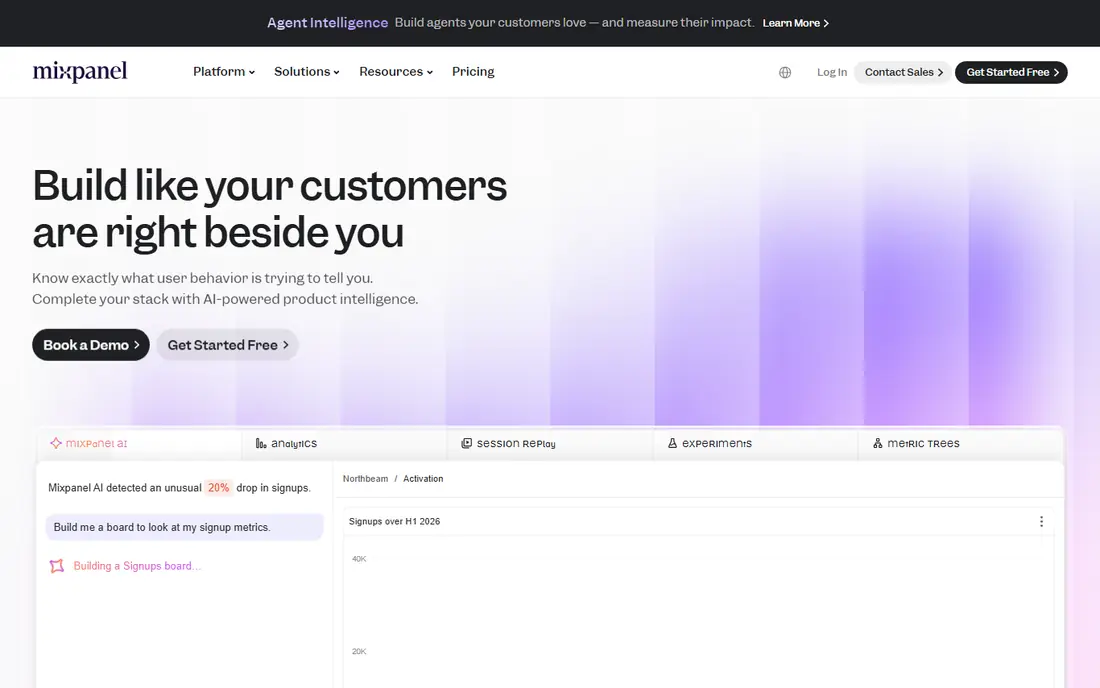
Mixpanel is a strong default for product teams that want to see what users do, in what order, and where they drop off. Funnels, retention, and flow reports update quickly, and the free tier lets small products start without a card. Teams that name events carefully get clean, trusted reports.
Volume pricing is the caution. Free limits cover small products well, but a growing app can move into paid tiers quickly. Plan your event list in advance, avoid tracking every click as a separate event, and price the plan at three times your current volume before committing.
- Fast funnel and retention reports
- Free tier for small products
- Clear event-based model
- Costs rise with event volume
- Group analytics costs extra
- Careful event design is needed for clean reports
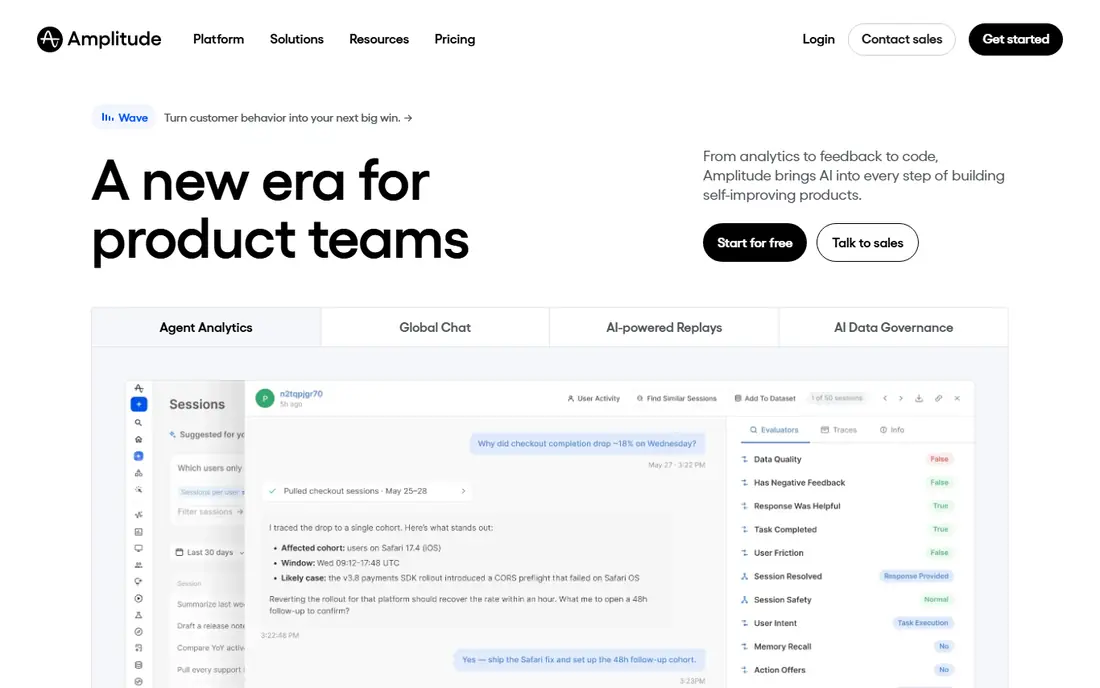
Amplitude suits growth teams that live in cohorts and retention curves. Its free tier is generous, and cohort tools let teams track how different user groups convert and return over time. Forecasting and experiment features on higher plans help teams that test often.
The product rewards disciplined setup. Events, properties, and user IDs need consistent naming, or reports become hard to trust. Smaller teams may find Mixpanel simpler, while larger growth teams will use Amplitude depth more fully.
- Generous free tier
- Strong cohort and retention tools
- Experiment and forecasting features on higher plans
- Paid plans need a sales conversation for larger teams
- Setup takes care
- Some features sit on higher tiers
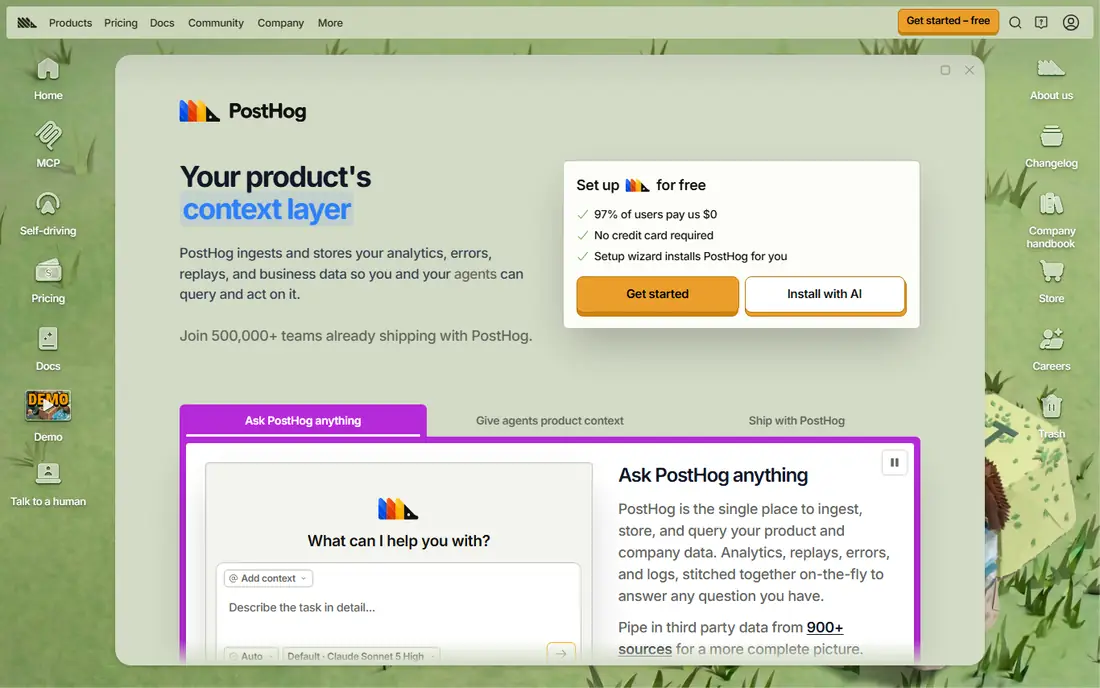
PostHog is the all-in-one pick for developer-led teams. Product analytics sit beside session replay, feature flags, surveys, and experiments, so a team can answer why a metric moved without buying a second tool. The hosted cloud version is the simplest start, with a free monthly event allowance.
Breadth is also the risk. A small team may use only analytics and ignore the rest, while still paying for usage across features. Track event volume monthly, and turn off autocapture for noisy elements that add cost without insight.
- Analytics plus session replay and feature flags
- Open-source option
- Usage-based pricing with a free allowance
- Many features can overwhelm small teams
- Usage costs need monitoring
- Self-hosting adds maintenance work
Heap helps teams that cannot wait for developers to instrument every event. It captures clicks, page views, and form interactions automatically, and analysts can define events retroactively from past data. That speed helps non-technical teams answer questions quickly.
Free limits are modest, and larger use needs a sales conversation. Heap is best when speed matters more than granular control, and when a team will actually use retroactive analysis. Teams with strict event governance may prefer Mixpanel or Amplitude instead.
- Automatic capture of clicks and page views
- Retroactive analysis without new code
- Simple setup
- Paid pricing is sales-gated for larger use
- Account analytics sit on higher plans
- Free limits are modest
Google Analytics remains the baseline for web teams. The free version covers traffic, real-time visitors, and basic conversion reports, and it integrates with Search Console and Google Ads. For a marketing site or a content site, it is often enough on its own.
Product teams need more. Funnel, retention, and user-level analysis are thinner than in Mixpanel or Amplitude, and privacy settings need review for regions with strict rules. Use Google Analytics as a web baseline, and add a product tool when user journeys matter more than page views.
- Free for most sites
- Real-time reports included
- Widely integrated with Google tools
- Privacy controls need careful setup
- Enterprise version is costly
- Product funnel depth is thinner than Mixpanel
Adobe Analytics suits large enterprises with complex sites, many segments, and strict governance needs. Its reporting depth, segmentation, and Adobe Experience Cloud integrations support teams that already run Adobe tools. Large media, retail, and finance sites are its natural home.
Small and mid-size teams should look elsewhere. Pricing is custom, implementation needs specialists, and the learning curve is steep. Buy Adobe when enterprise reporting and governance justify the cost, not for a simple traffic dashboard.
- Deep reporting for large sites
- Strong segmentation
- Enterprise governance and integrations
- Pricing is custom and high
- Setup needs specialists
- Overbuilt for small teams
Pendo combines product analytics with in-app guides, onboarding tours, and feedback collection. Teams can see which features users adopt, then guide them to the next step inside the product itself. That link between insight and action is its main strength.
Pure analytics depth is thinner than Mixpanel or Amplitude, and pricing is custom for most teams. Pendo fits product teams that need adoption and guidance as much as reports, while analytics-only teams may prefer a dedicated tool.
- In-app guides and adoption tracking
- Analytics tied to feature use
- Feedback tools included
- Pricing is custom for most teams
- Free tier is limited
- Analytics depth trails Mixpanel for pure event analysis
Countly appeals to teams that need analytics without sending all data to a large US cloud vendor. It offers real-time dashboards for web and mobile apps, with a self-hosting option for teams that must control data location. That control matters for regulated or privacy-sensitive products.
The ecosystem is smaller than Mixpanel or Amplitude, so integrations and community guides are fewer. Self-hosting also adds maintenance work. Choose Countly when data control is a requirement, not just a preference.
- Privacy-focused design
- Self-hosting option
- Real-time dashboards for web and mobile
- Smaller ecosystem than leaders
- Enterprise features need a paid plan
- Setup needs technical skill for self-hosting
Matomo is the best-known privacy-first alternative to Google Analytics. The open-source version can be self-hosted for full data ownership, while the cloud version offers hosted analytics without sampling. Real-time visitor reports and goal tracking cover most web needs.
Product teams that need deep funnel and cohort work may still want Mixpanel or Amplitude alongside Matomo. For web analytics with strong privacy control, Matomo is a solid pick, provided the team can maintain a self-hosted install or pay for cloud traffic.
- Self-hosted open-source option
- Full data ownership
- No sampling on hosted plans
- Cloud pricing rises with traffic
- Self-hosting needs maintenance
- Product analytics depth trails Mixpanel
How we picked these
We compared official pricing pages, product docs, and public comparisons in October 2026. We kept platforms with live real-time reporting, a current website, and a clear product or web analytics use case. We left out tools that only report daily, tools with no current pricing or trial path, and single-feature heatmap tools with no event analytics.
How to choose the right platform
Start with the question you need answered daily. Web traffic questions point to Google Analytics or Matomo, while product journey questions point to Mixpanel, Amplitude, or PostHog. Next, check setup: Heap and PostHog capture events automatically, while Mixpanel and Amplitude need named events planned in advance.
Then price at real volume. Free tiers look generous until event counts grow, so model costs at current volume, three times that volume, and ten times that volume. Finally, test privacy and governance needs, including data location, retention, and user deletion, before instrumenting a full product.
Frequently asked questions
Which real-time analytics platform is the best?
Mixpanel is our overall pick for product teams, Amplitude leads for growth cohorts, and PostHog leads for developer teams that want replay and flags in one suite. Google Analytics remains the best free web baseline. The best platform depends on tracking a website, a product, or both.
What are the best platforms for real-time analytics for small teams?
Mixpanel, Amplitude, and PostHog all offer free tiers that suit small products. PostHog adds replay and flags, while Mixpanel offers the simplest funnel reports. Start free, track only key events, and upgrade when volume or team needs grow.
What are the best real-time analytics tools for privacy?
Matomo and Countly lead for privacy, with self-hosting and data ownership options. Google Analytics and Adobe Analytics can be configured for privacy, but they default to vendor-hosted data. Check data location, retention, and deletion tools before choosing.
Do these platforms really update in real time?
Most update dashboards within minutes, with some reports near instant and others delayed by processing. Real-time visitor counts are fastest, while complex funnel and retention reports may lag. Check each vendor docs for the exact delay on the report you rely on.
How much does real-time analytics cost?
Free tiers cover small products, while paid plans often start around 20 to 50 dollars per month at low volume and rise with events. Enterprise plans are custom and can cost thousands per month. Always model cost at higher volume before committing.
Is Google Analytics enough on its own?
For a marketing or content site, often yes. For a product with onboarding, retention, and feature adoption questions, add Mixpanel, Amplitude, or PostHog. Many teams run Google Analytics for web traffic and a product tool for user journeys side by side.
Sources
See where you really rank - block by block
ProMapRanker scans Google Maps across a grid of your service area. Simple monthly plans from $19, white-label on every plan.
Start freeKeep reading
 zoho inventory alternatives
6 Alternatives to Zoho Inventory, Compared on Price and Fit
Zoho Inventory alternatives: 6 tools compared on price, free plans and fit. Katana leads the list for manufacturers. Fit and flaws are laid out for each entry.
Read → zoho crm alternatives
Best Zoho CRM Alternatives (2026)
Need Zoho CRM alternatives? We compare 7 tools on cost, free access and who each suits. Every pick gets a straight assessment. Built for quick decisions.
Read → zelle alternatives
Best Zelle Alternatives in 2026
Compare the best Zelle alternatives for sending money to friends, paying sellers and moving funds abroad, with honest notes on fees, speed and safety in 2026.
Read →