 ProMapRanker
Best Rated Travel Booking App for Mobile in 2026

Key takeaways
- Search apps and booking apps do different jobs, so the best trip plan often uses one of each.
- The final price, including taxes and fees, matters more than the headline fare or nightly rate.
- Cancellation rules, change fees, and refund terms differ by provider, even for the same flight or room.
- Price alerts and flexible-date searches save more time than scrolling the same route every day.
Quick comparison
| Pick | Great for | Pricing starts at | Free tier | |
|---|---|---|---|---|
 Expedia | Flights, hotels, and packages | Free | Yes | Visit |
 Booking.com | Wide hotel choice | Free | Yes | Visit |
 Kayak | Comparing flights and hotels | Free | Yes | Visit |
 Skyscanner | Flexible flight search | Free | Yes | Visit |
 Hopper | Price predictions and alerts | Free | Yes | Visit |
 Airbnb | Unique stays | Free | Yes | Visit |
 Priceline | Discounted hotel deals | Free | Yes | Visit |
 Agoda | Hotels in Asia and worldwide | Free | Yes | Visit |
 Hotels.com | Hotel rewards | Free | Yes | Visit |
The best rated travel booking apps for mobile
Mobile travel apps should make searching, comparing, and booking easy on a small screen, with clear totals and trip details in one place. The nine apps below cover flights, hotels, packages, and unique stays, and all are free to download and browse.

Expedia is the most complete one-stop travel app for a mobile user. Flights, hotels, rental cars, cruises, and packages sit in one search, and bundles can lower the total cost of a trip. Rewards across Expedia brands add value for repeat travelers who book often.
The catch is support when plans change. Booking through a third party can make changes slower than booking directly with an airline or hotel, so check cancellation terms before paying. Compare the final total, including taxes and fees, with a direct booking for the same trip.
- Flights, hotels, cars, and packages in one app
- Rewards across Expedia brands
- Trip management tools
- Third-party booking can complicate changes
- Package prices need a careful fee check
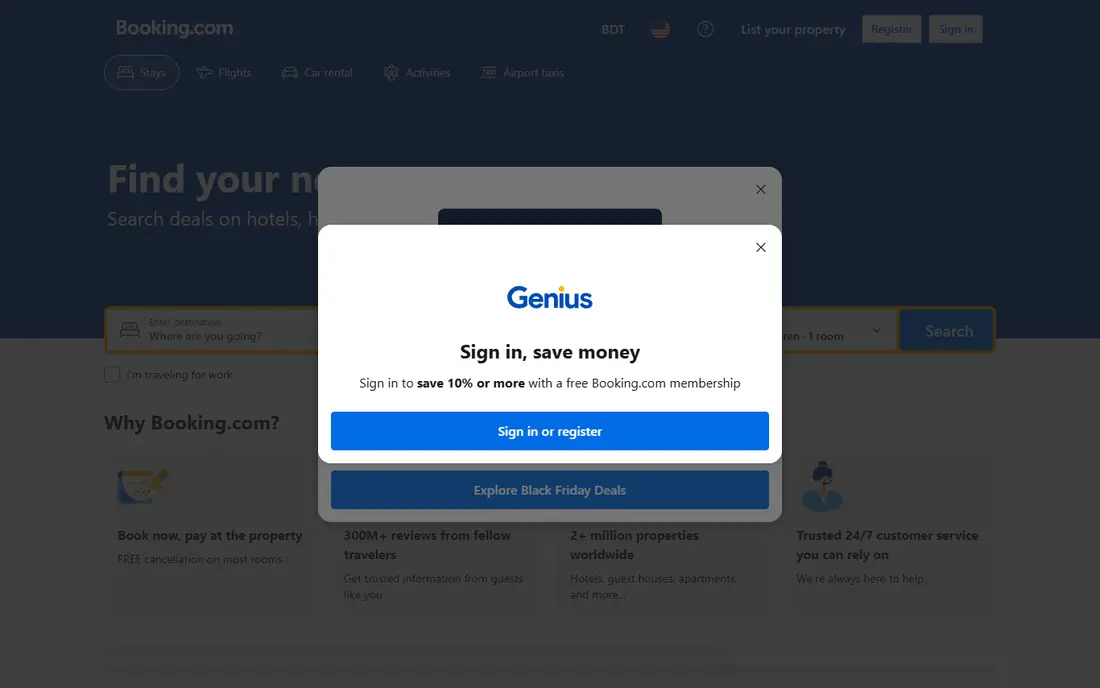
Booking.com is the strongest mobile choice for hotels alone. The inventory covers hotels, apartments, guesthouses, and other stays in many countries, and many listings offer free cancellation up to a stated date. Guest reviews and property photos help judge a stay before booking.
The limit is scope. Booking.com does not serve as a full flight booking app, so a traveler who wants flights and hotels together needs a second app or a package tool. Check whether breakfast, taxes, and local fees are included in the shown total.
- Very wide hotel and stay inventory
- Many free-cancellation options
- Clear guest reviews
- No flights in the core booking flow
- Prices and fees vary by property and rate
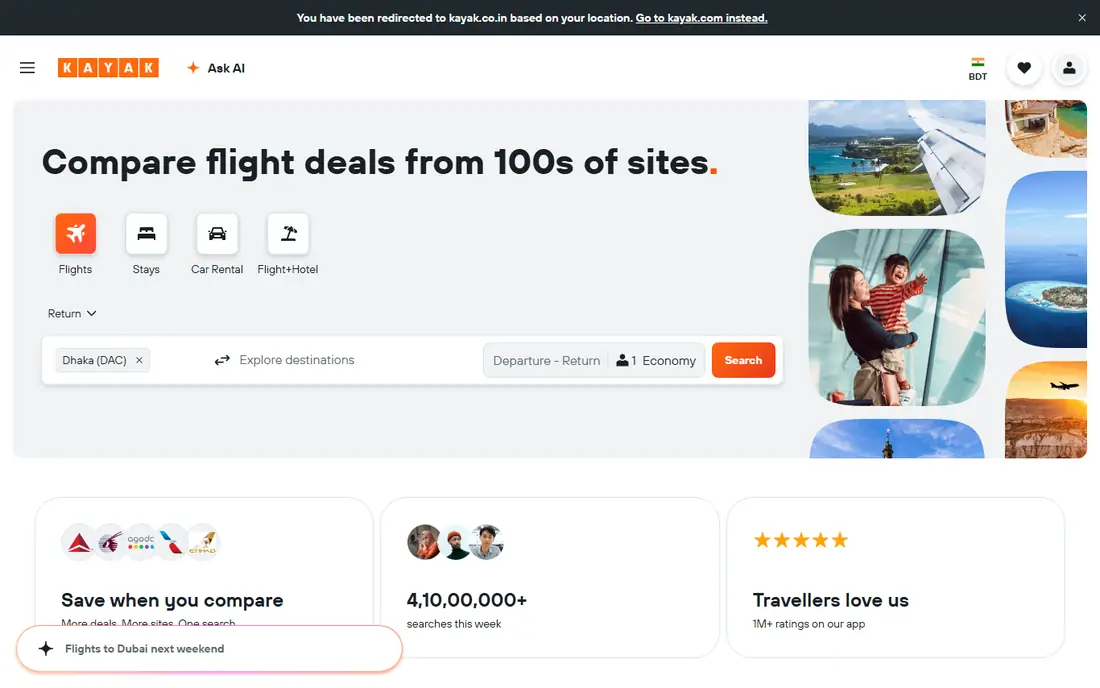
Kayak excels at comparison. The app searches flights, hotels, and cars across many providers, shows flexible-date prices, and sends alerts when a fare changes. For a traveler who wants to research before booking, that breadth saves hours of manual checking.
The trade-off is booking. Kayak often redirects to an airline, hotel, or travel site to complete the purchase, so cancellation and change terms come from that provider, not Kayak. Note the provider name before paying, and save its confirmation details.
- Searches many sites at once
- Flexible-date and price alert tools
- Trip management features
- Booking usually redirects to a provider
- Final terms depend on that provider
Skyscanner suits travelers with flexible dates or destinations. Whole-month searches show the cheapest days, and an everywhere search helps when the destination is open. Price alerts track a route without daily manual searches, which is useful for international trips.
The limit is the same as other search tools. Booking redirects to an airline or agency, and the cheapest fare may include strict baggage, seat, or change rules. Read the fare details before paying, and compare the total with a direct airline price.
- Whole-month and everywhere searches
- Strong price alerts
- Wide airline and agency coverage
- Booking redirects to providers
- Some low fares carry strict baggage and change rules
Hopper helps travelers decide when to book. The app analyzes price trends, offers buy-or-wait guidance, and sends alerts for watched trips. Select bookings offer fare freeze or price protection for an extra fee, which can help a traveler who needs time to decide.
The honest limit is prediction. Guidance reflects past patterns, not a promise that a fare will fall, and add-ons raise the total cost. Use Hopper for timing and alerts, then check the final fare and terms before committing.
- Buy-or-wait price guidance
- Fare freeze and protection options on select bookings
- Hotel and flight search
- Protection add-ons cost extra
- Predictions are guidance, not a guarantee of a lower price
Airbnb is the best mobile choice for stays that do not feel like a hotel. Homes, cabins, apartments, and unique properties suit families, groups, and longer trips, and host reviews help judge a listing. The app makes messaging hosts, checking house rules, and managing a stay straightforward.
The drawback is fees. Cleaning fees and service fees can raise the total well above the nightly rate, so compare the final price with a hotel for the same dates. Cancellation rules vary by host, so read them before booking a non-refundable stay.
- Homes, cabins, and unique stays
- Longer-stay options
- Host reviews and clear house rules
- Cleaning and service fees raise the total
- Cancellation rules vary by host
Priceline suits a flexible traveler who wants a lower hotel price and does not mind some mystery. Express Deals offer discounts on hotels where the name stays hidden until after booking, which can save money in cities with many similar hotels. Flights, hotels, and cars also sit in one app.
The catch is flexibility. Hidden-name deals and some discounted rates are non-refundable or hard to change, so they suit firm plans better than uncertain trips. Check the area, star level, and guest rating before booking an Express Deal.
- Express Deals for discounted hotels
- Flights, hotels, and cars
- Simple mobile booking
- Express Deal hotel name stays hidden until booking
- Some deals are non-refundable
Agoda is a strong pick for hotel bookings in Asia and for worldwide stays. The app offers frequent deals, member prices, and a clear mobile flow for searching, comparing, and booking rooms. Travelers heading to Asia often find a wider hotel choice here than on some Western-focused apps.
The limit is flights. Agoda is primarily a hotel app, so a traveler who wants flights and hotels together should pair it with a flight search tool. Check cancellation terms and whether taxes are included in the shown price.
- Strong hotel coverage in Asia
- Frequent deals and member prices
- Clear mobile booking flow
- Flight options are thinner than hotel options
- Deal terms and cancellation rules vary
Hotels.com appeals to travelers who book hotels often and want a simple reward for loyalty. The app covers a wide hotel inventory, offers member prices, and keeps trip details in one place on mobile. For a traveler who stays in hotels several times a year, rewards can add real value.
The drawback is focus. Hotels.com is a hotel app first, so flights and packages need another tool. Rewards also depend on how often you book, so an occasional traveler may gain little from the program.
- Rewards for repeat hotel stays
- Wide hotel inventory
- Simple mobile trip management
- Rewards value depends on booking frequency
- Flight booking is not the focus
How we picked these
We compared official sites, app store listings, and public reviews for travel apps that are currently operating and free to browse on mobile in 2026. We favored apps with clear totals, price alerts or flexible search, trip management, and a distinct strength, from hotel depth to flight comparison. We marked prices as Free for browsing, since travel costs themselves vary by trip and provider.
How to book a trip on mobile without overpaying
Start with research, then book. Use a search app to compare dates, providers, and totals, then check the same flight or room directly with the airline or hotel. Direct bookings often make changes easier, even when the price matches a third-party offer.
Next, read the fine print before paying. Note the cancellation deadline, change fees, baggage rules, breakfast inclusion, and local taxes or resort fees. A low headline price can hide fees that erase the saving, so compare final totals, not first-screen prices.
Finally, save everything in one place. Keep confirmation numbers, provider names, and cancellation deadlines in the app or in a note, and set a reminder before a free-cancellation deadline passes. That habit prevents a missed deadline from turning a flexible booking into a fixed cost.
Frequently asked questions
What is the best rated travel booking app for mobile overall?
Expedia suits travelers who want flights, hotels, and packages in one app, while Booking.com leads for hotels alone. Kayak and Skyscanner lead for flight research, and Airbnb leads for unique stays. The best pick depends on whether you book a full trip or just one part of it.
Is it cheaper to book on an app or directly with an airline or hotel?
It varies by trip. Apps and search tools can surface lower fares and deals, but direct bookings often offer easier changes and clearer support. Compare the final total in both places, including taxes and fees, before paying.
Do travel apps charge a booking fee?
Most apps are free to download and browse, and the travel price itself comes from the airline, hotel, or agency. Some deals, protection add-ons, and service fees raise the total, so check the final price breakdown before confirming a booking.
Can I cancel a booking made through a travel app?
It depends on the rate and provider. Many hotel rates offer free cancellation until a stated date, while discounted flights and Express Deals may be non-refundable. Read the cancellation terms on the booking page, and note the deadline in your calendar.
How do price alerts work?
You set a route, dates, and price threshold, and the app notifies you when the fare changes or reaches your target. Alerts help for flexible trips, but they do not guarantee a lower price, and the best fare can disappear quickly in busy periods.
Sources
See where you really rank - block by block
ProMapRanker scans Google Maps across a grid of your service area. Simple monthly plans from $19, white-label on every plan.
Start freeKeep reading
 worlds best local seo company
8 Worlds Best Local SEO Companies for Map Pack Growth in 2026
Compare the worlds best local seo company options for Google Business Profile work, citations, reviews, and multi-location rankings and reporting in 2026.
Read → world's best web hosting company
World's Best Web Hosting Company in 2026
Searching for the world's best web hosting company? We compared 10 hosts on price, renewal rates, speed, and support to help you choose well today in 2026.
Read → who's got the best nanny tax services
Who's Got the Best Nanny Tax Services in 2026
We answer who's got the best nanny tax services, comparing full filing, back taxes, software, and pricing so families can handle nanny taxes correctly.
Read →