 ProMapRanker
Best Rated Sandboxing Service for Security in 2026

Key takeaways
- Sandboxing runs suspicious files and links in an isolated environment, so malware behaviour can be observed without risking real systems.
- Interactive sandboxes suit incident response, while deep automated sandboxes suit high-volume detection and research.
- Free community tiers usually make analyses public, so use private plans for sensitive samples.
- These services are for lawful, authorised security use only, with permission-only testing where relevant.
- Check privacy, retention and data sharing terms before submitting any sample that could contain personal data.
Quick comparison
| Pick | Great for | Pricing starts at | Free tier | |
|---|---|---|---|---|
 ANY.RUN | Interactive malware investigation | Free | Yes | Visit |
 Joe Sandbox | Deep cross-platform analysis | See website | Free trial | Visit |
 VMRay | Evasion-resistant deep analysis | See website | No | Visit |
 Palo Alto Networks WildFire | Inline cloud threat blocking | See website | No | Visit |
 Fortinet FortiSandbox | Network-integrated sandboxing | See website | No | Visit |
 Hatching Triage | Self-hosted and cloud analysis | Free | Yes | Visit |
 Hybrid Analysis | Community sandbox lookups | Free | Yes | Visit |
The best rated sandboxing service for security
A sandboxing service for security detonates suspicious files, links and documents in an isolated virtual environment and records what they do: processes started, files changed, network connections and indicators of compromise. Security teams use that behaviour to confirm threats, triage phishing cases and feed detection rules. The services below are framed only for lawful, authorised security use, with permission-only testing where relevant. Never submit a sample you do not have the right to analyse, and never use a sandbox to test a system without permission.
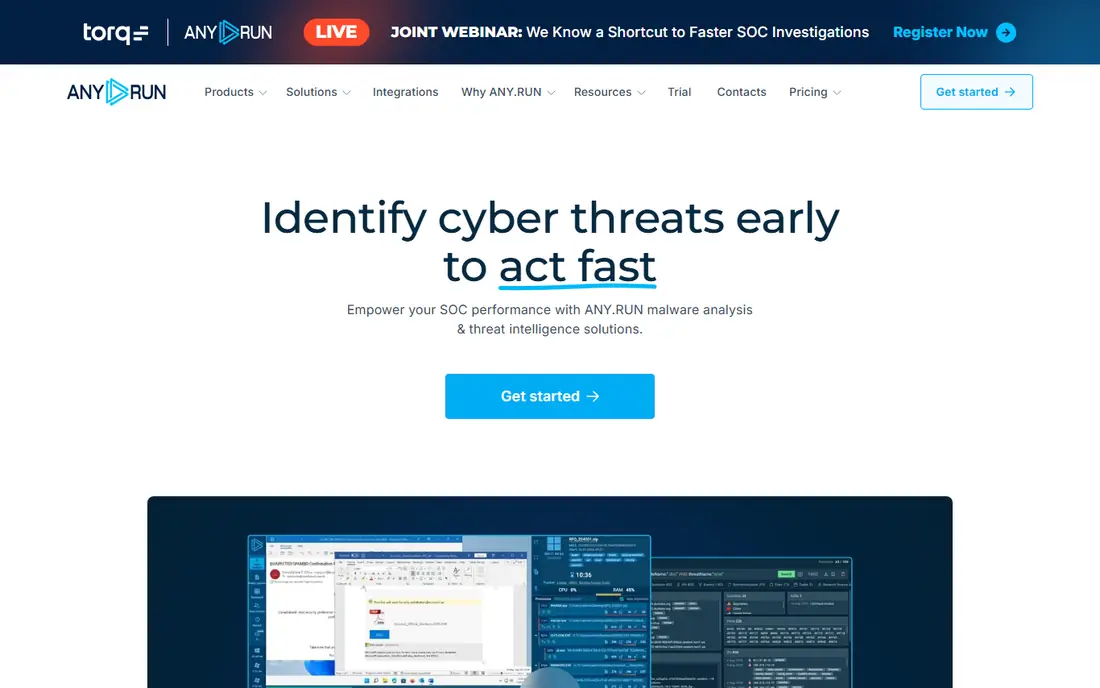
ANY.RUN is the most hands-on sandbox on this list, letting an analyst drive a virtual machine in the browser while watching processes, network traffic and indicators in real time. That interactivity helps incident responders confirm phishing pages, follow malware installers and see what a sample actually does, rather than relying on a single verdict score. Its free Community tier makes it easy to start and to learn sandbox analysis.
The limit of the free tier is privacy: community analyses are public, so sensitive samples need a paid private plan. Interactive analysis also takes analyst time, which matters at high volume. ANY.RUN fits SOC analysts, incident responders and researchers who need behavioural evidence quickly, with permission to analyse the samples they submit.
- Live interactive analysis in the browser
- Windows, Linux, macOS and Android coverage
- Free Community tier
- Community analyses are public
- Full features need a paid plan
- Interactive work takes analyst time
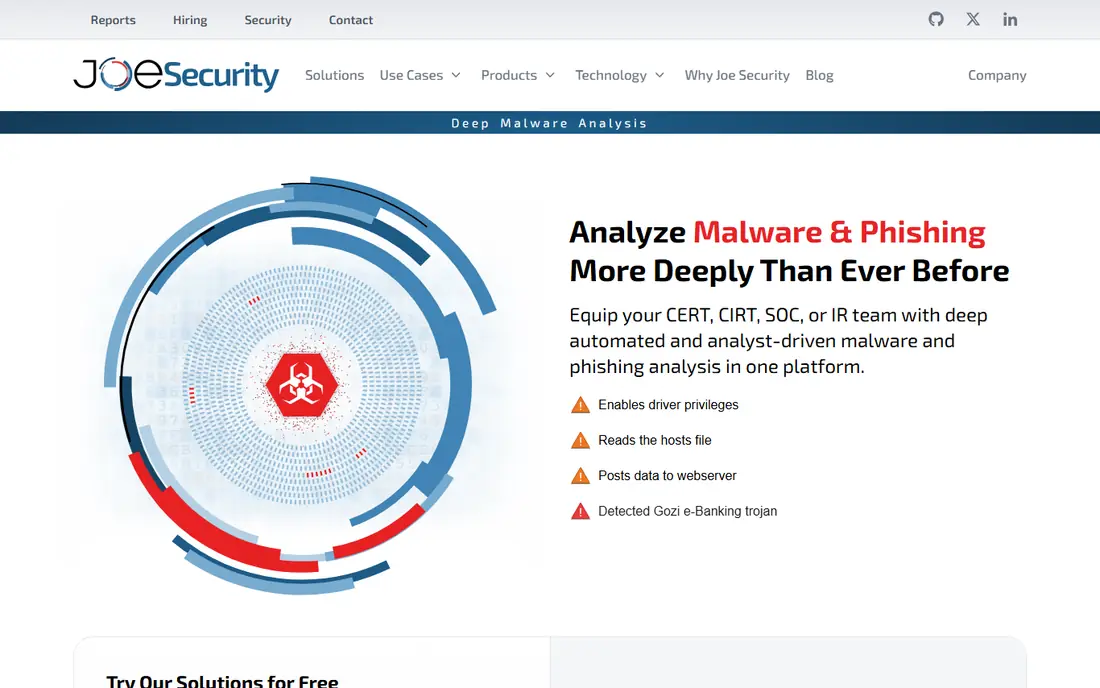
Joe Sandbox offers deep automated analysis across platforms, combining static, dynamic and hybrid techniques to produce detailed behavioural reports. Analysts can also interact live with a sample through the browser, clicking through phishing campaigns or installers to trigger hidden behaviour. Its on-premise option suits teams that cannot send sensitive samples to a public cloud.
Pricing is tiered and quoted, so small teams should confirm the plan that covers their volume and platforms. The reports are detailed, which is a strength for skilled analysts and a learning curve for beginners. Joe Sandbox fits teams that need cross-platform depth and private deployment options for authorised security work.
- Deep static, dynamic and hybrid analysis
- Live interaction in the browser
- On-premise deployment option
- Quoted pricing
- Depth needs analyst skill to interpret
- On-premise setup takes effort
VMRay is known for evasion-resistant analysis, using agentless monitoring that is harder for malware to detect than a traditional sandbox agent. That design helps analysts catch samples that hide when they sense a sandbox, and its reports are detailed enough for incident response and forensic use. Cloud and on-premise deployments suit teams with strict data handling rules.
VMRay is an enterprise product with quoted pricing, so it is not a casual or free option. Analysis is queue based rather than fully interactive, so it suits deep investigation more than instant triage. VMRay fits security teams that need high-confidence verdicts on evasive samples, with authorised samples only.
- Strong evasion resistance
- Detailed forensic-grade reports
- On-premise and cloud options
- Enterprise pricing
- Quoted plans
- Queue-based analysis is slower than interactive triage
Palo Alto Networks WildFire is a cloud-based sandbox that works inline with Palo Alto firewalls, endpoints and cloud security tools. When an unknown file or link appears, WildFire detonates it in the cloud and, if it is malicious, pushes protections back to the estate automatically. That loop from detection to blocking is the main reason Palo Alto customers choose it.
WildFire gives the most value inside a Palo Alto estate, and it is less of a standalone analyst sandbox than ANY.RUN or Joe Sandbox. Pricing is subscription based and quoted by deployment. WildFire fits organisations already using Palo Alto tools that want sandboxing as part of inline prevention, not just as a research tool.
- Cloud sandbox tied to Palo Alto firewalls and endpoints
- Automatic blocking of confirmed threats
- Large threat corpus
- Best value inside Palo Alto estates
- Subscription pricing
- Less interactive than analyst sandboxes
Fortinet FortiSandbox detains suspicious files and links in an isolated environment and shares verdicts across the Fortinet Security Fabric, including FortiGate firewalls and endpoint tools. That integration lets a network team block a confirmed threat across email, web and endpoint paths from one verdict. On-premise and cloud deployment options suit teams with different data rules.
Like WildFire, FortiSandbox gives the most value inside its own vendor estate, and it is less interactive than a dedicated analyst sandbox. Pricing is quoted by deployment and capacity. FortiSandbox fits Fortinet customers that want sandboxing built into network prevention, with authorised samples and permission-only testing.
- Integrates with FortiGate and Fortinet security fabric
- On-premise and cloud options
- Automated verdicts and blocking
- Best value inside Fortinet estates
- Quoted pricing
- Analyst interactivity is limited
Hatching Triage is a modern sandbox with cloud and self-hosted options, covering Windows, Linux, macOS and Android samples with interactive analysis and behavioural reports. Its free public tier lets analysts and students try sandbox analysis without a licence, while paid plans add private analysis and higher throughput. The self-hosted option suits teams that must keep samples inside their own network.
Free analyses are public, so sensitive work needs a paid private plan, and self-hosting adds operational work for updates and capacity. Triage fits teams that want a modern, flexible sandbox with a private deployment path, for lawful and authorised security analysis only.
- Modern cloud and self-hosted sandbox
- Multi-platform coverage
- Free public tier for basic analysis
- Paid plans needed for private analysis
- Self-hosting takes operational effort
- Depth varies by plan
Hybrid Analysis, by CrowdStrike, is a free community sandbox where analysts can submit files and links for automated analysis and search a large public database of prior samples. That database is useful for quick triage: a hash lookup can show whether a sample has been seen before and what it did. It is a good first check before deeper, private analysis.
The trade is privacy, since community submissions are public by default, and private analysis options are limited compared with paid sandboxes. Hybrid Analysis fits quick community lookups and learning, not sensitive incident samples. Use it only for samples you have permission to share publicly, and move sensitive work to a private plan elsewhere.
- Free community sandbox
- Large public sample database
- Quick hash and file lookups
- Public by default
- Limited private options
- Tied to CrowdStrike Falcon intelligence context
How we picked these
We compared official feature pages, pricing pages and public 2026 sandbox comparisons for services that are live in October 2026. We focused on analysis depth, evasion resistance, interactivity, platform coverage, privacy options and integration with firewalls or endpoints. We favoured services with a free or trial path where one exists, and we noted where pricing is quoted. We did not claim hands-on testing, and we did not invent ratings. All services here are described for lawful, authorised security use only.
How to use a sandbox safely and lawfully
Only submit samples you have the right to analyse, such as malware found on your own systems, phishing emails sent to your organisation, or samples from a client engagement with written permission. Never use a sandbox to probe a system you do not own or have permission to test, and never submit personal data, credentials or unrelated customer files. Check retention, sharing and jurisdiction terms before uploading, since some services share community samples publicly.
Next, match the sandbox to the job. Use interactive sandboxes for incident triage, deep sandboxes for evasive samples, and inline sandboxes for automatic blocking. Save reports, indicators and hashes in your incident record, and feed confirmed indicators into your firewall, email and endpoint controls. Finally, review who on your team can submit samples and who can see results, since sandbox access is itself a security control.
Frequently asked questions
What is a sandboxing service for security?
A sandboxing service runs a suspicious file or link in an isolated virtual environment and records its behaviour. Analysts use that behaviour to confirm malware, triage phishing and create detection rules. The sample never runs on a real workstation during analysis.
Is sandboxing legal?
Sandboxing your own samples, or samples you have permission to analyse, is a standard security practice. Testing a system without permission, or submitting data you have no right to share, is not. Always confirm permission, privacy and data handling rules before submitting a sample.
Should I use a free or paid sandbox?
Free community tiers suit learning and public samples, since analyses are usually public. Paid private plans suit incident samples that may contain sensitive data or internal details. If a sample could identify your organisation or its users, use a private plan or a self-hosted sandbox.
What is the difference between interactive and automated sandboxing?
Interactive sandboxing lets an analyst drive the virtual machine and trigger behaviour, while automated sandboxing runs the sample and reports behaviour without human input. Interactive work suits tricky phishing and installer cases, while automated work suits high-volume triage.
Can a sandbox miss malware?
Yes. Some malware detects sandboxes, waits before acting, or needs a specific user action to trigger. Use several signals, including hash lookups, static analysis and network data, and do not rely on a single clean verdict. Deep and evasion-resistant sandboxes reduce, but do not remove, that risk.
Do I need a sandbox if I already have antivirus?
A sandbox adds behavioural evidence that signature-based tools may miss, especially for new or evasive threats. Antivirus, firewalls and endpoint tools still matter for blocking and prevention. Sandboxing complements them, and inline sandboxes tie the two together.
Sources
See where you really rank - block by block
ProMapRanker scans Google Maps across a grid of your service area. Simple monthly plans from $19, white-label on every plan.
Start freeKeep reading
 worlds best local seo company
8 Worlds Best Local SEO Companies for Map Pack Growth in 2026
Compare the worlds best local seo company options for Google Business Profile work, citations, reviews, and multi-location rankings and reporting in 2026.
Read → world's best web hosting company
World's Best Web Hosting Company in 2026
Searching for the world's best web hosting company? We compared 10 hosts on price, renewal rates, speed, and support to help you choose well today in 2026.
Read → who's got the best nanny tax services
Who's Got the Best Nanny Tax Services in 2026
We answer who's got the best nanny tax services, comparing full filing, back taxes, software, and pricing so families can handle nanny taxes correctly.
Read →