 ProMapRanker
Best Rated PRN RN Shift App in 2026

Key takeaways
- Clipboard Health, ShiftKey and ShiftMed lead for RN per-diem choice, with app-based shift claims and fast pay options.
- CareRev and Medely suit hospital-focused RNs, while IntelyCare and Nursa suit nurses who want a mix of facility types.
- Pay, licensing and facility requirements vary by state and employer, so confirm credentials and shift terms before you claim.
- Check whether you work as a W-2 employee or an independent contractor, since that changes taxes, benefits and protections.
Quick comparison
| Pick | Great for | Pricing starts at | Free tier | |
|---|---|---|---|---|
 Clipboard Health | Instant shift booking | Free | Yes | Visit |
 ShiftKey | Bidding on shifts | Free | Yes | Visit |
 ShiftMed | Guaranteed shifts | Free | Yes | Visit |
 IntelyCare | Per-diem plus benefits | Free | Yes | Visit |
 CareRev | Hospital shifts | Free | Yes | Visit |
 Nursa | Direct facility shifts | Free | Yes | Visit |
 Medely | Higher-acuity hospital shifts | Free | Yes | Visit |
 ESHYFT | Long-term care shifts | Free | Yes | Visit |
The best rated PRN RN shift apps
This article covers apps for registered nurses picking up per-diem shifts, which are shifts worked as needed rather than on a fixed full-time schedule. PRN stands for pro re nata, a Latin phrase used in health care for as-needed work. These apps let RNs browse open shifts, upload credentials, claim shifts and get paid through the app. Pay, licensing and facility requirements vary by state and employer, so confirm the rules for your state and each facility before you claim a shift.
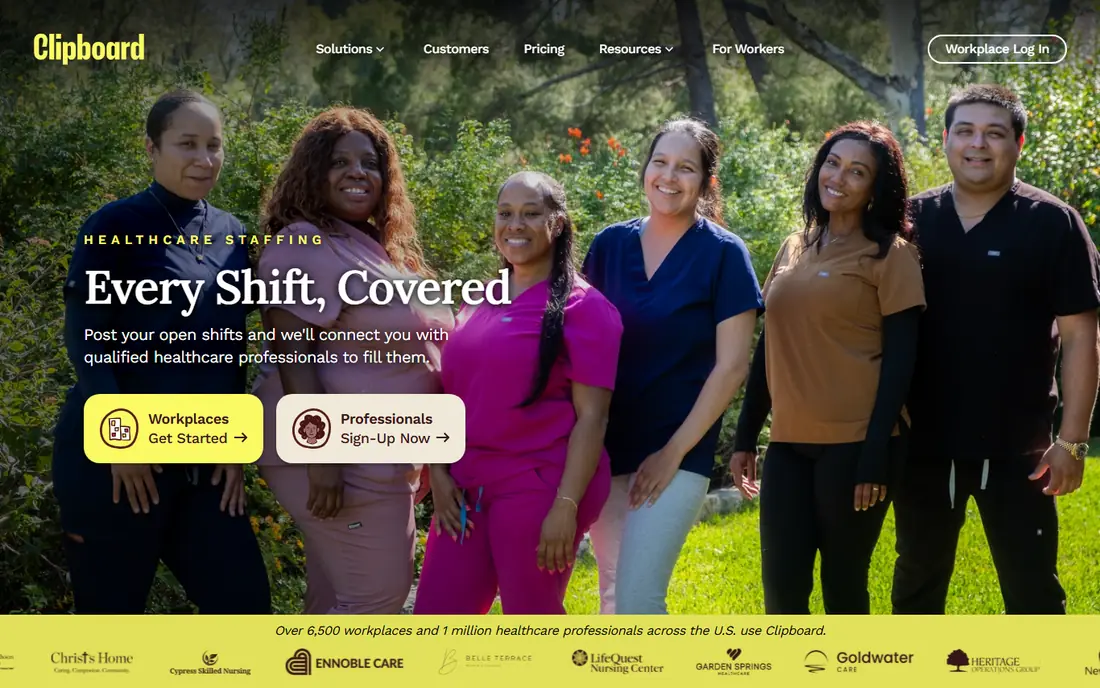
Clipboard Health is the app to open first for many per-diem RNs. You browse open shifts at local facilities, claim the ones that fit your schedule, and work them without waiting for a manager to approve each booking on many shifts. Pay rates are shown upfront, and an instant payout option can move money quickly after a shift, with a free payout option that takes longer.
The limit is local depth. Clipboard coverage is stronger in some cities than in others, so a rural RN may see fewer shifts than a nurse in a large metro area. Credential checks still apply, and each facility sets its own requirements for orientation and skills. For RNs in covered areas who want control over when they work, Clipboard is a strong starting point.
- Book shifts with no facility approval wait on many shifts
- Instant payout option
- Wide facility types
- Shift availability varies by city
- Instant payout may carry a small fee

ShiftKey works as a bidding marketplace, which sets it apart from fixed-rate apps. RNs can bid a rate for open shifts, mainly in long-term care and skilled nursing, and facilities accept bids that fit their needs. That model gives experienced nurses a way to price weekend, night or holiday shifts higher, and it gives newer per-diem nurses a way to enter the market at a competitive rate.
Bidding also brings uncertainty. A bid may be rejected, and pay can vary from week to week, so ShiftKey suits nurses who can tolerate variable income. Check facility requirements with care, since long-term care shifts may need specific experience or certifications. For RNs who want to set their own price, ShiftKey is the clearest bidding option.
- Bid your own rate on many shifts
- Strong long-term care coverage
- Flexible schedule control
- Bidding means pay is not fixed
- Winning a bid is not guaranteed for every shift
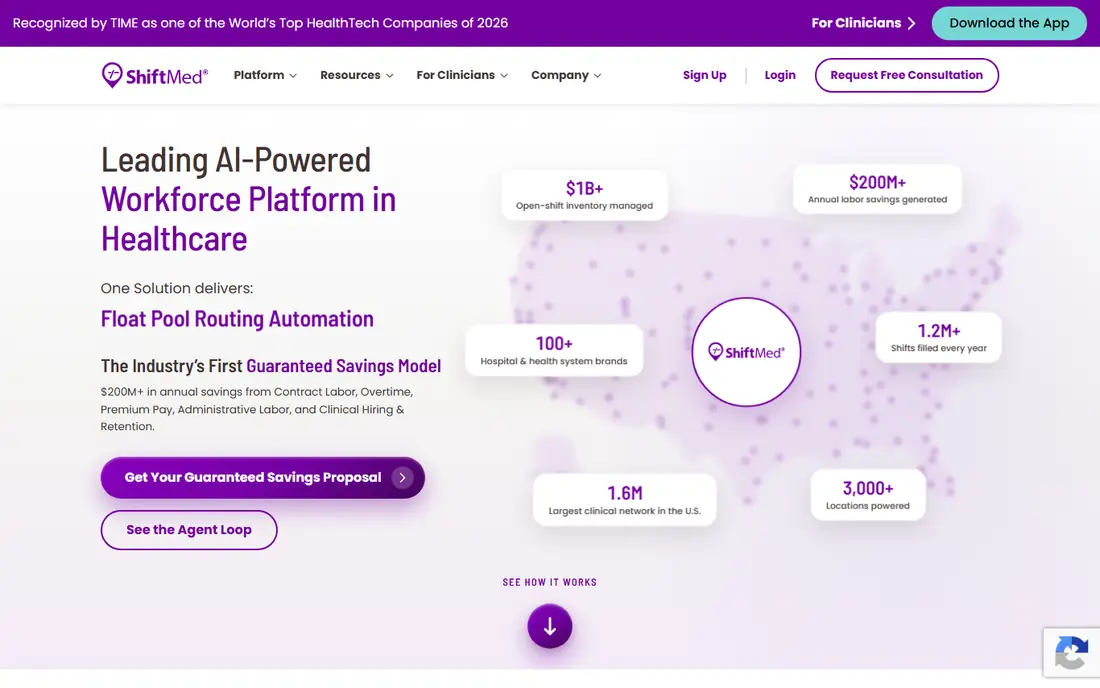
ShiftMed connects RNs, LPNs and CNAs with local shifts, including per-diem shifts, shift bundles and longer placements. Its site notes access to open shifts in more than 40 states and more than 165 metro areas, with digital credentialing that lets you upload a license, certifications and immunization records in the app. Guaranteed shift options reduce the risk of a last-minute cancellation hurting your pay.
ShiftMed also stands out on employment status. When you claim shifts through ShiftMed, you work as a W-2 employee, not as an independent contractor, which means ShiftMed handles payroll taxes and issues a W-2. That structure suits nurses who want simpler taxes and clearer workplace protections. Credentialing still takes time, so start the process before you need shifts urgently.
- Guaranteed shift options
- W-2 employment
- Digital credentialing in the app
- Background check and credential wait can take time
- Shift coverage varies by metro area
IntelyCare suits RNs who want per-diem flexibility with a path to benefits. The app lists per-diem shifts, contract assignments and home health visits, and nurses who work enough hours can qualify for employer-sponsored benefits, including health coverage options described on its site. Block booking lets you reserve a run of shifts at one facility, which helps if you prefer familiar teams and routines.
The drawback is onboarding time. Some users report a wait during credential checks, and support can be slow at busy times. IntelyCare also contributes to payroll taxes for its workers, which is a plus compared with pure contractor models. For RNs who want flexibility plus benefits, IntelyCare is worth the longer setup.
- Per-diem shifts plus contract and home health options
- Benefits for nurses who work enough hours
- Block booking
- Onboarding wait noted by some users
- Support response times vary
CareRev focuses on hospital and health system shifts, which suits RNs who prefer acute care over long-term care. The app connects nurses directly with hospitals, with shift details that include unit, hours and pay. That hospital focus can mean higher-acuity work and more consistent orientation standards than a broad marketplace with many facility types.
Coverage is the limit. CareRev strength depends on partner hospitals near you, so nurses outside those systems may see fewer shifts. Hospital shifts may also need specific unit experience, certifications or recent acute care work. If you are a hospital RN who wants per-diem work in a familiar system, CareRev is a focused pick.
- Focus on hospital and health system shifts
- Direct facility relationships
- Clear shift details
- Fewer long-term care shifts than some rivals
- Coverage depends on partner hospitals in your area
Nursa connects RNs, LPNs and CNAs directly with facilities that need per-diem coverage, without long contracts. You browse shifts, see pay upfront, claim a shift and work it, with pay options that can arrive quickly after a completed shift on many postings. That direct model suits nurses who want to try different facilities without committing to one employer.
The trade is variation. Each facility sets its own pay, orientation and shift rules, so two similar shifts can carry different terms. Read each posting fully, confirm license and certification needs, and note cancellation terms before you claim. For RNs who value choice and direct facility contact, Nursa is a flexible option.
- Direct connection to facilities
- No long contracts
- Fast pay options on many shifts
- Shift rates and terms vary by facility
- Support quality varies by region
Medely focuses on per-diem work with higher-acuity hospital shifts, including surgical and specialty units. Its vetting is described as careful, which helps maintain pay rates and facility trust, since hospitals gain nurses who meet stricter credential and experience checks. Pay is shown upfront, and the app covers credential uploads and shift management.
Stricter vetting is also the drawback. Nurses without recent acute care experience may qualify for fewer shifts, and onboarding can take longer than on broader marketplaces. If you are an experienced acute care RN, Medely is a strong pick for hospital per-diem work. If you mainly work long-term care, a broader app may show more shifts.
- Higher-acuity hospital and surgical shifts
- Careful vetting
- Pay shown upfront
- Vetting can be stricter and slower
- Fewer shifts for nurses without acute care experience
ESHYFT serves CNAs, LPNs and RNs looking for per-diem shifts at long-term care facilities. Its app offers instant book shifts that confirm at once without waiting for a facility manager, plus sorting and filtering by schedule, pay and location. Pay options include weekly pay and instant payment, which helps nurses who need fast access to earnings.
The facility mix is narrower than Clipboard or ShiftKey, since ESHYFT centers on long-term care. That focus is a strength if you prefer that setting, and a limit if you want hospital shifts too. Check state licensing rules and facility requirements before you claim, since long-term care rules vary by state and employer.
- Long-term care focus
- Instant book shifts
- Instant pay option and weekly pay
- Narrower facility mix than broad marketplaces
- Coverage varies by state
How we picked these
We compared official app and site pages, per-diem nurse guides and marketplace comparisons. We kept only apps that are live in the US in 2026, list RN per-diem shifts, and let nurses claim shifts through an app. We favored apps with upfront pay, credential tools and a stated pay schedule. We did not claim hands-on testing, and we did not rank by advertised pay alone, since rates vary by state, facility, shift time and experience.
What to check before you claim a shift
Start with license and credentials, then check pay and employment status. Confirm that your RN license covers the state where the facility sits, including compact license rules if you hold a multistate license. Check required certifications, immunizations, background checks and drug screening, since each facility and app sets its own list. A shift you cannot work due to a missing credential wastes time for you and the facility.
Pay, taxes and cancellation terms
Read the pay rate, pay schedule and any fee for instant payout. Note whether you work as a W-2 employee or an independent contractor, since that changes tax withholding, benefits and liability coverage. Also check cancellation terms: some apps offer guaranteed shifts that protect pay if a facility cancels, while others allow cancellation with short notice. Keep records of hours, pay stubs and shift confirmations.
Facility fit and safety
Check the unit, patient ratio expectations, orientation length and support on site. A higher rate on an unfamiliar unit with no orientation may not be worth the stress or risk. Read facility reviews where available, ask about charge nurse support, and confirm parking, dress code and arrival instructions before shift day. A facility you know and trust is often worth more than a small pay difference elsewhere.
Frequently asked questions
What does PRN mean for nurses?
PRN means as needed, from the Latin phrase pro re nata. A PRN RN picks up shifts when a facility needs coverage, rather than working a fixed full-time schedule. PRN work suits nurses who want flexible hours, extra income, or experience across different facilities and units.
Do I need a separate license for each state?
It depends on your license and the state. Nurses with a multistate compact license can work in other compact states under that license, while nurses with a single-state license need a license for each state where they work. Check your state board of nursing and the app credential requirements before you claim an out-of-state shift.
Are PRN nurses W-2 employees or contractors?
It varies by app. ShiftMed and IntelyCare use W-2 models for their workers, while other marketplaces may treat nurses as independent contractors. That status changes taxes, benefits and protections, so confirm it in the app terms before you work a shift.
How fast do PRN apps pay?
Many apps offer weekly pay, with instant or next-day payout options on some shifts. Instant payout may carry a small fee, while standard payout is usually free but slower. Check the pay schedule for each app and each shift, since terms vary by facility and app.
Can new graduate RNs use PRN apps?
Some apps accept new graduates, while others need recent acute care or specialty experience, especially for hospital shifts. Long-term care shifts may be more open to newer nurses. Check experience requirements for each posting, and build experience in a familiar setting before taking high-acuity per-diem shifts.
What if a facility cancels my shift?
Cancellation terms vary. Some apps offer guaranteed shifts that protect part or all of your pay, while others allow facilities to cancel with notice and no pay. Read the cancellation policy before you claim, and favor guaranteed shifts when you depend on that income for the week.
Sources
- https://www.clipboard.com
- https://www.shiftkey.com
- https://www.shiftmed.com
- https://www.intelycare.com
- https://www.carerev.com
- https://www.nursa.com
- https://www.medely.com
- https://www.eshyft.com
- http://switchcare.com/best-apps-to-pick-up-nursing-shifts/
- https://www.ShiftMed.com/professionals/blog/choosing-the-best-nursing-jobs-app/
See where you really rank - block by block
ProMapRanker scans Google Maps across a grid of your service area. Simple monthly plans from $19, white-label on every plan.
Start freeKeep reading
 zyte alternatives
Best Zyte Alternatives in 2026
These zyte alternatives cover managed scraping APIs, proxy networks and no code tools for lawful collection from your own or consented sources only in 2026.
Read → zerto alternatives
Best Zerto Alternatives in 2026
Compare the best zerto alternatives for disaster recovery and replication, with recovery targets, cloud options and honest trade-offs for teams in 2026.
Read → zerofox alternatives
Best ZeroFox Alternatives in 2026
We compared 9 zerofox alternatives for brand protection, phishing takedowns, dark web monitoring, and social impersonation, with clear coverage notes.
Read →