 ProMapRanker
Best Rated PDF Changer Apps in 2026

Key takeaways
- Adobe Acrobat remains the most complete PDF editor, but it costs the most and casual users rarely need all of it.
- Smallpdf, iLovePDF and Sejda cover quick changes in a browser, with free tiers that suit occasional jobs.
- PDFgear and Sejda are the strongest picks when you want to avoid a subscription for everyday editing.
- Desktop editors such as Foxit and PDFelement give you offline work, stronger OCR and a one-time purchase option in some cases.
- For sensitive files, prefer a desktop tool that processes files on your own computer rather than uploading them.
Quick comparison
| Pick | Great for | Pricing starts at | Free tier | |
|---|---|---|---|---|
 Adobe Acrobat | the most complete PDF suite | $14.99 per month | Free trial | Visit |
 Foxit PDF Editor | Acrobat-level power for less | $129.99 per year | Free trial | Visit |
 PDFelement | full editing with AI features | $79.99 per year | Free trial | Visit |
 Smallpdf | quick browser-based changes | $10 per month | Yes | Visit |
 iLovePDF | simple online tools at a low price | $4 per month | Yes | Visit |
 Sejda | occasional edits with privacy in mind | $7.50 per month | Yes | Visit |
 PDFgear | free everyday editing | Free | Yes | Visit |
 PDF Expert | editing on Mac, iPad and iPhone | $80 per year | Free trial | Visit |
 Xodo | low-cost editing across platforms | $7.99 per month | Yes | Visit |
The best rated pdf changer apps
A PDF changer is really a PDF editor, converter or both. The tools below let you change text, merge files, convert formats, fill forms and sign documents, and they differ mainly in price, platform and how much work stays on your device.
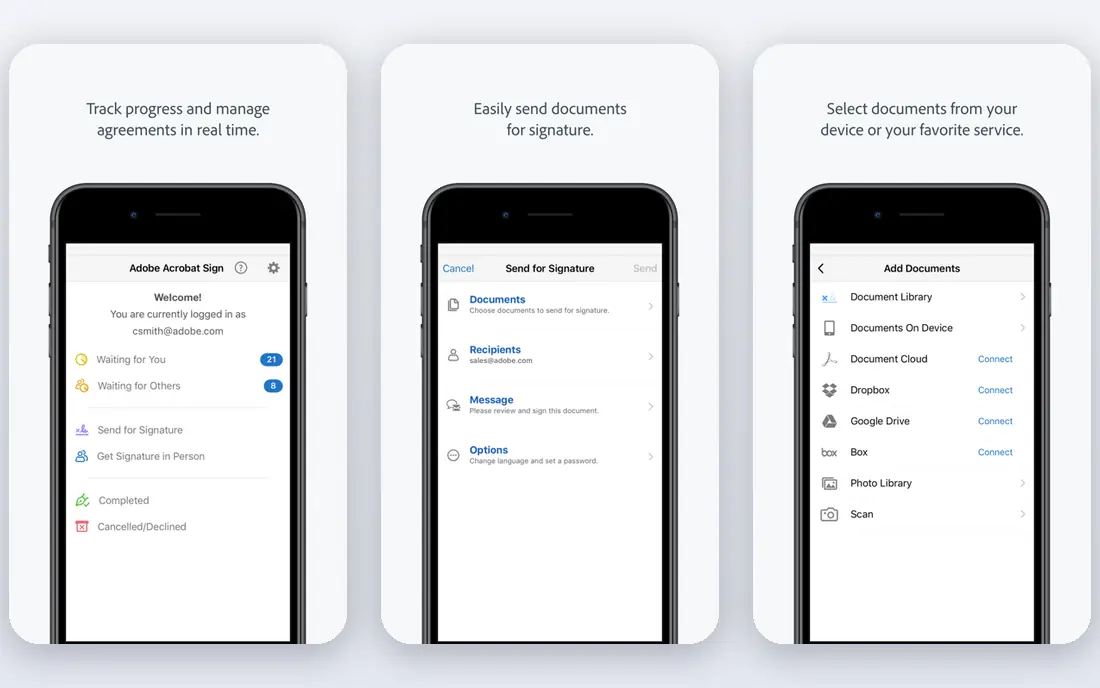
Adobe Acrobat is the reference point that other editors are measured against. You can edit text and images directly on the page, convert PDFs to Word or Excel, fill and sign forms, compare versions and redact sensitive passages. For legal, compliance or office work where formatting must survive intact, that depth is worth paying for.
The catch is price and weight. Standard starts at $14.99 per month on an annual plan, and Pro at $19.99 per month, with a 7-day trial. Casual users who only merge a file or fix a typo will find Acrobat more than they need, and a free or cheaper tool will finish the same job faster.
- Full text and image editing
- Strong OCR, redaction and accessibility tools
- E-signatures and cloud sharing built in
- Highest price on this list
- Heavier app than browser tools
- AI features need a higher plan
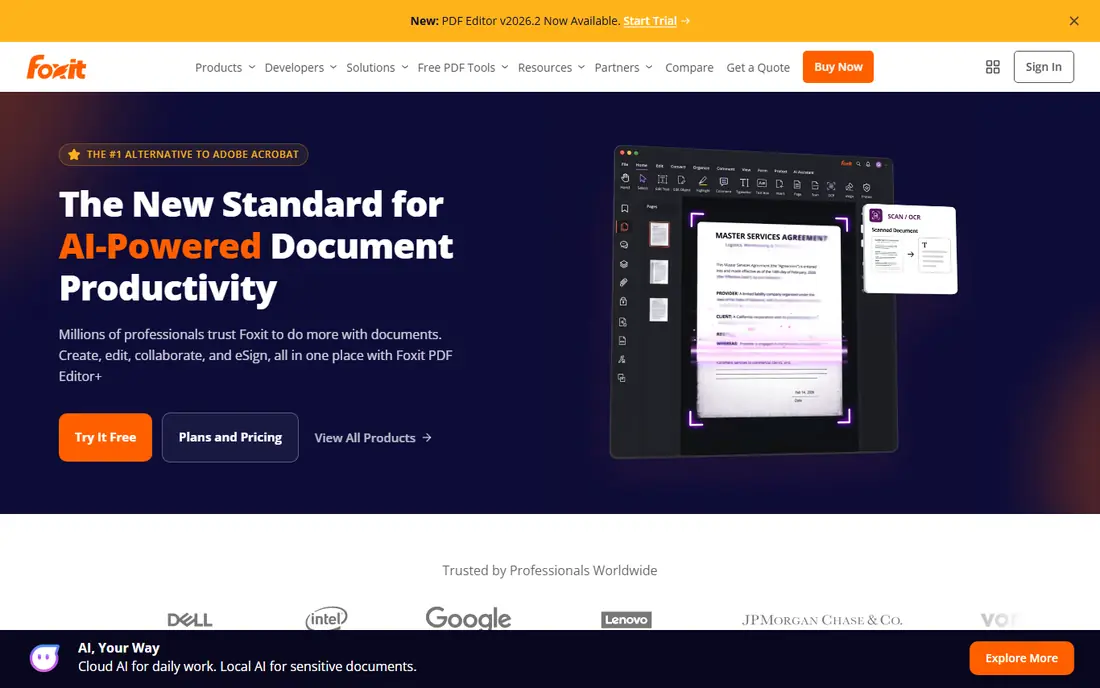
Foxit PDF Editor covers the same daily jobs as Acrobat, including text editing, form creation, OCR and document protection, at a lower annual price of $129.99 per year. The interface will feel familiar to Office users, and the app runs well on ordinary office computers without the bulk of a larger suite.
The main limit is that sending documents for signature at scale needs Editor Plus, so check that tier if signatures are central to your work. For teams that want a desktop editor with strong editing and a predictable yearly cost, Foxit is a sensible middle ground.
- Near-Acrobat feature set
- Lighter feel on desktop
- Perpetual license option in some tiers
- E-signature requests need the higher Editor Plus tier
- Smaller integration ecosystem than Adobe
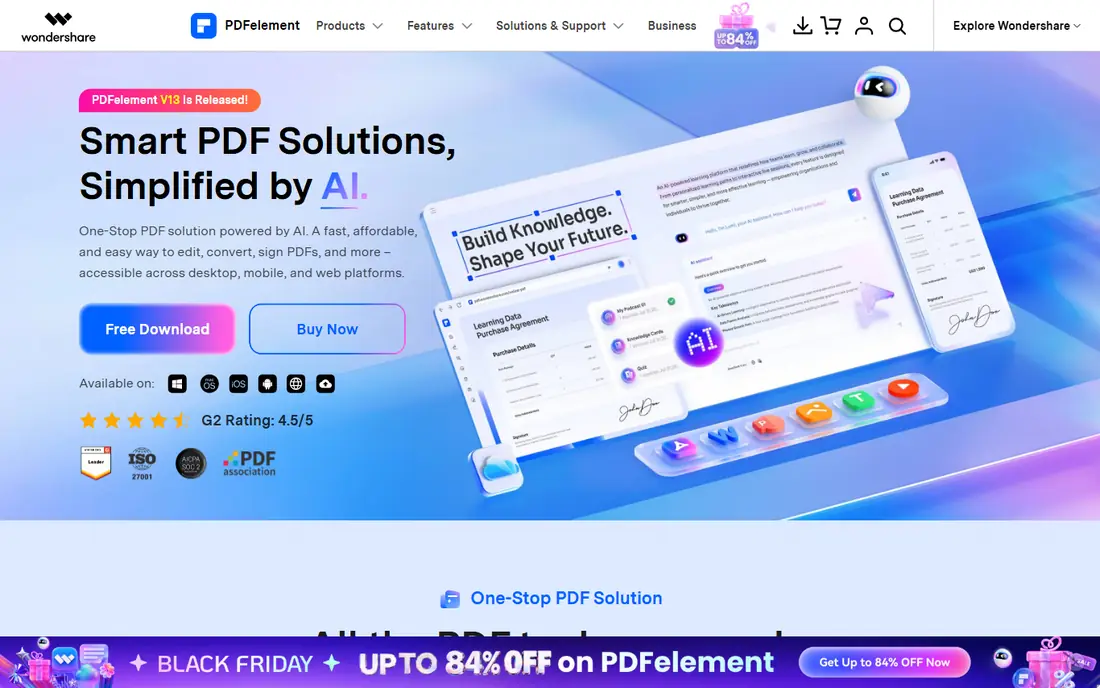
PDFelement from Wondershare gives you full desktop editing for $79.99 per year, with a perpetual license option listed at a higher one-time price. You can edit text, images and links, convert files in batches, create fillable forms and run OCR on scanned pages. The mobile and web versions keep the same files within reach when you move between devices.
AI features are a useful bonus for long documents, since they can summarize and help you find key passages, but they are not a substitute for reading a contract yourself. The watermarked trial is a real limit, so test with non-final files before you buy.
- Cross-platform desktop and mobile apps
- AI tools for summaries and document work
- Batch conversion and form tools
- Trial output carries a watermark
- Some AI features use credits
Smallpdf is the tool we reach for when a job must be done in two minutes. Open the site, drop in a file, merge or convert it, and download the result. Pro is listed at $10 per month on annual billing, or $15 month to month, with a 7-day trial, and the free tier covers a small number of tasks per day.
The limit is scale. If you edit PDFs every day, the daily caps and the lack of deep desktop editing will slow you down. For occasional jobs, though, Smallpdf is the least friction on this list.
- Clean browser interface with no install
- Covers merge, split, compress and convert
- Works on any device with a browser
- Free tier limits daily tasks
- Desktop app is limited next to full editors
iLovePDF offers a large set of browser tools for merging, splitting, compressing, converting and signing PDFs. The free tier handles most one-off jobs, with limits around file size, and Premium starts at $4 per month on annual billing. That makes it the cheapest paid path on this list for people who only need online tools.
Privacy is the trade-off to weigh. Files are processed on iLovePDF servers, so avoid uploading contracts or medical records unless you have checked the current retention policy. For school forms, slides and everyday documents, the balance of price and ease is excellent.
- Generous free tier for one-off jobs
- Very low paid price
- Desktop and mobile apps included with Premium
- Free file size limits apply
- Online processing means uploads leave your device
Sejda stands out for privacy. The desktop app edits files locally, so sensitive pages never need to leave your computer, and the web version states that uploaded files are deleted after processing. The free tier covers a few tasks per hour with size and page limits, and paid plans start at $7.50 per month, with a $5 week pass and a $63 per year desktop and web plan.
Sejda is best for occasional editors who care about where files go. Heavy daily users will hit the free caps quickly, and people who need a full signature request workflow should look at Acrobat or Foxit instead.
- Desktop app processes files on your own computer
- Free tier needs no account
- Week pass for short projects
- Free tier caps tasks per hour
- Signature request workflow is limited
PDFgear is the free pick that does not feel like a demo. The desktop and mobile apps cover text editing, annotation, merging, splitting, compression and conversion, with OCR for scanned pages. There is no subscription for those core tools, which makes it ideal for students and home users.
The gap is workflow depth. Team controls, advanced redaction and a built-in signature request system are thinner here than in Acrobat or Foxit. If your job is everyday editing on your own files, PDFgear covers it for free, and that is a rare combination.
- Core editing, conversion and OCR at no cost
- Desktop apps for Windows and Mac
- No subscription needed for everyday jobs
- E-signing is a separate tool
- Fewer team and admin features than paid rivals
PDF Expert is built for Apple users first. On a Mac or iPad it feels fast and direct, with clean annotation, form filling, page management and signing tools that suit reading and marking up documents on the move. Paid plans start around $80 per year, with a trial to test the full editor.
The obvious limit is platform. If you work across Windows and Mac, a cross-platform editor such as Foxit or PDFelement will serve you better. For a household or office that lives on Apple devices, PDF Expert is the most pleasant editor on this list.
- Fast, polished Apple experience
- Strong annotation and form filling
- Syncs across Apple devices
- Windows and Android users need another tool
- Paid plan needed for full editing
Xodo covers six platforms, which makes it useful for mixed-device households and small teams. The free tier allows a limited daily action, and paid plans start around $7.99 per month on annual billing for the desktop suite. Annotation, form filling, merging and conversion are all covered, and Xodo Sign handles signature requests separately.
Xodo will not match Acrobat for complex legal or compliance work, and its pricing pages need a careful read before you commit. For everyday cross-platform editing at a low price, though, it is a flexible choice.
- Runs on Windows, Mac, Linux, web and mobile
- Free daily action for light use
- Separate signing tool available
- Full suite pricing is less clear than single-app rivals
- Advanced editing lags Acrobat
How we picked these
We compared vendor pricing pages, feature pages and app store listings for PDF editors that are live in October 2026. We kept only tools that actually edit or convert PDFs today, and we favored clear free tiers, current prices and a mix of browser, desktop and mobile options. We did not claim hands-on testing. Where prices conflicted across third-party roundups, we used the vendor figure or wrote See website in the field.
How to choose the right PDF tool
Start with where the file lives and how sensitive it is. For a contract or a medical form, use a desktop editor such as Sejda, Foxit or PDFelement so the file stays on your computer. For a quick merge or conversion of a non-sensitive file, a browser tool such as Smallpdf or iLovePDF is faster and cheaper.
Next, count how often you edit. A few jobs a month fit the free tiers of PDFgear, Sejda or Xodo. Daily editing, OCR on scans or form creation justifies a paid desktop editor, and the annual price is usually much lower than paying month to month. Test the trial on your own hardest file, not a sample, since complex layouts and scanned pages expose weak OCR and formatting loss fast.
Frequently asked questions
What is the best rated PDF changer app overall?
Adobe Acrobat is the most complete option, with the deepest editing, OCR and signature tools. If price matters more than depth, PDFgear for free use and Foxit for paid desktop editing are strong alternatives.
Can I change PDF text for free?
Yes, for basic jobs. PDFgear offers free desktop editing, and Sejda and iLovePDF cover occasional text changes in their free tiers. Scanned pages need OCR, which is limited or paid in some free tiers, so check that feature before you rely on it.
Is it safe to edit PDFs online?
It depends on the file. Browser tools upload your file to a server, so avoid sensitive contracts, medical records and financial documents online unless you trust the retention policy. For those files, use a desktop app that processes locally.
What is the difference between a PDF reader and a PDF editor?
A reader lets you open, view and lightly annotate a PDF. An editor lets you change text and images, reorder pages, convert formats, create forms and sign documents. Acrobat Reader is free for viewing, while full editing needs a paid editor or a free tool such as PDFgear.
Which PDF app works best on a phone?
Smallpdf and iLovePDF work well in a mobile browser for quick jobs, and PDF Expert is the strongest choice on iPhone and iPad. For Android, PDFelement and Xodo offer fuller mobile editing than a browser tool alone.
Do I need OCR for scanned PDFs?
Yes, if the PDF is a photo or scan rather than born-digital text. OCR turns the image into searchable, editable text. Acrobat, Foxit, PDFelement and PDFgear all offer OCR, but free limits vary, so test with your own scan first.
Sources
See where you really rank - block by block
ProMapRanker scans Google Maps across a grid of your service area. Simple monthly plans from $19, white-label on every plan.
Start freeKeep reading
 worlds best local seo company
8 Worlds Best Local SEO Companies for Map Pack Growth in 2026
Compare the worlds best local seo company options for Google Business Profile work, citations, reviews, and multi-location rankings and reporting in 2026.
Read → world's best web hosting company
World's Best Web Hosting Company in 2026
Searching for the world's best web hosting company? We compared 10 hosts on price, renewal rates, speed, and support to help you choose well today in 2026.
Read → who's got the best nanny tax services
Who's Got the Best Nanny Tax Services in 2026
We answer who's got the best nanny tax services, comparing full filing, back taxes, software, and pricing so families can handle nanny taxes correctly.
Read →