 ProMapRanker
Best Rated Payroll and Scheduling Software in 2026

Key takeaways
- Homebase is the best free start for small hourly teams, with scheduling plus a payroll add-on.
- Deputy and Rippling suit teams that need compliance, multi-location scheduling, and payroll in one system.
- When I Work and Connecteam are strong scheduling-first picks, with payroll handled through partners or integrations.
- 7shifts suits restaurants that want hiring, scheduling, and payroll in one restaurant-focused platform.
- Price by location, per user, or per payroll run, so compare total cost at your real headcount.
Quick comparison
| Pick | Great for | Pricing starts at | Free tier | |
|---|---|---|---|---|
 Homebase | Free scheduling plus payroll add-on | Free | Yes | Visit |
 Deputy | Compliance-heavy shift teams | $5 per user per month | Free trial | Visit |
 When I Work | Budget shift scheduling | $2.50 per user per month | Free trial | Visit |
 Rippling | HR, scheduling, and payroll in one system | $8 per user per month | No | Visit |
 7shifts | Restaurants from hire to pay | Free | Yes | Visit |
 Connecteam | Deskless teams on a budget | Free | Yes | Visit |
 Square | Square sellers adding shifts and payroll | See website | No | Visit |
 Paychex Flex | Larger teams needing full payroll | See website | No | Visit |
The best rated payroll and scheduling software
We compared tools on scheduling depth, time tracking, payroll coverage, integrations, and pricing clarity, and we note where payroll is native and where it runs through a partner.
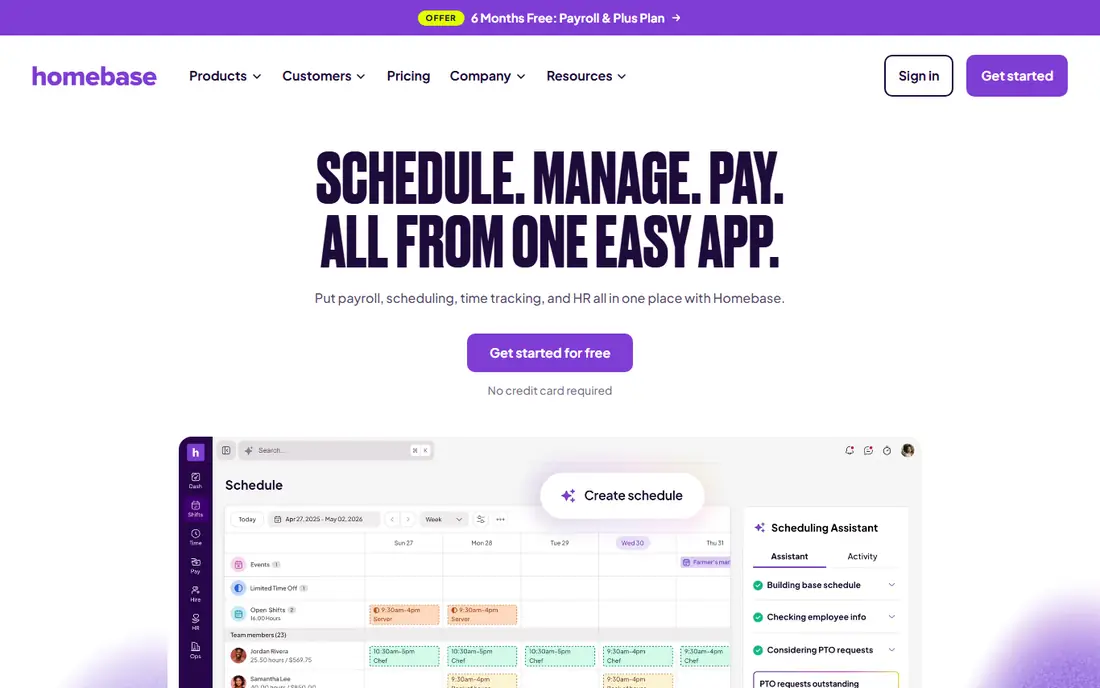
Homebase is the easiest starting point for a small hourly team. The free Basic plan covers one location and up to 10 employees, with scheduling, a time clock, and team messaging. Hours flow from the schedule into timesheets, and the payroll add-on can then handle wages, tips, and overtime, with taxes filed and paid in the United States.
Per-location pricing is the main cost watch. As you add locations, costs rise even if headcount stays modest. Payroll also costs extra on top of scheduling plans, so compare the combined price, not just the free or base scheduling price, when you judge Homebase against an all-in-one payroll system.
- Free plan for one location and up to 10 employees
- Scheduling and time clock in one app
- Payroll add-on
- Priced per location
- Payroll is a paid add-on
- Some features sit on higher tiers
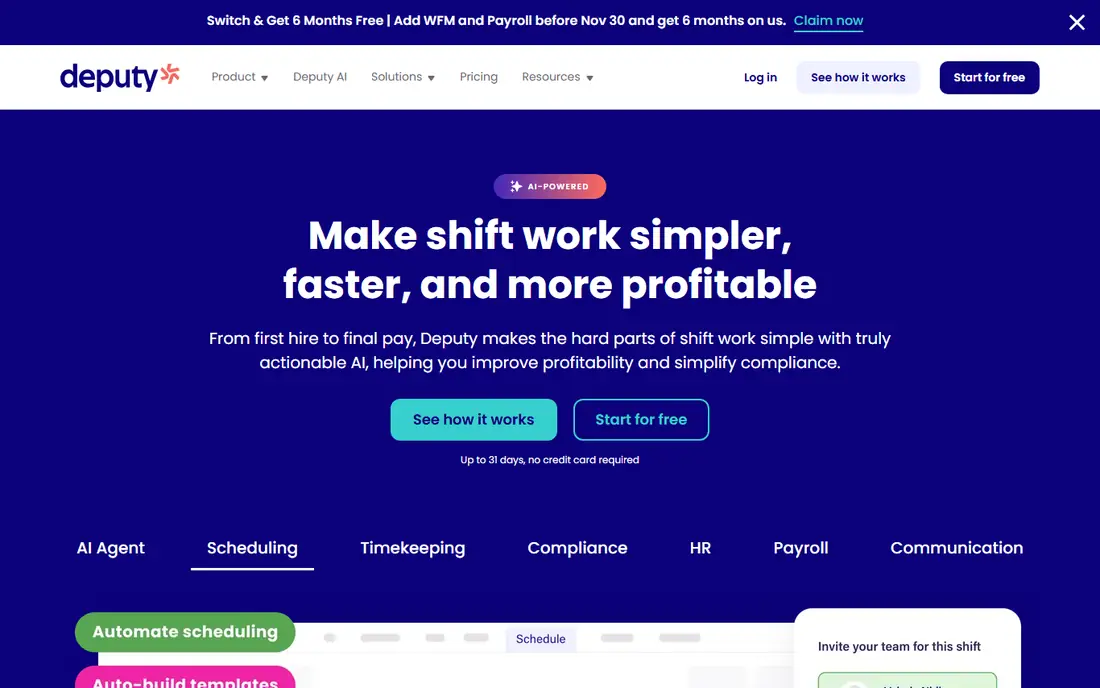
Deputy suits teams that need scheduling with real compliance controls, such as overtime rules, break rules, and Fair Workweek requirements in some US cities. Scheduling, time tracking, and labor cost views sit in one app, with shift swaps and availability handled on mobile. Multi-location teams can manage rosters across sites without separate accounts for each store.
Payroll coverage needs a careful check. Deputy integrates with QuickBooks, Xero, ADP, and Gusto, while native payroll is limited by region and plan in published comparisons. If you want payroll inside the same system with no export step, confirm the payroll option for your country and plan before you buy.
- Strong scheduling and compliance tools
- Multi-location support
- Broad payroll integrations
- Native payroll is limited by region and plan
- Higher tiers add cost fast
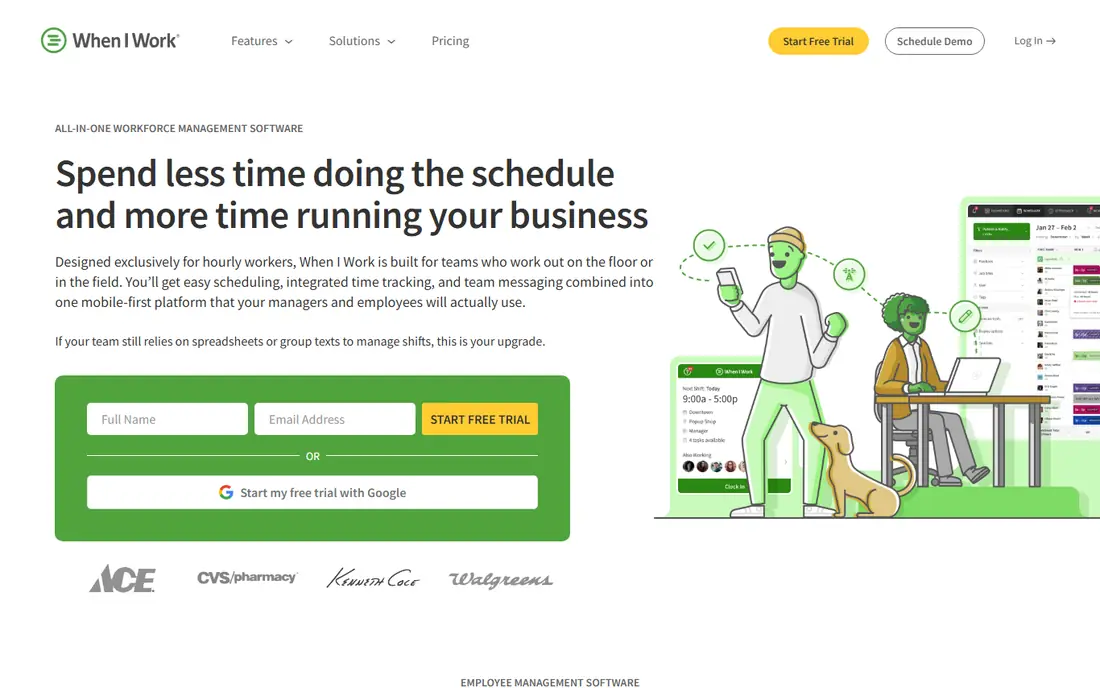
When I Work is the cheapest scheduling-first pick here, at $2.50 per user per month for a single location in published comparisons. It covers shift scheduling, open shifts, shift swaps, team messaging, and labor forecasting, with a mobile app that hourly staff can use without training. That simplicity is why many small teams can launch it in a day.
Payroll is the honest limit. When I Work connects to payroll partners such as Rippling, Gusto, Square Payroll, and Paychex, rather than running payroll natively. If you want one bill and one system for scheduling and payroll, Homebase, Rippling, or 7shifts may fit better. If you already have a payroll provider you like, When I Work is a low-cost scheduling layer on top.
- Lowest per-user scheduling price here
- Shift swaps and messaging
- Payroll partner links
- Payroll runs through partners, not natively
- Time tracking is an add-on for some plans
Rippling is the all-in-one pick for teams that want scheduling, time tracking, HR, and payroll in one system, with no export step between them. Hours from schedules and time clocks flow into payroll, while HR records, onboarding, and benefits sit in the same employee profile. Multi-location scheduling and real-time labor views help managers control costs across sites.
The trade-off is scope and price. Rippling starts from $8 per user per month in published comparisons, but modules and add-ons raise the total, and there is no free plan. A team of five at one location may find Homebase cheaper, while a growing team that wants HR and IT management in the same system will get more value from Rippling.
- Integrated scheduling, time, HR, and payroll
- Multi-location support
- Strong automation
- No free plan
- Pricing rises with modules
- Can be more than a small team needs
7shifts is built for restaurants, with scheduling, labor cost tracking, hiring, and team communication in one restaurant-focused app. The free plan covers basic scheduling for one location, which suits a single restaurant testing the system. Paid plans add forecasting, labor controls, and hiring tools that restaurant managers use daily.
Payroll sits on higher plans in published comparisons, with Premium plans offering payroll features. That means the scheduling price alone does not tell the full cost for a restaurant that wants hire, schedule, and pay in one system. Compare the Premium plan price with Homebase and Rippling at your location count before you commit.
- Restaurant-focused scheduling
- Hiring tools
- Payroll on higher plans
- Payroll only on Premium plans in comparisons
- Per-location pricing
Connecteam suits deskless teams such as field staff, cleaners, and retail workers who need scheduling, time tracking, forms, and messaging in one mobile app. The free plan covers up to 10 users across its hubs, which makes it a low-risk start for a small team. Paid plans start from $29 per month in published comparisons, priced per hub rather than per user on some plans.
Payroll is handled through integrations with tools such as QuickBooks, Xero, and ADP on paid plans, not as a native payroll engine. If you need native payroll with no export, look at Homebase, Rippling, or Paychex Flex. If scheduling, communication, and forms matter most, Connecteam offers strong value for the price.
- Free plan for up to 10 users
- Scheduling plus forms and messaging
- Mobile-first design
- Payroll runs through integrations
- Some features need paid hubs
Square is a natural pick for businesses already using Square for point of sale. Square Shifts covers scheduling, time tracking, and team messaging, while Square Payroll handles wages, taxes, and filings. Hours from shifts can flow into payroll, and sales data from Square POS can inform labor cost views.
The value drops if you do not use Square for sales. Payroll pricing varies by plan and state, and some features sit on paid tiers, so check the combined Shifts and Payroll price for your team size. For a Square seller, the single ecosystem is a real advantage. For a non-Square business, a standalone tool may be simpler.
- Square Shifts for scheduling
- Square Payroll for pay and taxes
- POS and sales in one system
- Best value inside the Square ecosystem
- Payroll pricing varies by state and plan
Paychex Flex suits larger or growing teams that need full payroll service, not just a payroll calculator. It covers payroll, tax filing, time and attendance, scheduling, HR, and benefits in one platform, with support for multi-location teams. That breadth helps when compliance, benefits, and reporting become as important as the weekly schedule.
Pricing is by quote, and setup takes longer than a self-serve tool such as Homebase or When I Work. Small teams may find the process heavy for a simple schedule and pay need. For teams that want a payroll provider with service and scale, Paychex Flex is a solid enterprise-grade option.
- Full payroll and tax services
- Scheduling and time tools
- HR and benefits options
- Quote-based pricing
- Setup can take longer than small-team tools
How we picked these
We compared official pricing pages, product pages, and published comparisons for scheduling, time tracking, and payroll coverage. We favored tools that cover both scheduling and payroll, either natively or through a clear partner integration, and we noted the difference in each write-up. Where pricing was per location, per user, or by quote, we kept that model visible so totals can be compared at real headcount.
How to choose payroll and scheduling software
Start with how your team actually works. A restaurant with split shifts and tips needs different tools than a field team with job sites and travel time. List your must-haves: shift swaps, overtime rules, time clocks with location checks, tip handling, and payroll tax filing. A tool that covers scheduling well but misses tip or overtime rules will create manual work every pay run.
Check if payroll is native or partnered
Native payroll means hours flow into pay with no export step, and tax filings sit in the same system. Partner payroll means scheduling exports hours to a separate payroll provider, which can work well if you already like that provider. Ask who files taxes, who handles corrections, and what happens when a timesheet changes after payroll runs. Those answers matter more than a feature checklist.
Compare total cost at your headcount
Per-user pricing favors small teams, per-location pricing favors larger teams at few sites, and payroll add-ons change both totals. Run the math at your current headcount and at the headcount you expect in a year. Include payroll base fees, per-employee fees, and any time tracking or scheduling add-ons. A free scheduling plan with a paid payroll add-on can cost more than an all-in-one plan once payroll is added.
Test the mobile experience with real staff
Managers and hourly staff will use the mobile app more than the desktop site. Test schedule views, shift swaps, time clock punches, and pay stub access on real phones before you buy. If staff find the app confusing, they will text managers instead of using it, and the schedule will drift. A short pilot with one location or team will reveal those issues fast.
Frequently asked questions
What is the best payroll and scheduling software for a small business?
Homebase is a strong small-business start, with a free plan for one location and up to 10 employees plus a payroll add-on. When I Work suits teams that only need low-cost scheduling, while Rippling suits teams that want HR and payroll in one system. Compare the combined scheduling plus payroll price, not just the base plan.
What is the best scheduling app with payroll?
Homebase, Rippling, 7shifts on Premium plans, Square, and Paychex Flex all cover scheduling and payroll in one ecosystem, with different pricing models. Deputy and Connecteam cover scheduling well, but payroll often runs through a partner integration. Confirm native payroll for your country and plan before you buy.
Is there free payroll and scheduling software?
Homebase and Connecteam offer free plans for small teams, and 7shifts offers a free scheduling plan, but payroll is usually a paid add-on or a higher plan. Free scheduling can still save time, but budget for payroll fees when you compare totals.
How much does payroll and scheduling software cost?
Costs range from free small-team plans to $2.50 per user per month for When I Work, $5 per user per month for Deputy, and $8 per user per month as a Rippling starting point in published comparisons. Per-location and quote-based plans vary more, so run the math at your real headcount.
Can scheduling software handle overtime and tips?
Many tools here handle overtime rules, breaks, and tip tracking, but coverage varies by plan and country. Homebase, Deputy, and 7shifts cover restaurant and hourly needs well, while Paychex Flex covers broader compliance. Test your exact overtime and tip rules in a trial before you commit.
Should I switch payroll providers to get scheduling in one app?
Not always. If your payroll provider works well, a scheduling tool with a good integration, such as When I Work or Connecteam, may be enough. Switch to an all-in-one system when manual exports, corrections, or tax filing issues cost your team time every pay run.
Sources
See where you really rank - block by block
ProMapRanker scans Google Maps across a grid of your service area. Simple monthly plans from $19, white-label on every plan.
Start freeKeep reading
 outreach alternatives
Outreach Alternatives in 2026
Compare outreach alternatives for 2026, from Salesloft and Apollo to HubSpot and Lemlist, with pricing, channels, features, limits, and honest trade-offs.
Read → best web conference tools
Best Web Conference Tools in 2026
Compare the best web conference tools for meetings, webinars and team calls, with current pricing, free plans and honest limits for each option here today.
Read → best voice cloning tools
Best Voice Cloning Tools in 2026
Compare the best voice cloning tools in 2026, from ElevenLabs and Descript to Resemble and Cartesia, with consent rules, pricing, licenses, and limits.
Read →