 ProMapRanker
Best Rated Live Chat Tool for Startup Companies in 2026

Key takeaways
- Startups should price chat by seats, conversations and AI usage together, since any one of those can dominate the bill.
- tawk.to, Crisp, Tidio and Freshchat offer the most useful free starting points for small teams.
- Intercom and Zendesk suit startups that expect fast growth and want AI plus a full support system.
- LiveChat and Help Scout suit teams that want a focused chat or a combined chat and email inbox.
- Test the widget on mobile, check chat history limits and confirm how AI answers are billed before you commit.
Quick comparison
| Pick | Great for | Pricing starts at | Free tier | |
|---|---|---|---|---|
 tawk.to | Free chat for very small teams | See website | Yes | Visit |
 Crisp | Flat workspace pricing | See website | Yes | Visit |
 Tidio | Small stores with AI help | See website | Yes | Visit |
 Freshchat | Free plan for up to 10 agents | See website | Yes | Visit |
 LiveChat | Focused high-volume chat | See website | Free trial | Visit |
 Intercom | AI-led support at scale | See website | Free trial | Visit |
 Zendesk | Chat inside a full help desk | See website | Free trial | Visit |
 Help Scout | Chat plus email in one inbox | See website | Yes | Visit |
The best rated live chat tool for startup companies
A live chat tool for a startup needs to be easy to install, easy for a small team to run, and affordable when volume grows. The tools below cover free options, focused chat products and full support platforms.
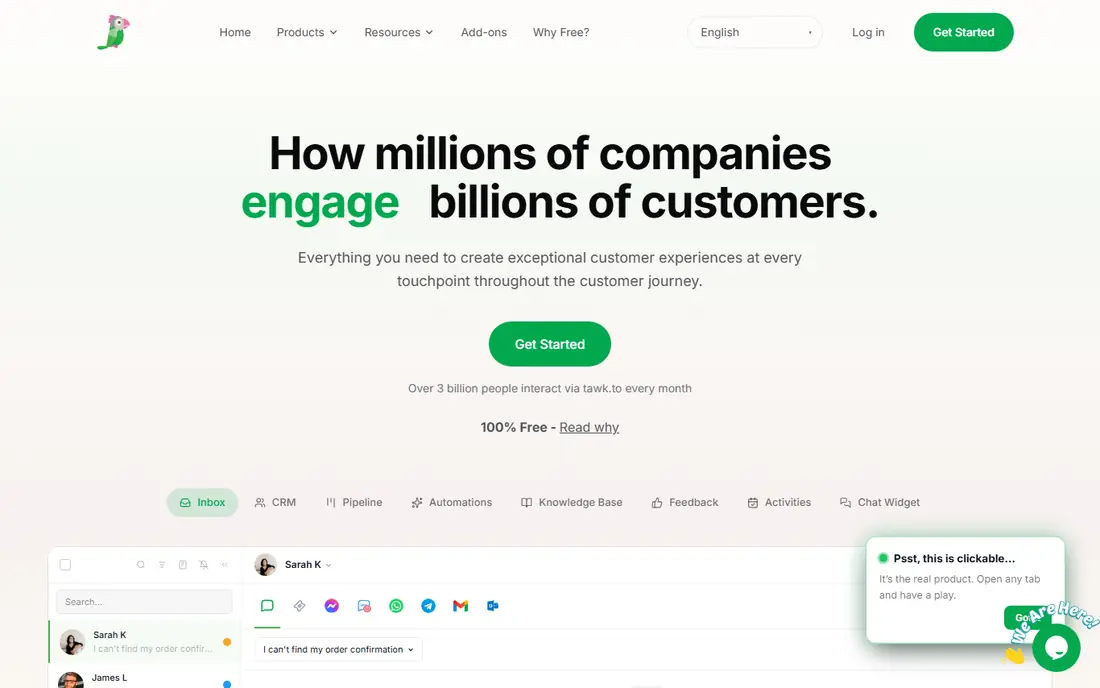
tawk.to offers a free core live chat product with unlimited agents, which makes it hard to beat for a startup with no support budget. Teams can add ticketing, transcripts and visitor monitoring, then pay only for add-ons such as branding removal or AI Assist. That model lets a new company start free and add paid features only when they are needed.
The trade-off is polish and support depth. Paid tools often offer stronger automation, reporting and integrations out of the box. tawk.to fits startups that need a working chat widget now, have a small team, and are happy to manage setup themselves.
- Free core chat with unlimited agents
- Ticketing and transcripts included
- Paid add-ons optional
- Branding removal and AI features cost extra
- Support is largely self-serve
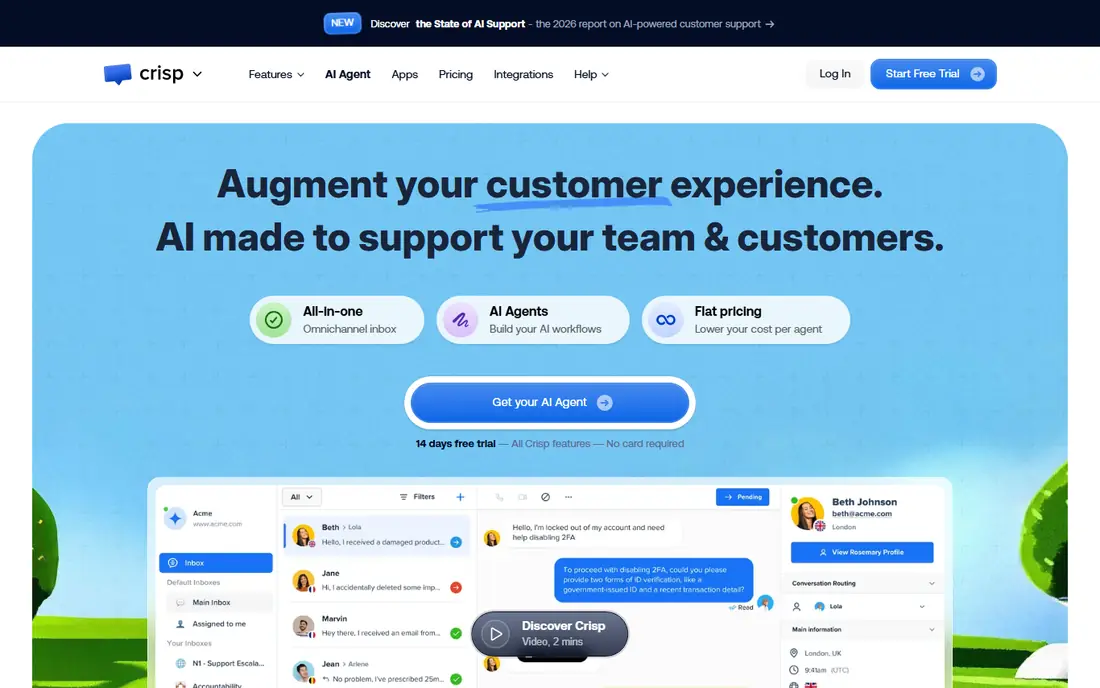
Crisp prices by workspace rather than by agent, which can help a startup as more people join support. Its free plan covers two seats, while paid workspaces add more seats, automation and integrations. The shared inbox keeps chat, email and other messages in one place, which reduces missed replies for a small team.
Automation and routing sit mainly on higher tiers, so a growing team should check which plan includes the workflows it needs. Crisp fits startups that expect several people to answer chat and want predictable pricing as headcount grows.
- Flat workspace pricing rather than per-agent pricing
- Free plan for two seats
- Shared inbox features
- Higher tiers needed for some automation
- AI credits add cost at scale
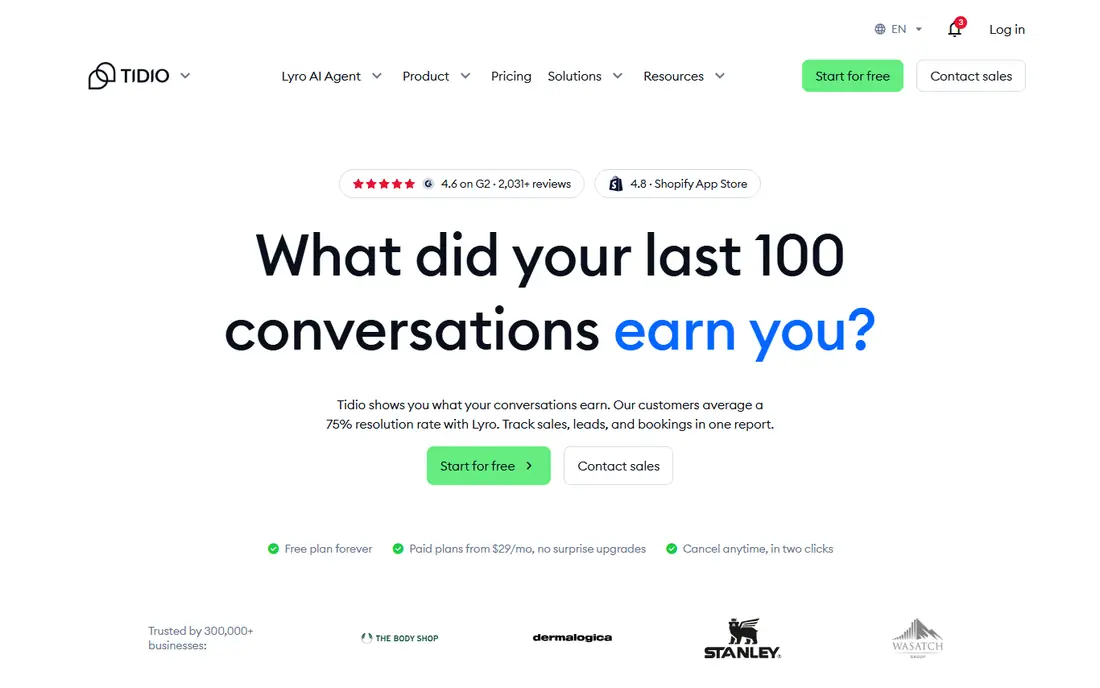
Tidio combines live chat with chatbots and an AI agent called Lyro, which can answer common questions before a human steps in. Its free plan gives small teams a way to test chat on a real site, while paid plans add more conversations and automation. Ecommerce integrations help online stores connect chat to orders and visitor behaviour.
Conversation limits are the main catch. A busy launch or sale can use up the monthly allowance faster than expected, so startups should model peak weeks, not average weeks. Tidio fits small ecommerce and service startups that want chat plus AI help without a large support team.
- Free plan with monthly conversations
- AI agent add-on
- Ecommerce integrations
- Conversation limits can bite quickly
- AI help is billed separately
Freshchat, part of Freshworks, offers a free plan for up to 10 agents, which is generous for a startup. Teams can run live chat, use basic bots and connect messaging channels, then move to paid plans for routing, multiple service levels and AI help. Integration with other Freshworks products is a plus for companies already using that suite.
Paid features still matter for larger teams, especially routing and AI. Freshchat fits startups that want a free start, a clear upgrade path and a product that can grow into a wider support system.
- Free plan for up to 10 agents
- Freshworks integrations
- Bots and messaging channels
- Advanced routing and AI features need paid tiers
- Suite pricing can rise with add-ons
LiveChat is built around live chat itself, rather than chat as one part of a large suite. Agents get a focused workspace, canned responses, visitor details and chat routing, which helps small teams handle volume without extra complexity. Integrations with ecommerce platforms and CRM tools help sales and support teams work from the same customer context.
The main limits are price structure and scope. There is no free plan, only a trial, and ticketing and AI agent products are sold separately. LiveChat fits startups that want a dedicated, high-quality chat tool and expect chat to be a core sales or support channel.
- Dedicated chat focus
- Strong agent tools
- Integrations with ecommerce and CRM tools
- No free plan, trial only
- Ticketing and AI products are separate
Intercom combines a shared inbox, a knowledge hub and Fin, its AI agent, on one conversation record. Fin can resolve many common questions on its own, while human agents handle complex cases with full context. That combination suits startups that expect support volume to grow quickly and want AI to absorb the first wave of questions.
Pricing needs careful modelling. Seats are billed per person, and Fin bills per resolved conversation, so a high-volume startup can see costs rise even with a small team. Intercom fits funded or fast-growing startups that need a polished AI-plus-human system and can justify the cost with volume.
- Fin AI agent
- Shared inbox and knowledge hub
- Strong automation and integrations
- Seat plus per-resolution AI pricing can grow fast
- No free plan
Zendesk offers live chat as part of a full customer service platform, with ticketing, knowledge base, reporting and many channels in one system. For a startup that already plans to run email, chat and self-service together, that breadth is valuable. Agents can move a chat into a ticket, track history and report on performance without switching tools.
The catch for very small startups is scope and price. Chat is included in Suite plans rather than the cheapest support-only tier, and setup takes more time than a simple widget. Zendesk fits startups that want a complete help desk from the start and expect support to become a major function.
- Full omnichannel help desk
- Strong ticketing and reporting
- Large integration range
- Chat sits in higher-priced suites
- Setup and pricing can feel heavy for tiny teams
Help Scout pairs live chat with a shared email inbox, so a small team can handle both channels without learning a large platform. Its simple setup and clear inbox suit startups where the same people answer sales questions, support emails and chat. AI Answers can also help with common questions, billed per resolution on paid plans.
Help Scout is less focused on pure high-volume chat than LiveChat, and its strength is the combined inbox rather than chat alone. It fits startups that want one friendly place for customer conversations, with chat as part of a wider support inbox.
- Shared inbox for chat and email
- Simple setup
- AI Answers for common questions
- Less suited to very high-volume chat alone
- Advanced AI billed per resolution
How we picked these
We compared official pricing pages, free plan terms, chat features and public 2026 comparisons, and we focused on tools that a startup can install and run without a large support team. We included free, focused and full-platform options so readers can compare cost and scope. Prices change often and AI billing varies, so we used See website where a single figure would mislead.
What startups should check before choosing chat
Start with volume, not features. Estimate weekly chats, peak days and how many people will answer, then check seat limits, conversation limits and chat history on each plan. A free plan that caps conversations can cost more in lost sales than a paid plan that handles peaks.
Test the customer experience
Install the widget on a test page, try it on mobile and check load time, language and offline messages. Ask how chats route when no agent is online, and how transcripts reach customers. A chat tool that feels slow or confusing will hurt conversion, even if its admin features look strong.
Model AI costs separately
AI agents can save agent time, but they are often billed per resolution or per conversation. Ask what counts as a resolution, what happens when AI hands over to a human, and whether failed AI answers still bill. Run a small pilot with real questions before you roll AI out to all visitors.
Frequently asked questions
What is the cheapest good live chat tool for a startup?
tawk.to offers a free core product, while Crisp, Tidio and Freshchat offer useful free plans with limits. The cheapest good choice depends on team size, chat volume and whether you need AI help.
Do startups need AI chat?
Not always. AI helps when volume is high or questions repeat often. Small teams with low volume may do better with fast human replies and saved answers, then add AI when volume grows.
Is live chat better than email for startups?
Live chat suits quick questions and sales help, while email suits detailed or complex cases. Many startups use both, with chat for instant help and email for follow-up and records.
How many agents does a startup need for live chat?
Many startups start with one or two people covering chat during business hours, plus an offline form for other times. Add agents when response times rise or chats are missed during peaks.
Can live chat hurt conversion if it is slow?
Yes. Slow replies, confusing widgets or long queues can frustrate visitors. Set clear hours, use offline messages and keep the widget simple on mobile.
Sources
See where you really rank - block by block
ProMapRanker scans Google Maps across a grid of your service area. Simple monthly plans from $19, white-label on every plan.
Start freeKeep reading
 worlds best local seo company
8 Worlds Best Local SEO Companies for Map Pack Growth in 2026
Compare the worlds best local seo company options for Google Business Profile work, citations, reviews, and multi-location rankings and reporting in 2026.
Read → world's best web hosting company
World's Best Web Hosting Company in 2026
Searching for the world's best web hosting company? We compared 10 hosts on price, renewal rates, speed, and support to help you choose well today in 2026.
Read → who's got the best nanny tax services
Who's Got the Best Nanny Tax Services in 2026
We answer who's got the best nanny tax services, comparing full filing, back taxes, software, and pricing so families can handle nanny taxes correctly.
Read →