 ProMapRanker
Best Purchasing Software for Small Businesses in 2026

Key takeaways
- Ramp is the lowest-cost entry point, with a free core plan, while Precoro and Tradogram publish clear monthly prices.
- Procurify, Zip and Airbase are quote-based, so small firms should request a written quote and a trial before shortlisting them.
- Purchase orders, budgets and approvals are the core test, while sourcing and contract tools matter only for larger buying programs.
- A tool that syncs to QuickBooks, Xero or NetSuite will save more time than a standalone request form.
- Start with one department and one approval flow, then expand, rather than rolling out every feature at once.
Quick comparison
| Pick | Great for | Pricing starts at | Free tier | |
|---|---|---|---|---|
 Ramp | Free spend and bill pay plus procurement | Free | Yes | Visit |
 Precoro | Tight purchase order control | $499 per month | Free trial | Visit |
 Tradogram | Low-cost sourcing and purchase orders | $99 per month | Free trial | Visit |
 Procurify | Pre-spend budget control | See website | No | Visit |
 Zip | Purchase intake and approvals | See website | No | Visit |
 Airbase | Purchasing plus accounts payable | See website | No | Visit |
 ControlHub | One-click purchase orders | See website | No | Visit |
 Fraxion | Procure-to-pay with spend analytics | $399 per month | No | Visit |
The best purchasing software for small businesses
We focused on tools that handle purchase requests, approvals, purchase orders and supplier records for small firms. The list mixes free spend tools with dedicated purchasing systems.
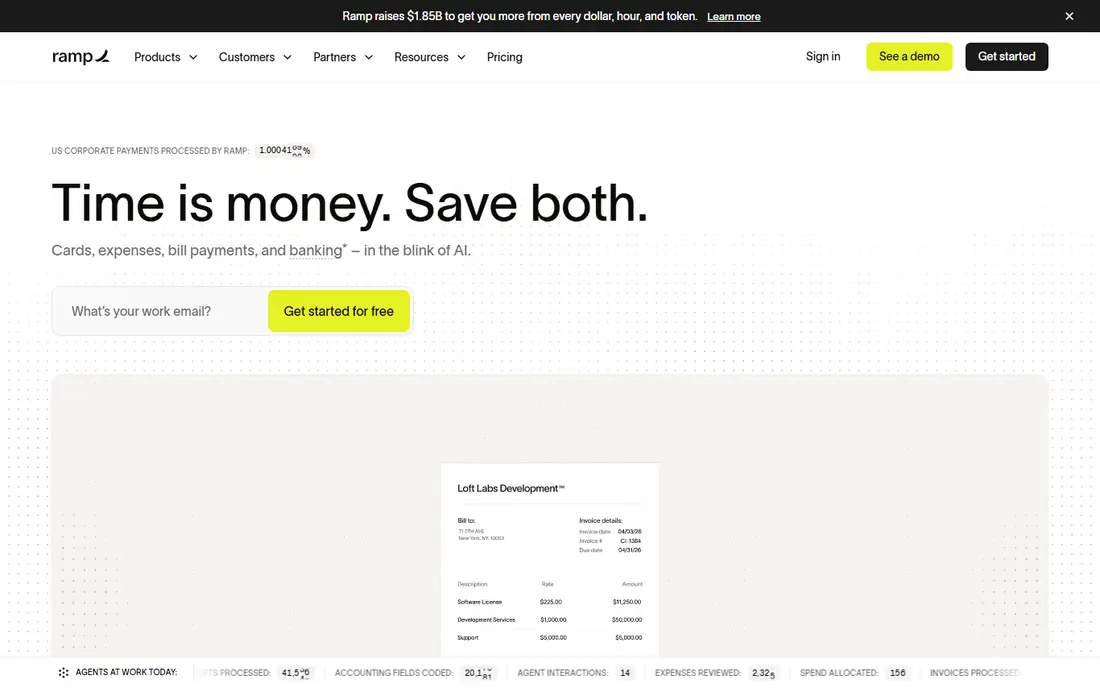
Ramp is the easiest starting point for a small business that has no purchasing system at all. The free plan covers cards, expenses and basic bill pay, with QuickBooks and Xero sync, so spending becomes visible without a new monthly fee. Procurement is available as a paid add-on to Plus or Enterprise plans.
The limit is depth. Basic approvals and bill pay suit small teams, but firms that need guided buying, three-way matching and detailed procurement workflows will need the paid plans. If your main problem is cards and expenses with some purchasing on top, Ramp is a strong first step.
- Free core plan with cards and expenses
- Bill pay and accounting sync
- Procurement as a paid add-on
- Advanced procurement sits on paid plans
- Works best with Ramp cards
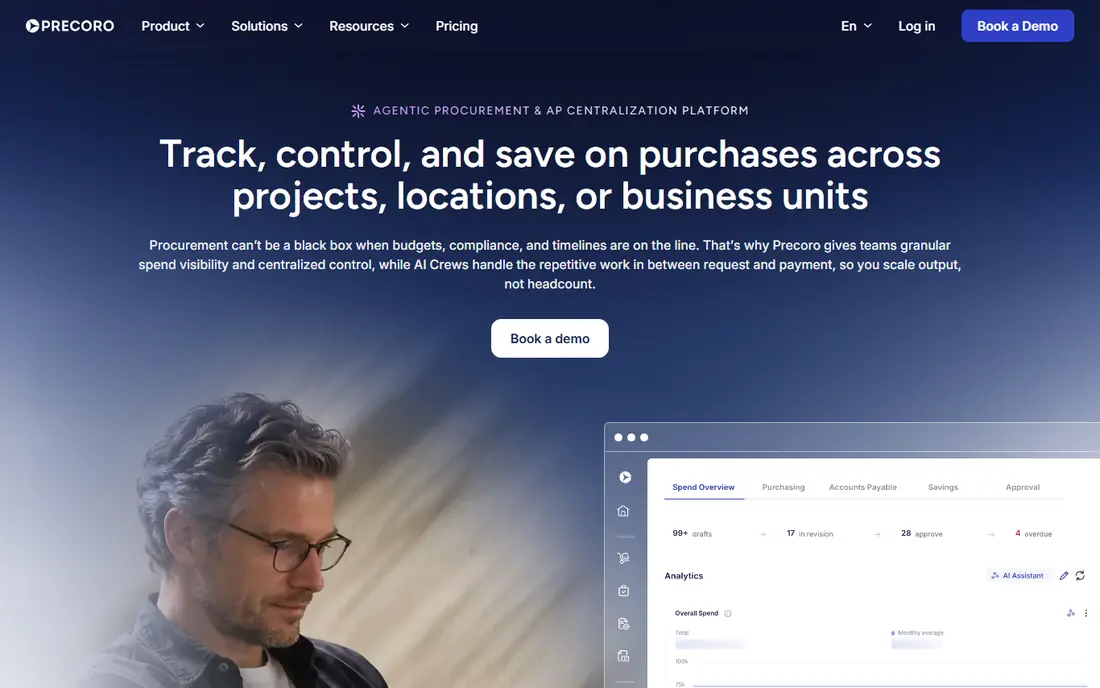
Precoro is a dedicated purchasing tool with unusually clear pricing. Requests, approval workflows, department budgets, purchase orders and receiving live in one system, and the Core plan is published at $499 per month billed annually. That clarity helps a finance lead budget without a long sales process.
The minimum cost is still real money for a small firm, at about $6,000 a year, so it fits firms with enough purchasing volume to justify control. Very small firms with a handful of orders a month may do better with Ramp or Tradogram. Firms that lose money to off-system spending will see the value faster.
- Published pricing
- Requests, approvals, budgets and purchase orders in one system
- Supplier records
- Minimum annual cost is high for very small firms
- Advanced automation costs more
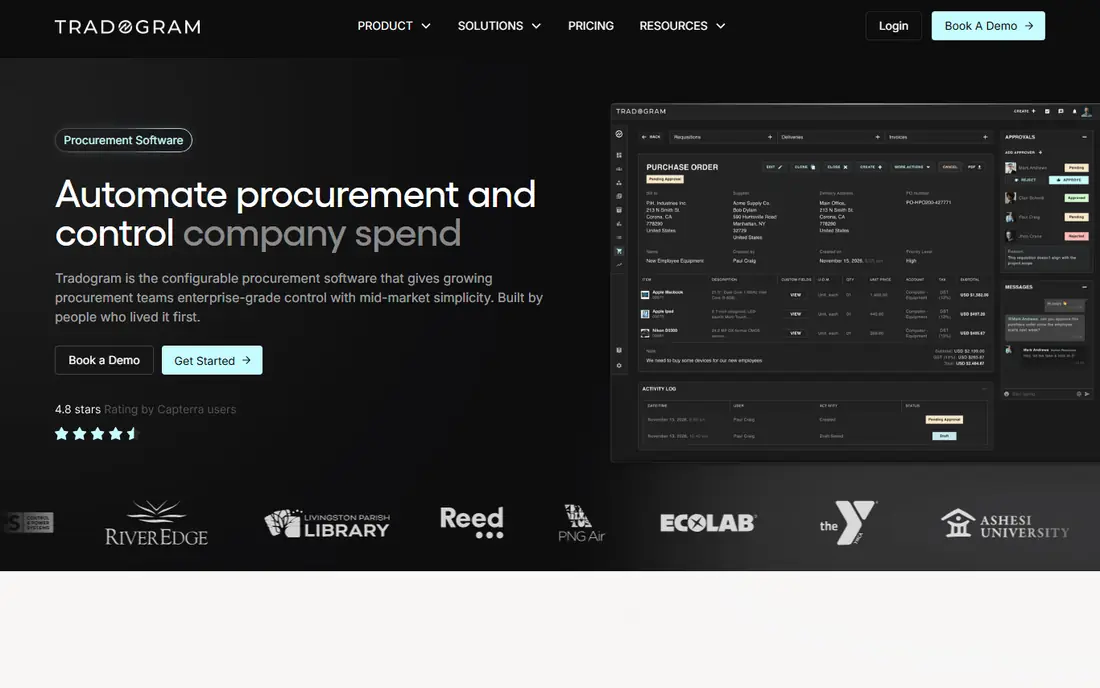
Tradogram gives small teams a full purchasing workflow at a low entry price. Paid plans start at $99 per month, and the system covers requisitions, approvals, purchase orders, vendor records and basic sourcing. That scope is wider than a simple request form, without enterprise pricing.
The trade-off is scale and depth. Tradogram will not match Coupa or SAP Ariba for complex sourcing events or global supplier networks. For a small firm that needs control over everyday purchases and supplier records, the price and scope are well matched.
- Low entry price
- Sourcing, vendor management and purchase orders
- Free Basic tier in some listings
- Smaller vendor ecosystem than enterprise suites
- Depth is limited for complex sourcing
Procurify focuses on stopping overspend before it happens, by showing live budgets during the request and approval steps. Employees request items, managers approve in the app, and finance sees committed spend against each budget. Mobile approvals help teams that buy on the move.
Pricing is modular and quote-based, so small firms should ask for a written quote for their user count and modules. Procurify suits firms that have outgrown spreadsheets and need budget discipline across departments. Firms with only one department may find a simpler tool enough.
- Real-time budget visibility before spending
- Mobile approvals
- Purchase orders and cards
- Quote-based pricing
- Implementation time needs checking for small teams
Zip is built around intake, the moment an employee asks to buy something. Requests from many channels flow into one approval queue, with routing by amount, department and vendor. That design fixes the common problem of purchases starting in email, chat and spreadsheets at the same time.
Pricing is custom, which means a longer sales conversation than Precoro or Tradogram. Zip also suits mid-sized firms as well as small ones, so small teams should check that they are not paying for orchestration depth they will not use. If intake chaos is your main pain, Zip deserves a demo.
- Clean intake for any purchase type
- Flexible approval routing
- ERP and accounting connections
- Quote-based pricing
- Full suite features may exceed small-firm needs
Airbase combines guided procurement with corporate cards and accounts payable, so a purchase can move from request to payment without changing systems. Employees buy through approved vendors and catalogs, finance sees spend in real time, and invoices match to purchase orders. That breadth suits finance-led teams.
Pricing is quote-based, and Airbase is now part of the Paylocity group, so check current packaging during a demo. Small firms that only need purchase orders may find Airbase broader than necessary. Firms that also want cards and AP automation will get more value from the combined system.
- Procurement, cards and accounts payable in one system
- Guided buying
- Accounting sync
- Quote-based pricing
- Procurement is part of a wider finance platform
ControlHub targets small teams and hardware startups that need purchase orders without enterprise setup. Requests turn into purchase orders quickly, approvals are simple to follow, and finance can track spend by vendor and project. That speed matters when engineers or operations staff buy parts often.
Pricing is not published, so request a quote and confirm what is included for your team size. ControlHub is less suited to firms that need deep sourcing, contracts or global supplier management. For everyday purchasing control, it is a practical, focused option.
- Fast purchase order creation
- Approval workflows
- Spend visibility for small teams
- Pricing is not published
- Smaller feature set than full suites
Fraxion covers the full procure-to-pay path, from requisition and approval to purchase orders, receiving and invoice matching, with spend analytics built in. Pricing is published from $399 per month for smaller teams, which sits between Tradogram and Precoro. That middle price suits firms that need more than a basic PO tool but cannot justify an enterprise suite.
The entry plan is still a commitment for a very small firm, so count monthly orders before buying. Fraxion is strongest for mid-sized firms that want analytics alongside purchasing control. Smaller firms should compare it directly with Tradogram on price and with Precoro on budget features.
- Procure-to-pay workflow
- Embedded spend analytics
- Approval and supplier tools
- Entry price suits firms with steady order volume
- Enterprise depth is limited
How we picked these
We compared official feature and pricing pages and public reviews for purchasing tools that serve small businesses in October 2026. We favored tools that handle requests, approvals and purchase orders, that sync with common accounting systems, and that are actively sold to small and mid-sized firms. We did not claim hands-on testing that did not happen, and we used See website where a vendor does not publish a starting price.
Choosing the right purchasing tool
Start with your biggest leak. If staff buy without approval, you need intake and routing first. If budgets are overspent, you need pre-spend budget visibility. If invoices do not match orders, you need purchase orders and receiving. Buying a full suite for a single leak wastes money and slows adoption.
Next, check the accounting connection and the approval experience. Test a request from a phone, an approval from a manager and a sync to your ledger during a trial. Confirm how vendors are added, how catalogs work and how duplicate orders are handled. A tool that staff avoid will not control spending, no matter how complete its feature list looks.
Finally, keep the rollout narrow. Start with one department, one budget and one approval chain, then add departments once the workflow is trusted. Review spend by vendor each month, close unused catalogs and keep approval limits in writing. That discipline matters more than any single feature.
Frequently asked questions
What does purchasing software do?
It manages how a company buys things: purchase requests, approvals, purchase orders, supplier records, receiving and invoice matching. Some tools add sourcing, contracts and spend analytics.
Do small businesses need purchasing software?
Not every small firm does. If purchases are few and one person approves them, a spreadsheet and accounting system may be enough. Once several people buy, budgets slip or invoices pile up, a dedicated tool pays for itself in control.
What is the cheapest purchasing tool here?
Ramp starts free for core spend management, with procurement as a paid add-on. Tradogram starts at $99 per month for a dedicated purchasing tool, and Precoro starts at $499 per month for tighter budget control.
Does purchasing software replace an ERP?
Usually not. Many firms use purchasing software alongside an ERP or accounting system, with the purchasing tool handling intake and approvals and the ERP handling the ledger. Check sync options before buying.
How long does setup take?
Free and low-cost tools can go live in days. Mid-market tools such as Precoro and Procurify typically take weeks, while enterprise suites can take months. Ask for a written setup timeline during a trial.
Sources
See where you really rank - block by block
ProMapRanker scans Google Maps across a grid of your service area. Simple monthly plans from $19, white-label on every plan.
Start freeKeep reading
 what’s the best risk software for enterprises
What Is the Best Risk Software for Enterprises in 2026
We compared what’s the best risk software for enterprises on risk registers, controls, third-party risk, and reporting, with pricing notes for large teams.
Read → what's the best pam software for enterprises
What is the Best PAM Software for Enterprises in 2026
Find what's the best pam software for enterprises, with vaulting, session recording, just in time access and pricing compared for large enterprise IT teams.
Read → what’s the best grc software
What Is the Best GRC Software in 2026
We compared what’s the best grc software on risk, compliance, audit and vendor risk, so teams can pick a platform that fits their frameworks and budget.
Read →