 ProMapRanker
Best Purchase Order Management Software in 2026


Growing teams that need budget control · Pricing starts at: $499 per month
Key takeaways
- Precoro and Tradogram are the clearest options for smaller teams, because they publish starting prices and focus on purchase orders, approvals, and budgets.
- Coupa, SAP Ariba, and Oracle Procurement Cloud are built for large companies, and all three are priced by quote, so expect a sales process and a longer setup.
- Ramp is different from the rest here, because its free core plan covers cards and expenses, with procurement as a paid addition rather than the main product.
- If your team already uses NetSuite or QuickBooks, the integration matters more than a long feature list, so shortlist the tool that connects cleanly first.
Quick comparison
| Pick | Great for | Pricing starts at | Free tier | |
|---|---|---|---|---|
| Precoro | Growing teams that need budget control | $499 per month | Free trial | Visit |
 Procurify | Mid-size teams that need live budget visibility | See website | No | Visit |
 Coupa | Large companies managing total spend | See website | No | Visit |
 SAP Ariba | Large SAP customers with global suppliers | See website | No | Visit |
 Tradogram | Small businesses with simple purchase orders | $99 per month | Free trial | Visit |
 ProcureDesk | QuickBooks and NetSuite users | See website | Free trial | Visit |
 Zip | Teams whose bottleneck is intake and approvals | See website | No | Visit |
 Ramp | Startups that want free spend management first | Free | Yes | Visit |
 Oracle Procurement Cloud | Large Oracle customers | See website | No | Visit |
The best purchase order management software
Purchase order software should make it hard to spend money without approval and easy to see what was ordered, received, and paid for. The tools below cover that job at very different sizes and prices.
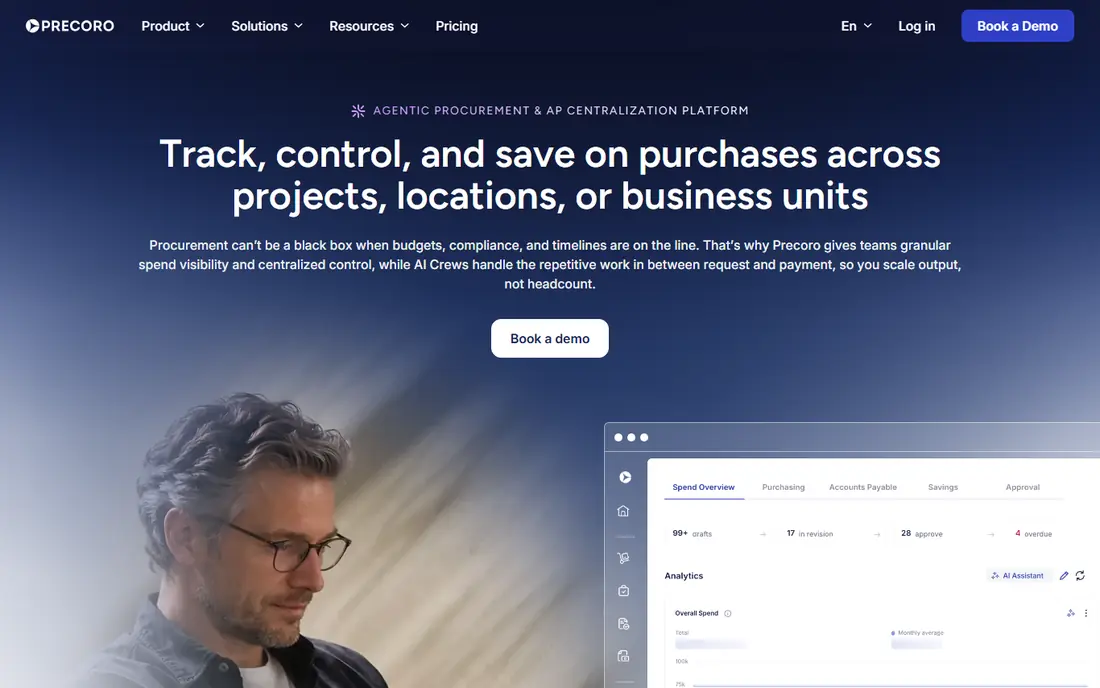
Precoro suits a company that has outgrown spreadsheets but does not want an enterprise rollout. Staff can raise requests, managers can approve against a budget, and finance can track purchase orders in one place. Catalog management also helps teams order from approved suppliers instead of inventing a new vendor each time. The trade-off is scale. Precoro is strong on day-to-day purchasing control, but a global company with complex sourcing events will probably need a larger suite. Check the user limits and add-ons on the pricing page before you commit, because the headline plan may not cover every approver or location you need.
- Clear published pricing
- Budget controls and catalog management
- Approval workflows that are easy to follow
- Quote-based pricing for larger setups
- Less depth than enterprise source-to-pay suites
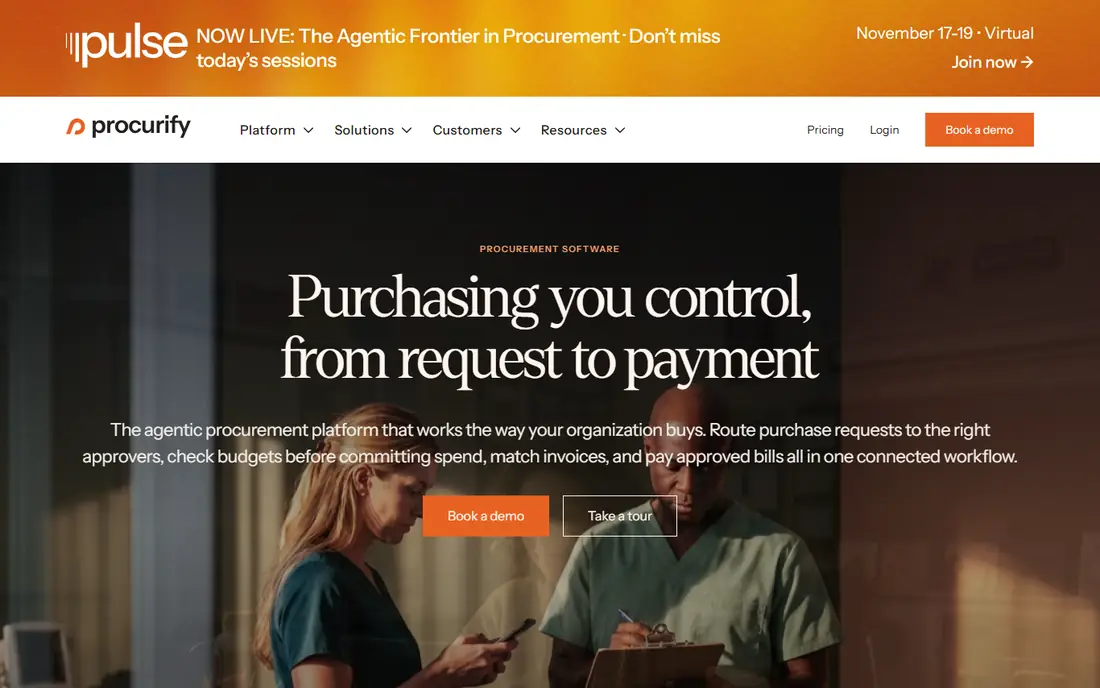
Procurify is a good fit when finance wants to see spending against budget while requests are still in flight, not after invoices arrive. Department budgets, approval chains, and purchase tracking sit together, which cuts down on email approvals and duplicate orders. The mobile experience also helps managers approve on the move. The catch is pricing transparency. You will need to talk to sales to get a figure for your team size, and that makes direct comparison slower. Ask for the full annual cost, including any implementation or integration fees, and confirm which accounting system connections are included in your plan.
- Live budget tracking
- Mobile-friendly purchasing
- Approval controls for departments and locations
- Pricing is quote-based
- Implementation takes more effort than a small-business tool
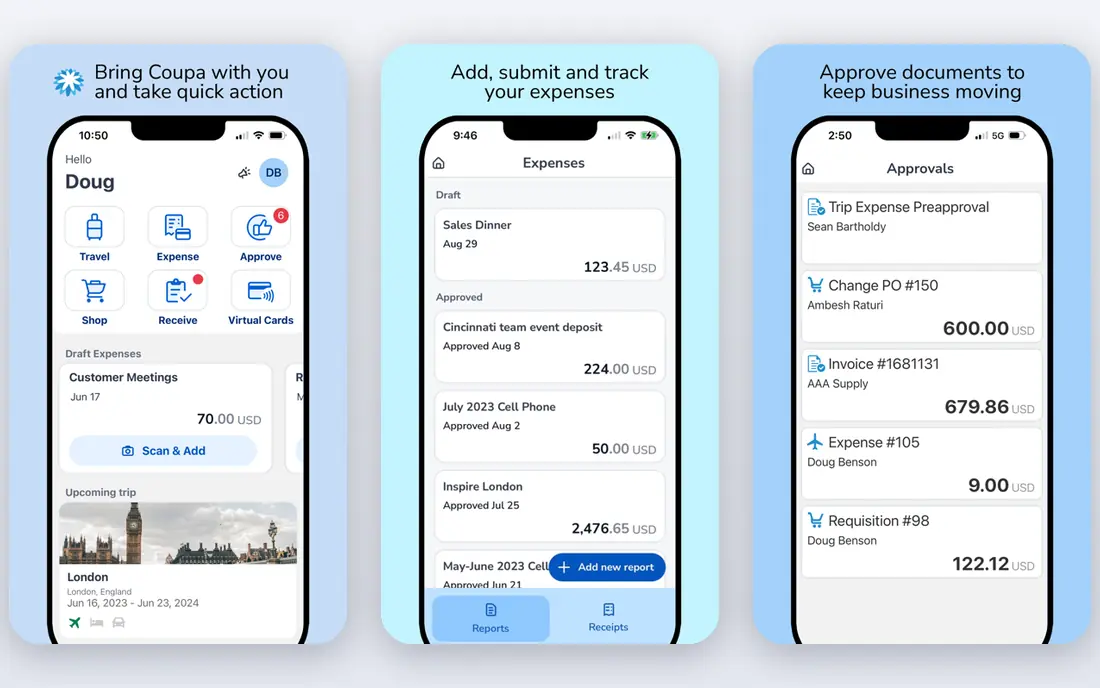
Coupa is built for companies that want one view of purchasing, expenses, and accounts payable across many teams and countries. Its analytics help finance spot duplicate suppliers, off-contract buying, and spending trends that are hard to see in separate systems. For a large finance team, that breadth is the main reason to choose it. For a small team, Coupa is usually too much. Pricing is custom, setup can take months, and you may pay for modules you never open. Shortlist it only when your company has the headcount to run it and a clear need for enterprise controls and reporting.
- Procurement, expenses, and invoicing in one platform
- Strong spend analytics
- Wide supplier coverage
- Enterprise pricing and setup
- More than most small teams need
SAP Ariba makes most sense for companies already running SAP. Sourcing, supplier management, contracts, and purchase orders connect to the wider SAP system, and the supplier network can shorten the time spent onboarding vendors. Large, regulated, or multinational buyers get the most from that depth. If you do not run SAP, the case is weaker. You will face a custom quote, a longer project, and features that assume an SAP-centred finance setup. Get a scoped proposal that names the modules included, because Ariba is a family of products rather than a single purchase order app.
- Large supplier network
- Strong sourcing tools
- Fits SAP finance and procurement workflows
- Custom pricing
- Long implementation for complex rollouts
Tradogram is one of the easiest ways for a small business to move from email and spreadsheets to proper purchase orders. You can create orders, route them for approval, and keep a record of what was bought and from whom. That alone fixes the most common small-business problem, which is spending that nobody approved or recorded. Larger buyers will hit limits sooner. Tradogram is not a full source-to-pay suite, so companies that need strategic sourcing, contract lifecycle tools, or deep ERP integration should look higher up this list. For a team with straightforward buying, though, the low price and simple setup are real advantages.
- Low published starting price
- Simple purchase order creation
- Approval routing without enterprise complexity
- Limited depth for complex sourcing
- Fewer enterprise integrations than larger suites
ProcureDesk targets mid-market teams that use QuickBooks or NetSuite and want purchase orders to flow into accounting without manual re-entry. Three-way matching, which compares the purchase order, the receipt, and the invoice, helps catch price and quantity errors before payment. Approval workflows and budget tracking are included as well. The main drawback is that you may need a demo or quote to pin down the price for your user count. That is common in this category, but it slows comparison. Ask which accounting sync is included, how receiving is handled, and what onboarding support covers, because those details decide how quickly the tool pays off.
- Purchase orders with three-way matching
- Accounting integrations
- Guided onboarding
- Pricing is not fully transparent on the public site
- Smaller vendor ecosystem than enterprise suites
Zip focuses on the front end of buying: an employee makes a request, the right approvers see it, and finance keeps control without chasing email threads. That focus helps companies where requests arrive from many tools and teams, and where approval delays slow down real work. It also gives finance a single place to review open requests. Zip is not a replacement for accounting software, and pricing requires a sales conversation. Treat it as a strong choice when intake and approvals are your main pain, and pair it with your existing accounting or ERP system rather than expecting it to do everything.
- Strong intake and approval workflows
- Clear request tracking
- Integrations with finance systems
- Quote-based pricing
- Best as part of a wider finance stack, not a standalone accounting tool
Ramp is worth considering if your team wants spend control now and purchase order management as a next step. The free core plan covers corporate cards, expense management, and basic accounts payable, which already fixes a lot of messy spending. Procurement features are then added on paid plans for teams that need formal requests and approvals. Do not buy Ramp expecting a dedicated purchase order suite on the free plan. Check exactly which procurement features are included at each tier, and confirm whether your accounting integration and approval rules are covered before you move purchasing onto it.
- Free core plan with cards and expenses
- Clear controls on employee spending
- Procurement available as a paid addition
- Procurement is not the core product
- Advanced procurement features sit on paid plans
Oracle Procurement Cloud is the natural choice for a company already running Oracle ERP. Purchase orders, supplier qualification, sourcing, and contracts sit inside the same finance system, which reduces duplicate data and reconciliation work. For large, multi-entity buyers, that integration is hard to match with a standalone tool. Outside Oracle, the value drops. Pricing is quoted by module and user count, and implementation needs Oracle expertise. Ask for a module-by-module quote and a realistic timeline, and confirm how purchase orders, receiving, and invoicing will work with your current finance processes.
- Deep procurement within Oracle ERP
- Supplier and contract management
- Strong controls for large buyers
- Custom pricing by module and user
- Complex setup outside Oracle environments
How we picked these
We compared official product pages, pricing pages, and public documentation, and we favoured tools with a clear purchase order workflow, approval controls, and a live product in October 2026. We included both published-price tools for smaller teams and quote-based enterprise suites, because the right answer depends heavily on company size. We did not claim hands-on testing, and we marked prices as See website where the vendor does not publish a starting figure.
What to check before you buy purchase order software
Start with the approval path, not the feature list. Map who can request, who must approve, and what happens when an approver is away. A tool that cannot model your real approval chain will be bypassed, and bypassed software does not control spending. Also check budget visibility: can requesters see the remaining budget before they submit, or does finance only find out after the order is placed. Next, check receiving and matching. A purchase order alone does not prevent overpayment. You need a simple way to record what arrived and to match invoices to orders and receipts. If your team receives goods in a warehouse or on site, test that workflow on a phone, not only on a desktop. Finally, confirm the accounting connection. Purchase orders, receipts, and invoices should flow into your ledger without spreadsheet exports, and the vendor should be able to name the exact sync behaviour for your accounting system.
Frequently asked questions
What is the best software for purchase order management for a small business?
For most small businesses, Tradogram or Precoro are sensible starting points, because they publish starting prices and focus on orders, approvals, and budgets. Ramp is also worth a look if cards and expenses are your bigger problem. Avoid enterprise suites until your team size and approval complexity justify the cost and setup time.
How much does purchase order management software cost?
Small-business tools on this list start at $99 per month for Tradogram and $499 per month for Precoro, while Ramp offers a free core plan. Enterprise tools such as Coupa, SAP Ariba, and Oracle Procurement Cloud are priced by quote and usually cost far more once implementation is included. Always ask for the total annual cost, not only the headline monthly figure.
Do I need purchase order software if I already use accounting software?
Accounting software records spending, but it does not always control spending before it happens. Purchase order software adds requests, approvals, budgets, and receiving, so finance can stop an unapproved order instead of discovering it on an invoice. If your team is small and buying is simple, accounting software alone may be enough for now.
What is three-way matching?
Three-way matching compares the purchase order, the goods receipt, and the supplier invoice before payment. If the price, quantity, or item does not match, the invoice is held for review. This simple check catches many overcharges and duplicate invoices, and it is a key feature to look for in ProcureDesk and other mid-market tools.
Can purchase order software work with QuickBooks or NetSuite?
Yes, but the depth varies. ProcureDesk, Precoro, and Ramp all describe accounting integrations, while Oracle and SAP tools are strongest inside their own ERP systems. Confirm the exact sync on a demo: which records move, how often, and what happens when an invoice or receipt does not match.
Sources
See where you really rank - block by block
ProMapRanker scans Google Maps across a grid of your service area. Simple monthly plans from $19, white-label on every plan.
Start freeKeep reading
 zoho inventory alternatives
6 Alternatives to Zoho Inventory, Compared on Price and Fit
Zoho Inventory alternatives: 6 tools compared on price, free plans and fit. Katana leads the list for manufacturers. Fit and flaws are laid out for each entry.
Read → zoho crm alternatives
Best Zoho CRM Alternatives (2026)
Need Zoho CRM alternatives? We compare 7 tools on cost, free access and who each suits. Every pick gets a straight assessment. Built for quick decisions.
Read → zelle alternatives
Best Zelle Alternatives in 2026
Compare the best Zelle alternatives for sending money to friends, paying sellers and moving funds abroad, with honest notes on fees, speed and safety in 2026.
Read →