 ProMapRanker
Best PSA Software in 2026: 9 Tools Compared


Mid-market and enterprise services firms · Pricing starts at: See website
Key takeaways
- Kantata leads for large services firms, while Scoro and Accelo give mid-size firms a full quote-to-cash system.
- BigTime and Productive suit firms whose main need is accurate billing and project profitability at a lower entry price.
- Certinia only makes sense on Salesforce, ConnectWise suits MSPs, and Deltek suits project-based A and E firms.
- Most PSA pricing is per user per month, and several vendors quote only, so budget for implementation as well as seats.
Quick comparison
| Pick | Great for | Pricing starts at | Free tier | |
|---|---|---|---|---|
| Kantata | Mid-market and enterprise services firms | See website | No | Visit |
 Scoro | Agencies and consultancies that want one system | See website | Free trial | Visit |
 Accelo | Service firms that want CRM plus delivery plus billing | $39 per user per month | Free trial | Visit |
 BigTime | Accounting, consulting, and IT services firms | $20 per user per month | Free trial | Visit |
 Productive | Agencies focused on profitability | $9 per user per month | Free trial | Visit |
 Certinia | Salesforce-based enterprise services firms | See website | No | Visit |
 ConnectWise PSA | Managed service providers and IT services firms | See website | Free trial | Visit |
 Birdview PSA | Teams that need capacity and scenario planning | $37 per user per month | Free trial | Visit |
 Deltek Vantagepoint | Architecture, engineering, and government contractors | See website | No | Visit |
The best PSA software
We compared professional services automation tools that cover quoting, projects, time, resourcing, and invoicing in one system, not generic project tools that stop at tasks.
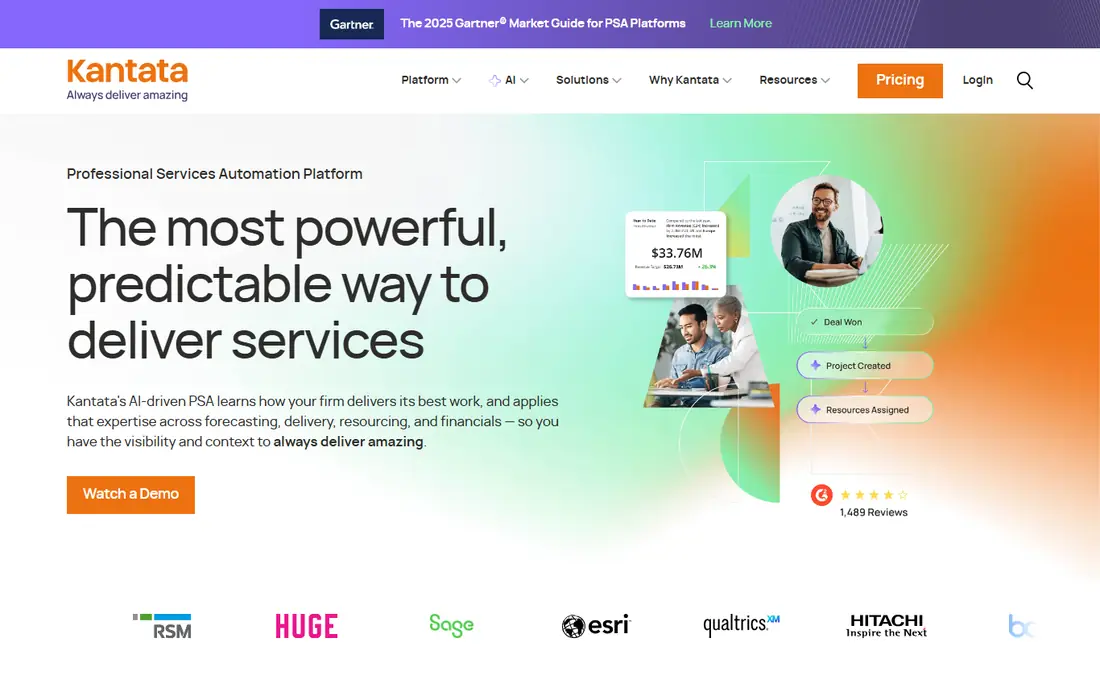
Kantata is the purpose-built professional services automation choice for firms where delivery is the business. Resource planning, skills matching, project financials, and forecasting sit in one system, so leaders can see utilization, margins, and pipeline together. That depth matters when hundreds of consultants must be staffed without guesswork.
The trade-off is access. Pricing is quoted, implementation is guided, and smaller agencies will find the process slow. Kantata is best for established services firms that already feel the pain of disconnected resourcing and billing, and that can support an enterprise rollout.
- Deep resource management and forecasting
- Project financials tied to delivery
- Scales to large billable teams
- Quote-only pricing
- Heavy for teams under 30 people
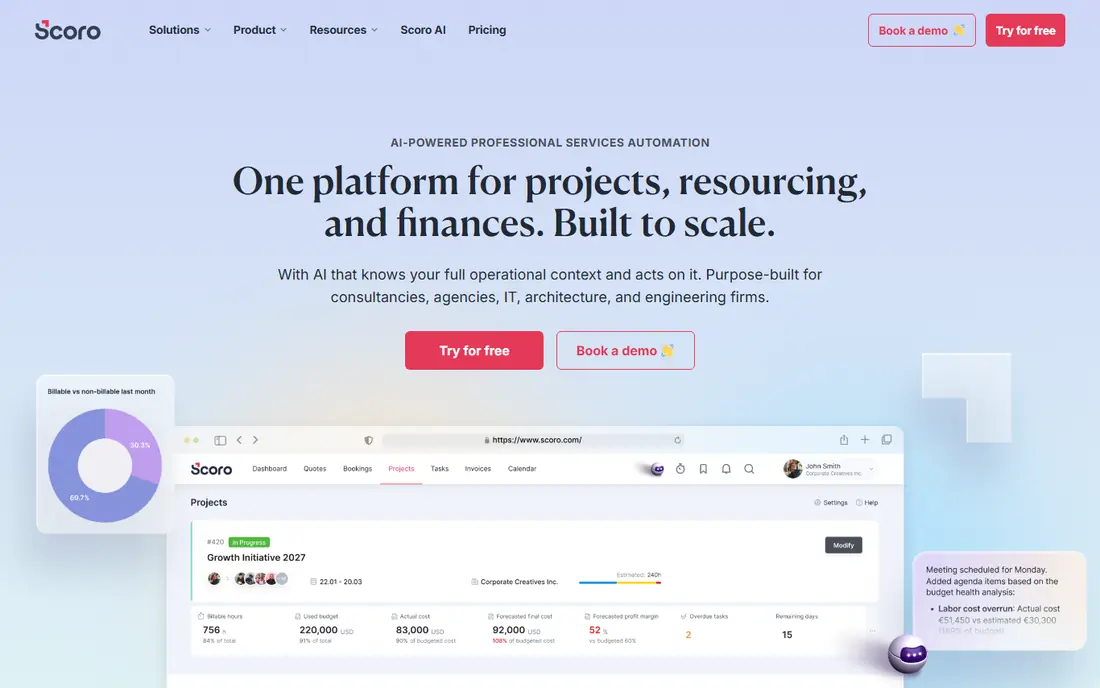
Scoro covers the full quote-to-cash path in one platform: projects, tasks, time, resourcing, CRM, quotes, and invoicing. Financial dashboards show project profitability while work is still in progress, which helps agency leaders fix scope or staffing before a project loses money. Integrations with accounting tools reduce double entry.
The catch is tiering. Lower plans may lack advanced forecasting or revenue features, so the plan that looks cheap may not be the plan a growing firm needs. Scoro suits teams of roughly 10 to 200 people that want one system and are willing to compare tiers carefully.
- All-in-one projects, CRM, billing, and reporting
- Strong financial reporting and forecasting
- QuickBooks and Xero integrations
- Entry tiers limit some features
- Pricing varies by plan and seat count
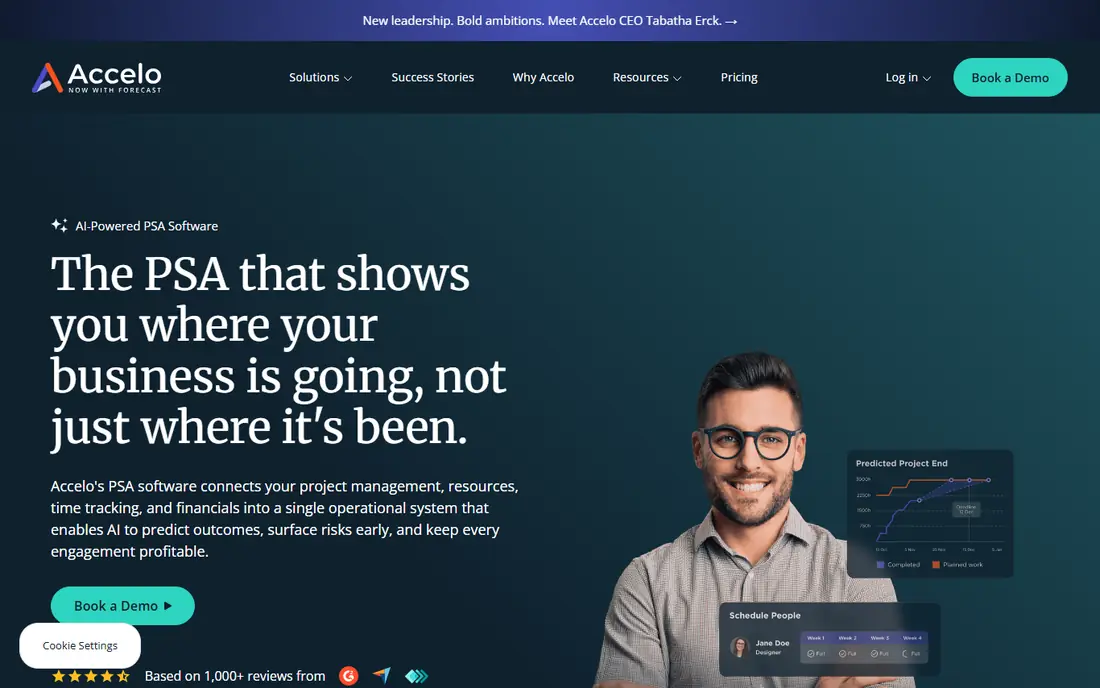
Accelo appeals to firms tired of stitching CRM, project tools, and invoicing together. Client work, tickets, projects, time, and billing live in one record, and automation can turn emails and tasks into billable time. Retainer handling is a practical plus for agencies and consultancies on recurring work.
The honest limit is setup. Getting workflows, rates, and billing rules right takes time, and reporting may need workarounds for very specific needs. Accelo is strongest for service businesses that want one operational backbone and will invest in configuring it.
- Combines CRM, projects, tickets, and billing
- Automated time capture options
- Retainer and recurring billing support
- Learning curve for full setup
- Some users report reporting limits
BigTime focuses on the money side of services work: accurate time, clean invoicing, and project profitability. Teams that bill by the hour or by project can track budgets against actuals, catch overruns early, and invoice from logged time without rebuilding spreadsheets. Accounting integrations keep finance aligned.
The limit is breadth. Resource forecasting exists, but firms that need deep skills-based staffing may find Kantata or Scoro stronger. BigTime is a good fit for firms whose main pain is getting paid accurately and on time, rather than enterprise workforce planning.
- Strong time tracking and invoicing
- Project budgeting and profitability views
- QuickBooks and Sage integrations
- Resource planning is less deep than Kantata
- Some advanced features sit on higher tiers
Productive suits agencies that want profitability visible from sales through delivery. Budgets, resourcing, time, expenses, and reports connect, so a project that looks profitable in a proposal can be checked against real costs as work proceeds. The entry price is also lower than many PSA rivals.
The catch is invoicing depth. Some invoicing comes through integrations on lower tiers, so firms that need native, complex billing should check the tier. Productive is best for agencies that want financial clarity without enterprise pricing.
- Budgeting, resourcing, and reporting in one view
- Sales pipeline and proposal options
- Affordable entry price
- Invoicing integrations vary by plan
- Smaller firms may not use the full feature set
Certinia, formerly FinancialForce, is built natively on Salesforce. For firms already running Salesforce for sales and customer success, that shared data model is the point: a closed deal can become a project, project time can feed financials, and reporting can stay in one ecosystem. That reduces integration work at enterprise scale.
The price is commitment. Certinia only makes sense for organizations already standardized on Salesforce, and pricing is enterprise and quoted. For those firms, it can be the cleanest PSA path; for everyone else, it is the wrong starting point.
- Native Salesforce platform integration
- PSA plus financial management options
- Enterprise reporting and revenue features
- Quote-only enterprise pricing
- Requires a Salesforce commitment
ConnectWise PSA is built for managed service providers, where contracts, tickets, projects, and billing must stay together. It tracks agreement profitability, service delivery, and recurring revenue in ways that generic project tools do not. The MSP ecosystem around it adds integrations and community support.
The limit is fit. Consulting firms without MSP contracts may find parts of the system unnecessary, and pricing often requires a sales conversation. ConnectWise is strongest for MSPs that need contract economics, not just project tracking.
- Contract and project profitability for MSPs
- Ticketing, billing, and service workflows
- Large MSP ecosystem
- Quote-based pricing in many cases
- Broader than pure consulting PSA needs
Birdview PSA appeals to teams that plan capacity before they commit to work. Scenario planning helps leaders test staffing choices, see overloads, and balance portfolios before a project starts. Project financials and time tracking keep that plan tied to real costs.
The trade-off is ecosystem size. Integrations and community resources are smaller than those around Kantata or Scoro, so check accounting and CRM connections early. Birdview suits mid-size services teams that rank planning depth above brand scale.
- Capacity and scenario planning
- Project, resource, and financial views
- Quote and time handling
- Smaller ecosystem than larger PSA vendors
- Accounting sync options are narrower
Deltek Vantagepoint
Great for: Architecture, engineering, and government contractors
Deltek Vantagepoint is designed for project-based firms where accounting, compliance, and resource planning must meet industry rules. Architecture, engineering, and government contractors use it to manage pursuits, projects, resources, and financials in one system built for their workflows.
The catch is weight. Pricing is enterprise, implementation takes planning, and general agencies will find simpler PSA tools faster to adopt. Vantagepoint belongs on a shortlist when industry-specific project accounting is a requirement, not just a nice feature.
- Built for project-based firms in A and E and government contracting
- Strong project accounting and resource views
- Enterprise compliance options
- Enterprise pricing and implementation effort
- Overkill for general agencies
How we picked these
We compared official feature and pricing pages, plus public PSA comparisons, and we required each tool to handle core PSA work: quoting, project management, time tracking, resource planning, and invoicing from tracked time. We did not claim hands-on testing. Where a vendor does not publish a price, we mark it as See website rather than guessing a rate.
That rule matters because PSA pricing changes by tier and seat count. A low entry price may exclude invoicing or forecasting, so check the tier that covers your full workflow. Use the fit notes below to match industry and team size, not just price.
How to choose PSA software without buying twice
Map the full workflow first
List how work moves from quote to project to time to invoice to payment. Any gap in that chain becomes manual work, and manual work is where PSA projects fail. Shortlist only tools that cover your full chain on the tier you can afford.
Test resourcing with real data
Load a real month of projects, staff, and availability, then test overloads, skills matching, and utilization views. A demo with sample data hides the hard parts. Resourcing is where Kantata and Birdview earn their price, and where simpler tools show limits.
Budget for change, not just seats
PSA changes how teams log time, approve work, and bill clients. Plan training, data cleanup, and a phased rollout. A cheaper tool with a rushed rollout often costs more in rework than a better tool with a careful start.
Frequently asked questions
What is PSA software?
Professional services automation software manages the full services workflow: quotes, projects, tasks, time, resources, expenses, billing, and profitability. It differs from generic project software because billing and utilization are core features, not add-ons.
What is the best PSA tool for a small agency?
Productive and BigTime are common starting points because entry prices are lower and billing is central. Scoro also works for agencies that want CRM and reporting in the same system. Test invoicing on the tier you would buy, since tiers differ.
How much does PSA software cost?
Most tools charge per user per month, with entry prices from about $9 to $39 in this guide and several vendors quoting only. Total cost depends on seat count, tier, implementation, and integrations, so get a quote on your real user count.
Is PSA software different from project management software?
Yes. Project software tracks tasks and deadlines. PSA software adds resourcing, utilization, project financials, and billing from tracked time. If you bill clients for services work, that financial link is the key difference.
Do PSA tools replace accounting software?
No, in most cases. PSA tools handle project billing and profitability, then sync or export to accounting systems such as QuickBooks or Xero. Check the sync direction and depth before buying, since one-way exports create extra reconciliation work.
Sources
See where you really rank - block by block
ProMapRanker scans Google Maps across a grid of your service area. Simple monthly plans from $19, white-label on every plan.
Start freeKeep reading
 zoho inventory alternatives
6 Alternatives to Zoho Inventory, Compared on Price and Fit
Zoho Inventory alternatives: 6 tools compared on price, free plans and fit. Katana leads the list for manufacturers. Fit and flaws are laid out for each entry.
Read → zoho crm alternatives
Best Zoho CRM Alternatives (2026)
Need Zoho CRM alternatives? We compare 7 tools on cost, free access and who each suits. Every pick gets a straight assessment. Built for quick decisions.
Read → zelle alternatives
Best Zelle Alternatives in 2026
Compare the best Zelle alternatives for sending money to friends, paying sellers and moving funds abroad, with honest notes on fees, speed and safety in 2026.
Read →