 ProMapRanker
Best Prototyping Software in 2026


Product teams designing together · Pricing starts at: $16 per editor per month
Key takeaways
- Figma is the safest default for most product teams, since it covers design, prototyping, and handoff in one browser tool.
- Axure RP and ProtoPie suit prototypes with logic, conditions, and realistic interactions that simple click-through tools cannot show.
- Penpot is the best free and open source option, and it can be self-hosted if your team wants full control over its files.
- Balsamiq is the fastest choice for early wireframes, because its sketch style keeps feedback focused on structure rather than visual polish.
- Free plans vary a lot: Figma, Framer, and Penpot offer usable free tiers, while Sketch, Axure RP, and Balsamiq rely on time-limited trials.
Quick comparison
| Pick | Great for | Pricing starts at | Free tier | |
|---|---|---|---|---|
| Figma | Product teams designing together | $16 per editor per month | Yes | Visit |
 Framer | Designs that become live websites | $10 per month | Yes | Visit |
 Sketch | Mac-based design teams | $12 per editor per month | Free trial | Visit |
 Penpot | Free open source design | Free | Yes | Visit |
 Axure RP | Logic-heavy enterprise prototypes | $29 per user per month | Free trial | Visit |
 ProtoPie | Realistic device interactions | See website | Free trial | Visit |
 UXPin | Prototypes built from code components | See website | Free trial | Visit |
 Balsamiq | Fast low-fidelity wireframes | See website | Free trial | Visit |
 Justinmind | Interactive wireframes and specs | See website | Yes | Visit |
 Proto.io | No-code interactive prototypes | See website | Free trial | Visit |
The best prototyping software
Prototyping tools differ in what they test: some show screen flow, some show realistic interactions, and some show working logic. Pick the tool that matches the question you need answered, not just the tool with the longest feature list.
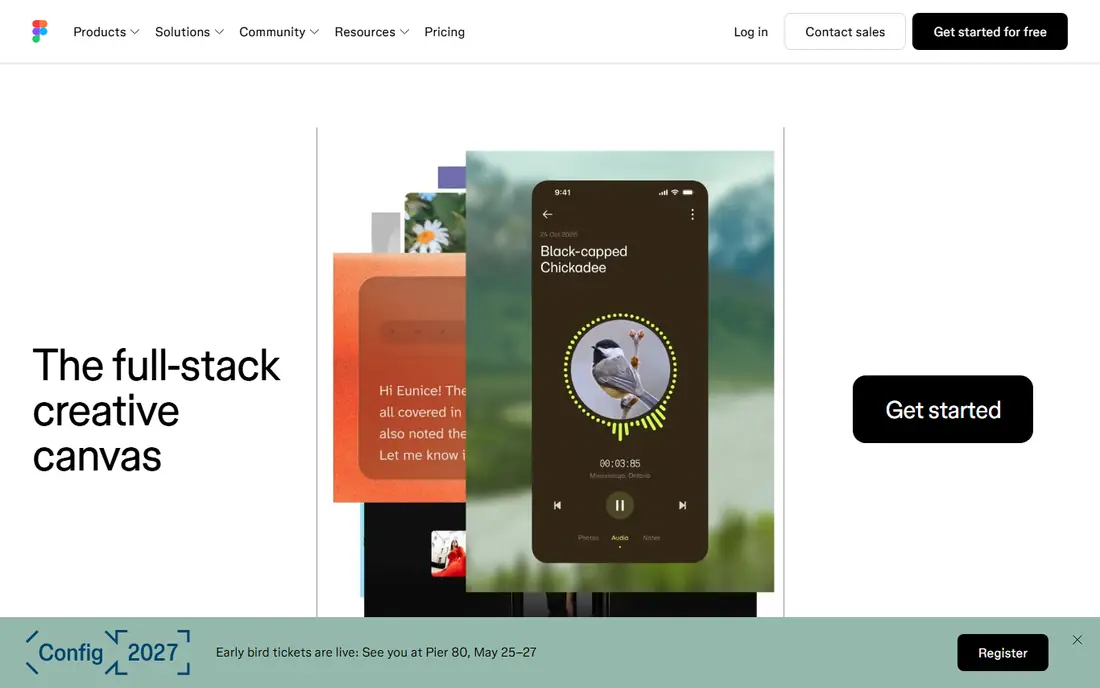
Figma is the default choice for most product teams because design and prototyping live in the same file. Designers can link frames into clickable flows, add transitions and smart animation, and share a live link that stakeholders can open without installing software. Developers get specs, measurements, and exportable assets from the same file.
The free Starter plan covers small projects, but larger teams will need paid editor seats, billed at $16 per editor per month on the annual plan. Performance can also dip on very large files, so teams with huge design systems should organize files carefully. For most teams, though, Figma removes the need for a separate prototyping tool entirely.
- Browser-based real-time collaboration
- Strong prototyping and handoff
- Huge plugin and template library
- Needs an internet connection for full collaboration
- Paid seats add up on large teams
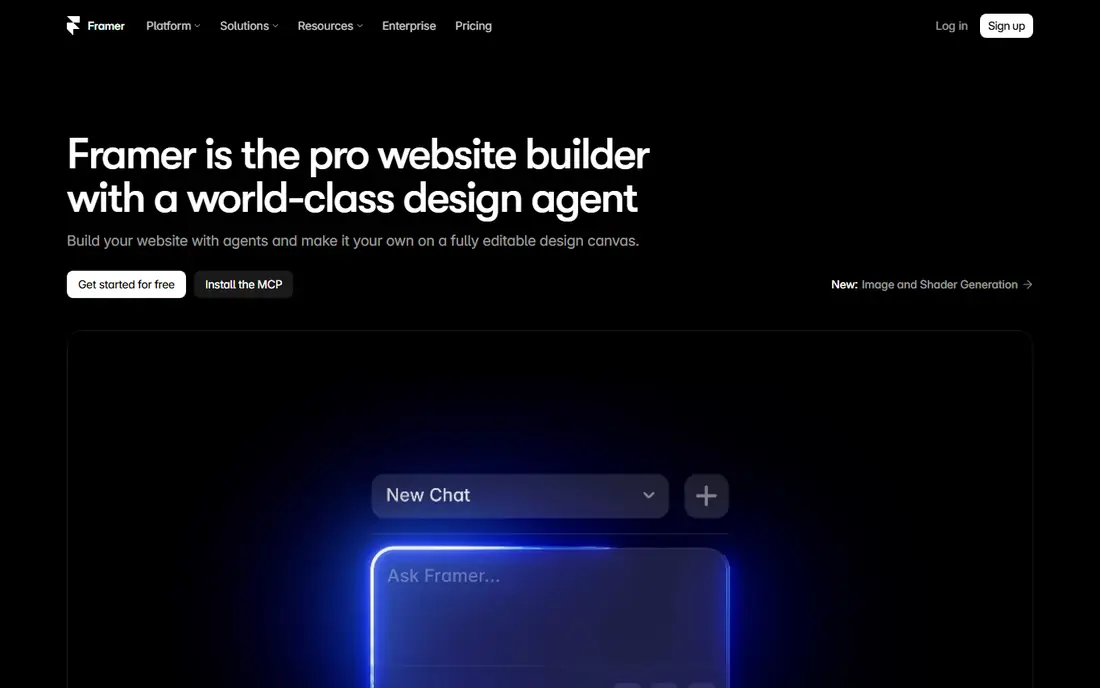
Framer began as a prototyping tool and now also publishes real websites, which makes it unusual on this list. A designer can build an interactive prototype with scroll effects, page transitions, and component states, then publish it as a live site without handing it to a developer. That path suits marketing sites, landing pages, and portfolio work especially well.
The catch is that Framer thinks in websites first. Native mobile app flows can be prototyped, but teams building complex apps may find Figma or ProtoPie a better fit. Paid site plans start at $10 per month on the annual plan, while the free tier covers unpublished design work. Check which plan covers your publishing needs before you build.
- Prototypes can be published as real websites
- Strong interaction tools
- Free tier for design work
- Website pricing is separate from design use
- Less suited to native app flows
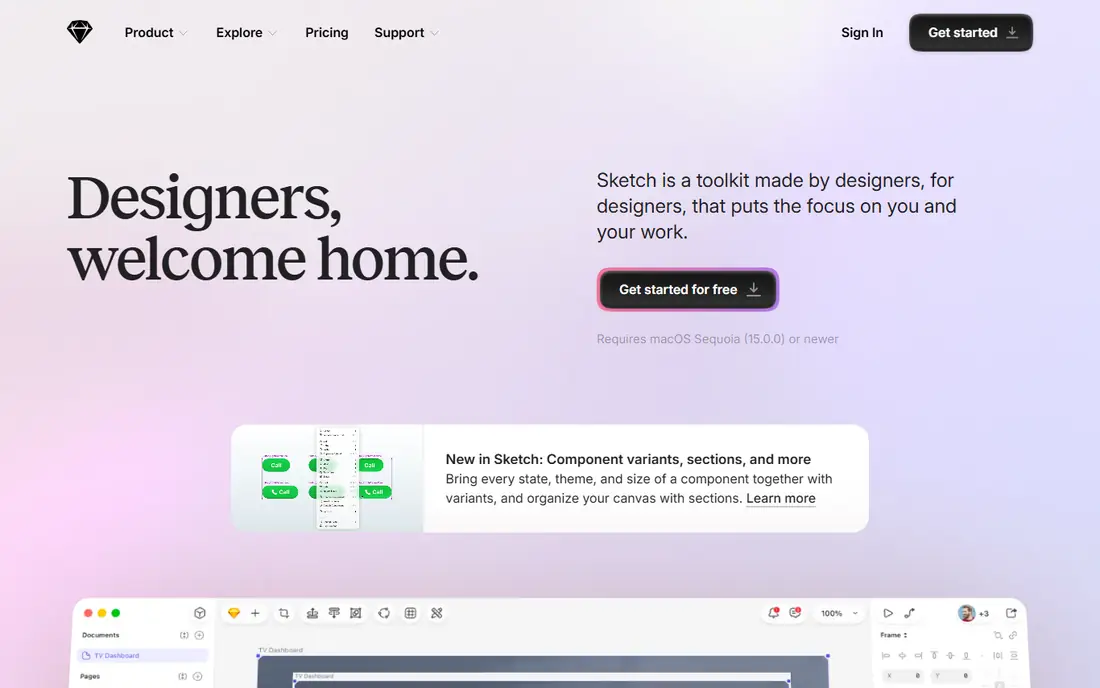
Sketch remains a strong choice for designers who work on a Mac and prefer a fast native app to a browser tool. Its symbol system, shared libraries, and plugin ecosystem are mature, and its prototyping tools cover clickable flows with transitions and fixed elements. Teams that already work in Sketch often see no reason to move.
The limits are clear. Sketch runs on macOS only, so mixed-platform teams need another tool for Windows or Linux colleagues. There is no permanent free plan, only a trial, and paid seats start at $12 per editor per month on the annual plan. If your team is Mac-only and values speed, Sketch still earns its place.
- Fast native Mac app
- Mature plugin ecosystem
- Strong symbol and library system
- Mac only
- No permanent free plan
- Collaboration needs a paid workspace
Penpot is the best option for teams that want professional prototyping without a subscription or vendor lock-in. It runs in the browser, supports interactive prototyping, components, and shared libraries, and its files use open standards that make export and self-hosting practical. A free cloud plan covers small teams, and paid cloud plans start at $7 per user per month.
The trade-off is ecosystem size. Penpot has fewer plugins and community templates than Figma, and some advanced features arrive later. For teams that value openness, data control, and cost, those gaps are easy to accept. For teams that depend on a specific Figma plugin, check for a Penpot equivalent first.
- Free and open source
- Self-hosting available
- Strong prototyping and design system tools
- Smaller plugin ecosystem
- Fewer templates than Figma
Axure RP is the tool to choose when a prototype must behave like real software, not just look like it. It supports variables, conditional logic, dynamic panels, and data-driven repeaters, so a tester can log in, filter a list, and see error states that respond to their input. Product teams in banking, health care, and government use it to test complex flows before development starts.
That power comes with a learning curve. Axure RP is not the fastest tool for a simple marketing page, and its visual design tools feel less modern than Figma or Framer. Paid plans start at $29 per user per month on the annual plan, with a 30-day trial. Choose it when logic matters more than visual polish.
- Variables, conditions, and dynamic panels
- Detailed specifications
- Strong enterprise fit
- Steeper learning curve
- Visual design feels dated next to Figma
ProtoPie builds prototypes that feel like real apps, including interactions driven by device sensors, voice input, and communication between two devices. A designer can prototype a phone app that responds to tilt, a smartwatch companion, or a multi-screen experience without writing code. That realism makes user testing far more convincing than a simple click-through.
Pricing is the part to verify before you commit, since ProtoPie has changed its plans and prices over time, so we list it as See website here. The trial lets you test the interaction model first. If your work involves hardware, sensors, or multi-device flows, ProtoPie is worth that extra pricing check.
- Sensor, voice, and multi-device interactions
- No coding needed
- Strong mobile prototyping
- Pricing has changed often, so confirm the current plan
- Desktop app required for full editing
UXPin targets teams with a mature design system, because its Merge feature lets designers prototype with the same coded components developers ship. That keeps prototypes honest: what stakeholders test is much closer to what users will actually get. It also supports interactive states, variables, and documentation alongside the prototype.
Setup is the hurdle. Connecting a code library takes developer time, so small teams without a design system may not see the benefit. Pricing varies by plan and has changed over time, so we list it as See website. Large product teams with a shared component library are the best fit.
- Merge technology uses real code components
- Strong design system support
- Interactive states and logic
- Setup takes effort
- Pricing and plan details change, so confirm before buying
Balsamiq is deliberately rough around the edges. Its hand-drawn style tells everyone in the room that the wireframe is a draft, which keeps feedback on layout and flow instead of colors and fonts. Product managers, founders, and designers can sketch a full app flow in an afternoon, link screens together, and share it for comment.
It is not a visual design tool, and it will not produce a polished prototype for final testing. Pricing is based on project count rather than a simple per-user rate and has varied, so we list it as See website, with a 30-day trial. Use Balsamiq early, then move to Figma or Framer when the structure is settled.
- Sketch style keeps feedback on structure
- Very fast to learn
- Desktop and cloud versions
- Not for high-fidelity design
- Pricing varies by project count, so check the current plan
Justinmind sits between Balsamiq and Axure RP: it builds interactive wireframes with conditions, variables, and data lists, and it can generate specifications from the prototype. That combination suits teams that need to hand developers both a working prototype and written requirements. A free tier covers basic use, with paid plans for larger teams.
The interface feels older than Figma or Framer, and the learning curve is steeper than a simple wireframe tool. Teams that value specs and logic over visual polish will accept that trade. Teams that mainly need beautiful screens should start elsewhere.
- Interactive wireframes with conditions
- Built-in requirements and specs
- Free tier available
- Interface feels older than newer rivals
- Mobile prototyping is less polished
Proto.io lets non-designers build interactive prototypes without code, using drag-and-drop screens, interaction states, and ready-made UI libraries for iOS and Android. Sharing a prototype link for user testing takes minutes, and comments can be collected directly on the prototype. That speed suits agencies, founders, and product managers who need to test an idea quickly.
It is not the deepest tool for logic-heavy flows, where Axure RP wins, and its paid plans are a real cost for a tool used only in early stages. Pricing has varied by plan, so we list it as See website, with a trial to test the workflow. For fast, good-looking interactive prototypes, it remains a solid pick.
- Fully no-code interaction building
- Large component libraries
- Easy sharing and user testing
- Subscription pricing adds up
- Less suited to logic-heavy enterprise flows
How we picked these
We compared official pricing pages, product documentation, and public feature lists for prototyping depth, collaboration, platform support, and free or trial availability. We favored tools that are actively maintained and usable in October 2026, and we left out tools that have been shut down or are no longer sold. Where pricing had changed across sources, we wrote See website rather than publish a figure we could not confirm. We did not run formal user tests for this article.
How to pick the right prototyping tool
Match the tool to the question you need answered. If you need to test whether users understand a screen flow, a Figma click-through is enough. If you need to test whether a complex form, filter, or checkout behaves correctly, Axure RP or ProtoPie will show problems that a click-through hides. If you need to test a website idea with real visitors, Framer lets you publish and measure it directly.
Free tools, trials, and team fit
Start with the free tier or trial before buying seats for a whole team. Figma, Framer, Penpot, and Justinmind all offer a free way in, which is enough to test the core workflow. Sketch, Axure RP, Balsamiq, and Proto.io offer trials instead, so plan a focused test week. Also check who else must open the file: a tool your developers and stakeholders cannot open easily will slow every review, no matter how good its features are.
From wireframe to final prototype
A healthy process uses more than one level of fidelity. Sketch the structure in Balsamiq, test the flow in Figma, then build one realistic prototype in ProtoPie or Axure RP for the riskiest interaction. That sequence keeps early feedback cheap and reserves heavy work for the parts of the product where a mistake would cost the most. Document decisions at each stage so the final handoff reflects what testing actually showed.
Frequently asked questions
What is the best prototyping software?
Figma is the best default for most product teams because it combines design, prototyping, collaboration, and handoff in one tool. Axure RP is better for logic-heavy prototypes, ProtoPie is better for realistic device interactions, and Penpot is better for teams that want a free open source option. The best tool depends on what you need to test.
What are the best free prototyping tools?
Penpot is the strongest fully free option, since it is open source and offers a free cloud plan. Figma and Framer both offer free tiers that cover small projects and unpublished work. Justinmind also offers a free tier, while Sketch, Axure RP, and Balsamiq rely on trials rather than permanent free plans.
What is the best rapid prototyping tool?
For speed, Balsamiq is fastest for early wireframes, and Figma is fastest for turning a design into a clickable flow. Framer is fastest when the prototype must become a live website. The fastest tool is the one your team already knows, since learning a new tool always costs more time than the first prototype saves.
What is the best website prototyping tool?
Framer is the best choice when the prototype should become a real website, since it publishes directly. Figma is better when the website prototype is part of a larger product design system. Penpot is a strong free alternative for website flows, and Balsamiq suits the earliest wireframe stage before visual design begins.
Can I prototype without knowing how to code?
Yes, every tool on this list except the code-component workflow in UXPin is designed for no-code prototyping. Figma, Framer, Balsamiq, Proto.io, and Justinmind all build interactions visually. UXPin Merge is the exception, since it connects real code components and needs developer setup to reach its full value.
How is prototyping different from wireframing?
A wireframe shows the structure of a screen, while a prototype shows how screens connect and respond to input. Balsamiq is mainly a wireframing tool, while Figma, Axure RP, and ProtoPie are prototyping tools because they add interactions, states, and logic. Most teams start with wireframes and move to prototypes as the design firms up.
Sources
See where you really rank - block by block
ProMapRanker scans Google Maps across a grid of your service area. Simple monthly plans from $19, white-label on every plan.
Start freeKeep reading
 zscaler alternatives
Best Zscaler Alternatives in 2026
Looking for zscaler alternatives? We compare 9 SASE and zero trust platforms on architecture, data protection, pricing, and fit for your network and team.
Read → zapier alternatives free
Best Zapier Alternatives Free in 2026
Nine automation tools for zapier alternatives free in 2026, all with genuinely free tiers, plus free plan limits, starting prices and upgrade paths explained.
Read → which platform is best for online reputation
Which Platform Is Best for Online Reputation in 2026
Wondering which platform is best for online reputation? We compare 8 review, listing, and response tools for small and multi-location businesses and agencies.
Read →