 ProMapRanker
Best Proofreading Software in 2026

Key takeaways
- Grammarly is the best all-round proofreading tool for everyday writing across apps.
- ProWritingAid suits long manuscripts and authors who want detailed style reports.
- LanguageTool is the best value for multilingual writing and a generous free tier.
- Hemingway Editor helps clarity, but it is not a full grammar checker on its own.
- Use these tools to edit your own writing, and follow your school or publisher rules on AI help for assessed work.
Quick comparison
| Pick | Great for | Pricing starts at | Free tier | |
|---|---|---|---|---|
 Grammarly | Everyday writing everywhere | $12 per month | Yes | Visit |
 ProWritingAid | Long manuscripts and style | $10 per month | Yes | Visit |
 LanguageTool | Multilingual checking | See website | Yes | Visit |
 Hemingway Editor | Clarity and readability | $19.99 one-time | Yes | Visit |
 QuillBot | Grammar plus rewriting | $8.33 per month | Yes | Visit |
 Ginger | English learners | See website | Yes | Visit |
 Scribens | Simple free checking | See website | Yes | Visit |
 Microsoft Editor | Office and Outlook users | See website | Yes | Visit |
 DeepL Write | Polished English and German | See website | Yes | Visit |
The best proofreading software
We focused on tools that check grammar, spelling, punctuation, and style in your own drafts, not services that write essays for you.
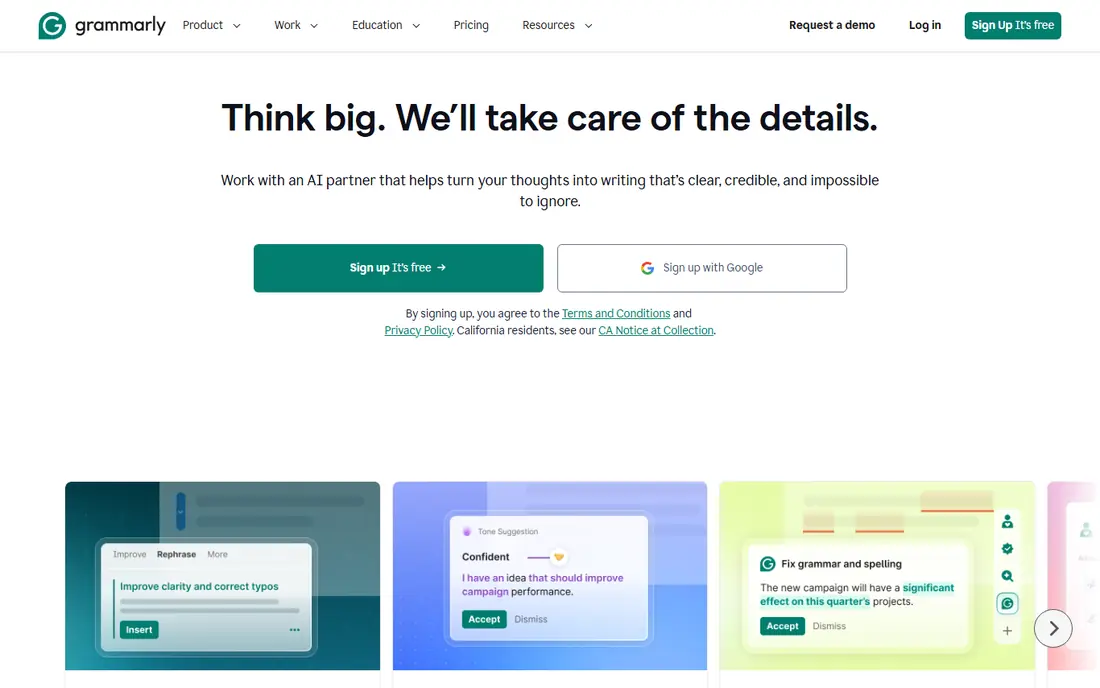
Grammarly is our pick for most people because it works where you already write. The browser extension and document integrations catch errors in email, docs, and web forms without copying text into a separate app.
The free plan covers basic grammar and spelling. Pro, at $12 per month billed annually, adds clarity, tone, and plagiarism checks. Pay monthly only if you need it for a short project, since monthly billing costs far more over a year.
- Works in browser, Word, Google Docs, and email
- Tone and clarity suggestions
- Plagiarism check on Pro
- Monthly billing is much higher than annual
- Some suggestions need human judgment
ProWritingAid suits authors and editors working on long documents. Beyond fixing errors, its reports flag repeated words, pacing, sentence variety, and sticky sentences, which helps a draft read better, not just correctly.
Start with the free tier to learn the reports. If you write fiction or long nonfiction regularly, the annual plan at $10 per month is good value against Grammarly for this depth of analysis.
- 25 plus in-depth style reports
- Manuscript and pacing analysis
- Scrivener and Word support
- Reports can overwhelm beginners
- Plagiarism checking needs paid credits
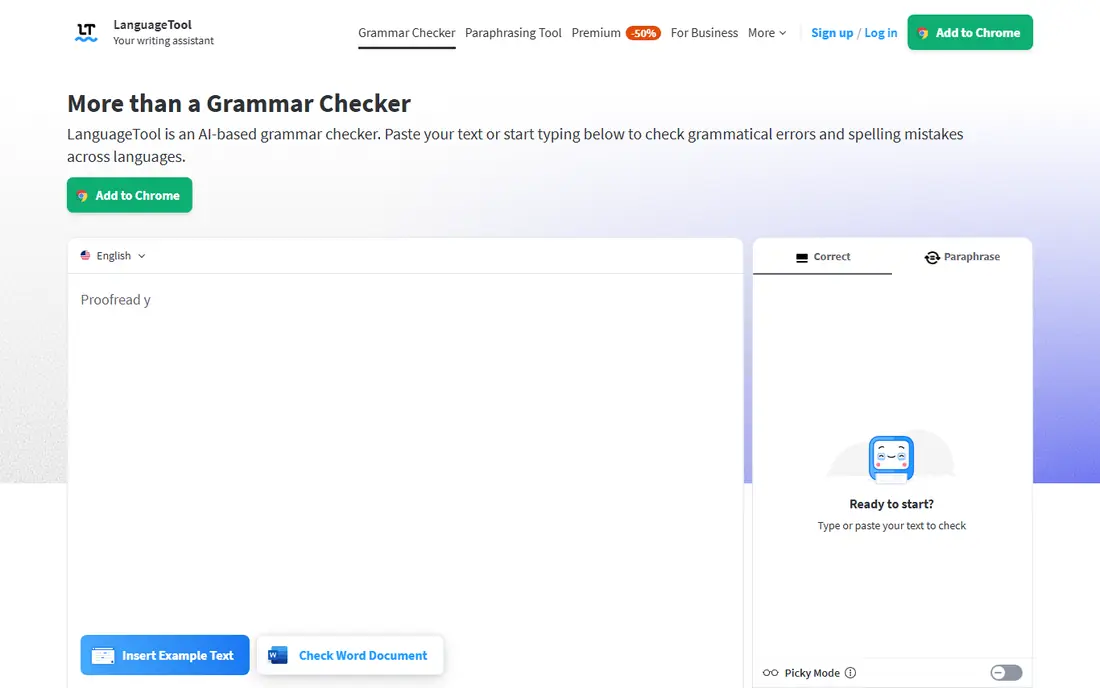
LanguageTool is the best proofreading tool if you write in more than one language. It handles grammar and style across many languages in one account, which is rare at this price.
The free plan is generous for everyday checks. Premium adds unlimited style checks and paraphrasing, with pricing shown in euros on some pages, so confirm the dollar price at checkout.
- Checks 30 plus languages
- Generous free tier
- Browser, Word, and Google Docs support
- English depth is less than Grammarly in some areas
- Premium pricing varies by currency
Hemingway Editor answers a different question: is this sentence easy to read. It highlights long sentences, adverbs, and passive constructions, and gives a readability grade for the whole text.
Use it after a grammar checker, not instead of one. Pair Hemingway with Grammarly or LanguageTool for a draft that is both correct and clear.
- Highlights dense sentences and passive voice
- Readability grade
- Simple web version free
- Not a full grammar checker
- Desktop app is a separate one-time purchase
QuillBot suits writers who need to fix grammar and also rework clumsy sentences. The paraphraser offers different modes, from standard to formal, and the grammar checker sits in the same workspace.
Use rewriting with care on your own writing: read every suggestion, since a paraphrase can shift tone or meaning. For academic work, check your institution rules before using paraphrasing tools, and always keep your own ideas and citations intact.
- Grammar check plus paraphraser and summarizer
- Many rewriting modes
- Plagiarism check on Premium
- Rewriting can change meaning if used carelessly
- Free tier has limits
Ginger is a strong pick if English is not your first language. Its corrections come with explanations that help you learn the rule, not just accept a fix, and the translator helps when you need to check meaning across languages.
The free tier covers basic checks, with paid plans adding fuller features. Compare its current price with LanguageTool if budget matters, since offers change often.
- Grammar check with explanations
- Sentence rephraser
- Translator
- Easy interface
- Pricing varies by offer
- Depth is less than Grammarly for professional teams
Scribens suits students and casual writers who want a free, no-fuss check. Paste text, review corrections, and move on, without learning a large report system.
It will not match ProWritingAid for manuscript analysis or Grammarly for tone. For short essays, emails, and blog posts, that simplicity is enough.
- Free grammar and style check
- Simple interface
- Works in Word, Google Docs, and browser
- Fewer advanced features than Grammarly or ProWritingAid
- Premium details vary
Microsoft Editor is the easiest proofreading tool if you already live in Word and Outlook. It checks grammar, spelling, clarity, and formality as you type, with no extension to install.
The free browser version covers basic checks, while fuller refinement features sit in Microsoft 365. If you write mainly in Google Docs or on the web, Grammarly or LanguageTool will follow you further.
- Built into Word and Outlook
- Grammar, clarity, and conciseness checks
- No extra app to learn
- Full features need Microsoft 365
- Less useful outside Microsoft apps
DeepL Write suits writers who want polished phrasing, especially in English and German. Its suggestions focus on word choice and sentence flow, which helps non-native writers sound natural without rewriting their meaning.
It is not a full replacement for a grammar checker across many languages. Use it alongside LanguageTool or Grammarly if you write in other languages too.
- Strong style and word-choice suggestions
- Good for English and German
- Clean interface
- Fewer languages than LanguageTool
- Pro pricing varies by plan
How we picked these
We compared official pricing and feature pages plus October 2026 proofreading comparisons. We kept tools that still check grammar and style on the user's own writing, that offer a free tier or trial, and that work in browsers, documents, or desktop apps. We excluded services that sell completed essays or that promise to bypass academic checks.
We also looked at where each tool works, since a checker that only works in one app creates extra copying and pasting. Browser extensions, Word, Google Docs, and email support all counted, because most writing happens across several places in a week. We also distinguished grammar checking from rewriting and paraphrasing, since those features carry different academic and workplace rules. Where pricing varied by currency or offer, we used See website rather than repeating a promotional figure as a standard price.
How to choose the right proofreading tool
Match the tool to your writing. Everyday email and docs: Grammarly or Microsoft Editor. Long books and manuscripts: ProWritingAid. Multiple languages: LanguageTool. Clarity after correctness: Hemingway. Rewriting help: QuillBot.
A note on academic integrity: these tools are for editing your own work. If you are a student, check your school rules on AI writing help, cite sources properly, and do not submit work you did not write. A checker that fixes your grammar is very different from a service that writes an assignment for you, and schools treat them differently.
One more practical step helps: read the final draft aloud once, even after a tool gives it a clean bill of health. Reading aloud catches awkward rhythm, repeated words, and sentences that are technically correct but hard to follow. Tools are excellent at surface errors and weaker at overall flow, so that final listen is where human judgment still matters most. It takes only a few minutes for a short document, and it often catches the one error a checker missed. If you are short on time, at least read the opening and closing paragraphs aloud, since those are the sections readers remember most and where a stray error does the most damage.
Frequently asked questions
What is the best proofreading tool for most writers?
Grammarly, because it works across browsers, Word, and Google Docs, with a free tier for basic checks and Pro at $12 per month billed annually for fuller editing.
What is the best proofreading app for students?
LanguageTool and Scribens both offer generous free tiers, while Grammarly free covers everyday grammar. Check your school rules on AI tools before using paraphrasing or rewriting features on assessed work.
Is there a free best proofreading software option?
Yes. Grammarly, LanguageTool, Scribens, QuillBot, and Microsoft Editor all offer free tiers for basic grammar and spelling. Paid plans add style, tone, plagiarism, and unlimited checks.
What is the difference between proofreading and editing?
Proofreading catches surface errors in grammar, spelling, and punctuation near the end of a draft. Editing goes deeper into structure, clarity, and style, which is where ProWritingAid reports and Hemingway help most.
Can proofreading software replace a human proofreader?
For everyday writing, a good tool plus a careful read-through is often enough. For a book, thesis, or legal document, a human proofreader still catches context, meaning, and consistency issues that software misses.
Should I accept every proofreading suggestion?
No. Tools can misread context, names, and intentional style choices. Review each suggestion, keep the ones that improve clarity, and reject the ones that change your meaning or voice.
Sources
See where you really rank - block by block
ProMapRanker scans Google Maps across a grid of your service area. Simple monthly plans from $19, white-label on every plan.
Start freeKeep reading
 zscaler alternatives
Best Zscaler Alternatives in 2026
Looking for zscaler alternatives? We compare 9 SASE and zero trust platforms on architecture, data protection, pricing, and fit for your network and team.
Read → zapier alternatives free
Best Zapier Alternatives Free in 2026
Nine automation tools for zapier alternatives free in 2026, all with genuinely free tiers, plus free plan limits, starting prices and upgrade paths explained.
Read → which platform is best for online reputation
Which Platform Is Best for Online Reputation in 2026
Wondering which platform is best for online reputation? We compare 8 review, listing, and response tools for small and multi-location businesses and agencies.
Read →