 ProMapRanker
Best Project Scheduling Software in 2026


Spreadsheet style planning · Pricing starts at: $9 per member per month
Key takeaways
- Smartsheet is our pick for teams moving plans off spreadsheets, with grid, Gantt and automation views in one place.
- GanttPRO gives small teams strong Gantt power at $7 per user per month, while TeamGantt gives a flat monthly bill for small teams.
- Microsoft Project and Oracle Primavera P6 remain the depth leaders for complex, dependency heavy programs, but both need training and budget.
- Asana, monday.com, Wrike and ClickUp suit teams that want scheduling plus task execution in one tool, not just a timeline.
- Free plans from Asana, Wrike, ClickUp and TeamGantt are useful for testing, but limits on views, automations and reporting appear as teams grow.
Quick comparison
| Pick | Great for | Pricing starts at | Free tier | |
|---|---|---|---|---|
| Smartsheet | Spreadsheet style planning | $9 per member per month | Free trial (30 days) | Visit |
 Microsoft Project | Deep classic scheduling | $30 per user per month | No | Visit |
 monday.com | Visual planning and execution | $12 per seat per month | Yes | Visit |
 Asana | Task driven scheduling | $10.99 per user per month | Yes | Visit |
 Wrike | Gantt plus workflow depth | $10 per user per month | Yes | Visit |
 GanttPRO | Pure Gantt power on a budget | $7 per user per month | Free trial (14 days) | Visit |
 TeamGantt | Simple flat price Gantt | $59 per month | Yes | Visit |
 ClickUp | All in one value | $7 per user per month | Yes | Visit |
 Oracle Primavera P6 | Large engineering programs | See website | No | Visit |
 Asta Powerproject | Construction scheduling | See website | No | Visit |
The best project scheduling software
Project scheduling software turns dates, dependencies, milestones and resources into a plan a team can follow. We compared tools on Gantt quality, dependency handling, resource views, collaboration, reporting and price.
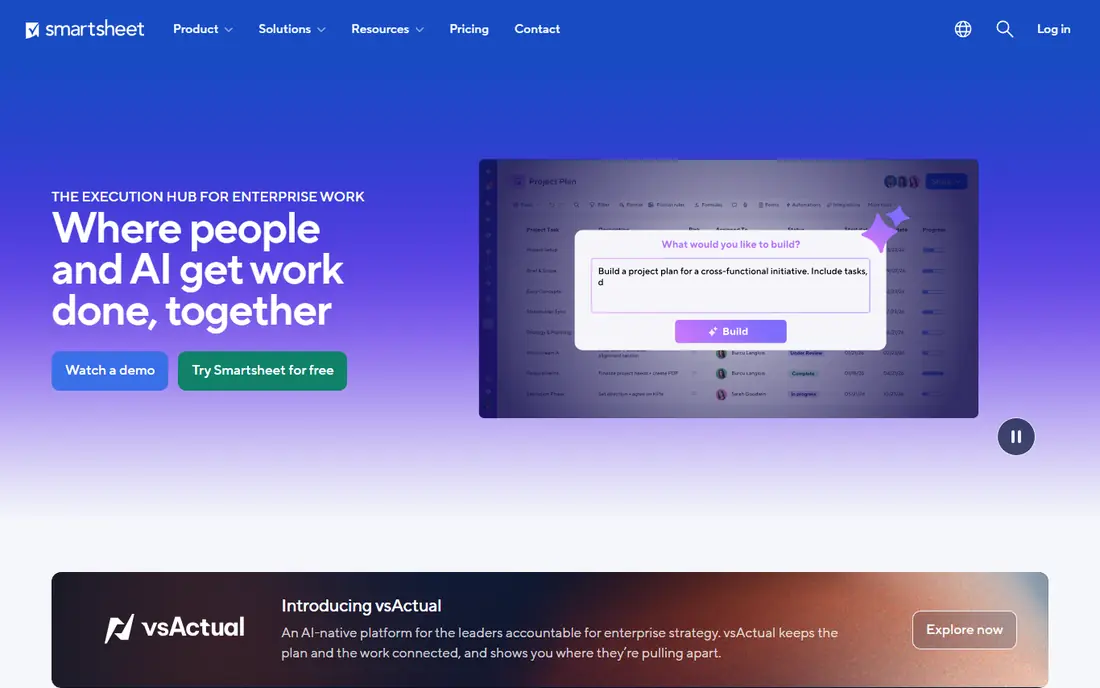
Smartsheet suits teams that think in spreadsheets but need real planning controls. The grid feels familiar, while Gantt, Kanban and calendar views let different roles see the same plan in their own way. Automation rules for alerts and approvals also cut manual chasing.
The catch is price and depth. There is no free plan, only a trial, and reporting takes setup to get right. For spreadsheet comfortable teams, though, Smartsheet is our pick because adoption is fast and the plan stays usable.
- Familiar grid view
- Gantt, Kanban and calendar views
- Automation rules
- No free plan
- Reporting can feel complex at first

Microsoft Project remains the classic scheduling standard for complex work. Its scheduling engine handles dependencies, critical path, baselines and resource leveling in a way that lighter tools do not match. Planner and Project Plan 3 at $30 per user per month also ties into Microsoft 365 reporting.
The trade is usability. New users face a steep learning curve, and collaboration feels dated beside Asana or monday.com. Choose Project when schedule depth matters more than a light interface, especially in Microsoft 365 shops.
- Deepest scheduling engine
- Critical path and baselines
- Microsoft 365 integration
- Steep learning curve
- Collaboration is weaker than newer tools
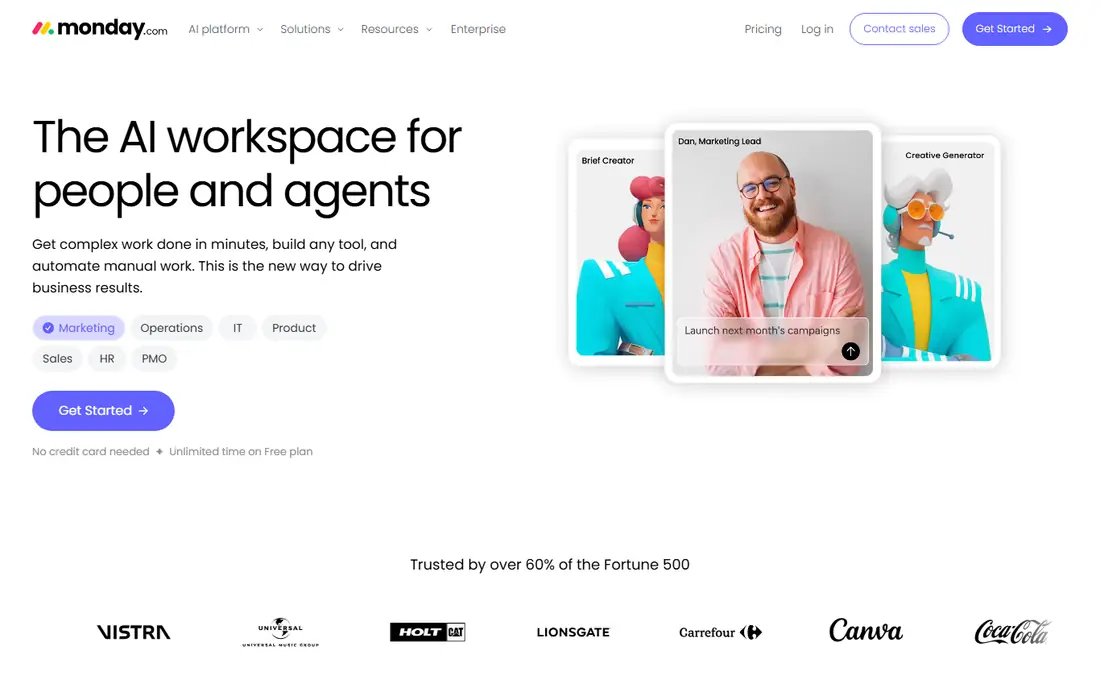
monday.com suits visual teams that plan and execute in one place. Boards, timelines and dashboards are quick to set up, and automations handle status changes and reminders without code. That speed is why many small teams adopt it fast.
Pricing needs care, since paid plans start at three seats and costs rise as seats and features grow. Teams that only need a timeline may find GanttPRO cheaper, but teams that want execution plus scheduling will like monday.com.
- Fast setup
- Visual boards and timelines
- Strong automation options
- Paid plans start at three seats
- Costs rise with seats and add-ons
Asana fits task driven teams that add scheduling to daily work. Tasks, timelines, milestones and dependencies live beside comments and files, so the schedule stays close to execution. The free Personal plan also lets small teams test it without a card.
Advanced features such as portfolio reporting and deeper resource tools sit on higher tiers. For most small and mid size teams, Starter at $10.99 per user per month covers the core scheduling need well.
- Easy to adopt
- Timeline and Gantt views
- Personal plan is free
- Advanced scheduling sits on higher tiers
- Reporting limits on entry plans
Wrike suits mid size teams that want Gantt charts plus workflow depth in one tool. Task management, approvals, dashboards and reporting cover both planning and delivery, which helps teams that run many projects at once. The free plan also lets teams test core work before paying.
The interface can feel busy at first, and setup rewards a clear project structure. Teams that invest that time get a strong scheduling and delivery tool for $10 per user per month on the Team plan.
- Gantt plus workflow depth
- Dashboards and reporting
- Free plan available
- Setup takes effort
- Interface can feel busy to new users
GanttPRO is our value pick for pure scheduling. Core at $7 per user per month includes Gantt charts, dependencies, milestones, critical path and resource views. Small teams that plan in one tool and execute in another will find it focused and fast.
It is not a full work platform, so teams that want docs, chat and deep task workflows may need a second tool. For schedule first teams, that focus is a strength, not a weakness.
- Strong Gantt features at a low price
- Critical path included
- Resource views
- Less task execution depth than Asana
- No free plan
TeamGantt is the easiest Gantt tool here for beginners. Drag and drop scheduling, dependencies and a clean timeline help a team build a schedule in minutes, not days. The flat Base price also makes budgeting simple for a small team.
Depth is limited beside Smartsheet or Microsoft Project, and the free plan covers only one project with 40 tasks. For small teams that want a clear, simple schedule, TeamGantt is still a strong choice.
- Easy to learn
- Flat monthly price
- Free plan for one project
- Less depth than Project or Smartsheet
- Higher tiers cost more
ClickUp offers the most features per dollar in this group. The free plan covers unlimited members, and paid plans from $7 per user per month add Gantt views, docs, goals and automations. Teams that want one workspace for planning and execution get a lot for the price.
Breadth is also the catch. New users can feel lost among views and settings, and the free Gantt view has usage limits. Teams that set up a simple structure first will get the best value from ClickUp.
- Generous free plan
- Gantt, docs and goals in one place
- Low entry price
- Feature breadth can overwhelm new users
- Gantt limits on free plan
Oracle Primavera P6 is the standard for large engineering, construction and infrastructure programs. It handles multi project portfolios, complex dependencies, resource leveling and baselines at a scale that lighter tools cannot match. Large contractors and owners rely on it for program control.
It is custom quoted, needs specialist schedulers, and is overkill for a small team. Choose P6 when program size and contractual schedule control demand it, not when a simple Gantt chart will do.
- Enterprise program scheduling
- Critical path depth
- Multi project portfolios
- Custom quote only
- Needs specialist skill and training
Asta Powerproject gives construction schedulers P6 class power with less overhead than Primavera for many firms. Critical path, baselines, resource planning and 4D views help teams plan and present construction programs clearly. It is a serious tool for serious schedules.
Pricing is custom quoted and the focus is construction, so general teams may prefer Smartsheet or Project. Construction schedulers who want power without P6 complexity should demo it.
- P6 class power for construction
- Strong critical path tools
- 4D planning options
- Custom quote only
- Construction focus limits general use
How we picked these
We compared official pricing pages, product docs and public reviews, and we kept only tools that are live in October 2026 and that schedule real projects with dates, dependencies and milestones. We checked Gantt quality, critical path, resource views, collaboration and price, and we used See website where pricing is quote based. We did not claim hands-on testing.
How to choose the right scheduling tool
Start with schedule complexity. A simple timeline with a few dependencies needs GanttPRO or TeamGantt, not Primavera. A program with many interlinked projects, baselines and resource constraints needs Project, Smartsheet or P6. Match the engine to the complexity, or the tool will either limit you or slow you down.
Next, check who updates the plan. If field staff or non planners update tasks, a simple tool with a mobile app will stay current. If a specialist scheduler owns the plan, a deep tool is fine. A schedule that no one updates is worse than a simple plan that stays current.
Finally, test resource views before buying. Many tools draw timelines well but handle people poorly. Check how overbooking, capacity and leave appear, since people are often the real constraint on a project.
Frequently asked questions
What is the best project scheduling software?
Smartsheet is our pick for most teams, GanttPRO is best for pure Gantt value, and Microsoft Project is best for deep classic scheduling. TeamGantt suits beginners, while Asana and monday.com suit teams that want scheduling plus task execution in one place.
What is the best software for project scheduling on a budget?
GanttPRO at $7 per user per month and ClickUp at $7 per user per month are the cheapest paid starts here, and Asana, Wrike, ClickUp and TeamGantt offer free plans. Test the free plan first, then check limits on Gantt, automations and reporting.
What is the difference between Gantt chart software and project management software?
Gantt chart software focuses on timelines, tasks, dependencies and milestones. Project management software adds task execution, collaboration, docs and reporting. GanttPRO and TeamGantt are schedule specialists, while Smartsheet, Asana and monday.com cover both.
Does Microsoft Project still exist in 2026?
Yes. Microsoft Project is sold as a desktop app and through Planner and Project Plan 3 at $30 per user per month. Project for the web was retired in August 2025 and replaced by Planner, and Project Online retires on September 30, 2026, so check your plan type before renewing.
Which scheduling tool is easiest to learn?
TeamGantt is the easiest Gantt tool here, designed so beginners can build a schedule in minutes. GanttPRO is close behind for pure Gantt work. Among full platforms, monday.com has the gentlest learning curve, while Project and Smartsheet reward more setup effort.
Sources
- https://www.smartsheet.com
- https://www.microsoft.com/en-us/microsoft-365/project
- https://www.monday.com
- https://asana.com
- https://www.wrike.com
- https://ganttpro.com
- https://www.teamgantt.com
- https://www.clickup.com
- https://www.oracle.com/construction-and-engineering/primavera-p6/
- https://www.elecosoft.com/products/asta-powerproject/
See where you really rank - block by block
ProMapRanker scans Google Maps across a grid of your service area. Simple monthly plans from $19, white-label on every plan.
Start freeKeep reading
 zscaler alternatives
Best Zscaler Alternatives in 2026
Looking for zscaler alternatives? We compare 9 SASE and zero trust platforms on architecture, data protection, pricing, and fit for your network and team.
Read → zapier alternatives free
Best Zapier Alternatives Free in 2026
Nine automation tools for zapier alternatives free in 2026, all with genuinely free tiers, plus free plan limits, starting prices and upgrade paths explained.
Read → which platform is best for online reputation
Which Platform Is Best for Online Reputation in 2026
Wondering which platform is best for online reputation? We compare 8 review, listing, and response tools for small and multi-location businesses and agencies.
Read →