 ProMapRanker
Best Project Manager Software Free in 2026

Key takeaways
- ClickUp and Trello offer the most usable free plans for general team work, while Asana and monday.com keep free plans small and focused.
- Free plans differ most on user limits, board limits, and storage, so check those three limits before you commit to a tool.
- Notion and Todoist suit solo workers and small teams that want notes and tasks in one place, rather than large project portfolios.
- Paid plans start low in this group, so a free plan that fits now can grow without forcing a move to a different product later.
Quick comparison
| Pick | Great for | Pricing starts at | Free tier | |
|---|---|---|---|---|
 ClickUp | Feature-rich free work management | Free | Yes | Visit |
 Trello | Simple visual boards | Free | Yes | Visit |
 Asana | Structured team tasks | Free | Yes | Visit |
 monday.com | Visual team workflows | Free | Yes | Visit |
 Notion | Docs plus tasks in one place | Free | Yes | Visit |
 Wrike | Basic structured project tracking | Free | Yes | Visit |
 Zoho Projects | Small teams already using Zoho | Free | Yes | Visit |
 Todoist | Personal and small-team task lists | Free | Yes | Visit |
The best project manager software free
We compared official pricing pages and free-plan descriptions for tools that offer a genuine free tier, not only a trial. The eight tools below all let you keep working without paying, although each one caps something that matters.
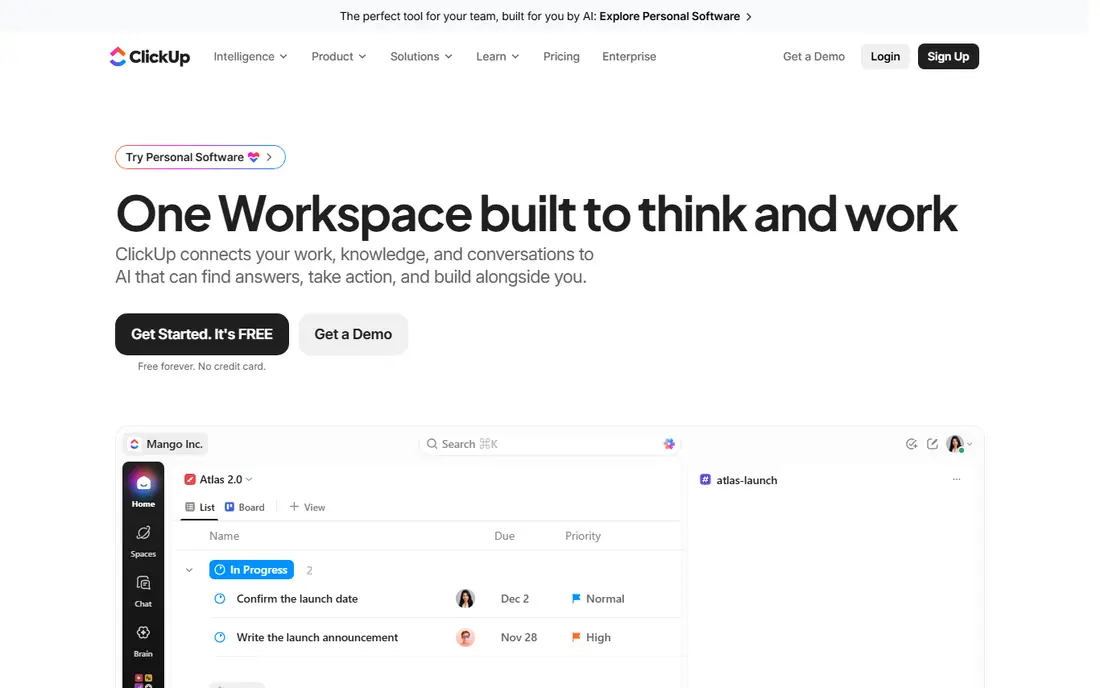
ClickUp gives free users more room than most rivals in this group. You can create unlimited tasks, add unlimited free members, and use several views to follow the same work from different angles. Docs and whiteboards sit inside the same workspace, which helps small teams avoid a second app for notes and planning.
The trade-off is complexity. New users may need time to decide which views and custom fields they actually need, and the free plan still caps storage. If your team wants one place for tasks, docs, and basic sprint work, and you are willing to spend an hour setting it up cleanly, ClickUp is a strong starting point.
- Unlimited tasks and free members
- Boards, lists, and calendar views
- Docs and whiteboards included
- The full feature set can feel crowded at first
- Storage on the free plan is limited
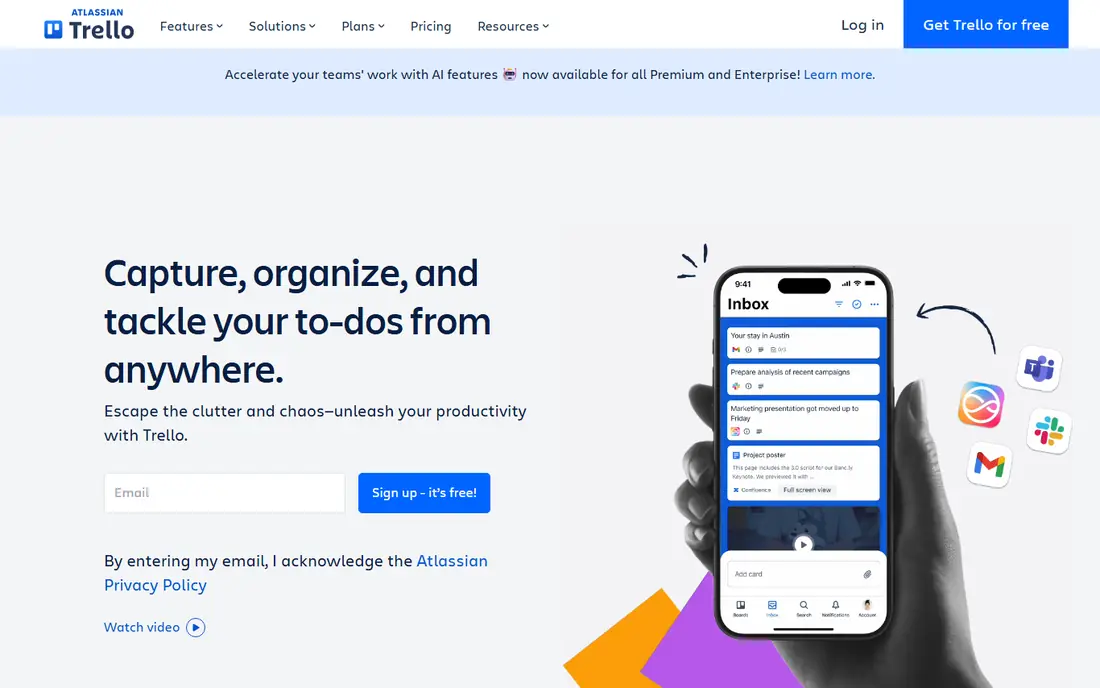
Trello works best when a team wants to see work at a glance. Cards move across columns, checklists break work into steps, and labels and due dates keep small projects visible without training. Most people can start using it within minutes, which is a real advantage for volunteers, freelancers, and small crews.
The limits show up as a team grows. Ten boards per free workspace is enough for a few projects, but not for a portfolio of client work, and the monthly automation allowance runs out fast if you automate every card move. Trello remains our pick for simple, visual work that does not need heavy reporting.
- Very easy to learn
- Unlimited cards on free boards
- A large set of Power-Ups on the free plan
- Free workspaces are limited to 10 boards
- Automation runs are capped each month
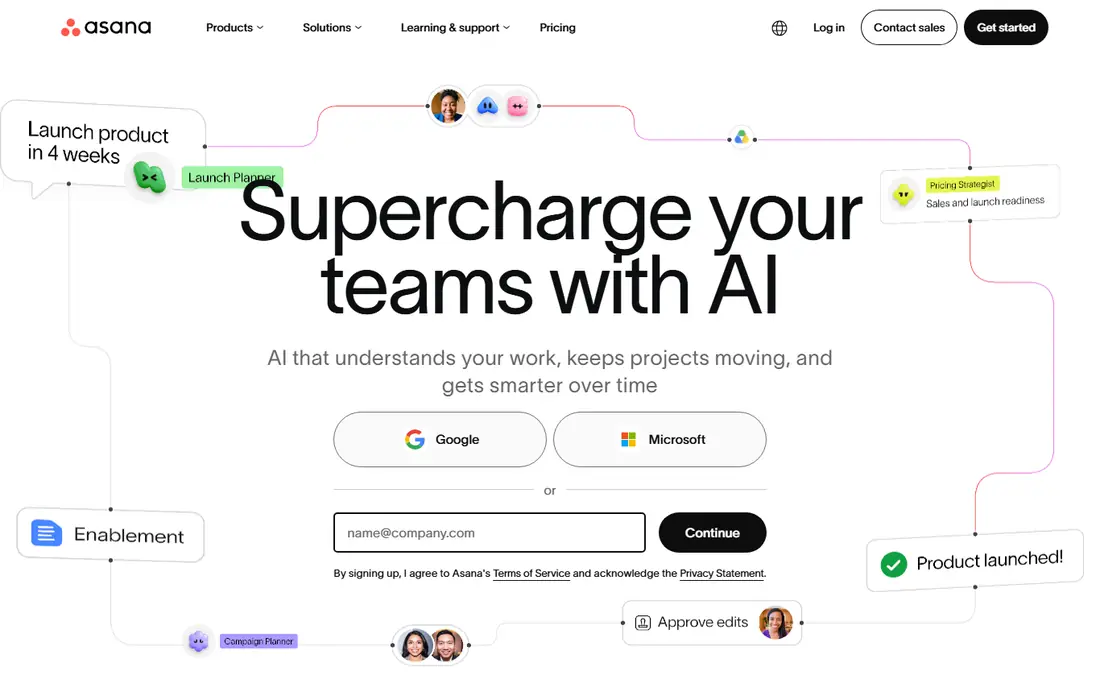
Asana brings order to teams that like clear owners, due dates, and sections. Tasks can hold subtasks, comments, and files, and the same project can be viewed as a list, a board, or a calendar. That structure helps when several people share work and nobody wants to ask who owns the next step.
Free access is more limited than it once was for larger groups, and features such as Timeline sit behind paid plans. For a pair or a very small team that values tidy task lists over visual flair, Asana still earns a place here, provided you check the current user limit before inviting the whole team.
- Clean list, board, and calendar views
- Unlimited tasks and projects on the free plan
- Many free integrations
- The free plan suits very small teams
- Timeline and advanced reporting need a paid plan
monday.com turns project tracking into a set of colourful boards, with columns for status, owner, date, and priority. Teams that think in tables and status colours often adopt it quickly, and templates shorten setup for marketing, sales, and operations work.
The free plan is intentionally narrow, with a small seat limit and only a few boards, so it works best as a trial of the style rather than a long-term home for a growing team. If the visual style clicks and the budget allows a paid step later, it can scale well, but buyers should not expect the free tier to carry a whole department.
- Colourful, visual boards that are easy to read
- Templates for common workflows
- Strong automation on paid plans
- The free plan is limited to a small team and few boards
- Many useful features need a paid plan
Notion suits people who plan in documents as much as in task lists. You can build a project database, link it to meeting notes, and keep reference material beside the work itself, all inside one workspace. For solo workers, that blend often replaces two or three separate apps.
As a pure project manager, Notion asks more of the user. You set up your own views, properties, and workflows, and teams that want ready-made timelines, workload views, and approvals may find dedicated tools faster. If writing and planning live together in your work, Notion is a good free starting point.
- Unlimited pages and blocks for individuals
- Flexible databases for tasks and notes
- Useful templates
- Project views are less structured than dedicated project tools
- Large team use needs a paid plan
Wrike appeals to teams that need structure without paying at first. Tasks, folders, and projects give work a clear home, and the free plan is described as supporting basic project and task management for teams that want to coordinate across groups. That makes it a sensible option for a small department testing a more formal approach.
The catch is that the features most managers ask for next, such as deeper reporting and automation, require an upgrade. Wrike also feels heavier than Trello or Todoist for very simple lists. Choose it when structure matters more than speed of setup.
- Unlimited users on the free plan in published descriptions
- Structured task and project views
- Useful for cross-team work
- Advanced reporting and automation sit on paid plans
- Setup takes more care than simpler boards
Zoho Projects is a practical choice for teams that already use Zoho for mail, CRM, or accounting. Tasks, milestones, and time tracking cover the basics well, and data can move between Zoho apps without extra tools. Small project teams that value that fit often find it easier than a standalone tool.
Free access is limited in project count, so it suits one or two active projects rather than a full client book. The design is functional rather than polished, and teams outside the Zoho world may prefer a tool with a broader integration set. Inside Zoho, it is hard to beat on value.
- Task automation and time tracking
- A clean fit with other Zoho apps
- Low paid starting price in published comparisons
- The free plan limits projects
- The interface feels dated beside newer rivals
Todoist does one thing very well, which is turning thoughts into tasks fast. You can type a task with a date in plain words, sort it into a project, and filter by priority or label. For individuals and tiny teams, that speed matters more than Gantt charts or workload views.
The free plan caps the number of projects, so it is not the right home for a team running many projects at once. It also lacks the deeper project views found in ClickUp or Asana. If your main need is a reliable daily list that a few people can share, Todoist is one of the easiest free tools to keep using.
- Fast task capture and natural language dates
- Simple projects and filters
- Works well on mobile
- Not a full project portfolio tool
- The free plan limits projects and collaborators per project
How we picked these
We checked vendor pricing pages and free-plan descriptions for tools that offer a continuing free tier in October 2026, and we left out tools that offer only a trial or a one-time credit. We favoured tools that let a real team do real work without paying, and we noted the limit most likely to matter, such as board count, user count, or storage. We did not claim hands-on testing, and we compared published features, pricing, and app store listings instead.
What to check before you buy
Start with the limit you will hit first. A tool with unlimited tasks but only a few boards may fail a team with many clients, while a tool with unlimited boards but a small user cap may fail a growing team. Count your active projects, your regular collaborators, and your file storage needs, then match those numbers to the free plan, not to the marketing headline.
Next, test the daily workflow with two or three real tasks. Add a due date, assign an owner, attach a file, and move the task to done. If that loop feels slow or confusing on day one, it will feel worse in week four. Also check what happens when you upgrade, including the per-user price and which features move behind the paywall, so a free start does not turn into a surprise bill.
Frequently asked questions
What is the best free project management tool for a small team?
ClickUp offers the broadest free feature set in this group, while Trello is easier to learn for simple board work. The right choice depends on team size and on docs, timelines, or only a shared task list.
Do free plans really stay free?
Yes, for the tools in this list, the free tier is a continuing plan, not a trial that expires. Limits still apply, and vendors can change those limits, so recheck the pricing page before you build a large workflow on a free plan.
How many users can use a free plan?
It varies a lot. Some tools allow many free members, while others limit free workspaces to two or ten collaborators. Check the current user limit for the tool you choose before inviting a team.
Can I manage client projects on a free plan?
You can for a small number of projects, especially with ClickUp, Trello, or Asana. Teams with many clients usually hit board or project limits first and need a paid plan or a different way to organise client work.
Is a free tool safe for business work?
Free tiers from established vendors include standard account security, but you should still check data export, access controls, and backup options. Avoid storing sensitive client data in a tool that does not offer the controls your work requires.
When should I pay for project management software?
Pay when you hit a real limit, such as board count, storage, reporting, or automation, and the paid feature saves more time than it costs. Start free, prove the workflow, and upgrade only for a feature you already miss.
Sources
See where you really rank - block by block
ProMapRanker scans Google Maps across a grid of your service area. Simple monthly plans from $19, white-label on every plan.
Start freeKeep reading
 what’s the best risk software for enterprises
What Is the Best Risk Software for Enterprises in 2026
We compared what’s the best risk software for enterprises on risk registers, controls, third-party risk, and reporting, with pricing notes for large teams.
Read → what's the best pam software for enterprises
What is the Best PAM Software for Enterprises in 2026
Find what's the best pam software for enterprises, with vaulting, session recording, just in time access and pricing compared for large enterprise IT teams.
Read → what’s the best grc software
What Is the Best GRC Software in 2026
We compared what’s the best grc software on risk, compliance, audit and vendor risk, so teams can pick a platform that fits their frameworks and budget.
Read →