 ProMapRanker
Best Project Management Tool for Freelancers in 2026

Key takeaways
- ClickUp offers the most features per dollar for freelancers who want tasks, docs, and time tracking in one place, while Trello is the fastest to set up.
- Asana suits freelancers who work with clients on structured handoffs, and Notion suits freelancers who live in docs and client wikis.
- Free plans are strong in this category, with ClickUp, Notion, Trello, Asana, and Todoist all offering a free tier that can run a solo business.
- Paymo stands out for freelancers who bill by the hour, because time tracking and invoicing sit beside project tasks.
- We compared setup time, client sharing, views, time tracking, and price, and we kept only tools that work well for one person or a tiny team.
Quick comparison
| Pick | Great for | Pricing starts at | Free tier | |
|---|---|---|---|---|
 ClickUp | All-in-one tasks, docs, and time | $7 per month | Yes | Visit |
 Asana | Structured tasks and handoffs | $10.99 per month | Yes | Visit |
 Trello | Simple visual kanban boards | $5 per month | Yes | Visit |
 Notion | Docs plus light project tracking | $10 per month | Yes | Visit |
 Monday.com | Visual workflows and dashboards | $9 per month | Yes | Visit |
 Todoist | Fast personal task lists | $5 per month | Yes | Visit |
 Basecamp | Calm client communication hub | $15 per month | Yes | Visit |
 Paymo | Time tracking plus invoicing | $5.90 per month | Yes | Visit |
The best project management tools for freelancers
Freelancers need a tool they will actually open every day. A heavy team system can waste billable hours on setup, while a simple list can fail when a project has many steps, files, and client approvals. The tools below cover that range, from a fast task list to an all-in-one workspace, and each one works for a solo operator without a team admin.
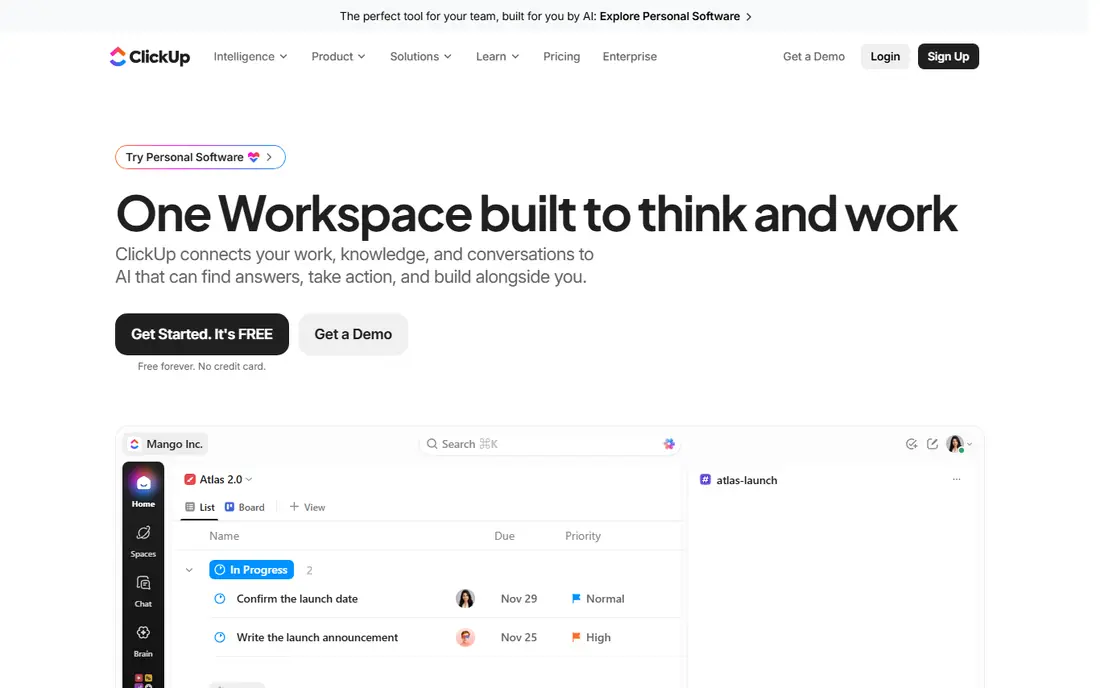
ClickUp fits freelancers who want to replace several apps with one workspace. A Space per client, a list for active projects, and a list for admin tasks gives a clear view of all work in one place. Tasks, docs, goals, and time tracking live together, so a brief, a deadline, and the hours spent on it stay linked. The free plan covers unlimited tasks and users, which is enough for many solo businesses. The catch is the learning curve in week one. ClickUp feels overwhelming until the Spaces, Folders, and Lists structure is set, so start with one Space and a few lists rather than building a full system on day one. At $7 per user per month for Unlimited in recent listings, the paid tier adds more automation and AI features. Pick ClickUp when one workspace for tasks, docs, and time matters more than the simplest possible setup.
- Unlimited tasks on the free plan
- Built-in time tracking and docs
- Many views including list, board, and calendar
- Can feel busy at first
- Setup takes time if every feature is turned on
- Mobile app is dense
Asana fits freelancers who hand work to clients or collaborators in clear steps. Tasks can be assigned, dated, and commented on, and Timeline view shows how steps depend on each other. That structure helps when a project moves from brief to draft to review to delivery, because each stage has an owner and a due date. Templates for common project types speed up setup for repeat work. The limit is cost and time tracking. The free plan covers up to 10 users in recent listings, but advanced views and reporting need the Starter tier at $10.99 per user per month. Time tracking is not built in at the same depth as Paymo or ClickUp, so hourly freelancers may need an integration. Pick Asana when clean handoffs and timelines are the main need.
- Clean lists, boards, and timelines
- Easy client sharing
- Strong templates
- Free tier tightens as projects grow
- Time tracking needs an integration
- Paid tier is pricier than Trello or ClickUp
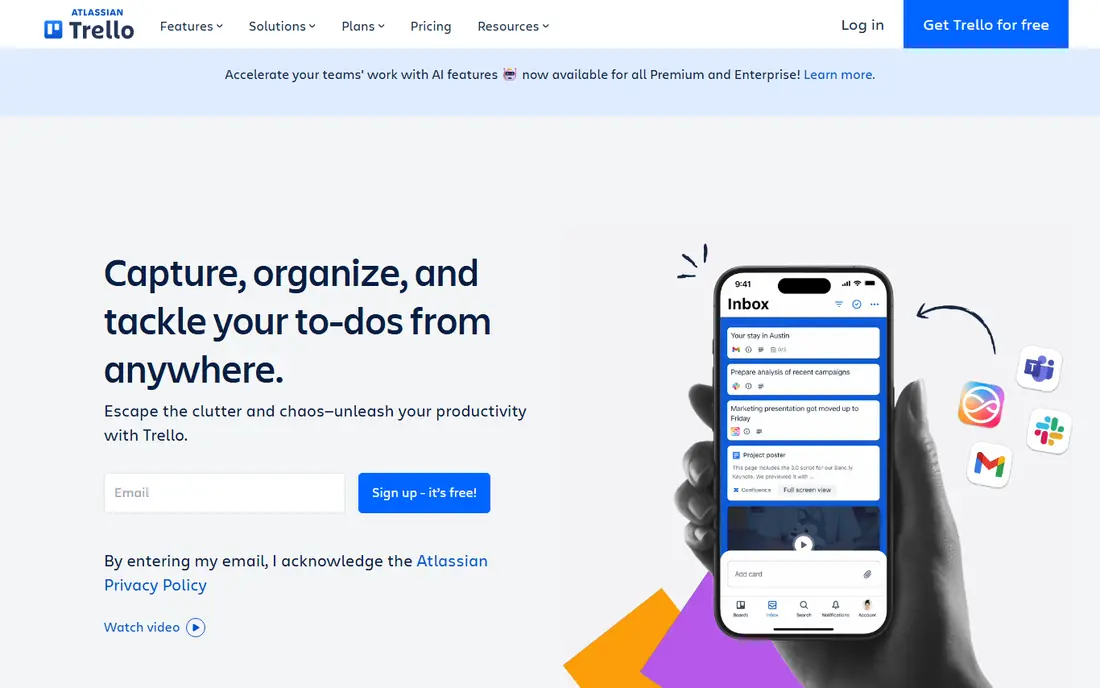
Trello fits freelancers who think in boards and cards. A board per client, lists for To Do, Doing, and Done, and cards for each task gives an instant view of work without setup. Cards hold checklists, due dates, attachments, and comments, so a client can follow progress without a meeting. The free tier covers up to 10 boards per workspace in recent listings, which is enough for a small client roster. The catch is depth. Trello struggles with dependencies, workload views, and detailed reporting, and a complex project with many linked steps will feel constrained. The Standard tier at $5 per user per month adds more boards and features. Pick Trello when speed and visual clarity matter most, and move to Asana or ClickUp when projects gain many dependencies.
- Fastest setup in this list
- Drag-and-drop boards anyone can use
- Generous free tier
- Weak for complex dependencies
- Reporting is light
- Large projects need Power-Ups or a paid tier
Notion fits freelancers who already live in documents and want project tracking beside their notes. Pages can hold briefs, meeting notes, and deliverables, while databases track projects, clients, and deadlines in board, table, or calendar views. A client portal built in Notion can share progress, files, and next steps without a separate tool. The free plan for individuals is generous, with unlimited pages in recent listings. The trade is setup. Notion does not arrive as a ready project system, so a freelancer must build or copy a template and keep it tidy. There is no built-in time tracking, so hourly billing needs another app. At $10 per user per month for Plus in recent listings, paid features add version history and larger uploads. Pick Notion when docs and knowledge work are central, and pair it with a time tool when billing by the hour.
- Flexible pages, databases, and wikis
- Free plan for individuals
- Good for client portals and notes
- Needs setup to work as a project tool
- No built-in time tracking
- Can become messy without a template
Monday.com fits visual freelancers who want dashboards and status colors at a glance. Boards can track clients, projects, and deliverables with status labels, dates, and owners, and templates cover common freelance workflows. The visual style makes it easy to show a client where a project stands without a long report. Automations can move items, send reminders, and update statuses as work progresses. The catch is pricing structure. The Basic tier starts at $9 per seat per month in recent listings, but seat minimums and seat buckets can lift the bill for awkward team sizes. The free plan is limited to two seats, so a freelancer with collaborators may hit limits quickly. Pick Monday.com when visual tracking and dashboards are the priority, and check the seat rules before committing.
- Color-coded boards and templates
- Visual dashboards
- Good for tracking many projects at once
- Seat minimums on paid plans
- Free plan is limited to two seats
- Cost rises with team size
Todoist fits freelancers whose main need is a reliable daily task list. Capture is fast, dates can be typed in plain language, and projects, labels, and filters keep work organized without a heavy system. The app works on phone, desktop, and web, so a task added on the road appears everywhere. For a freelancer who juggles deadlines across a few clients, that speed is the main value. The limit is project depth. Todoist is not a client portal, a doc system, or a time tracker, so a freelancer who needs files, approvals, and billing will need other tools beside it. The Pro tier at $5 per month in recent listings adds reminders and more projects. Pick Todoist when task discipline is the gap, and pair it with Notion or Paymo when projects need more structure.
- Fastest task capture in this list
- Natural language dates
- Works on every device
- Not a full project workspace
- Client sharing is limited
- No built-in time tracking or invoicing
Basecamp fits freelancers who want client communication and project work in one calm place. Each project holds messages, to-dos, files, schedules, and chat, so a client can find the brief, the latest file, and the next step without searching email. The design avoids the noise of constant chat, which helps when a project runs for weeks and many messages pile up. The catch is visual tracking. Basecamp does not offer the same board, timeline, and dashboard depth as ClickUp, Asana, or Monday.com, so a freelancer who thinks in kanban may miss that view. Pricing is $15 per user per month for Pro in recent listings, with a flat $299 per month option for unlimited users. Pick Basecamp when calm, clear client communication matters more than visual project charts.
- Messages, to-dos, files, and schedules in one calm place
- Flat pricing option
- Low noise compared with chat tools
- Less visual project tracking
- Fewer views than ClickUp or Monday.com
- Price is higher per user than Trello
Paymo fits freelancers who bill by the hour and need time, tasks, and invoices linked. Time can be tracked from a task, project budgets show hours used against hours sold, and invoices can be created from tracked time without retyping data. That link cuts admin work at month end, which is where many hourly freelancers lose time. The free tier covers a small number of projects in recent listings. The limit is breadth. Paymo is stronger on time and billing than on docs, wikis, or visual boards, so a freelancer who needs a full knowledge workspace may pair it with Notion. At $5.90 per month in recent listings, the paid tier is good value for hourly billing. Pick Paymo when accurate time and invoicing are the main pain, not just task lists.
- Built-in time tracking and invoicing
- Project budgets
- Free tier for small use
- Less flexible as a doc system
- Interface is more business-like
- Free tier limits projects
How we picked these
We compared official pricing pages, feature pages, and public reviews for freelancer use, and we checked free plans, client sharing, views, and time tracking. We kept tools that work for one person without a team admin, that are still sold in October 2026, and that cover a distinct freelance need: all-in-one work, structured handoffs, visual boards, docs, dashboards, fast tasks, calm client hubs, or billing. Prices are starting prices from vendor or recent pricing material, billed annually where noted on the vendor page.
How to choose the right tool for a freelance business
Start with the daily friction, not the feature list. If tasks fall through the cracks, Todoist, Trello, or Asana will help. If clients ask for status constantly, Basecamp, Notion, or Monday.com will cut those messages. If billing takes hours, Paymo will pay back first. Pick the tool that fixes the one friction that costs the most billable time.
Run a two-week pilot on real client work
Use the tool on one live client project for two weeks, not on a fake test project. Check how fast capture is, how easy client sharing feels, and whether the tool is opened without reminders. The tool that survives real deadlines is the right one, even when another tool has a longer feature list. Keep the setup simple during the pilot, with one project, a few lists, and clear due dates.
Keep the stack small
One project tool plus one time or invoicing tool is usually enough for a solo freelancer. Adding a third tool for docs or chat often creates duplicate work and missed updates. If a tool covers tasks and time, such as ClickUp or Paymo, use that coverage before adding another app. Review the stack every few months and drop tools that are no longer opened daily.
Frequently asked questions
What is the best project management software for freelancers on a budget?
ClickUp and Trello offer the best free starting points for freelancers on a budget, with ClickUp covering tasks, docs, and time, and Trello covering simple boards. Notion also has a strong free plan for individuals. Start free, and only pay when a limit such as board count, storage, or automation actually blocks real work.
What are the best project management tools for freelancers who bill by the hour?
Paymo is the best pick for hourly billing in this list, because time tracking, budgets, and invoicing sit beside tasks. ClickUp also offers built-in time tracking on its free plan, which suits freelancers who want an all-in-one workspace. Asana and Trello need a time integration for the same workflow, so price that add-on before choosing.
What are the best project management apps for freelancers working with clients?
Asana, Basecamp, and Notion are strong for client work, with Asana for structured handoffs, Basecamp for calm messages and files in one project, and Notion for client portals and shared docs. Trello also works for simple client boards. Choose based on whether clients need structure, messages, or docs most.
Is Notion or ClickUp better for freelancers?
ClickUp is better when tasks, time, and project views are the main need, because it arrives as a project system. Notion is better when docs, notes, and client wikis are the main need, because it is more flexible for writing and knowledge work. Many freelancers use Notion for docs and ClickUp or Todoist for tasks, but starting with one tool keeps the stack simpler.
Do freelancers need a paid project management tool?
No, not at first. Free plans from ClickUp, Trello, Notion, Asana, and Todoist can run a solo business for months. Pay when a free limit blocks work, when client sharing needs more control, or when time tracking and invoicing must link to tasks. A paid tool should save billable time, not just add features.
What is the best simple project management tool for freelancers?
Trello is the simplest project tool in this list, with boards and cards that need almost no setup. Todoist is simpler still for pure task lists, but it lacks board views and client project depth. Pick Trello when visual boards are enough, and move to Asana or ClickUp when projects gain dependencies and reporting needs.
Sources
See where you really rank - block by block
ProMapRanker scans Google Maps across a grid of your service area. Simple monthly plans from $19, white-label on every plan.
Start freeKeep reading
 zscaler alternatives
Best Zscaler Alternatives in 2026
Looking for zscaler alternatives? We compare 9 SASE and zero trust platforms on architecture, data protection, pricing, and fit for your network and team.
Read → zapier alternatives free
Best Zapier Alternatives Free in 2026
Nine automation tools for zapier alternatives free in 2026, all with genuinely free tiers, plus free plan limits, starting prices and upgrade paths explained.
Read → which platform is best for online reputation
Which Platform Is Best for Online Reputation in 2026
Wondering which platform is best for online reputation? We compare 8 review, listing, and response tools for small and multi-location businesses and agencies.
Read →