 ProMapRanker
7 Best Project Management Software with Time Tracking Options for 2026


Teams already standardized on Asana's project views · Pricing starts at: $10.99/user/month (Starter plan, billed yearly)
Direct answer
Asana leads the list, best for teams already standardized on Asana's project views. For a different need, monday.com covers visual teams that live in boards and dashboards and Accelo covers service firms selling retainers and fixed-fee engagements. The other 4 tools in the list cover narrower or pricier cases.
Key takeaways
- The list opens with Asana, aimed at teams already standardized on Asana's project views.
- Starting prices begin at $7/user/month with ClickUp.
- A fair warning about Asana: time tracking depth is entry-level next to Paymo or Accelo.
- 5 of 7 tools offer a free plan: Asana, monday.com, Avaza, Wrike, ClickUp.
Quick comparison
| Pick | Great for | Pricing starts at | Free tier | |
|---|---|---|---|---|
| Asana | Teams already standardized on Asana's project views | $10.99/user/month (Starter plan, billed yearly) | Yes | Visit |
 monday.com | Visual teams that live in boards and dashboards | $9/seat/month (Basic plan, billed yearly) | Yes | Visit |
 Accelo | Service firms selling retainers and fixed-fee engagements | See website (custom quote) | No | Visit |
 Avaza | Teams wanting projects, time tracking and invoicing in one login | $19/month (Startup plan, billed annually) | Yes | Visit |
 Wrike | Bigger teams needing structured workflows and approvals | $10/user/month (Team plan, billed yearly) | Yes | Visit |
 ClickUp | Teams that want one app for projects and time tracking | $7/user/month (Unlimited plan, billed yearly) | Yes | Visit |
 Paymo | Small businesses that bill time straight from tasks | $9.95/user/month (Small Office plan, billed annually) | Free trial (15 days) | Visit |
Tool-by-tool breakdown
ProMapRanker compared 7 tools for project management software with time tracking. The goal is a practical shortlist: published prices, free plan facts, best-fit use cases and honest limits for every entry.
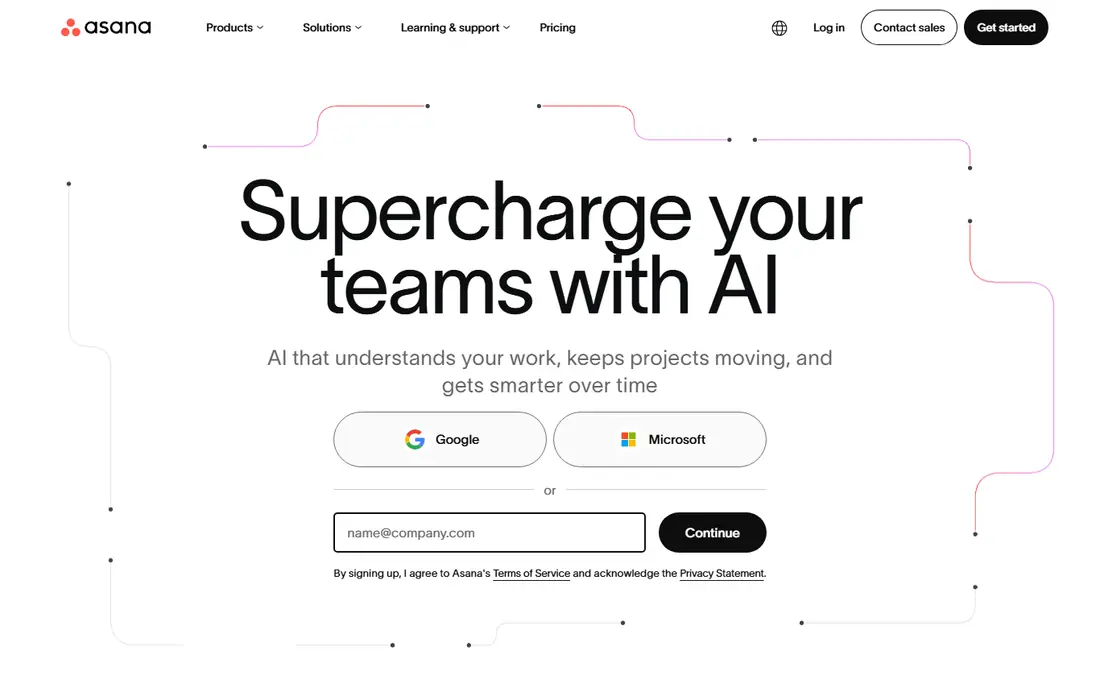
Asana makes the most sense for teams already standardized on Asana's project views. Asana added native time tracking to its own system, and for teams already living in Asana it removes the reason to bolt on a separate timer.
Watch-outs: Advanced reporting and portfolios need the Advanced level.
In daily use, integrations with Harvest, Toggl Track and Everhour remain for teams that outgrow the built-in version. Asana starts at: $10.99/user/month. A free plan is available with Asana.
- 200-plus integrations including Harvest and Toggl for deeper needs
- The project views teams already know, list, board, timeline, calendar
- Time tracking depth is entry-level next to Paymo or Accelo
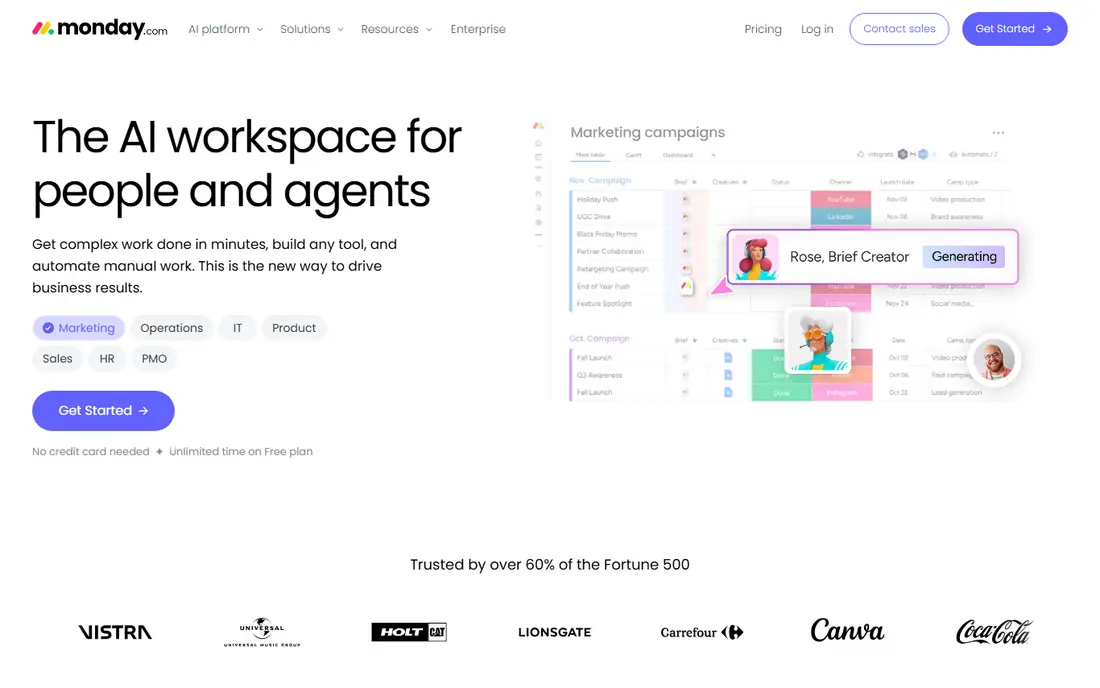
Where monday.com fits: visual teams that live in boards and dashboards. Boards are visual, the interface needs almost no training, and clients or stakeholders can follow a shared board without a tutorial. For teams already committed to monday.com's way of working, that is fine.
Trade-offs to know: Per-seat pricing brings up quick as teams grow.
Strengths: timelines and dashboards that non-technical teams adopt quick.
More specifically, read the plan table before you buy. Teams that track time on monday.com are really buying Pro, where time tracking, private boards, formula columns and chart views all live together. The time tracking column is a Pro feature at $19 per seat a month billed yearly. So the $9 Basic price you see advertised does not include it. Time tracking arrives as a column you add to any board, with a timer and manual logging, and the hours feed into dashboards alongside project status. Price to start with monday.com: $9/seat/month. A free plan is available with monday.com.
- Boards
- Automations that move work without manual updates
- Time tracking column only appears on Pro and above

Pick Accelo if this describes you: service businesses selling retainers and fixed-fee engagements. Accelo is professional services automation, not just project management with a timer. On top of that, businesses with 10-plus people selling retainers, consulting or managed services will get the return.
More specifically, for businesses that sell continuing service packages, that completeness is the point. In daily use, smaller teams that just need timers on tasks should buy Paymo or Avaza instead. Accelo shows no starting price here, so confirm the cost on the vendor site. There is no free plan with Accelo.
What works well: Made for the full client lifecycle.
What to check first: Implementation takes longer than more straightforward tools.
- From quote to ticket to invoice
- Automatic activity capture that logs emails and meetings against projects
- No published pricing, so every evaluation starts with a sales call
Avaza is a good fit for teams wanting projects, time tracking and invoicing in one login. Rather than charging per user, Avaza charges per account: $19 a month on Startup handles the entire team, which makes it dramatically less expensive than per-seat tools once you pass a handful of users.
Where it falls short: Project management depth is lighter than ClickUp or Wrike.
Worth adding: the project side is more straightforward than the leaders. Avaza starts at: $19/month. Avaza has a free plan.
What users get: Clean interface that small teams learn rapidly.
- Projects, timesheets
- Flat per-account pricing rather than per-user fees
- Free plan is restricted to one user
Think of Wrike for bigger teams needing structured workflows and approvals. Marketing teams use request forms and approval chains, operations teams use blueprints and custom workflows, and time tracking with timesheets lands on top of that structure. Also, the Team plan at $10 spans collaboration but not the full time-tracking story.
Drawbacks to consider: The interface can feel heavy for small teams.
Also, Wrike earns its price at 20-plus users with compliance needs; under that, the lighter tools above do the same job for less. Billable rates and time reports support client billing without leaving the system. Entry price for Wrike: $10/user/month. Free access exists with Wrike.
- Time tracking with timesheets and billable rates on Business and up
- Capable security and admin controls for bigger firms
- Time tracking is restricted on lower levels
ClickUp serves teams that want one app for projects and time tracking. Time tracking is native instead of bolted on: every task gets a timer, manual entries and timesheets, and the data rolls into reports without an integration. Reporting depth boosts sharply on Business ($12/user/month annually), where goals, workload views and advanced dashboards open up.
From a buyer's view, ClickUp can replace a project tool, a docs tool and a time tracker, but the setup takes real work. Teams that skip the configuration phase end up with a messy workspace. From a buyer's view, the free plan comes with time tracking, unlimited tasks and unlimited members, which is more than most premium competitors offer at entry level. More specifically, the honest catch is complexity. Entry price for ClickUp: $7/user/month. ClickUp has a free plan.
Where it falls short: Feature density makes onboarding slow for new teams.
- Including the free one
- Deep customization with custom fields
- Advanced reporting
Paymo was built for small businesses that bill time straight from tasks. Paymo is the pick for businesses where the tracked hour becomes the invoice line. As for the details, the 15-day trial is the only free option, so test the invoicing flow before committing.
Worth adding: the tradeoff is ecosystem size. Worth adding: for freelancers and small studios that want projects, time and billing without three subscriptions, it is hard to beat. On top of that, Paymo links up with the essentials, Google Calendar, Slack, QuickBooks, Xero. But the catalog is a fraction of monday.com's or ClickUp's. For everyday use, the workflow is unusually complete for the price: track time on a task. The same app turns those hours into an invoice with your logo, accepts online payments and records the expense. Price to start with Paymo: $9.95/user/month. As for free access: Free trial (15 days).
Drawbacks to consider: No permanent free plan, only a trial.
- Automatic time tracking that records app and website usage
- Task management
- Smaller integration library than the big systems
What went into this list
Pricing pages, product documentation and feature lists were the main sources, and every entry carries at least one honest drawback. Seat minimums, billing terms and add-ons can move the real cost, so the starting prices here are a guide and not a quote. The ranking is editorial: typical fit first, then clear pricing, then free access. If your needs are unusual, read the profiles rather than relying on position.
Before you commit
- Ask Accelo for a written quote, since no starting price is shown.
- Check what the free option really includes: Asana, monday.com, Avaza and others offer a free plan, and usage caps differ.
- Use real work to test the free trial from Paymo, rather than a demo project.
- Before choosing Asana, weigh its main limit: time tracking depth is entry-level next to Paymo or Accelo.
- Look at which plan of Avaza unlocks the features you need; entry tiers are often cut down.
- Ask Asana how an export works before you move any records in; an easy exit lowers the risk.
Frequently asked questions
Is Asana the right pick for everyone comparing project management software with time tracking?
No single tool suits every team. Asana comes first because it fits teams already standardized on Asana's project views, while monday.com suits visual teams that live in boards and dashboards and Accelo suits service businesses selling retainers and fixed-fee engagements. Match the tool to your own size, budget and workflow before deciding.
Which options for project management software with time tracking have a free plan?
On this list, Asana, monday.com, Avaza, Wrike and ClickUp include a free plan. Caps on seats, usage or features are common, so test the free plan against your real workload. One other tool offers a trial instead.
Do these tools publish their prices?
Not all of them. Accelo publishes no starting price, so expect a quote request for it. The rest, Asana included, show a starting price, though seats and billing terms still change the final cost.
How are the tools for project management software with time tracking ordered?
Asana sits first and Paymo last because the order follows typical fit for project management software with time tracking, then price clarity and free access. It is a judgement call, so read each profile for fit and limits.
Sources
See where you really rank - block by block
ProMapRanker scans Google Maps across a grid of your service area. Simple monthly plans from $19, white-label on every plan.
Start freeKeep reading
 zscaler alternatives
Best Zscaler Alternatives in 2026
Looking for zscaler alternatives? We compare 9 SASE and zero trust platforms on architecture, data protection, pricing, and fit for your network and team.
Read → zapier alternatives free
Best Zapier Alternatives Free in 2026
Nine automation tools for zapier alternatives free in 2026, all with genuinely free tiers, plus free plan limits, starting prices and upgrade paths explained.
Read → which platform is best for online reputation
Which Platform Is Best for Online Reputation in 2026
Wondering which platform is best for online reputation? We compare 8 review, listing, and response tools for small and multi-location businesses and agencies.
Read →