 ProMapRanker
7 Best Project Management Software with Gantt Charts for 2026


Small teams that want the simplest possible Gantt builder · Pricing starts at: See website (plans quoted on TeamGantt's pricing page)
Direct answer
Start with TeamGantt if you need small teams that want the simplest possible Gantt builder. Alternatives: ClickUp for teams that want Gantt plus docs, goals and chat in one app, and Asana for teams that want a Timeline view inside capable task management. Details, prices and limits for the rest of the 7 tools are below.
Key takeaways
- TeamGantt is the opening pick, best for small teams that want the simplest possible Gantt builder.
- The lowest published monthly entry price here is $7/user/month billed annually, from ClickUp.
- TeamGantt, ClickUp, Asana: these are the 3 tools out of 7 that offer a free plan.
- Before buying Asana, weigh this: no true critical path or baselines without workarounds.
Quick comparison
| Pick | Great for | Pricing starts at | Free tier | |
|---|---|---|---|---|
| TeamGantt | Small teams that want the simplest possible Gantt builder | See website (plans quoted on TeamGantt's pricing page) | Yes | Visit |
 ClickUp | Teams that want Gantt plus docs, goals and chat in one app | $7/user/month billed yearly (Unlimited plan) | Yes | Visit |
 Asana | Teams that want a Timeline view inside capable task management | $10.99/user/month billed annually (Starter plan) | Yes | Visit |
 Smartsheet | Teams that run projects from the timeline itself | $9/user/month billed yearly (Pro plan) | Free trial | Visit |
 Wrike | Mid-sized teams that require Gantt views across a project portfolio | $10/user/month (Team plan) | Free trial | Visit |
 ProofHub | Teams that want flat pricing rather than per-user seats | $45/month billed annually (Essential plan) | Free trial (14 days) | Visit |
 GanttPRO | Managers who want a focused Gantt-only scheduling tool | $7/user/month billed annually (Core plan) | Free trial (14 days) | Visit |
Our 7 project management software with gantt charts
ProMapRanker put together this guide to project management software with gantt charts for readers who want a clear shortlist without reading every vendor page. It compares 7 tools on starting price, free plans, who each one suits and where each one falls short.
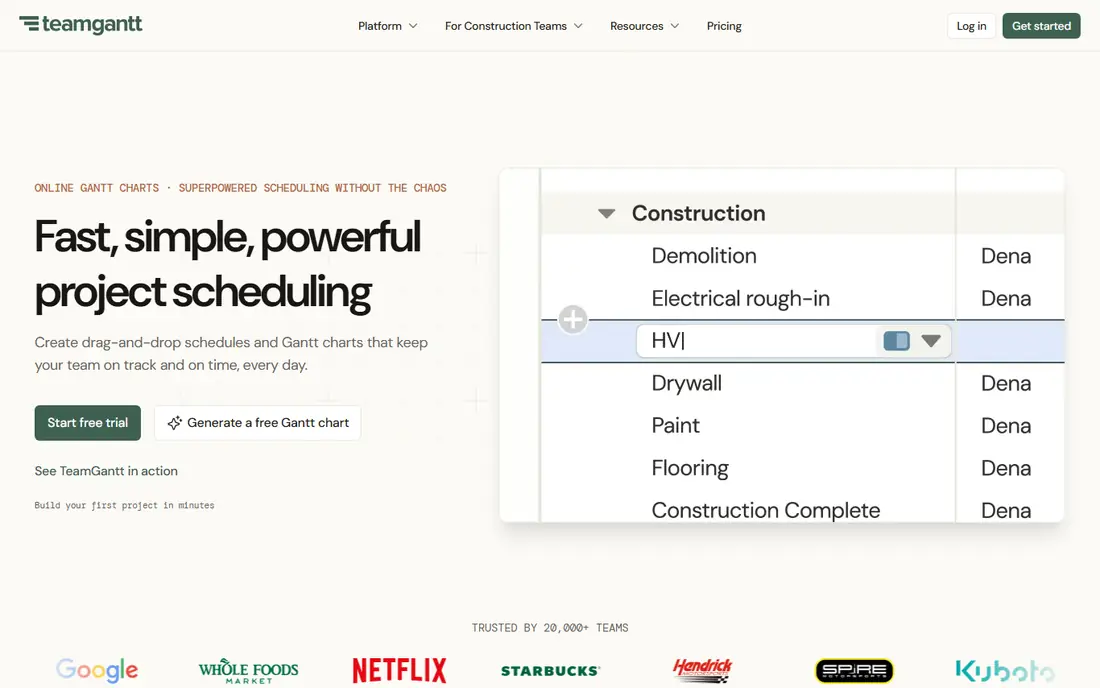
Where TeamGantt fits: small teams that want the simplest possible Gantt builder. Pricing is not published on the homepage, so budget planning needs a visit to the pricing page.
Limits to weigh: Not designed for multi-project portfolios.
The free plan handles a single project, enough to run a real evaluation or handle a small side effort. TeamGantt shows no starting price here, so confirm the cost on the vendor site. You can start on TeamGantt without paying.
- The fastest path from signup to a real Gantt chart on this list
- A genuinely usable free plan for one project
- Collaboration and reporting features are thin next to monday or Wrike
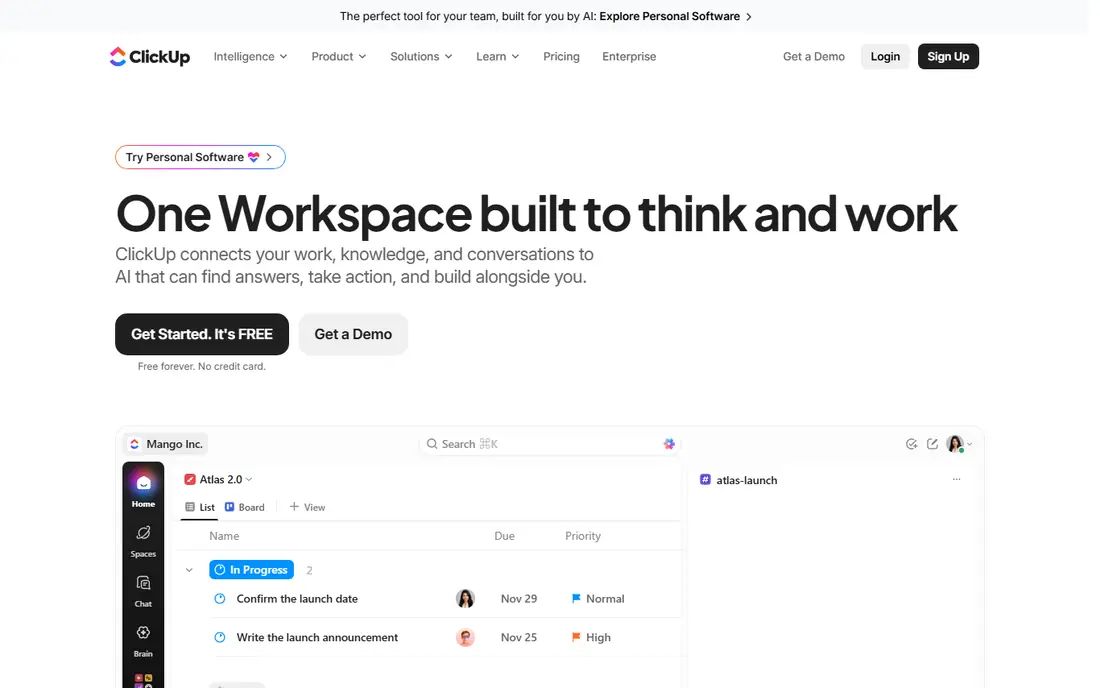
ClickUp is designed for teams that want Gantt plus docs, goals and chat in one app. ClickUp's pitch is consolidation: tasks, docs, goals, time tracking and Gantt charts in one subscription. The free-forever plan manages task management for small teams at no cost.
Also, Gantt charts sit behind the paywall, so the free plan does not solve the timeline problem. In daily use, the trade-off is focus. ClickUp ships so numerous features that the interface can feel cluttered, and new teams frequently have to deliberately turn things off. ClickUp cost at the entry level: $7/user/month billed annually. You can start on ClickUp without paying.
Limits to weigh: Performance complaints surface on very large workspaces. What ClickUp does well: Gantt charts included on Unlimited at $7 per user a month billed yearly.
- Docs
- The free plan is ample enough for real work
- Gantt is not on the free plan, only premium levels
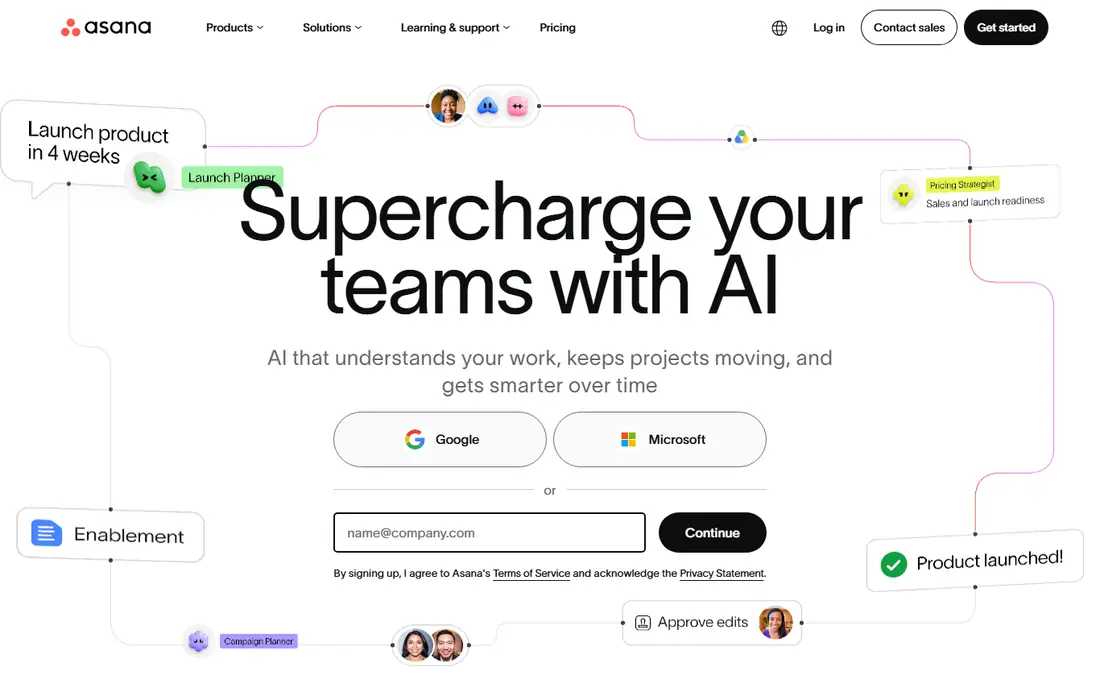
Asana works best for teams that want a Timeline view inside capable task management. Dependencies, date shifting and milestone markers all work smoothly, and since the underlying task system is excellent, the daily execution side is more solid than at the Gantt-first tools. Starter at $10.99 per user a month billed yearly is competitive, and the free Personal plan lets small teams start at zero.
On top of that, the honest catch is depth. In practice, pick Asana when task execution matters more than schedule analysis, and pair it with the free plan to keep costs down whereas you are small. Asana cost at the entry level: $10.99/user/month billed annually. Asana includes a free tier.
Drawbacks to consider: No true critical path or baselines without workarounds.
- A usable free Personal plan for small teams
- Timeline view with dependencies and milestones from the Starter level
- Workload management needs the Advanced level
Smartsheet makes the most sense for teams that run projects from the timeline itself. The Gantt view is not an add-on: dependencies, lag time, critical path highlighting and baselines are built into how the sheet works, and switching between grid, Gantt, card and calendar views keeps everyone looking at the same data. More specifically, if the timeline is the deliverable your clients see, start here.
Watch-outs: The interface feels dated next to monday or Asana.
On top of that, Pro at $9 per user a month billed yearly ($12 month to month) is a fair entry price for this depth. It looks like a spreadsheet since it is one, and teams expecting a modern visual tool may bounce off it. Smartsheet cost at the entry level: $9/user/month billed annually. Free access: Free trial.
- Solid reporting and dashboards for portfolio views
- Gantt is native, with dependencies
- Per-user pricing layers on up on large teams
Wrike works best for mid-sized teams that require Gantt views across a project portfolio. Wrike positions itself between the straightforward visual tools and the enterprise schedulers. As for the details, the Gantt view deals with dependencies, milestones and critical path well.
What to check first: The free plan excludes Gantt entirely.
The same data feeds workload charts and dashboards, so resource planning and timeline planning stay connected. Also, team at $10 per user a month is a reasonable price for Gantt plus collaboration in one seat. The friction is density. The free level is fine for entry-level task tracking but hides the Gantt view. So there is no free way to evaluate the timeline. Wrike starts at: $10/user/month. On free options: Free trial.
- Workload views and time tracking built in
- Gantt charts available from the $10 Team plan upward
- Advanced reporting and security need Business or Enterprise
Pick ProofHub if this describes you: teams that want flat pricing rather than per-user seats. ProofHub's flat pricing is its whole argument. More specifically, the caps matter.
Forty projects is plenty for a small agency and nothing for a large one. The Ultimate Control plan exists for teams that outgrow Essential. Reporting and customization are entry-level compared to Smartsheet or Wrike. But for a team of eight to thirty that is tired of per-seat pricing, the math is hard to argue with. More specifically, essential at $45 a month billed yearly ($50 month to month) spans unlimited users and 40 projects, which means a 20-person team pays about $2.25 per user per month. Starting cost for ProofHub: $45/month billed annually. Free access: Free trial (14 days).
Where it falls short: The Essential plan caps projects at 40.
- Flat $45 a month billed yearly includes unlimited users on the Essential plan
- Gantt charts with dependencies and critical path included
- The interface is functional instead of refined
GanttPRO works best for managers who want a focused Gantt-only scheduling tool. GanttPRO is what you get when a Gantt chart is the entire product. Worth adding: core at $7 per user a month billed yearly undercuts Smartsheet and monday for pure scheduling, with Advanced at $10 and Business at $17 adding capacity.
On top of that, what you do not get is everything else: docs, chat, CRM-style pipelines and deep integrations are absent or thin. That is fine if the timeline is the job. From a buyer's view, export to PDF, PNG and Excel includes the reporting most managers actually need. GanttPRO cost at the entry level: $7/user/month billed annually. As for free access: Free trial (14 days).
Watch-outs: No meaningful task-management or collaboration depth beyond the timeline. What users get: Purpose-built for Gantt charts with dependencies.
- Critical path
- Clean per-user pricing from $7 monthly billed yearly
- Integrations are fewer than the big systems
How we chose
The comparison looks at four things: starting price, free access, how well the feature set matches project management software with gantt charts, and the main limit of each tool. Seat minimums, billing terms and add-ons can move the real cost, so the starting prices here are a guide and not a quote. Position on the page reflects fit for a typical buyer first, with price clarity and free access breaking ties. Treat it as a guide, not a ruling.
A buyer's checklist
- Confirm the entry price on the vendor page. For TeamGantt that means a quote rather than a fixed price.
- Read the fine print on the free plans from TeamGantt, ClickUp and Asana; seat, project and feature caps differ.
- Run a trial of Smartsheet, Wrike, ProofHub and GanttPRO with real work before paying for a year; your own workflow is the best test.
- Before choosing TeamGantt, weigh its main limit: no published price without visiting the pricing page.
- Verify that exporting from TeamGantt is possible on your plan and covers all your records.
- Ask Smartsheet which support channels and response times come with the plan you would buy.
Frequently asked questions
Do these tools publish their prices?
Not all of them. TeamGantt publishes no starting price, so expect a quote request for it. The rest, ClickUp included, show a starting price, though seats and billing terms still change the final cost.
How are the tools for project management software with gantt charts ordered?
The order follows typical fit for project management software with gantt charts, with TeamGantt first and GanttPRO last, then price clarity and free access. It is editorial judgement, not a score, so another team could rank the tools differently.
Is TeamGantt the right pick for everyone comparing project management software with gantt charts?
No single tool suits every team. TeamGantt comes first because it fits small teams that want the simplest possible Gantt builder, while ClickUp suits teams that want Gantt plus docs, goals and chat in one app and Asana suits teams that want a Timeline view inside strong task management. Match the tool to your own size, budget and workflow before deciding.
What is the cheapest project management software with Gantt charts?
GanttPRO Core and ClickUp Unlimited both start at $7 per user a month billed yearly. For teams, ProofHub's flat $45 a month billed yearly beats every per-user price once you pass about seven people.
What is the cheapest option for project management software with gantt charts in this list?
On published monthly entry prices, ClickUp is the lowest here at $7/user/month billed annually. Entry price is only part of the cost, because seats, add-ons and billing terms can change the total.
Sources
See where you really rank - block by block
ProMapRanker scans Google Maps across a grid of your service area. Simple monthly plans from $19, white-label on every plan.
Start freeKeep reading
 zscaler alternatives
Best Zscaler Alternatives in 2026
Looking for zscaler alternatives? We compare 9 SASE and zero trust platforms on architecture, data protection, pricing, and fit for your network and team.
Read → zapier alternatives free
Best Zapier Alternatives Free in 2026
Nine automation tools for zapier alternatives free in 2026, all with genuinely free tiers, plus free plan limits, starting prices and upgrade paths explained.
Read → which platform is best for online reputation
Which Platform Is Best for Online Reputation in 2026
Wondering which platform is best for online reputation? We compare 8 review, listing, and response tools for small and multi-location businesses and agencies.
Read →