 ProMapRanker
Best Project Management Software With Financials in 2026

Key takeaways
- The best tools in this group tie tasks to budgets, billable time, and invoices, so profit is visible without a separate spreadsheet.
- Scoro and Productive suit agencies that want budgeting, resourcing, and billing in one workspace.
- Teamwork is a strong middle ground for client work, with a free plan for up to five users.
- BigTime, Accelo, and Kantata lean toward larger professional services firms with formal billing and forecasting needs.
- Harvest and FreshBooks suit smaller teams that want simple time tracking and invoicing next to their projects.
Quick comparison
| Pick | Great for | Pricing starts at | Free tier | |
|---|---|---|---|---|
 Scoro | Agencies wanting one system | See website | No | Visit |
 Productive | Budget led agencies | See website | No | Visit |
 Teamwork | Client work and retainers | See website | Yes | Visit |
 Accelo | Consulting firms | See website | No | Visit |
 BigTime | Finance led services firms | See website | No | Visit |
 Kantata | Larger services firms | See website | No | Visit |
 Harvest | Simple time and invoicing | See website | Yes | Visit |
 FreshBooks | Small business projects and billing | See website | No | Visit |
The best project management software with financials
Project tools on their own track tasks. The tools below also track money: budgets, billable hours, costs, and invoices, so a project manager can see whether a job is making money while it is still running.
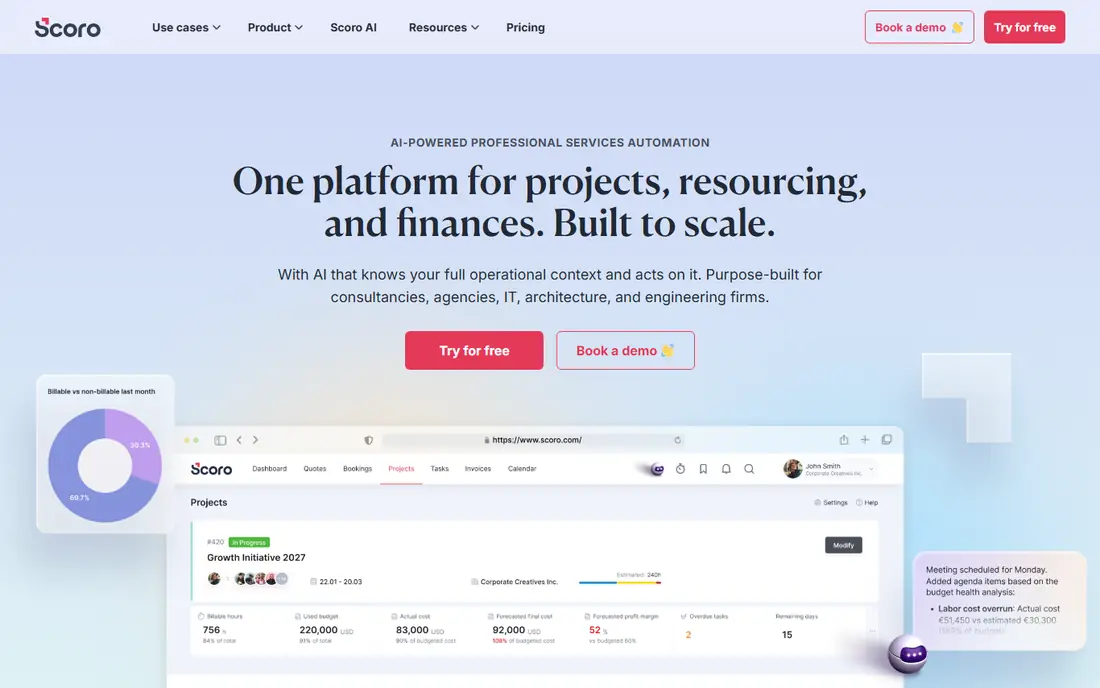
Scoro is built as an end to end system for professional services, not just a task board with a billing add on. Quotes turn into projects, time and expenses land against budgets, and invoices follow from the same records. That chain is what makes its profitability views useful: the numbers come from the work itself, not from a monthly export.
The trade off is weight. A small team that only needs tasks and a simple invoice may find Scoro more than it needs, and the learning curve is real. For an agency with several clients, retainers, and staff to schedule, that depth pays off. Start with one team and one workflow, and expand once budgets and billing are clean.
- Projects, quotes, time, budgets, and invoicing in one place
- Forecasting and profitability reporting
- CRM features for client work
- Can feel complex for small teams
- Setup and training take time
- Pricing is aimed at professional firms
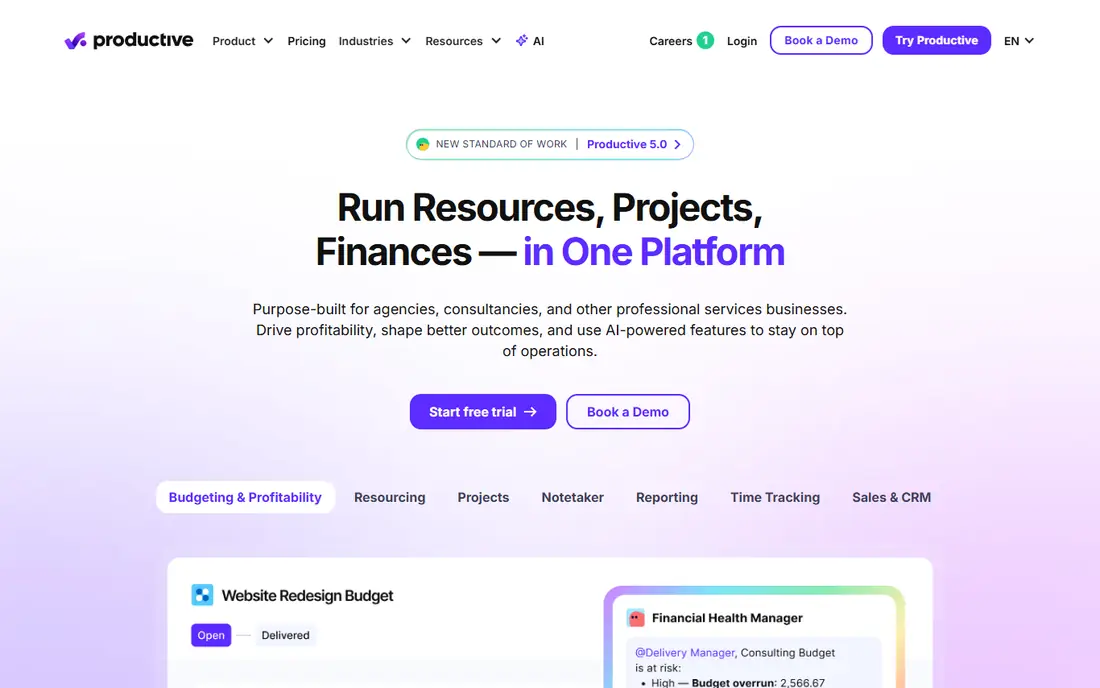
Productive puts the budget at the center of the project. Each logged hour links to its project budget, so managers can see burn and remaining margin without waiting for month end. Recurring budgets and billable time approvals sit on higher plans, which suits agencies with repeat client work.
For a team that lives by utilization and margin, that focus is a strength. For a team that rarely bills by the hour, some of that power will go unused. Productive is best when the question you ask every week is not just whether work is done, but whether it paid.
- Budgeting linked to logged time
- Profitability visible as work progresses
- Invoicing from billable time
- Resourcing views
- Pricing and seat minimums can add up
- Some features sit on higher plans
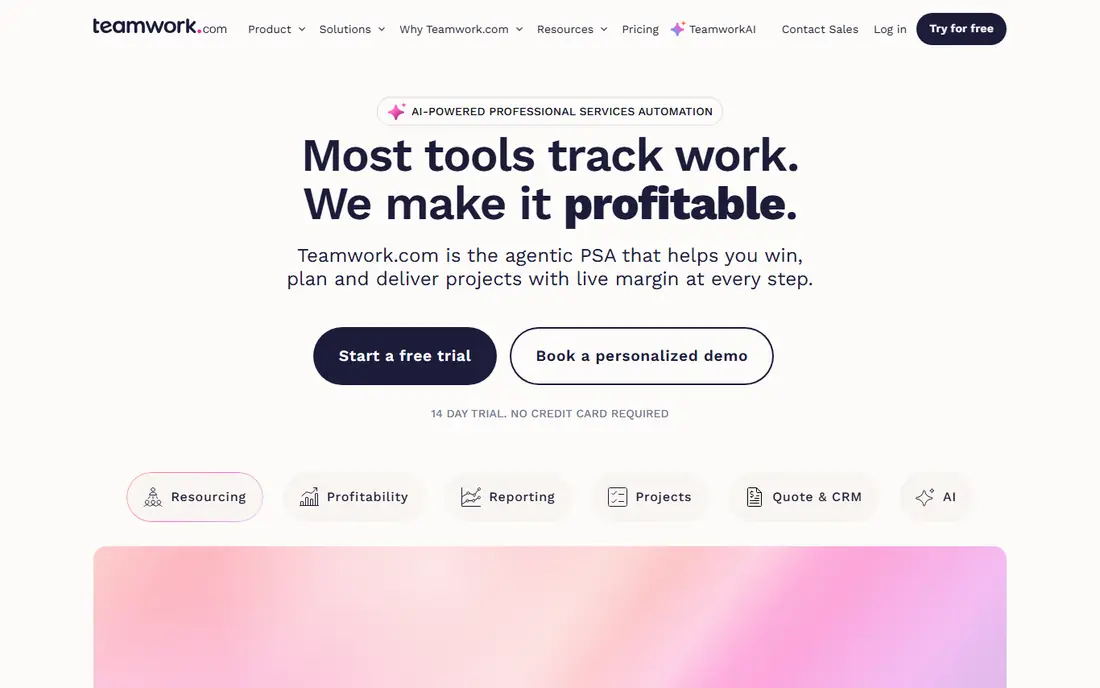
Teamwork is designed around client work. Time tracking, billable rates, retainers, project budgets, and invoicing sit next to task boards, so an agency can see margin per client without stitching three tools together. The free plan for up to five users makes it easy to try with a small team.
The limit shows up for internal teams that never invoice a client. If you do not bill time, you pay for billing features you will not use, and the task views are solid rather than exceptional. For agencies, consultancies, and firms on retainers, though, Teamwork is a sensible default.
- Free plan for up to five users
- Time tracking and billable time on every plan
- Project budgets, retainers, and invoicing
- Client collaboration tools
- Task views are less flexible than some general tools
- Financial budgets and profitability views sit on higher plans
Accelo connects the sale to the delivery. Opportunity, proposal, staffing, rates, and budgets can carry into resource planning and project work, which reduces the gap where quoted margin quietly disappears. Time, billing, and project financials then stay in the same system.
That continuity suits consulting firms with formal proposals and larger engagements. It is less suited to a freelancer or a tiny studio, where a lighter tool will move faster. If your firm loses money between proposal and invoice, Accelo is worth a close look.
- Sales pipeline, quoting, resourcing, delivery, and financials in one flow
- Time and billing linked to projects
- Forecasting and capacity views
- Enterprise leaning setup
- Pricing is by quote for many firms
- Smaller teams may find it heavy
BigTime is a finance led choice for professional services. It ties timesheets to project budgets, invoicing, and margin, and it connects with accounting tools, which matters at month end. Firms that bill by the hour, manage staff utilization, and need clean invoicing will find its core strong.
The catch is polish. Newer tools can feel smoother for day to day task work, and BigTime rewards a careful setup of rates, roles, and billing rules. Spend that setup time up front, and the payoff is invoicing that matches the work without manual rework.
- Time, staffing, invoicing, and margin views
- Project budgets
- Accounting integrations
- Strong fit for firms that bill by time
- Interface can feel dated next to newer tools
- Setup needs care around rates and billing rules
Kantata, formerly Mavenlink, is built for larger professional services organizations that need delivery, resources, forecasting, and project accounting in one place. It suits firms with many projects, shared staff, and leadership reporting needs that a simple task tool cannot meet.
Small teams should look elsewhere. Kantata makes sense when you have formal resource planning, revenue forecasting, and project accounting as daily needs, not occasional reports. For that audience, its breadth is the point.
- Enterprise project delivery and resourcing
- Forecasting and project accounting
- Broad reporting for leadership
- AI assisted planning features
- Aimed at larger firms, so pricing and implementation are heavier
- Overkill for small teams
Harvest is the simple option in this list, and that is a feature. Teams that mainly need to track time, turn it into invoices, and watch project budgets can do so without learning a large platform. Its reports are clear, and its invoicing flow is straightforward.
The limit is scope. Harvest does not replace a full project management tool for complex planning, dependencies, and resource scheduling. Pair it with a task tool if you need deep planning, or use it alone if time and billing are the real job.
- Simple time tracking and timesheets
- Invoicing from tracked time
- Expense tracking
- Clean reports for small teams
- Not a full project management suite
- Project planning features are lighter than dedicated PM tools
FreshBooks suits small businesses that want projects and money in one familiar system. You can assign tasks, track time and expenses on a project, watch profit against expenses, and convert that record into an invoice. For a small firm, that closed loop saves a lot of admin.
Larger agencies with resourcing, forecasting, and complex billing rules will want Scoro, Productive, or Kantata instead. FreshBooks wins on ease and on the invoicing and accounting side, not on heavy project planning.
- Projects with time and expense tracking
- Invoicing and payments in the same system
- Profitability tracking against expenses
- Easy for small businesses
- Project management depth is lighter than agency tools
- Larger firms will outgrow it
How we picked these
We compared official feature and pricing pages, vendor comparisons, and current roundups for professional services tools, and we kept only tools that combine project work with real financial features: budgets, billable time, costs, or invoicing. General task tools without those features were left out. Where a vendor price could not be confirmed from its own pricing page at the time of writing, we wrote See website rather than quoting a roundup figure that may have changed.
How to choose the right tool
Start with how you bill. If you bill by the hour, prioritize billable rates, timesheets, approvals, and invoicing from tracked time. If you sell fixed fee work, prioritize project budgets, cost tracking, and margin views, since the risk is scope creep eating a fixed price. If you sell retainers, look for retainer tracking and recurring budgets, which Teamwork and Productive handle well.
Next, check who will actually use it. A tool only helps if timesheets are filled in and budgets are updated. A simpler tool that the whole team uses beats a powerful tool that only finance opens. Run a trial with one real project, one real budget, and one real invoice, and judge the tool on that cycle, not on a demo.
Finally, confirm the accounting link. Check whether the tool connects with your accounting software, exports clean invoice data, and handles tax and expenses the way your firm needs. A weak link here creates manual work every month, and that work grows with every new client.
Frequently asked questions
What is project management software with financials?
It is software that tracks both the work and the money on a project. Tasks, schedules, and collaboration sit next to budgets, billable time, costs, and invoices. The point is to see profit while a project is running, not only after it closes.
Which tool is best for agencies?
Scoro and Productive are strong for agencies that want budgeting, resourcing, and billing in one place. Teamwork is a good middle ground for client work and retainers, especially for smaller agencies. The best pick depends on team size, billing model, and how much forecasting you need.
Do I need financial features if I do not bill by the hour?
Yes, if you sell fixed fee or retainer work. Budget tracking, cost tracking, and margin views still matter, because a fixed price job can lose money through extra hours and expenses. If you never track costs at all, a general task tool may be enough.
Can these tools replace accounting software?
No, not fully. They handle project budgets, time, and invoicing, but most firms still use accounting software for the general ledger, tax, and payroll. Look for a clean connection between the two, so invoices and expenses flow without manual retyping.
Is there a free project management tool with financials?
Teamwork offers a free plan for up to five users with time tracking included, and Harvest offers a free tier with limits. Full financial budgets, profitability views, and advanced invoicing usually sit on paid plans. Check the current pricing page before you commit, since plan limits change.
How much does this kind of software cost?
Prices vary widely by vendor, plan, and seat count, and many enterprise tools quote by request. Small team plans can be modest per user per month, while agency and enterprise platforms cost more. We list See website where a price could not be confirmed from the vendor, so always check the pricing page for your team size.
Sources
- https://www.scoro.com
- https://www.productive.io
- https://www.teamwork.com
- https://www.accelo.com
- https://www.bigtime.net
- https://www.kantata.com
- https://www.getharvest.com
- https://www.freshbooks.com
- https://www.accelo.com/blog/best-project-management-software-consultants
- https://www.lucensoftware.com/blog/project-tracking-time-budgeting-software-margin-protection
See where you really rank - block by block
ProMapRanker scans Google Maps across a grid of your service area. Simple monthly plans from $19, white-label on every plan.
Start freeKeep reading
 outreach alternatives
Outreach Alternatives in 2026
Compare outreach alternatives for 2026, from Salesloft and Apollo to HubSpot and Lemlist, with pricing, channels, features, limits, and honest trade-offs.
Read → best web conference tools
Best Web Conference Tools in 2026
Compare the best web conference tools for meetings, webinars and team calls, with current pricing, free plans and honest limits for each option here today.
Read → best voice cloning tools
Best Voice Cloning Tools in 2026
Compare the best voice cloning tools in 2026, from ElevenLabs and Descript to Resemble and Cartesia, with consent rules, pricing, licenses, and limits.
Read →