 ProMapRanker
6 Project Management Software for Individuals Ranked for 2026


Apple users who want beautiful simplicity · Pricing starts at: $49.99 one-time (Mac)
Key takeaways
- Things sits first on this list: Apple users who want beautiful simplicity.
- Only 4 of the 6 tools have a free plan (ClickUp, Todoist, Any.do, Trello), so check the caps.
- For visual kanban planning, Trello is worth a look.
- For the cheapest start, look at Todoist: $5 per user/month.
Direct answer
Things is the first pick on this list for Apple users who want beautiful simplicity. ClickUp is the stronger choice for all-in-one workspace for power users, while Motion suits AI auto-scheduling of tasks and meetings. Details, prices and limits for the rest of the 6 tools are below.
Quick comparison
| Pick | Great for | Pricing starts at | Free tier | |
|---|---|---|---|---|
| Things | Apple users who want beautiful simplicity | $49.99 one-time (Mac) | Free trial | Visit |
 ClickUp | All-in-one workspace for power users | $7 per user/month (billed yearly) | Yes | Visit |
 Motion | AI auto-scheduling of tasks and meetings | See website | Free trial | Visit |
 Todoist | Quick task capture on any device | $5 per user/month (billed yearly) | Yes | Visit |
 Any.do | Tasks plus family and WhatsApp reminders | See website | Yes | Visit |
 Trello | Visual kanban planning | $5 per user/month (billed yearly) | Yes | Visit |
The best project management software for individuals
This ProMapRanker guide covers 6 project management software for individuals. Each profile lists a starting price, free plan details, strengths and drawbacks, so you can drop poor fits quickly.
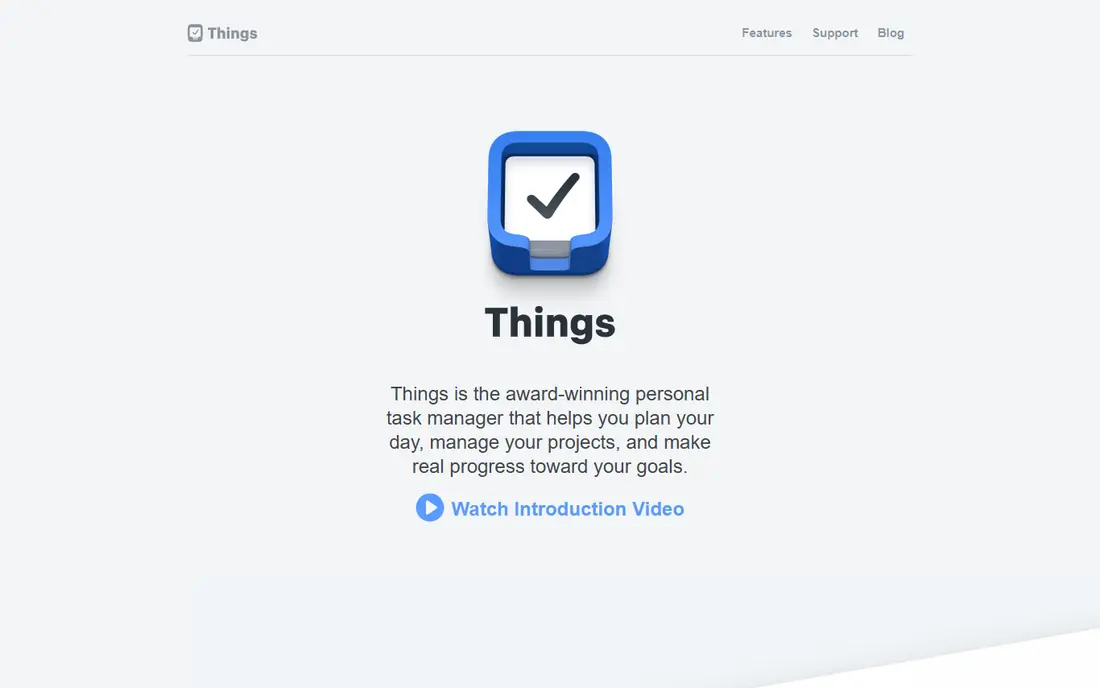
In short, Things is for Apple users who want beautiful simplicity. Apple users have a different kind of loyalty to Things, and it is earned. Also, the pricing model is the other draw.
A free trial on Mac lets you test the full experience before spending anything. Beyond that, you buy it once per product (Mac, iPad, iPhone plus Watch) and you are done. No subscription, no feature gates appearing per year later. On cost, Things starts like this: $49.99 one-time. As for free access: Free trial.
Limits to weigh: Apple systems only.
- Twice an Apple Design Award winner
- Quick and calm interface
- No real collaboration features
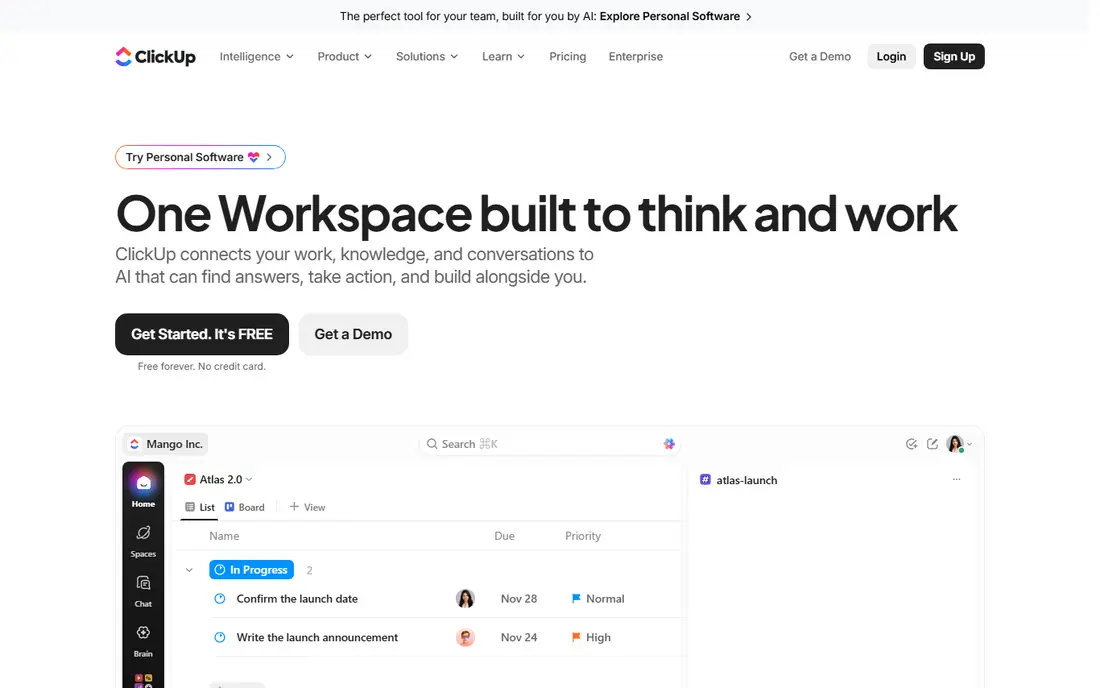
Pick ClickUp if this describes you: all-in-one workspace for power users. ClickUp is the heavyweight here, and that is both the appeal and the warning. The free plan is ample enough that numerous solo users never pay.
Watch-outs: Setup takes real effort.
From a buyer's view, the current push is AI: an assistant that searches across your docs and tasks, drafts content, and summarizes work. In daily use, the honest warning is complexity. On cost, ClickUp starts like this: $7 per user/month. ClickUp offers a free plan.
- Solid free plan
- 1,000+ integrations
- Can feel heavy for straightforward personal use
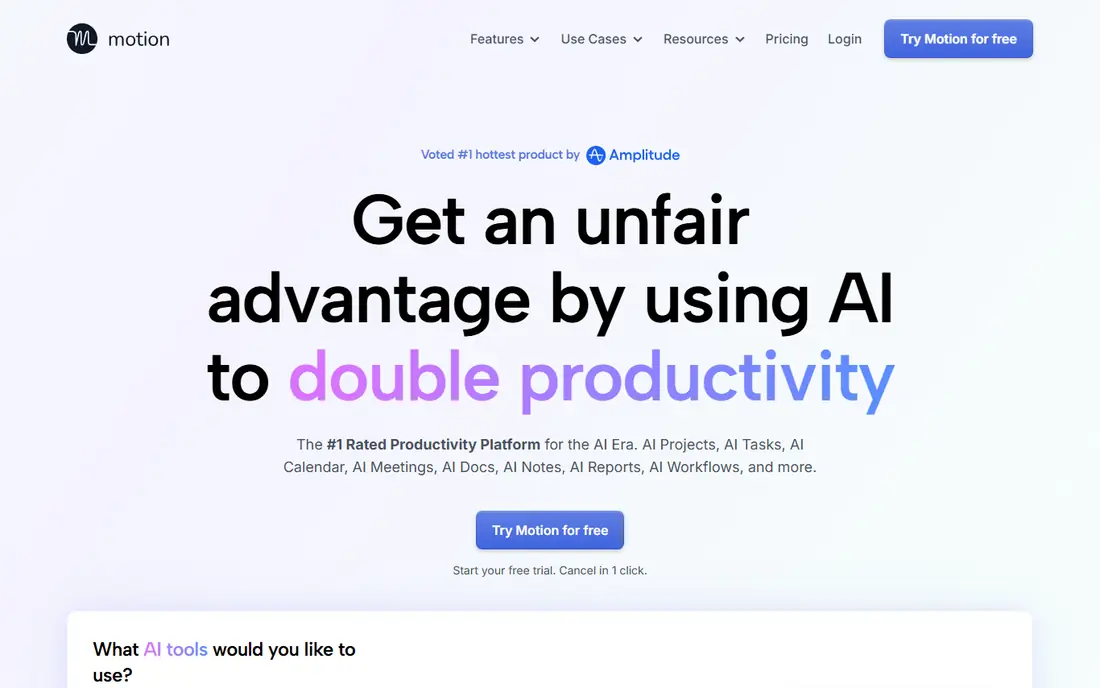
Choose Motion for AI auto-scheduling of tasks and meetings. When a deadline is at risk, it warns you days ahead. In daily use, for an individual juggling client work, meetings, and personal commitments, that auto-scheduling can replace the Sunday-night planning session entirely.
For everyday use, the main limit is philosophical as much as financial. On top of that, the AI project manager can also generate a full project from a description. The meeting notetaker turns calls into tasks without you lifting a finger. Motion costs noticeably more than any list app here, there is no free level, and people who enjoy planning their own day commonly find the automation presumptuous. That is the only honest test. No starting price is listed for Motion here; confirm pricing on the vendor site. Free options: Free trial.
Honest limits: No free plan. What works well: AI builds your daily schedule automatically.
- Warns you before deadlines slip
- Merges tasks, calendar
- Costly compared to list apps
Todoist serves quick task capture on any device. Type "call dentist tomorrow at 4pm" and it parses the date, sets the reminder, and files the task where it belongs. That speed of capture is the entire game for individuals, since a system you will not feed is a system that dies.
The main drawbacks: No built-in time blocking.
For everyday use, paying users get calendar layout, custom filters, and Todoist Assist, the AI layer that breaks big tasks into steps. It will not plan your day for you or display you where the hours go. If you want scheduling intelligence, pair it with a calendar habit or look at Motion below. Todoist cost at the entry level: $5 per user/month. Todoist includes a free tier.
- Apps on every product including wearables
- Natural language input
- Free plan limits projects and filters
Choose Any.do for tasks plus family and WhatsApp reminders. Any.do has quietly served the "run my entire life" crowd for over a decade.
As for the details, two features stand out for individuals. This comparison lists no price for Any.do; ask the vendor. Free access exists with Any.do.
Limits to weigh: Premium pricing is harder to pin down.
- Family boards and shared grocery lists
- Daily planner ritual built in
- Power features trail Todoist and TickTick
Pick Trello if this describes you: visual kanban planning. Checklists, attachments, and comments all work, but a card with forty checklist items is a sign you have outgrown the format. Worth adding: for individuals the free plan is genuinely enough: unlimited cards, up to ten boards per workspace, and unlimited storage at a capped file size.
Drawbacks to consider: Automation costs additional.
The Atlassian ownership also means solid reliability and integrations with the rest of that ecosystem. For everyday use, some brains think in columns, not lists. As for the details, Trello strains when a single card needs to hold a complicated project. Trello cost at the entry level: $5 per user/month. Trello offers a free plan.
- Huge template gallery
- Generous free plan
- Card details get cluttered at scale
Our selection method
Pricing pages, product documentation and feature lists were the main sources, and every entry carries at least one honest drawback. Seat minimums, billing terms and add-ons can move the real cost, so the starting prices here are a guide and not a quote. Position on the page reflects fit for a typical buyer first, with price clarity and free access breaking ties. Treat it as a guide, not a ruling.
A buyer's checklist
- Get a written quote from Motion and Any.do; the list shows no starting price for them.
- Look at free plan limits closely: ClickUp, Todoist, Any.do and Trello have one, and the caps decide whether it is usable for real work.
- Use real work to test the free trial from Things and Motion, rather than a demo project.
- Before choosing Things, weigh its main limit: Apple systems only.
- Find out what support ClickUp includes on your plan, and whether onboarding help costs extra.
- Check whether the features you need in Todoist sit on the entry plan or only on higher tiers.
Frequently asked questions
Can I try these tools before paying?
Often, yes. ClickUp, Todoist, Any.do and Trello have a free plan and Things and Motion offer a free trial. Use your own data and a real task during the test, and check what the free tier or trial limits before you rely on it.
Is Things the right pick for everyone comparing project management software for individuals?
No single tool suits every team. Things comes first because it fits Apple users who want beautiful simplicity, while ClickUp suits all-in-one workspace for power users and Motion suits AI auto-scheduling of tasks and meetings. Match the tool to your own size, budget and workflow before deciding.
How are the tools for project management software for individuals ordered?
Things sits first and Trello last because the order follows typical fit for project management software for individuals, then price clarity and free access. It is a judgement call, so read each profile for fit and limits.
Is Motion worth it for one person?
It relies on how you plan. Motion's AI scheduling genuinely saves time for people with packed, unpredictable calendars, since it rebuilds the day plan automatically when things change.
What is the best free project management software for an individual?
Things comes first here and is built for Apple users who want beautiful simplicity. Buyers with other needs may prefer ClickUp (for all-in-one workspace for power users) or Motion (for AI auto-scheduling of tasks and meetings). Compare costs and limits first.
Which tool is a good match for Apple users?
The first pick on this list is Things, because it suits Apple users who want beautiful simplicity. ClickUp is better for all-in-one workspace for power users, and Motion for AI auto-scheduling of tasks and meetings. Check price and limits against your own needs before choosing.
Sources
See where you really rank - block by block
ProMapRanker scans Google Maps across a grid of your service area. Simple monthly plans from $19, white-label on every plan.
Start freeKeep reading
 zoho inventory alternatives
6 Alternatives to Zoho Inventory, Compared on Price and Fit
Zoho Inventory alternatives: 6 tools compared on price, free plans and fit. Katana leads the list for manufacturers. Fit and flaws are laid out for each entry.
Read → zoho crm alternatives
Best Zoho CRM Alternatives (2026)
Need Zoho CRM alternatives? We compare 7 tools on cost, free access and who each suits. Every pick gets a straight assessment. Built for quick decisions.
Read → zelle alternatives
Best Zelle Alternatives in 2026
Compare the best Zelle alternatives for sending money to friends, paying sellers and moving funds abroad, with honest notes on fees, speed and safety in 2026.
Read →