 ProMapRanker
Best Project Management Software for Digital Agencies in 2026

Client projects and billing · Pricing starts at: $9.99 per user per month
Key takeaways
- Teamwork.com at $9.99 per user per month is our pick for agencies because it was built around client projects, budgets, and billable time.
- ClickUp at $7 per user per month offers the most features per dollar, with a free plan that covers unlimited members.
- monday.com at $9 per seat per month is the visual pick for creative campaigns that non-technical staff must follow easily.
- Agencies should price client seats and add-ons separately, since collaborator access and billing features change the real monthly cost.
Quick comparison
| Pick | Great for | Pricing starts at | Free tier | |
|---|---|---|---|---|
| Teamwork.com | Client projects and billing | $9.99 per user per month | Yes | Visit |
 Asana | Structured timelines and teams | $10.99 per user per month | Yes | Visit |
 monday.com | Visual creative campaigns | $9 per seat per month | Yes | Visit |
 ClickUp | Most features per dollar | $7 per user per month | Yes | Visit |
 Wrike | Approvals and large teams | $10 per user per month | Yes | Visit |
 Hive | Creative teams and proofing | $5 per user per month | Yes | Visit |
 Basecamp | Simple flat-fee collaboration | See website | Yes | Visit |
 Smartsheet | Spreadsheet-style reporting | $9 per user per month | Free trial | Visit |
 Productive | Agency profitability | See website | Free trial | Visit |
The best project management software for digital agencies
Agency project management is different from internal project management. Client work has budgets, billable hours, approvals, and deadlines that belong to someone else, and the tool has to keep all of that visible without drowning the team in admin. The nine tools below handle that mix in different ways, from agency-native platforms to general tools that agencies have adopted at scale.
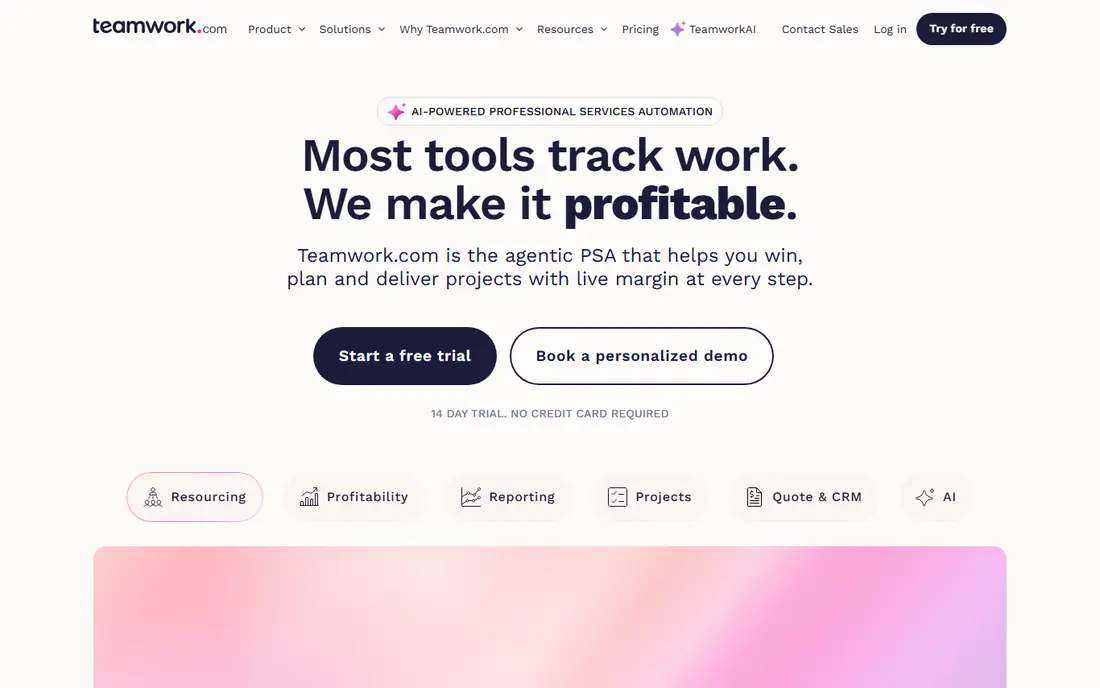
Teamwork.com is the most agency-shaped tool here. Projects carry budgets, time logs, milestones, and task lists together, so a project manager can see whether a retainer is on track without opening a spreadsheet. Clients can be invited as collaborators to view progress and approve work, which cuts status meetings and keeps feedback in one place.
Pricing starts at $9.99 per user per month on annual billing, with a free plan for up to 5 users and 5 projects. Workload planning and advanced reporting sit on higher tiers, so growing agencies should check which tier their resourcing needs actually require. For agencies that bill by the hour or manage retainers, Teamwork.com is the most direct fit.
- Built for client delivery
- Time tracking and budgets included
- Client collaborator access
- Workload planning sits on higher tiers
- Minimum 3 users on paid plans
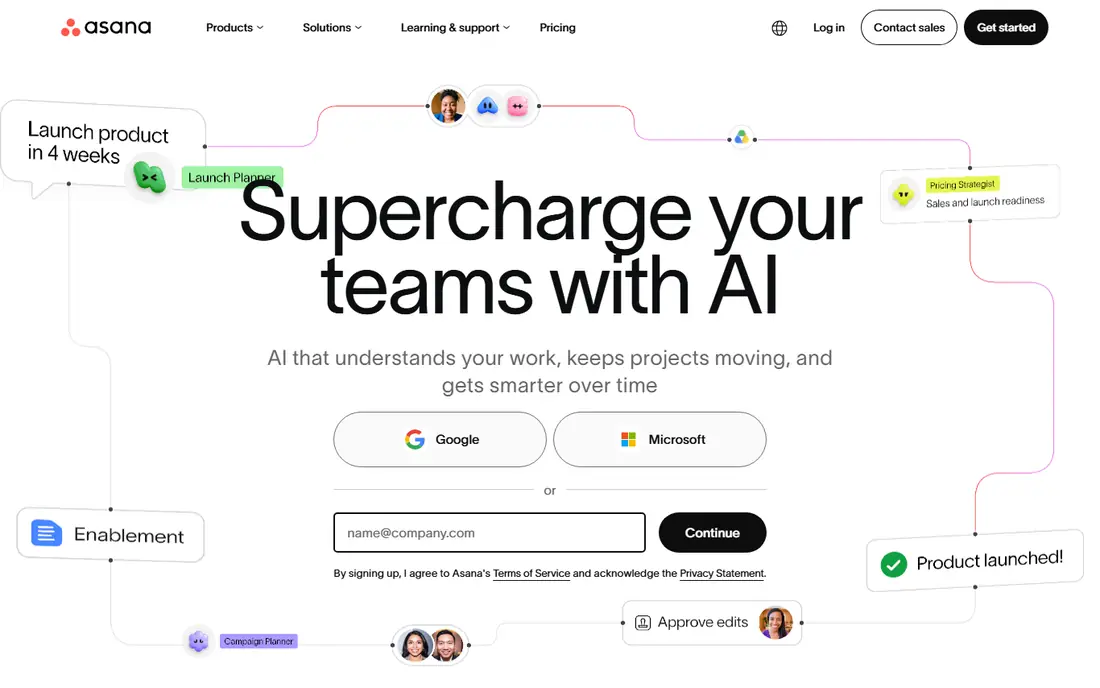
Asana suits agencies that run structured, repeatable delivery across many clients. Timelines show dependencies clearly, portfolios roll up every client project into one view, and automation handles routine handoffs like assigning review tasks when work is marked complete. Templates keep campaign and launch work consistent when staff change.
The Starter plan starts at $10.99 per user per month on annual billing, with a free plan for small teams. Time tracking and portfolios require higher tiers, so agencies that bill hours should price the tier they actually need, not the entry tier. Asana is the pick for agencies that value process discipline over agency-specific billing features.
- Timelines and portfolios for multi-client work
- Strong automation
- Wide integration range
- Time tracking and portfolios start on higher tiers
- Per-user cost climbs with add-ons
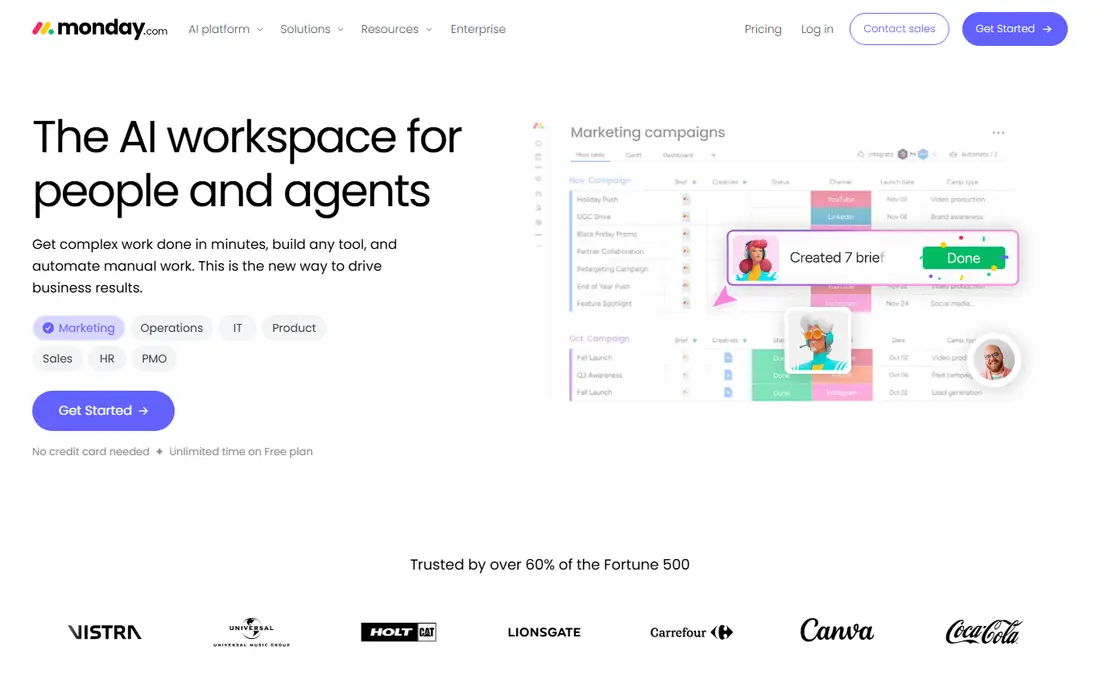
monday.com wins on readability. Color-coded boards, status columns, and timeline views let account managers, designers, and clients see where a campaign stands at a glance, without learning project management jargon. Templates for creative campaigns, content calendars, and client onboarding shorten setup for new accounts.
The Basic plan starts at $9 per seat per month on annual billing, with a free plan for up to 2 seats. Dependencies and workload management require higher tiers, which matters for agencies juggling shared designers across clients. For creative agencies where adoption speed matters more than deep scheduling, monday.com is hard to beat.
- Visual boards non-technical staff adopt fast
- Flexible columns and views
- Strong templates
- Dependencies and workload views start on higher tiers
- 3-seat minimum on paid plans
ClickUp packs tasks, docs, goals, time tracking, and dashboards into one workspace at $7 per user per month on the Unlimited plan, with a free plan that covers unlimited members. Agencies that want to replace several tools with one subscription get the most coverage per dollar here, and the customization options let each client workflow look different while the data stays in one place.
The breadth is also the weakness. New teams can feel overwhelmed by views, settings, and options, and a messy setup stays messy at scale. Agencies should invest a day in templates and naming rules before inviting clients. For cost-conscious agencies willing to configure, ClickUp is the value leader.
- Broad feature set at a low price
- Docs, goals, and chat in one workspace
- Free plan covers unlimited members
- Interface can feel busy
- Setup takes time to get right
Wrike suits larger agencies and in-house creative teams that live on approvals. Proofing, review routing, and sign-off workflows keep client feedback attached to the work itself, and reporting rolls up utilization and delivery across many projects. Custom workflows handle the handoffs between strategy, creative, and media teams without side spreadsheets.
The Team plan starts at $10 per user per month on annual billing, with a free plan available. Capacity planning, the feature larger agencies often want most, sits on a quote-only tier, so enterprise buyers should get that figure early. Smaller agencies may find Wrike heavier than they need, but at scale it holds together well.
- Approval workflows for creative work
- Capacity planning at scale
- Strong reporting
- Capacity planning sits on a quote-only tier
- Interface is heavier than simpler rivals
Hive is built for marketing, creative, and agency teams that ship campaigns. Projects, proofing, time tracking, chat, and email live in one workspace, and the proofing tools let clients approve images, video, and PDFs directly on the work. That approval loop is where many agency projects stall, and Hive keeps it visible.
The Starter plan starts at $5 per user per month, with a free plan for up to 10 workspace members, but proofing, timesheets, and resourcing are paid add-ons, so the real price depends on which extras you switch on. For creative agencies that want proofing without enterprise pricing, Hive is a strong, affordable pick.
- Low starting price
- Proofing and approvals included
- Time tracking and resourcing options
- Proofing and timesheets are paid add-ons
- Smaller integration range than Asana
Basecamp takes the opposite approach to most tools here: one flat price, simple tools, and no per-user math. Projects hold to-dos, messages, schedules, and files, and clients can be invited to see progress and comment. Agencies with large teams or many client collaborators save money fast compared with per-seat pricing.
The trade-off is depth. There is no built-in time tracking, budgeting, or profitability reporting, so agencies that bill hours will pair Basecamp with a separate time tool. If your agency values calm, simple client communication over detailed resourcing, Basecamp is the least stressful option here.
- Flat pricing that ignores headcount
- Simple to-do, message, and file tools
- Client access included
- No time tracking or budgets built in
- Reporting is light next to agency tools
Smartsheet suits agencies whose project managers think in rows and columns. The grid view feels like a spreadsheet, while Gantt, card, and calendar views show the same data to different audiences. Reporting and dashboards roll up client work for leadership reviews, and automation handles approvals and update requests.
The Pro plan starts at $9 per user per month on annual billing, with a 30-day trial and no permanent free plan. Agencies should check collaborator rules, since free collaborators have limits that affect client sharing. For operations-heavy agencies that live in spreadsheets, Smartsheet is the natural upgrade.
- Grid, Gantt, and card views on one data set
- Strong reporting and dashboards
- Familiar spreadsheet feel
- No permanent free plan
- Collaboration pricing can confuse new buyers
Productive is built specifically for agencies that want to know whether work is profitable, not just whether it is done. Projects carry budgets, time, and costs together, resourcing shows who is available, and profitability reports reveal which clients and services actually make money. A sales pipeline connects new business to delivery, which general tools rarely do.
Pricing is published only in part, so agencies should request a quote tied to team size and modules. The user community is smaller than Asana or monday.com, which means fewer public templates and tutorials. For agencies whose main question is margin rather than task status, Productive answers it directly.
- Budgets, resourcing, and profitability in one platform
- Agency-specific workflows
- Sales pipeline included
- Pricing is not fully published
- Smaller user community than the big general tools
How we picked these
We compared official pricing pages, feature documentation, and public reviews for project tools used by digital agencies, and we favored tools with client collaboration, time tracking or budgets, and approval workflows. General project tools made the list when agencies widely use them for client work, and agency-native tools made it when they solve profitability or billing problems that general tools miss. Prices are published starting rates for annual billing where available, and we wrote "See website" where pricing is quoted or unclear.
What to check before you buy
Price client access honestly
Some tools charge for every client collaborator, while others include limited client access free. Count the clients and stakeholders who will actually log in, and model that number against each pricing page. A tool that looks cheap for staff can become expensive once clients are added.
Test the approval loop with a real client
Run one real deliverable through review, feedback, and sign-off during the trial. That exercise exposes whether clients find the portal easy, whether feedback stays attached to the work, and whether version confusion creeps in. Approval friction is where agency tools fail most often, so test it early.
Check profitability reporting before you need it
If your agency bills by the hour or manages retainers, confirm that budgets, time, and costs feed one profitability view. Tools without that view force a side spreadsheet, which defeats the purpose of buying an agency platform. Ask for a sample profitability report during the demo.
Frequently asked questions
What is the best project management software for digital agencies?
Teamwork.com is our top pick for agencies because client projects, budgets, and billable time are built in from the start. ClickUp wins on value, monday.com wins on visual ease, and Productive wins on profitability reporting. The best choice depends on whether your agency struggles most with delivery, cost, adoption, or margin.
What is the best digital agency project management software for small teams?
ClickUp and Hive are the strongest small-team options, thanks to low starting prices and generous free plans. Basecamp suits small teams that want flat pricing and simple client communication. Start with a free plan and move to a paid tier only when client volume or reporting needs force it.
Does agency project management software include time tracking?
Most tools here include time tracking, but depth varies. Teamwork.com, ClickUp, Hive, and Productive treat time as a core agency feature tied to budgets. Asana and monday.com offer time tracking on higher tiers or through integrations, so check the tier you plan to buy rather than assuming it is included.
How do agencies share progress with clients?
Most tools offer client portals or collaborator access that let clients view tasks, files, and approvals without seeing internal discussion. Teamwork.com, Basecamp, Hive, and monday.com all support some form of client access, though pricing and permission controls differ. Set client permissions carefully so internal notes and costs stay private.
What should an agency budget for project software?
Expect roughly $5 to $11 per user per month at entry level for the tools here, plus add-ons for proofing, resourcing, or advanced reporting. Client seats, integrations, and implementation help can add to the total. Model the full team plus client collaborators before signing an annual contract.
Sources
See where you really rank - block by block
ProMapRanker scans Google Maps across a grid of your service area. Simple monthly plans from $19, white-label on every plan.
Start freeKeep reading
 zoro.to alternatives
Best Zoro.to Alternatives in 2026
We compare the best zoro.to alternatives in 2026, listing only legal licensed anime streaming services, from Crunchyroll to free options for fans today.
Read → zip alternatives
Best Zip Alternatives in 2026
We compare the best zip alternatives for buy now, pay later in 2026, covering pay-in-4 plans, fees, spending limits, and credit reporting options today.
Read → yesware alternatives
Best Yesware Alternatives in 2026
Compare the best yesware alternatives for sales email tracking, templates, and sequences, with current pricing and honest tradeoffs for small sales teams.
Read →