 ProMapRanker
7 Project Management Software for Architects Ranked for 2026


Mid-sized and large AECO businesses drowning in project information and email · Pricing starts at: See website
Key takeaways
- Number one here is Newforma, a fit for mid-sized and large AECO businesses drowning in project information and email.
- Neither Newforma nor BQE CORE, nor any of the other 5 tools, has a permanent free plan; trials and quotes are the norm.
- The cheapest monthly starting price in the list is $25/user/month, offered by Monograph.
- What to know about Procore first: priced for construction volumes, not small design studios.
- BQE CORE fits firms that want CRM, HR, time tracking, billing, and accounting in one system.
Direct answer
Newforma is the first pick on this list for mid-sized and large AECO businesses drowning in project information and email. Alternatives: ArchiSnapper for architects and engineers who require quick field reports and punch lists from site, and Total Synergy for architecture and engineering businesses centred on project profitability and practice performance.
Quick comparison
| Pick | Great for | Pricing starts at | Free tier | |
|---|---|---|---|---|
| Newforma | Mid-sized and large AECO businesses drowning in project information and email | See website | No | Visit |
 ArchiSnapper | Architects and engineers who require quick field reports and punch lists from site visits | See website | Free trial (14 days) | Visit |
 Total Synergy | Architecture and engineering businesses centred on project profitability and practice performance | See website | No | Visit |
 Procore | Design-build businesses and architects deeply involved in construction administration | See website (volume-based pricing) | No | Visit |
 Buildertrend | Residential architects, custom home designers, and design-build remodelers | See website | No | Visit |
 Monograph | Small and mid-sized architecture businesses that bill by phase and run QuickBooks | $25/user/month (billed annually, 5-seat minimum, per vendor) | No | Visit |
 BQE CORE | Businesses that want CRM, HR, time tracking, billing, and accounting in one system | See website | No | Visit |
The full project management software for architects list
If you are comparing project management software for architects, this page covers 7 tools in one place: what each is best for, what it costs to start, whether it has a free plan, and the main limit to know about.
Newforma
Great for: Mid-sized and large AECO businesses drowning in project information and email
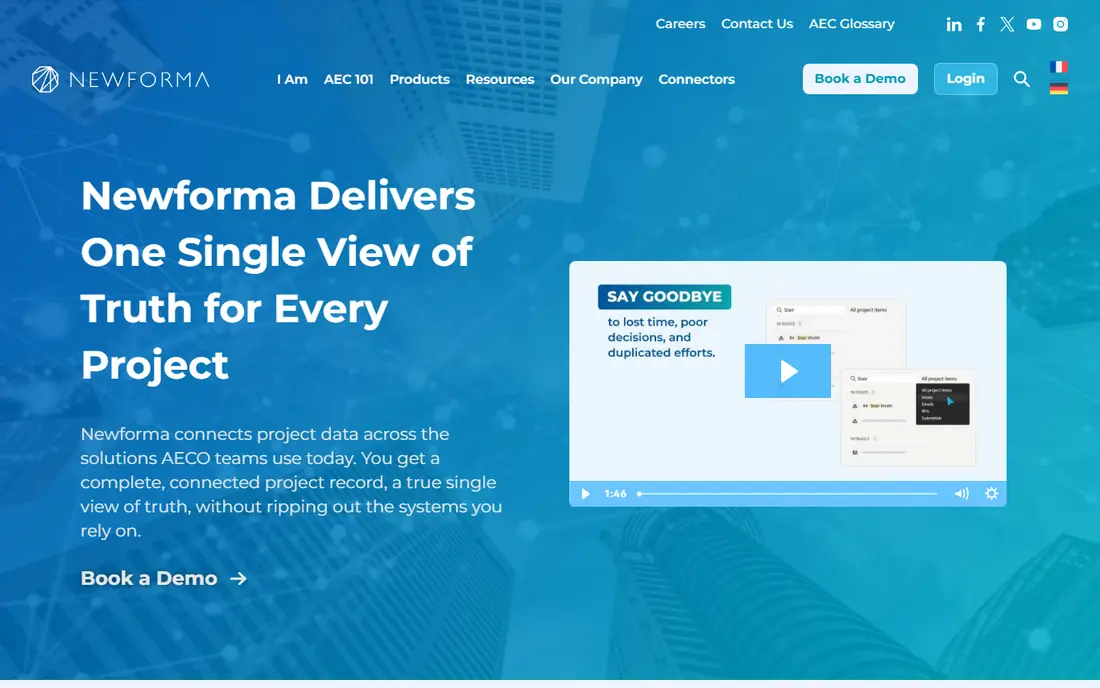
Where Newforma fits: mid-sized and large AECO businesses drowning in project information and email. Newforma solves a different problem from the financial tools on this list: information chaos.
Reasons to shortlist it: Email and document search across systems.
Newforma does not show a starting price in this comparison, so check the vendor site for current pricing. No free plan comes with Newforma.
Where it falls short: Pricing not published.
- Trusted by 1,500 businesses
- Deep project information management
- Information-management focus instead of financials
ArchiSnapper
Great for: Architects and engineers who require quick field reports and punch lists from site visits
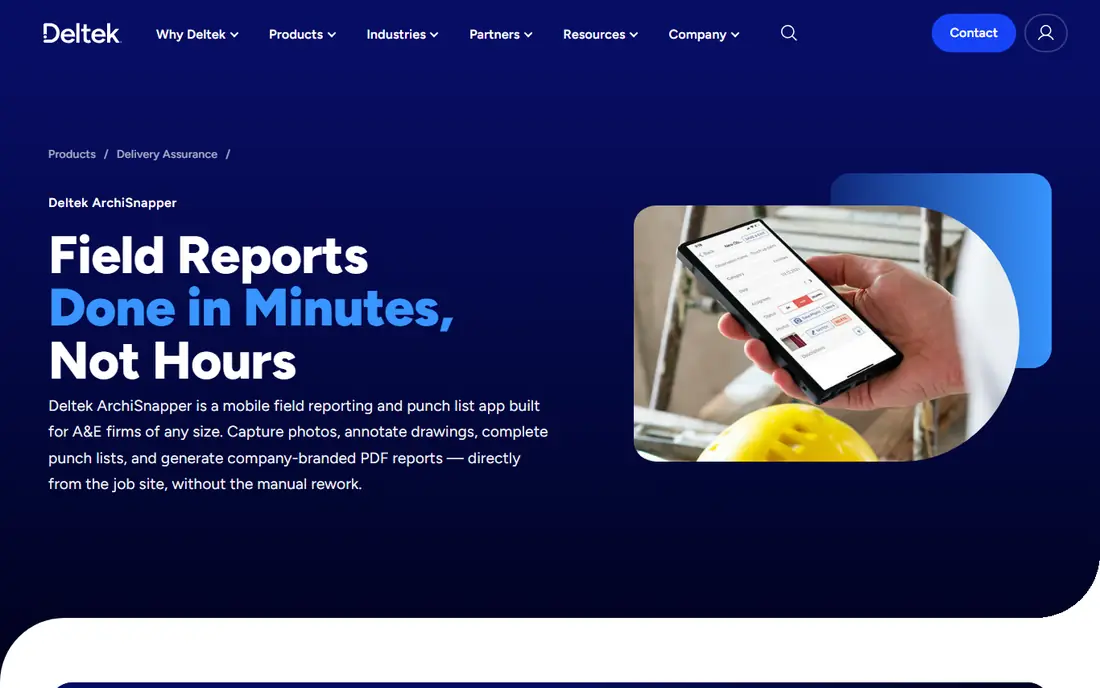
Choose ArchiSnapper for architects and engineers who require quick field reports and punch lists from site visits. Site visits produce paperwork, and ArchiSnapper exists to kill that paperwork. As for the details, Deltek says more than 10,000 AEC professionals use it, and users report saving around 45 minutes per report.
Where it is weaker: Narrow focus on field work; not full project management.
Also, ArchiSnapper will not run your firm's finances, but paired with a PM-first or ERP system, it closes the field-reporting gap better than anything else here. The mobile app lets architects capture photos, annotate floor plans, log observations, and produce a company-branded PDF field report before leaving the job site. Pricing for ArchiSnapper is not stated here, so ask the vendor for current figures. Trial and free access: Free trial (14 days). What works well: Branded PDF reports generated on site.
- Mobile-first site reporting
- Punch list tracking with plan annotations
- Pricing not published by vendor
Total Synergy
Great for: Architecture and engineering businesses centred on project profitability and practice performance

Total Synergy is a good fit for architecture and engineering businesses concentrated on project profitability and practice performance. The company reports more than 18,000 A&E users worldwide.
In practice, pricing is not published, so plan on a demo and a quote. This comparison lists no price for Total Synergy; ask the vendor. Total Synergy has no free plan.
Where it falls short: Most solid in Australia, NZ, UK markets. Where Total Synergy stands out: Integrations with Xero, MYOB, QuickBooks.
- Made for A&E since 1999
- Resource planning and forecasting
- Smaller review footprint in North America
Procore
Great for: Design-build businesses and architects deeply involved in construction administration
In short, Procore is for design-build businesses and architects deeply involved in construction administration. Implementation takes effort and training, but few products match Procore's depth once a firm commits. Also, the company reports more than 3 million projects run on the system across 150-plus countries.
Watch-outs: Implementation is a real project; not small design studios.
That model makes Procore a poor fit for a pure design studio. For businesses that live in construction administration, though, meeting contractors inside the tool they already use removes enormous friction. Pricing for Procore is not stated here, so ask the vendor for current figures. No free plan comes with Procore.
Best features of Procore: Huge integration marketplace.
- End-to-end construction management from preconstruction to closeout
- Capable RFI, submittal
- Priced for construction volumes
Buildertrend
Great for: Residential architects, custom home designers, and design-build remodelers
Think of Buildertrend for residential architects, custom home designers, and design-build remodelers. Buildertrend no longer publishes pricing, so expect a quote based on your business instead of a plans page.
Best features of Buildertrend: Solid onboarding support.
Check the vendor site for Buildertrend pricing; none is listed in this comparison. Buildertrend does not include a free plan.
Downsides: Can overwhelm very small teams.
- Purpose-built for residential construction
- Scheduling, budgeting
- Residential focus limits commercial use
Monograph
Great for: Small and mid-sized architecture businesses that bill by phase and run QuickBooks
Monograph makes the most sense for small and mid-sized architecture businesses that bill by phase and run QuickBooks. Monograph was founded by architects who were frustrated with generic tools, and that origin presents in every screen. As for the details, timesheets flow into phase budgets automatically.
The signature MoneyGantt view displays budget health across every project without digging through spreadsheets. In practice, pricing opens at $25 per user a month on annual billing with a five-seat minimum, based on the company's own site, which puts it within reach of boutique studios. On top of that, for businesses that already run QuickBooks Online, Monograph pairs with it instead of trying to replace it. Monograph cost at the entry level: $25/user/month. Monograph has no permanent free option.
Downsides: No native general ledger accounting.
- Built only for A&E businesses
- QuickBooks Online integration
- Lighter on complicated multi-entity needs
BQE CORE
Great for: Businesses that want CRM, HR, time tracking, billing, and accounting in one system
BQE CORE works best for businesses that want CRM, HR, time tracking, billing, and accounting in one system. It handles the full lifecycle: CRM and proposals, project planning, time and expense tracking, billing, HR, and accounting.
Where it falls short: Quote-based pricing only.
But expanding businesses that are tired of stitching systems together, and want dashboards that link marketing pipeline to project profitability, will find CORE's depth hard to match. No starting price is listed for BQE CORE here; confirm pricing on the vendor site. BQE CORE has no permanent free option. What BQE CORE does well: AIA-style invoicing support.
- True all-in-one scope from marketing to accounting
- Capable fit for multidisciplinary businesses
- Steep ramp-up time
How we compared the tools
ProMapRanker looked at what each vendor publishes: pricing, plan limits, feature coverage for project management software for architects and stated drawbacks. No hands-on testing is claimed. Seat minimums, billing terms and add-ons can move the real cost, so the starting prices here are a guide and not a quote. The sequence is a judgement call: typical use case first, then pricing transparency, then free access. Use the profiles to check fit.
What to check before you buy
- Confirm the entry price on the vendor page. For Newforma, ArchiSnapper, Total Synergy and others that means a quote rather than a fixed price.
- Take the trial from ArchiSnapper and push a live task through it before you pay.
- Read the limits listed for Newforma first: pricing not published.
- Find out whether the entry plan of BQE CORE covers your must-haves or only a trimmed-down version.
- List the apps you already depend on and check that Buildertrend supports each one on the plan you would buy.
Frequently asked questions
How are the tools for project management software for architects ordered?
Newforma sits first and BQE CORE last because the order follows typical fit for project management software for architects, then price clarity and free access. It is a judgement call, so read each profile for fit and limits.
Should architects use generic tools like Asana or monday.com?
They can work for task coordination, but they lack phase-based budgeting, fee tracking, and A&E invoicing. Businesses that try them normally end up bolting on spreadsheets for the financial side, which defeats the purpose.
What is the cheapest option for project management software for architects in this list?
On published monthly entry prices, Monograph is the lowest here at $25/user/month. Entry price is only part of the cost, because seats, add-ons and billing terms can change the total.
Do these tools publish their prices?
Not all of them. Newforma, ArchiSnapper, Total Synergy and others publish no starting price, so expect a quote request for those. The rest, Monograph included, show a starting price, though seats and billing terms still change the final cost.
Is Newforma the right pick for everyone comparing project management software for architects?
No single tool suits every team. Newforma comes first because it fits mid-size and large AECO firms drowning in project information and email, while ArchiSnapper suits architects and engineers who need fast field reports and punch lists from site visits and Total Synergy suits architecture and engineering firms focused on project profitability and practice performance. Match the tool to your own size, budget and workflow before deciding.
Sources
See where you really rank - block by block
ProMapRanker scans Google Maps across a grid of your service area. Simple monthly plans from $19, white-label on every plan.
Start freeKeep reading
 zscaler alternatives
Best Zscaler Alternatives in 2026
Looking for zscaler alternatives? We compare 9 SASE and zero trust platforms on architecture, data protection, pricing, and fit for your network and team.
Read → zapier alternatives free
Best Zapier Alternatives Free in 2026
Nine automation tools for zapier alternatives free in 2026, all with genuinely free tiers, plus free plan limits, starting prices and upgrade paths explained.
Read → which platform is best for online reputation
Which Platform Is Best for Online Reputation in 2026
Wondering which platform is best for online reputation? We compare 8 review, listing, and response tools for small and multi-location businesses and agencies.
Read →