 ProMapRanker
Best Project Management Software Comparison in 2026

Key takeaways
- ClickUp gives the most features per dollar at $7 per user per month, but it needs someone to own the setup.
- Trello at $5 per user per month is the cheapest team tool here, and the simplest to learn.
- Asana at $10.99 per user per month suits cross-team work with timelines and dependencies.
- monday.com at $9 per seat per month is the most visual option, with a three-seat minimum on paid plans.
- Basecamp breaks the per-seat model with a flat $299 per month plan, which wins for larger teams.
Quick comparison
| Pick | Great for | Pricing starts at | Free tier | |
|---|---|---|---|---|
 Asana | Cross-team timelines | $10.99 per user per month | Yes | Visit |
 monday.com | Visual boards | $9 per seat per month | Yes | Visit |
 ClickUp | Most features per dollar | $7 per user per month | Yes | Visit |
 Trello | Simple kanban boards | $5 per user per month | Yes | Visit |
 Notion | Docs plus tasks in one place | $10 per user per month | Yes | Visit |
 Jira | Software teams and sprints | $7.91 per user per month | Yes | Visit |
 Wrike | Structured enterprise work | $10 per user per month | Yes | Visit |
 Basecamp | Flat pricing for larger teams | $15 per user per month | Free trial (30 days) | Visit |
The best project management software comparison
We compared the same tools on price, free plan limits, views, and learning curve, using vendor pricing pages and public feature lists. The right choice depends less on the feature count and more on how your team already plans work, so each entry below names the team it fits best.
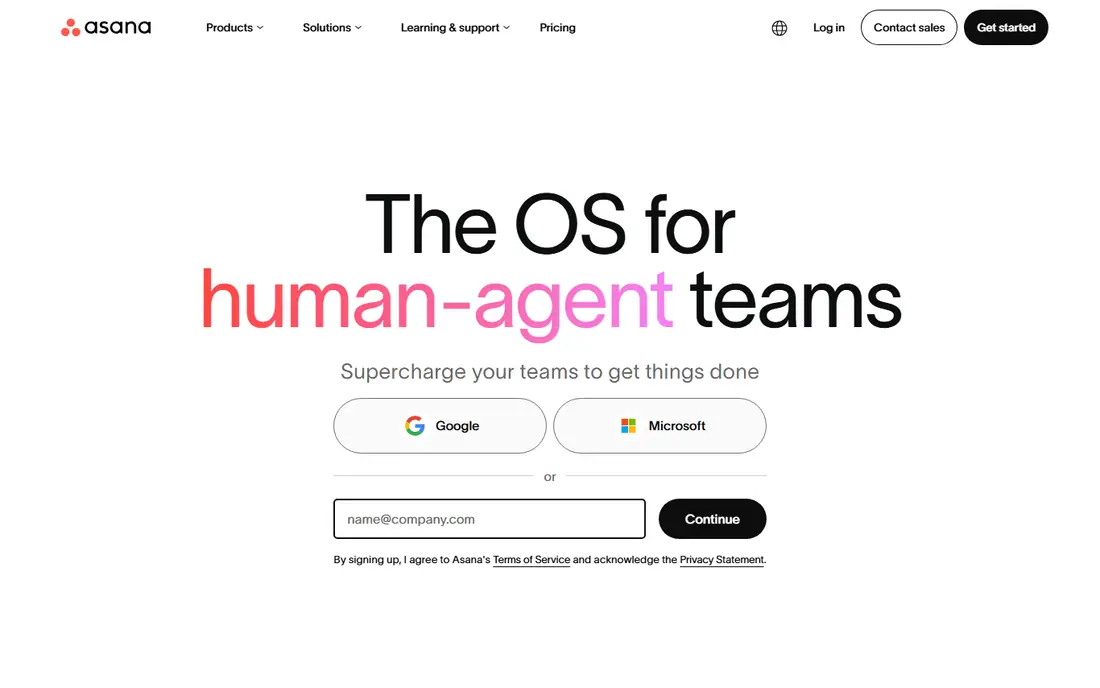
Asana suits teams that run campaigns, launches, or repeatable processes across departments. Timeline view shows dependencies in one place, portfolios roll projects up for managers, and templates give a new project a sane structure on day one. For a marketing or operations team that needs to see who owns what and when it is due, that structure is the main draw.
The free plan now covers only a small team, so a whole department will need the Starter plan at $10.99 per user per month billed annually. Larger teams also face seat brackets above five users, which can push the bill past a simple per-seat estimate. If your work is mostly simple task lists, Asana may feel heavier than you need.
- Clear timelines and dependencies
- Strong templates
- Wide integrations
- Free plan is limited to small teams
- Costs rise with add-ons
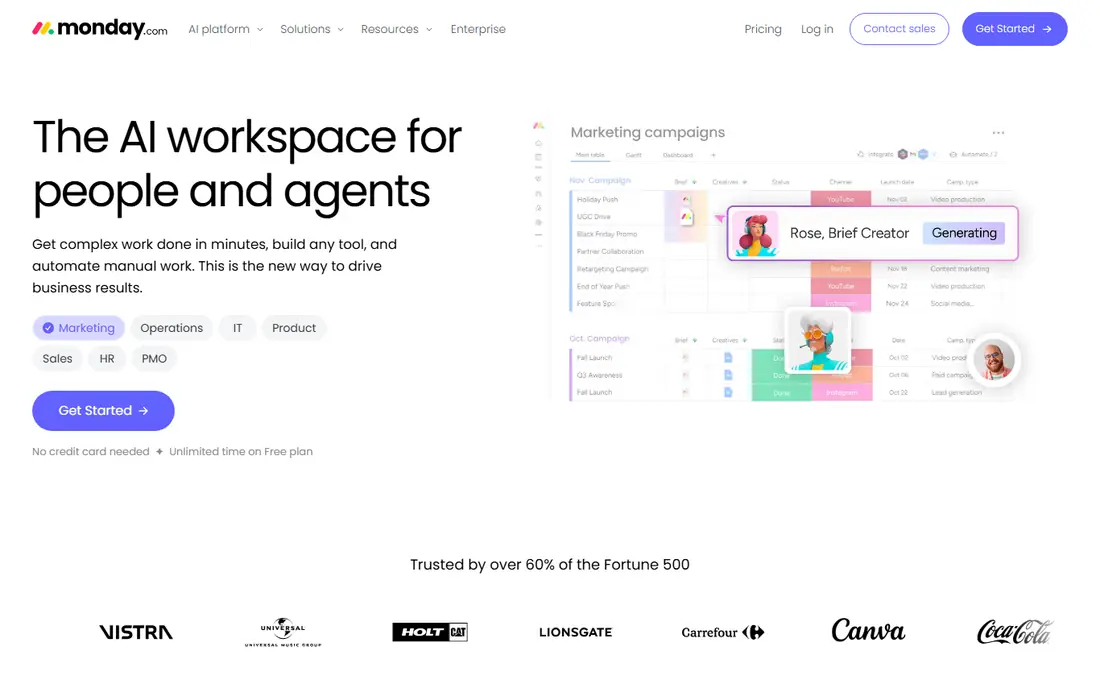
monday.com is the visual pick in this comparison. Colour-coded boards, status columns, and dashboards make progress obvious to non-technical teammates, and templates cover marketing, sales, HR, and operations work. Teams that struggled to get people to open a project tool often adopt monday.com faster, because the board itself explains the work.
Pricing needs a careful read. The Basic plan starts at $9 per seat per month billed annually, with a three-seat minimum, and monthly billing costs more. Advanced views, automations, and integrations sit on higher tiers, so a team that needs all of them should price the Standard or Pro tier, not the entry tier. For visual, ops-heavy teams, the extra cost is often worth it.
- Boards are easy to read at a glance
- Many templates
- Fast onboarding
- Three-seat minimum on paid plans
- Costs climb as features are added
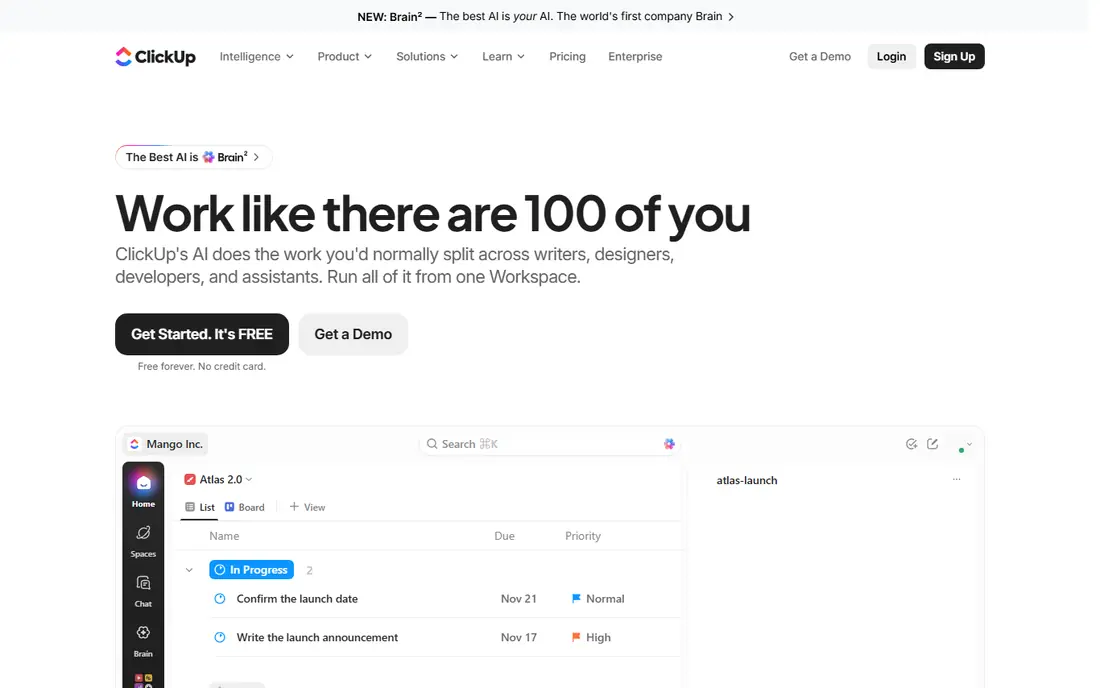
ClickUp packs tasks, docs, goals, time tracking, and dashboards into one workspace, and its free plan covers unlimited members, which no rival here matches. The Unlimited plan at $7 per user per month billed annually adds the views and automations most teams actually need. On a features-per-dollar basis, it is the clear value leader in this project management tools comparison.
The risk is sprawl. Because ClickUp can do almost everything, a team without a clear owner can build a maze of lists, statuses, and custom fields that nobody trusts. Give one person the job of keeping the structure clean, start with one project and one view, and add features only when a real workflow asks for them. Done that way, ClickUp is hard to beat on value.
- Generous free plan
- Tasks, docs, and goals in one place
- Many views
- Setup can turn into clutter without an owner
- Some features feel unfinished
Trello remains the simplest tool in this comparison. A board, a set of lists, and cards you drag from left to right is enough for editorial calendars, hiring pipelines, event checklists, and small project plans. The Standard plan at $5 per user per month billed annually adds unlimited boards and checklists, and the free plan covers up to ten boards per workspace, which suits many small teams.
Trello is not the tool for work with heavy dependencies, resource planning, or multi-project portfolios. Power-Ups and advanced automation add cost and complexity, and at that point a fuller tool may fit better. If your whole plan fits on one board and your team hates learning new software, Trello is the honest pick.
- Fastest to learn
- Clean kanban boards
- Low cost for small teams
- Weak for complex dependencies
- Advanced automation costs extra
Notion fits knowledge-centred teams that want project tracking next to the documents that explain the work. A project page can hold the brief, the task database, meeting notes, and the decision log, so context does not live in a separate wiki. The Plus plan at $10 per user per month billed annually adds the collaboration controls most teams need, and the free plan works for individuals and small groups.
As a pure project tool, Notion is looser than Asana or Wrike. Dependencies, workload views, and approval flows need more manual setup, and teams that need strict process control may find it too flexible. For teams where docs and tasks must live together, that flexibility is the point, and the trade-off is worth it.
- Docs, wikis, and tasks share one workspace
- Flexible databases
- Good templates
- Project views are less strict than dedicated tools
- AI features cost extra
Jira is the standard choice for software and IT teams running scrum, kanban, or mixed agile work. Sprint planning, backlog grooming, and release tracking are built in, and the free plan covers up to 10 users, which makes it the cheapest serious option for a small development team. The Standard plan at $7.91 per user per month billed annually adds the permissions and support larger teams need.
Non-software teams should think twice. Jira rewards configuration, and a marketing or operations team that adopts it without an admin can end up with a tool that feels built for someone else. If your team ships software and already uses Atlassian tools, though, Jira fits the workflow with the least friction.
- Strong scrum and kanban support
- Free for up to 10 users
- Deep reporting
- Setup takes real configuration
- Overkill for non-software teams
Wrike suits enterprises and agencies managing complex, cross-department work with approvals and proofing. Gantt charts, workload views, and request forms give managers control over intake and deadlines, and proofing tools let marketing and creative teams review work inside the task. The Team plan at $10 per user per month billed annually is the entry point for paid work.
The interface is denser than Asana or monday.com, and new users need training time. Some of the most useful features, such as advanced reporting and resource management, require higher tiers, so the entry price understates the cost for a large team. For structured work at scale, Wrike earns that cost; for a small team, it is more tool than needed.
- Gantt charts and proofing
- Approval workflows
- Strong reporting
- Interface takes time to learn
- Best features sit on higher tiers
Basecamp takes a different approach to pricing, and that is its main selling point. Alongside a $15 per user per month Plus plan, it offers Pro Unlimited at $299 per month billed annually for unlimited users and projects. Once a team passes about twenty people, that flat price beats every per-seat plan in this comparison, and client access is included without extra seats.
The product itself is deliberately simpler. Message boards, to-do lists, schedules, and file storage cover most client work, but teams that need Gantt charts, advanced automations, or deep reporting will miss them. For agencies and larger teams that value predictable billing and a calm interface over feature depth, Basecamp is the value pick.
- Flat $299 per month unlimited plan
- Simple, calm interface
- Client access included
- Fewer views and automations than rivals
- No free plan for teams
How we picked these
We compared vendor pricing pages, free plan limits, and the views each tool offers, and we favoured tools with a real free plan or trial, a published entry price, and a clear fit for a distinct team type. We left out niche tools with no public pricing and tools that only handle one kind of work, such as pure time tracking. Prices here are billed-annually rates where vendors publish them, so check monthly billing if you plan to pay month to month.
How to choose from this project management software tools comparison
Start with the work, not the feature list. If your plan fits on one board, pick Trello and stop shopping. If docs and tasks must live together, pick Notion. If you run sprints, pick Jira. If you run cross-team campaigns with deadlines that depend on each other, pick Asana or Wrike. That one decision removes most of the list at once.
Check the true seat cost
Price the team you actually have, not the team in the demo. Count the three-seat minimum on monday.com, the seat brackets on Asana, and the flat plan on Basecamp for larger teams. Add the cost of the tier that includes the views and automations you need, since entry tiers often lack them. A trial with your real projects will show whether the entry tier is enough.
Run a two-week trial with real work
Load one real project, not a sample, and ask the people who will use the tool daily to run it for two weeks. Watch for the two failure modes: nobody opens it, or one person builds a structure nobody else understands. The tool that survives real work with the least training is usually the right one, even if a rival has a longer feature list.
Plan for growth, not just launch
Ask what happens when the team doubles, when a client needs access, and when reporting matters to managers. Basecamp and ClickUp scale cheaply in different ways, while per-seat tools scale in a straight line. A tool that is cheap for five people and painful for fifty is a poor long-term pick, so price the team you expect in a year.
Frequently asked questions
What is the best project management software comparison for small teams?
For a small team, Trello is the simplest and cheapest, ClickUp gives the most features per dollar, and Notion fits teams that also need docs. Asana suits small teams that run cross-team work, while monday.com suits teams that want visual boards. Pick by workflow first, then compare the price for your seat count.
How do Asana, monday, and ClickUp compare on price?
ClickUp starts at $7 per user per month billed annually, monday.com at $9 per seat per month with a three-seat minimum, and Asana at $10.99 per user per month. ClickUp wins on features per dollar, monday.com wins on visual ease, and Asana wins on structured timelines. Check monthly billing rates, since they run higher than annual rates.
Is there a free project management tool that works for a whole team?
ClickUp offers the most generous free plan here, with unlimited members, while Jira is free for up to 10 users. Trello and Notion also offer free plans, but with board or feature limits. Asana and monday.com free plans cover only very small teams. For a whole team, expect to pay for at least the entry tier on most tools.
Which tool is best for software teams?
Jira is the strongest pick for software teams, because sprint planning, backlog management, and release tracking are built in. Linear and similar developer tools also fit, but Jira wins this comparison on price for small teams and on reporting for larger ones. Non-software teams will find Jira heavier than Asana or monday.com.
What is the cheapest way to run project management for a large team?
Basecamp Pro Unlimited at $299 per month is the cheapest flat option once a team passes about twenty people. ClickUp is the cheapest per-seat option at scale, since its free plan and $7 entry tier keep the bill low. Compare both against your headcount, since the crossover point depends on how many people actually need a paid seat.
Sources
See where you really rank - block by block
ProMapRanker scans Google Maps across a grid of your service area. Simple monthly plans from $19, white-label on every plan.
Start freeKeep reading
 outreach alternatives
Outreach Alternatives in 2026
Compare outreach alternatives for 2026, from Salesloft and Apollo to HubSpot and Lemlist, with pricing, channels, features, limits, and honest trade-offs.
Read → best web conference tools
Best Web Conference Tools in 2026
Compare the best web conference tools for meetings, webinars and team calls, with current pricing, free plans and honest limits for each option here today.
Read → best voice cloning tools
Best Voice Cloning Tools in 2026
Compare the best voice cloning tools in 2026, from ElevenLabs and Descript to Resemble and Cartesia, with consent rules, pricing, licenses, and limits.
Read →