 ProMapRanker
Best Project Management Software in 2026
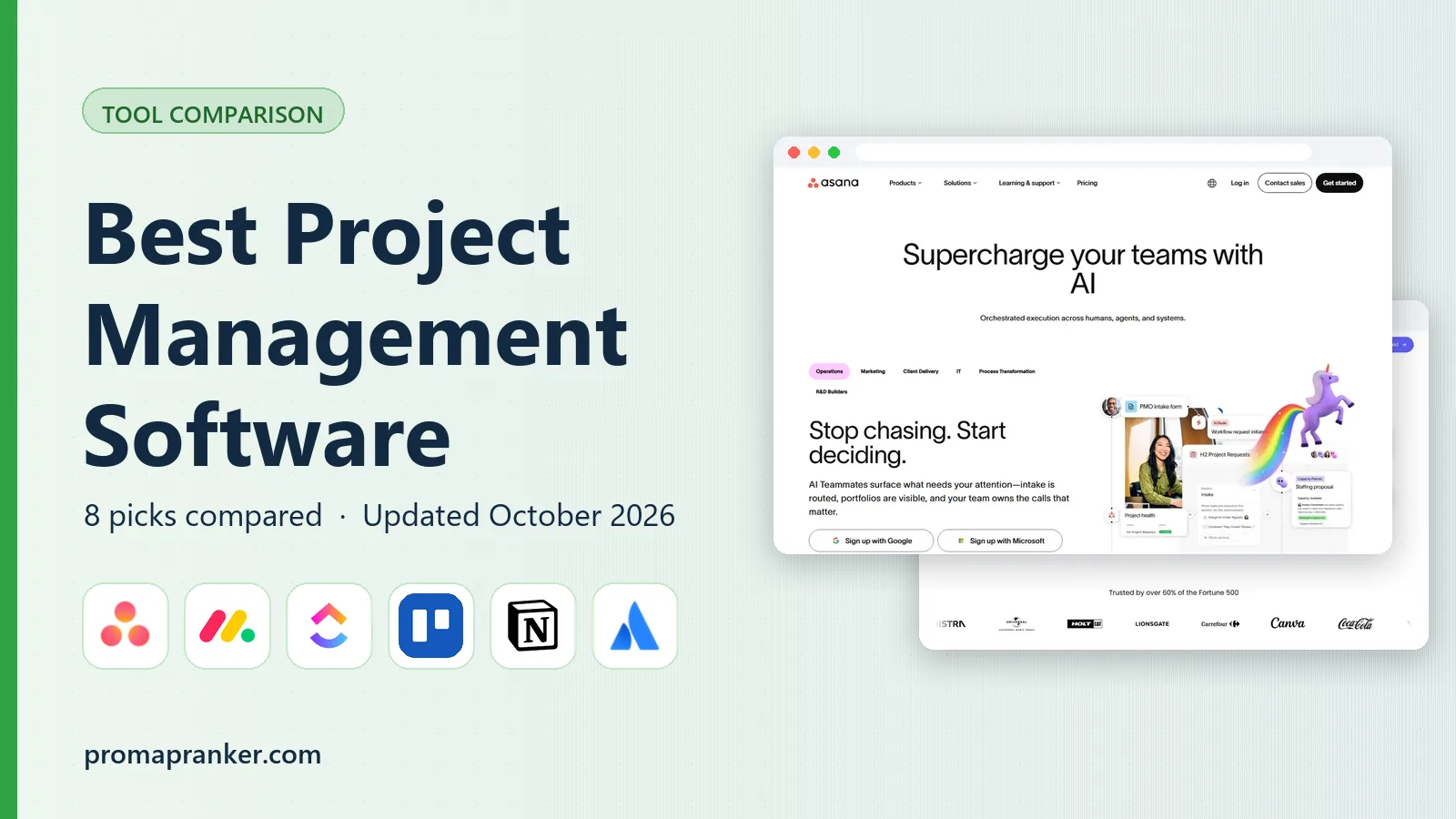

Structured projects across teams · Pricing starts at: $10.99 per user per month
Key takeaways
- Asana is the best project management software for most teams because it balances structure, timelines, and ease of use.
- ClickUp gives the most features per dollar, but it needs someone to own the setup or it can turn into clutter.
- Trello is the best project management tool for simple work that fits on one board, and it is the easiest to learn here.
- Monday.com suits visual, non-technical teams, while Jira suits software teams that work in sprints.
- Free plans are generous in this category, so trial two tools with a real project before paying.
Quick comparison
| Pick | Great for | Pricing starts at | Free tier | |
|---|---|---|---|---|
| Asana | Structured projects across teams | $10.99 per user per month | Yes | Visit |
 monday.com monday.com | Visual workflows for non-technical teams | $9 per user per month | Yes | Visit |
 ClickUp ClickUp | All-in-one value | $7 per user per month | Yes | Visit |
 Trello Trello | Simple kanban for small groups | $5 per user per month | Yes | Visit |
 Notion Notion | Docs, wikis, and tasks together | $10 per user per month | Yes | Visit |
 Jira Jira | Software and product teams | See website | Yes | Visit |
 Smartsheet Smartsheet | Spreadsheet-style planning for operations | $9 per user per month | Yes | Visit |
 Basecamp Basecamp | Flat pricing and client work | See website | Free trial | Visit |
The best project management software
Project management software exists to answer one question for the whole team: who is doing what, by when, and what is blocked. The tools below answer that question in different ways, from a single kanban board to a full portfolio view. We compared official pricing pages, feature documentation, app store listings, and public reviews to build this list.

Asana is our pick for most teams because it is structured without feeling technical. Tasks, subtasks, due dates, and assignees work the way most managers expect, and Timeline view turns those tasks into a Gantt-style plan. Portfolios and Goals on higher plans help leaders track many projects at once without building a separate reporting tool.
The free plan now covers only a small number of users, so whole teams will need a paid plan, starting at $10.99 per user per month when billed annually. Seat brackets above small team sizes also complicate the math. Even with those limits, Asana is the most polished traditional choice here, and it is the best software for project management when several teams must share one plan.
- Clean task structure
- Timeline and Portfolios
- Strong integrations
- Free plan is limited
- Paid seats are sold in brackets above small teams
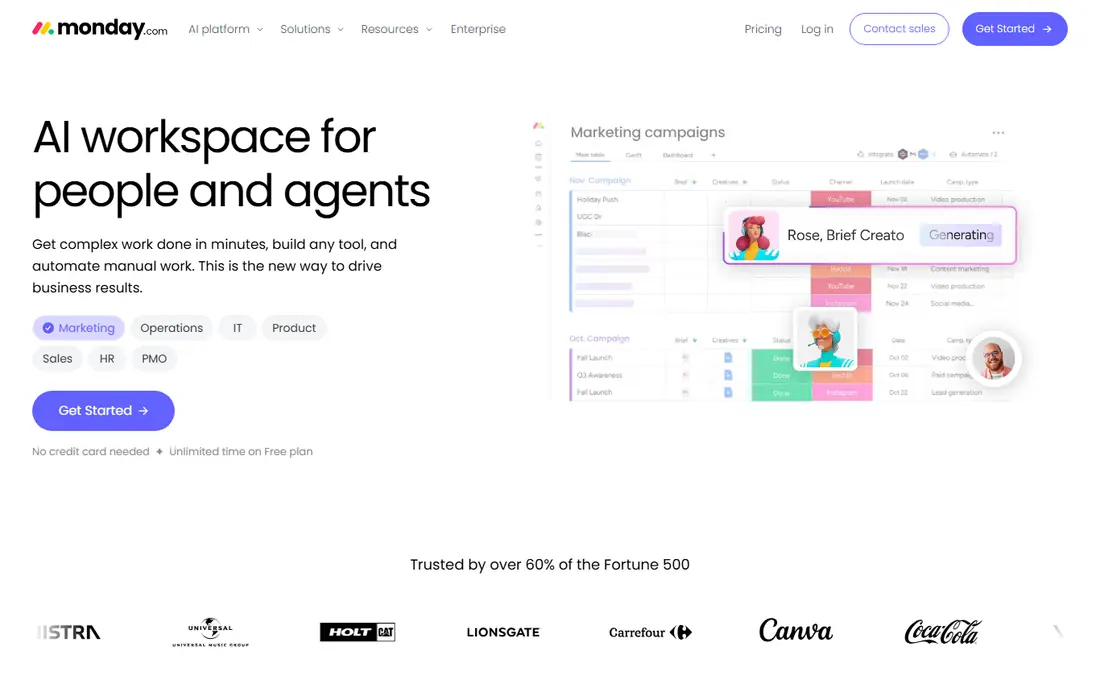
monday.com wins on approachability. Boards are color-coded and readable by people who have never used project software, which helps marketing, HR, and operations teams adopt it fast. Templates for campaign tracking, hiring, and content calendars mean most teams start from something close to what they need rather than a blank board.
Pricing needs care: seats are sold with minimums and in blocks, so the per-seat figure does not always multiply cleanly by headcount. Entry paid plans start around $9 per user per month when billed annually, but confirm the current seat terms for your team size. For visual teams that want flexibility without learning a technical tool, monday.com is a strong choice.
- Colorful, readable boards
- Many templates
- Automations without code
- Seats sold in blocks
- Pricing depends on team size
- Can get expensive at scale
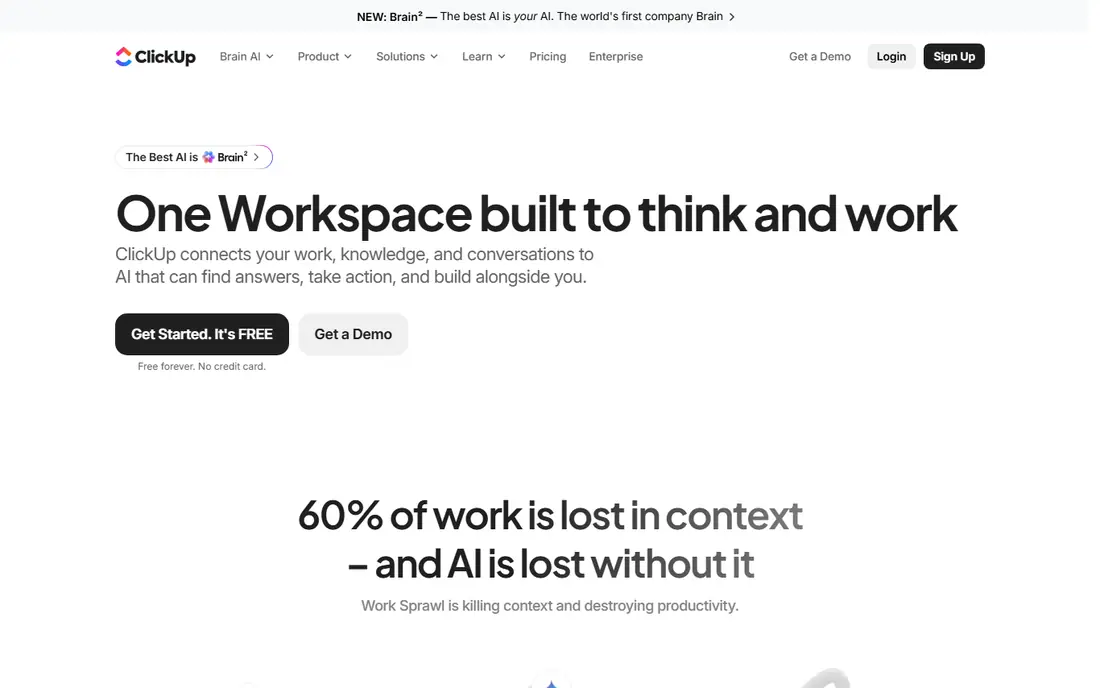
ClickUp packs more into its base price than any other tool here: tasks, docs, goals, whiteboards, time tracking, and many views for $7 per user per month when billed annually. That value is real, and small teams on a budget can run most of their work in ClickUp alone. The free plan is also generous for trying the tool with a real project.
The trade-off is complexity. ClickUp can do so much that teams without a clear owner end up with duplicate spaces, unused views, and clutter that slows everyone down. Its AI add-on is also billed separately. If someone on your team will own the setup and keep it tidy, ClickUp is the best project management software for value. If no one will, pick a simpler tool.
- Very broad feature set
- Low starting price
- Docs, goals, and time tracking included
- Setup takes time
- Interface can feel busy
- AI features cost extra
Trello remains the simplest board in this category, and that simplicity is its strength. Work sits on cards that move across lists, from to do to doing to done, and anyone can understand it in minutes. For a small team tracking a content calendar, a hiring pipeline, or a product launch checklist, Trello is often all you need.
It struggles when work gets complex. Portfolios, workload views, and detailed reporting are thinner than in Asana or monday.com, and heavier automation sits on paid plans starting at $5 per user per month when billed annually. If your whole plan fits on one or two boards, Trello is the fastest, cheapest way to get organized. If it does not, choose a tool built for many projects.
- Easiest to learn here
- Clear boards and cards
- Good free plan
- Weak for complex portfolios
- Advanced automation costs extra
Notion is the best project management app for teams that live in documents. Meeting notes, project briefs, wikis, and task databases can sit in the same workspace, so context stays next to the work instead of living in a separate drive. Templates for roadmaps, sprint plans, and content calendars help teams start quickly, and the free plan works well for individuals.
Pure project management is lighter than in Asana or ClickUp. Timeline and workload views exist, but they are less mature, and teams that need strict dependencies or portfolio reporting may find Notion thin. Paid plans start at $10 per user per month when billed annually. For knowledge-heavy teams that want docs and tasks in one place, Notion is a strong, flexible pick.
- Flexible pages and databases
- Strong docs and wikis
- Good for knowledge work
- Project views are lighter than Asana
- Can feel unstructured without templates
Jira is the standard for software teams that plan in sprints. Backlogs, boards, sprints, releases, and issue tracking are built around how development teams actually work, and it connects tightly with Confluence for docs and Bitbucket for code. For product and engineering teams, that fit is hard to match with a general tool.
For everyone else, Jira can feel heavy. Non-technical teams often find its settings and terminology confusing, and getting it configured well takes admin time. Pricing varies by team size and tier, so we list it as See website and suggest checking the Atlassian pricing page for your headcount. If your team ships software in sprints, Jira is the right tool. If it does not, pick a simpler one.
- Built for sprints and backlogs
- Strong issue tracking
- Deep Atlassian integrations
- Overkill for non-technical teams
- Setup and admin take time
Smartsheet suits teams that think in spreadsheets. Work lives in a grid with rows, columns, formulas, and attachments, which feels natural to operations, finance, and construction teams that already plan in Excel. Gantt charts, card views, and dashboards sit on top of the same data, and paid plans start at $9 per user per month when billed annually.
The interface is more businesslike than playful, and real-time collaboration feels less fluid than in Notion or monday.com. For teams that need structured plans, approvals, and reports more than chatty boards, that trade is fine. If your team already plans in spreadsheets and wants to keep that mental model with better sharing and automation, Smartsheet is a natural step up.
- Familiar grid view
- Gantt and card views
- Good for operations and reporting
- Interface feels less modern
- Collaboration features lag newer tools
Basecamp takes a deliberately calmer approach: projects get message boards, to-dos, schedules, files, and chat in one place, without the endless customization of ClickUp or monday.com. Its flat Pro Unlimited plan, historically $299 per month for unlimited users, beats every per-seat plan once a team passes about twenty people. A per-user plan also exists, so check the current pricing page for the option that fits your size.
Power users will miss advanced reporting, custom fields, and deep automation. Basecamp is not trying to be everything, and that restraint is the point. For agencies, client work, and larger teams that want predictable pricing and a tool everyone will actually use, Basecamp remains a strong, simple choice.
- Simple, calm interface
- Flat pricing beats per-seat at scale
- Clients included easily
- Fewer power features
- Per-user plan exists alongside flat plan, so check terms
How we picked these
We compared official pricing pages, feature documentation, and app store listings for each tool, along with public reviews from teams of similar size. We favored tools that are actively sold and supported in October 2026, offer a free plan or trial as stated, and cover the core job of assigning work, tracking dates, and showing progress. We excluded tools that are only chat apps or only time trackers.
How to choose project management software
Start with your team size and work style, not the feature list. A freelancer needs a fast task list, a marketing team needs campaigns and approvals, and a software team needs sprints. Count how many projects you run at once: one board points to Trello, many projects point to Asana, monday.com, or ClickUp. Then trial your top two tools with a real project for two weeks, not a demo project.
Set it up for adoption
Pick one owner to set up templates, naming rules, and a weekly review habit. Without that owner, even the best tool fills with stale tasks. Keep the structure simple at first: one project, a handful of statuses, and clear assignees. Add automations and custom fields only after the team updates tasks reliably for a few weeks.
Watch seat rules and add-ons
Entry prices hide seat minimums, seat blocks, and paid add-ons for AI, time tracking, and advanced reporting. Ask for the annual total for your exact team size, including any add-on you plan to use. A $7 tool with a $7 AI add-on is a $14 tool, and a $9 tool sold in blocks of five may cost more than a $11 tool sold per seat.
Frequently asked questions
What is the best project management software for small teams?
Asana is the best project management software for many small teams because it is structured, easy to learn, and scales as the team grows. Trello is the best pick for very small teams with simple work, while ClickUp gives the most features per dollar. Trial two tools with a real project and pick the one the team updates without reminders.
What are the best project management tools for a startup?
Trello, ClickUp, and Notion are popular best project management tools for startups because their free plans cover early teams well. ClickUp suits startups that want one tool for tasks, docs, and goals, while Notion suits startups that also need a wiki. Asana is a good step up once the team grows past a handful of people and needs timelines and portfolios.
What is the best project management tool for software teams?
Jira is the best project management tool for software teams that work in sprints, because backlogs, boards, and releases are built for that workflow. Linear is another strong option for product teams that want speed. General tools such as Asana and ClickUp can work for software teams, but they lack Jira depth for issue tracking.
What is the best project management software for small teams on a budget?
ClickUp and Trello offer the best value for small teams on a budget, with free plans and low paid starting prices of $7 and $5 per user per month. Notion free plan also works well for individuals and tiny teams. Check seat minimums before choosing, since a low per-seat price can still cost more if seats are sold in blocks.
Is there a best project management app with a free plan?
Yes, Asana, monday.com, ClickUp, Trello, Notion, Jira, and Smartsheet all offer free plans, though user limits and feature limits vary. Free plans suit individuals and small teams testing a tool. Larger teams usually need a paid plan for timelines, advanced reporting, and more users.
What is the best software for project management if we already use Google Workspace or Microsoft 365?
Asana, monday.com, ClickUp, and Smartsheet all integrate with Google Workspace and Microsoft 365 for calendar, drive, and email. Check the integration list for the specific connection you need, such as calendar sync or file attachments, during your trial. The best tool is the one that connects cleanly to the apps your team already opens every day.
Sources
See where you really rank - block by block
ProMapRanker scans Google Maps across a grid of your service area. Simple monthly plans from $19, white-label on every plan.
Start freeKeep reading
 youtube alternatives
Best YouTube Alternatives in 2026
Looking for youtube alternatives in 2026? We compare Vimeo, Dailymotion, Twitch, Rumble, and more on price, audience, monetization, control and privacy.
Read → what's the best ai tool for photo editing
What Is the Best AI Tool for Photo Editing in 2026
What is the best AI tool for photo editing? We compare ten tools for 2026, from Photoshop and Lightroom to Luminar, Topaz, Canva and mobile editors today.
Read → twitter alternatives
Best Twitter Alternatives in 2026
Compare the best twitter alternatives for 2026, from Bluesky, Threads, and Mastodon to Reddit, Tumblr, and Micro.blog, with free plans and audience notes.
Read →