 ProMapRanker
Best Project Management Apps for Teams in 2026


Cross-team task coordination · Pricing starts at: $10.99 per user per month
Key takeaways
- Asana and monday.com suit most cross-functional teams, with Asana leaning toward structured tasks and monday.com toward visual boards.
- ClickUp offers the most features per dollar, while Trello remains the simplest choice for small teams that live on kanban boards.
- Jira suits software teams that run sprints and backlogs, and Notion suits teams that combine docs with project tracking.
- Basecamp suits teams that prefer flat pricing, while Smartsheet, Wrike, and Teamwork suit spreadsheet, creative, and client work in turn.
- Test with a real project and your actual team size, since per-user pricing changes the total fast.
Quick comparison
| Pick | Great for | Pricing starts at | Free tier | |
|---|---|---|---|---|
| Asana | Cross-team task coordination | $10.99 per user per month | Yes | Visit |
 monday.com | Visual boards and custom workflows | $9 per user per month | Yes | Visit |
 ClickUp | Most features per dollar | $7 per user per month | Yes | Visit |
 Trello | Simple kanban boards | $5 per user per month | Yes | Visit |
 Jira | Agile software teams | $8.15 per user per month | Yes | Visit |
 Notion | Docs plus project tracking | $10 per user per month | Yes | Visit |
 Wrike | Marketing and creative operations | $10 per user per month | Yes | Visit |
 Smartsheet | Spreadsheet-style planning | $9 per user per month | Free trial | Visit |
 Basecamp | Flat-rate team collaboration | See website | Free trial | Visit |
 Teamwork.com | Agencies and client services | See website | Free trial | Visit |
The best project management apps for teams
These are the best project management tools for teams that need to assign work, track deadlines, and see progress in one place. Each tool below handles tasks differently, so the best fit depends on your team size, work style, and budget. Prices are per user per month on annual billing where vendors publish that figure.

Asana is our pick for teams that want structure without a steep learning curve. Tasks, projects, timelines, and calendars sit in a clean interface that most people learn in an afternoon. Automation rules handle routine triage, such as assigning tasks when they move stages, which saves managers from manual follow-ups.
The catch is price at scale. Per-user pricing means a 50-person team pays a significant monthly total, and portfolios and advanced reporting sit on higher tiers. For cross-functional teams that need everyone aligned on who owns what, Asana remains a safe and clear choice.
- Clear task ownership, due dates, and timelines
- Portfolios and goals on higher tiers
- Strong automation rules for routine work
- Free plan is limited for growing teams
- Per-user costs add up at scale
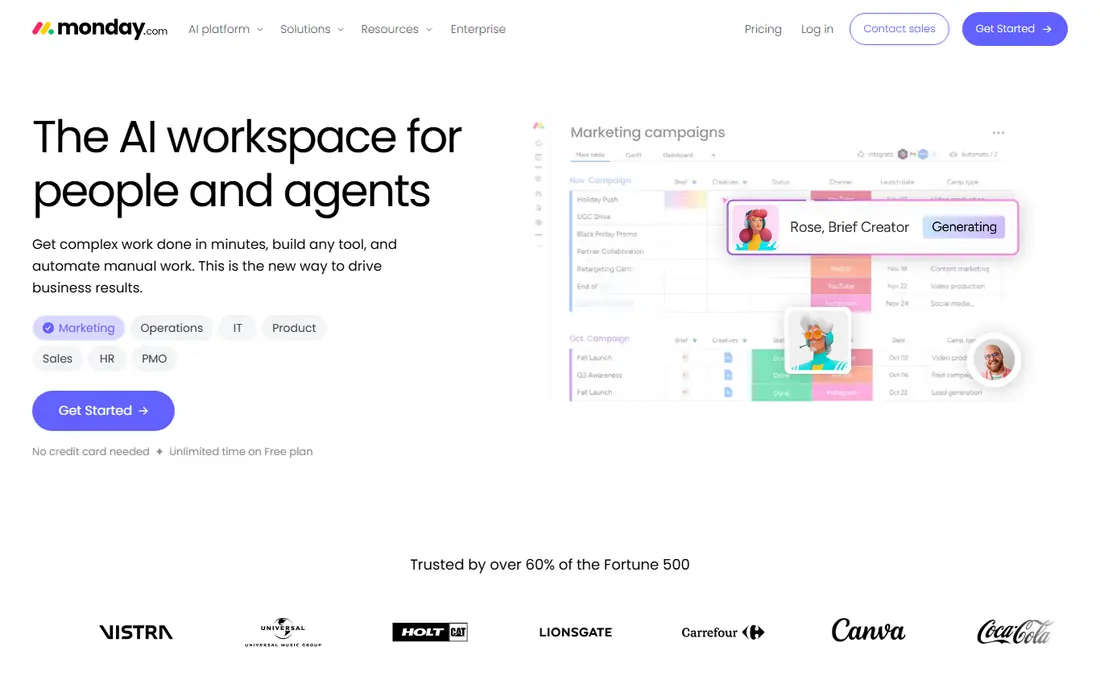
monday.com suits visual teams that want to shape their own workflow. Boards can track tasks, budgets, approvals, and pipelines, and dashboards pull progress into a view managers can read at a glance. Automations reduce manual updates, and templates help new teams start fast.
The limit is seat rules and pricing structure. Some plans require a minimum number of seats, so a very small team should check the total before signing. Teams that need deep agile or document features may also prefer Jira or Notion. For visual planning, monday.com is a strong pick.
- Highly visual boards and dashboards
- Flexible columns and automations
- Good for teams that customize workflows
- Paid plans have a seat minimum on some tiers
- Costs rise with add-ons and higher tiers
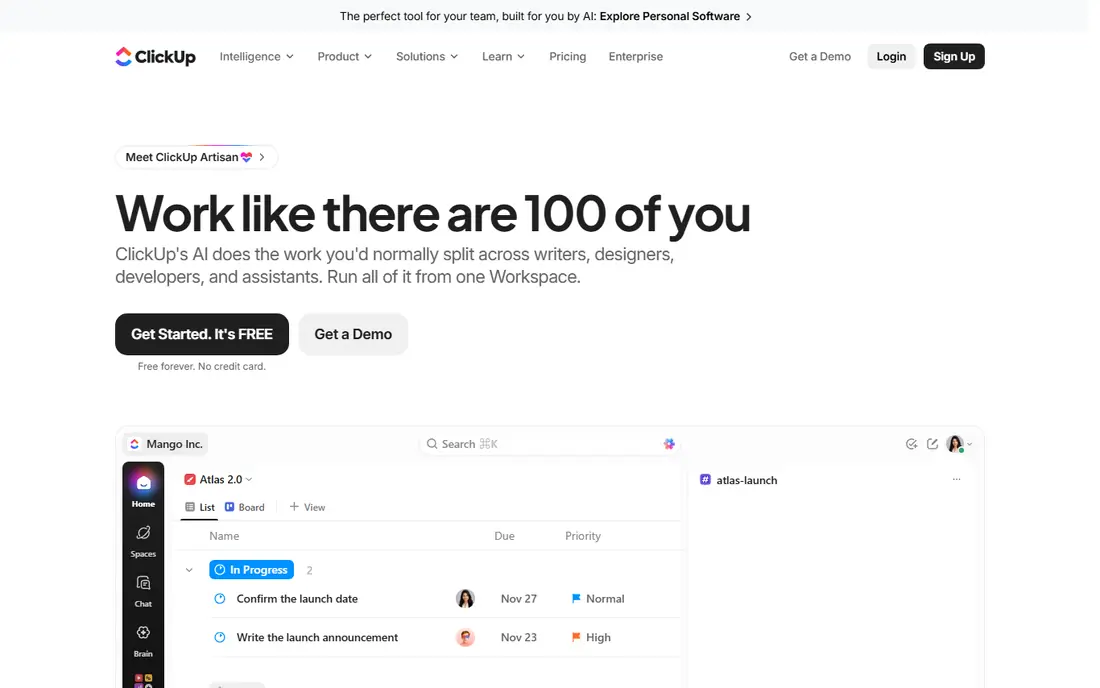
ClickUp offers the best value for teams that want many features in one account. Its free plan covers unlimited tasks and members, and paid plans add goals, dashboards, time tracking, and automation at a lower entry price than many rivals. Teams that want to replace several tools often start here.
The trade-off is complexity. ClickUp packs in so many views and settings that a new team can create clutter without a clear setup plan. Spend time on templates, permissions, and naming rules before inviting everyone. For value and breadth, ClickUp is hard to beat.
- Generous free plan with unlimited tasks and members
- Docs, goals, time tracking, and dashboards in one tool
- Low entry paid price
- Feature depth can feel overwhelming at first
- Setup needs care to avoid clutter
Trello is the simplest tool on this list, and that is its strength. Boards, lists, and cards map work in a way anyone can grasp in minutes, which suits small teams, editorial calendars, and simple pipelines. Power-Ups add calendars, automation, and integrations when needed.
The limit is scale. Reporting, portfolios, and advanced dependencies are thinner than Asana or monday.com, so larger programs may outgrow Trello. For a small team that wants clarity over complexity, Trello is an excellent starting point.
- Simplest kanban workflow for small teams
- Fast onboarding with boards, lists, and cards
- Useful free plan
- Limited reporting and portfolio tools
- Large projects need add-ons or another tool
Jira suits software teams that plan in sprints and track bugs, features, and releases as issues. Backlogs, boards, and roadmaps fit agile workflows, and integrations with code tools help developers link work to releases. The free plan for up to 10 users also makes it easy for a small dev team to start.
Non-technical teams may find Jira heavier than Asana or Trello, since its language and settings assume software work. If your team is mainly marketing or operations, a general tool may fit better. For software teams, Jira is the natural pick.
- Built for backlogs, sprints, and releases
- Strong issue tracking for software teams
- Free plan for up to 10 users
- Can feel heavy for non-technical teams
- Setup and permissions need care
Notion suits teams that live in documents. You can link project databases to meeting notes, specs, and wikis, so context stays beside the task. That flexibility helps product, content, and operations teams that write as much as they track.
The catch is structure. Notion gives you building blocks rather than a fixed project system, so teams need to design their own views and rules. Without that discipline, databases can drift. For doc-led teams, Notion is a versatile and popular choice.
- Flexible databases link docs, tasks, and wikis
- Good for teams that plan in documents
- Clean editor for notes and specs
- Project features are less structured than Asana
- Large databases need careful design
Wrike fits marketing and creative teams that juggle campaigns, approvals, and resources. Proofing tools let reviewers comment on files, approvals keep work moving, and workload views show who is overloaded. That combination suits agencies and in-house creative teams.
Smaller teams may find Wrike busier than Trello or Asana, and advanced features sit on higher tiers. For creative operations at scale, Wrike offers depth that simpler tools lack.
- Strong proofing and approval workflows
- Resource planning for busy teams
- Good reporting for managers
- Interface can feel busy for small teams
- Higher tiers needed for advanced features
Smartsheet suits teams that think in spreadsheets. Its grid view feels familiar to Excel users, while Gantt charts, reports, and dashboards add project structure on top. Teams that manage many dates, owners, and dependencies often adopt it faster than a board-only tool.
The limit is the lack of a full free plan, since new users get a trial rather than a free tier. Some teams may also prefer the visual boards of monday.com. For spreadsheet-led planning, Smartsheet is a strong and practical choice.
- Familiar grid view for spreadsheet users
- Strong reporting across projects
- Good for plans with many dates and owners
- No full free plan, only a trial
- Less visual than monday.com for some teams
Basecamp suits teams that want simplicity and predictable pricing. Messages, to-do lists, schedules, and files sit in one project space, and clients can join without learning a complex tool. Flat pricing can also beat per-user totals once a team grows past a certain size.
The trade-off is depth. Reporting, automation, and portfolio tools are thinner than Asana or Wrike, so large programs may need another tool for oversight. For small and mid-sized teams that value clarity and flat costs, Basecamp is appealing.
- Simple all-in-one place for messages, tasks, and files
- Flat pricing can suit larger teams
- Easy for clients and non-technical users
- Fewer advanced reporting and automation features
- Per-user flexibility is limited by its flat model
Teamwork.com suits agencies and professional services firms that bill for client work. It combines project tasks with time tracking, budgets, and client views, so a project manager can see both progress and profitability. Templates for common agency work also speed up setup.
Internal teams that do not bill clients may find simpler tools cheaper and easier. Pricing also needs a check on the vendor site, since tiers and limits change. For client services, Teamwork.com is a focused and capable pick.
- Built for client projects, time tracking, and billing
- Clear project templates for agencies
- Good workload and budget views
- Pricing needs checking on the vendor site for current tiers
- Less suited to internal-only teams
How we picked these
We compared official pricing pages, feature pages, and free plan terms for tools that serve teams in October 2026. We favored tools with clear task ownership, timelines or boards, and collaboration features, and we included options for software, creative, agency, and general teams. We did not claim hands-on testing, and we used See website where a vendor does not publish a simple starting price.
How to choose the right tool for your team
Match the tool to your work style first. Choose Asana or monday.com for general team work, ClickUp for value, Trello for simplicity, Jira for software sprints, Notion for doc-led work, and Teamwork.com for client billing. Then check the total cost for your actual team size, including guests and viewers, since per-user pricing changes the bill fast.
Run a pilot with one real project before rolling out to everyone. Set naming rules, owners, due dates, and a weekly review habit, since a tool alone will not fix unclear ownership. Check integrations with your chat, calendar, and file tools, and confirm who can see client or sensitive projects. A two-week pilot will show adoption problems early, when they are still easy to fix.
Setup habits that help any tool succeed
Keep one source of truth for each project, and avoid tracking the same work in two tools. Use templates for repeat work, and archive finished projects so active lists stay short. Review workload weekly, and move or reassign work before a team member burns out. These habits matter more than the tool you pick.
Frequently asked questions
What is the best project management app for teams?
Asana suits structured cross-team work, monday.com suits visual workflows, and ClickUp suits teams that want the most features per dollar. The best project management app for teams depends on team size, work style, and budget.
What are the best project management tools for teams on a budget?
ClickUp and Trello offer strong free plans, and monday.com, Asana, and Smartsheet offer low entry paid tiers. Check the total for your team size, since per-user pricing can make a cheap headline price costly at scale.
What is the best project management software for teams that build software?
Jira suits software teams because it handles backlogs, sprints, and releases. Asana and ClickUp can also work for software teams, but Jira fits agile workflows more directly.
What is the best app for team project management for agencies?
Teamwork.com suits agencies because it combines client projects with time tracking and budgets. Wrike also suits agencies with creative work, thanks to proofing and approval tools.
Can small teams use free project management tools?
Yes, ClickUp, Trello, Asana, Notion, and Jira all offer free plans with limits. Free plans suit small teams with simple projects, while paid plans add timelines, automation, reporting, and guest controls.
Sources
See where you really rank - block by block
ProMapRanker scans Google Maps across a grid of your service area. Simple monthly plans from $19, white-label on every plan.
Start freeKeep reading
 who has the best home internet service
Who Has the Best Home Internet Service in 2026
Who has the best home internet service in 2026? Compare fiber, cable, and 5G providers on speed, price, data caps, and availability at your address today.
Read → visio alternatives
Best Visio Alternatives in 2026
Compare 9 Visio alternatives for flowcharts, org charts, and network diagrams, with free plans, pricing, and the best pick for teams and solo users in 2026.
Read → top 10 logistics software
Top 10 Logistics Software in 2026
We compared the top 10 logistics software tools for transport, warehousing, visibility and shipping, for shippers, carriers and 3PL teams in 2026 today.
Read →