 ProMapRanker
Best Project Management App with Time Tracking in 2026

Key takeaways
- The best project management software with time tracking keeps tasks, timers, and reports in one place, so hours are tied to real work.
- ClickUp, Asana, and monday.com suit teams that want project depth plus built-in or add-on timers.
- Clockify suits budget teams that want generous time tracking with project structure.
- Paymo and Scoro suit agencies that bill from tracked time and watch project margins.
- Check whether time tracking is native, included on your plan, or needs a paid add-on before you choose.
Quick comparison
| Pick | Great for | Pricing starts at | Free tier | |
|---|---|---|---|---|
 ClickUp | All-in-one tasks plus time tracking | Free | Yes | Visit |
 Asana | Project planning with time fields | See website | Yes | Visit |
 monday.com | Visual work management with time tracking | See website | Free trial | Visit |
 Wrike | Structured projects with time logs | See website | Yes | Visit |
 Teamwork | Client projects and time billing | See website | Free trial | Visit |
 Paymo | Agency projects, time, and invoicing | See website | Yes | Visit |
 Zoho Projects | Budget projects with timesheets | See website | Free trial | Visit |
 Scoro | Agency work with margins and billing | See website | Free trial | Visit |
 Clockify | Project time tracking on a budget | Free | Yes | Visit |
The best project management app with time tracking
A project tool without time tracking leaves a gap: you know what was done, but not how long it took or what it cost. The tools below close that gap in different ways, from native timers inside tasks to timesheets, budgets, and invoicing. The right choice depends on whether time is for planning, payroll, client billing, or all three.

ClickUp combines tasks, docs, goals, and time tracking in one workspace, with timers and manual entries attached directly to tasks. That link matters: hours are not floating in a separate sheet, they sit against the work they describe, which makes reports by project, person, and client far easier to read. Its views cover lists, boards, timelines, and calendars for different work styles. The catch is setup discipline. ClickUp offers many options, and a team that turns everything on at once can feel lost. Start with one project view, one timer habit, and a weekly report, then add budgets and billing views only when the team uses time data regularly. For teams that want one tool for projects and time, ClickUp is a strong starting point.
- Native time tracking in tasks
- Many project views
- Generous free tier
- Feature depth can overwhelm new teams
- Time reports need setup for billing
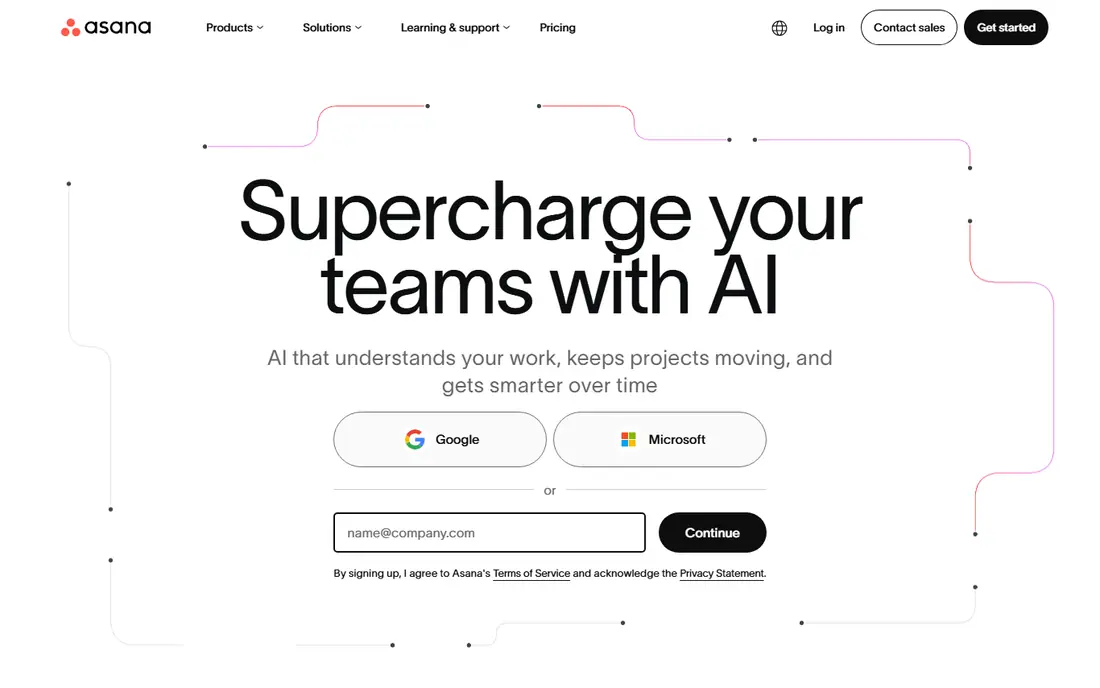
Asana is a clear, widely used project planner with tasks, timelines, portfolios, and goals, plus time tracking through native fields and integrations with timer tools. Its strength is planning visibility: managers can see who owns what, what is due, and how work flows across teams. For teams that already plan in Asana, adding time data keeps estimates honest over time. The honest catch is plan detail. Time tracking depth, including actual time fields and reporting, varies by plan, and some teams pair Asana with a dedicated timer for richer reports. Check the current plan page for time features before assuming every tier covers billing-grade reports. Asana suits teams that value planning clarity first and time data as a supporting layer.
- Clear project planning
- Time fields and integrations
- Strong reporting on paid plans
- Native time tracking depth varies by plan
- Some teams add a timer integration
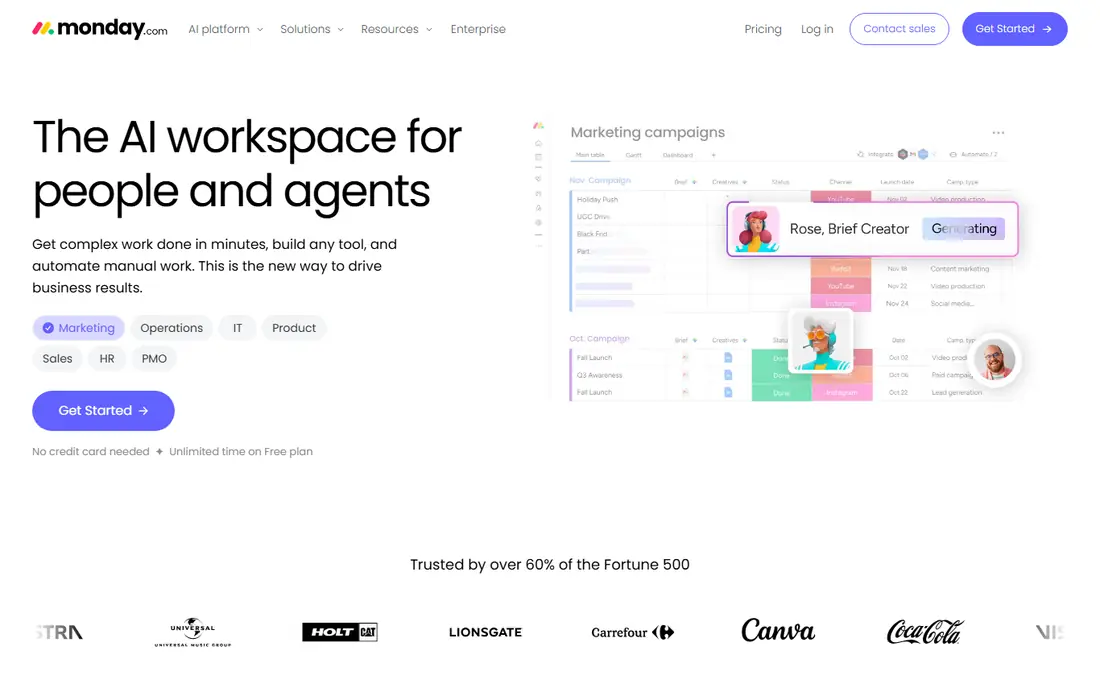
monday.com gives teams visual boards for projects, with a time tracking column that logs hours against items and supports manual entries. Its automations can move items, alert owners, and update status when time or deadlines change, which helps managers spot overloaded boards early. For teams that think in boards and timelines, monday.com makes project and time data easy to scan. The trade-off is cost and design effort. Per-seat pricing grows with headcount, and good time reports depend on well-designed boards with consistent columns. Teams should trial monday.com with a real project, set time habits early, and check whether the plan they need includes the time tracking and reporting depth they want.
- Visual boards and timelines
- Time tracking column
- Automations
- Pricing is per seat and can grow
- Time reporting needs board design
Wrike suits teams that need structured projects with folders, tasks, subtasks, and approvals, plus time logs that feed reports and workload views. Its hierarchy helps larger teams keep complex programmes organised, and its reporting can show time by project, person, and phase. For marketing, product, and operations teams with formal workflows, Wrike gives control without forcing every team into the same board style. The catch is learning time and plan tiers. Full setup takes care, and some advanced time and reporting features sit on higher plans. Smaller teams with simple projects may find Wrike more than they need, while larger teams with approval and reporting needs will get more lasting value from its structure.
- Structured project hierarchy
- Time logs and reports
- Enterprise controls
- Learning curve for full setup
- Advanced time features sit on higher plans
Teamwork is built for client work, with projects, tasks, milestones, and time tracking that links hours to client billing. That client focus helps agencies and consultancies answer the key question at month end: how much time went to each client, and what should be billed. Its workload views also help managers balance hours across the team before burnout or missed deadlines. The honest catch is option density. Teamwork offers many settings for projects, permissions, and billing, so new teams should start with a template and a simple time habit. For client-service teams, that effort pays off in cleaner invoices and clearer project margins. For internal-only teams, a simpler tool may be enough.
- Client project structure
- Time tracking and billing links
- Workload views
- Interface has many options
- Pricing varies by plan and user type
Paymo combines project management, time tracking, and invoicing, which suits small creative agencies and consultancies that bill by the hour. Timers attach to tasks, timesheets support approvals, and invoices can be built from tracked time without exporting to another system. That closed loop from task to invoice saves admin time at month end. The trade-off is ecosystem size. Paymo has fewer third-party integrations than larger platforms, so teams with many other tools should check integration coverage first. For agencies that want one system for projects, time, and billing, Paymo offers a focused alternative to a patchwork of separate tools.
- Projects, time, and invoicing in one tool
- Budgets and timesheets
- Client portal options
- Smaller ecosystem than larger rivals
- Advanced features need paid plans
Zoho Projects gives teams task planning, milestones, timesheets, and budgets, with links to other Zoho apps for CRM, invoicing, and accounts. That suite link helps small businesses that already use Zoho keep project time, client data, and billing in step. Timesheets support approval workflows, which matter for teams that bill clients or track payroll hours. The catch is plan detail and polish. Timesheet and budget depth vary by plan, and the interface prioritises function over visual flair. Teams that already use Zoho will get the most value, since the suite link reduces duplicate data entry. Teams outside Zoho should compare Zoho Projects with ClickUp and Teamwork on time reporting alone.
- Timesheets and budgets
- Zoho suite links
- Task and milestone planning
- Time depth varies by plan
- Interface feels functional rather than polished
Scoro is a work management system for agencies and service businesses that want projects, time, quotes, invoices, and profitability in one place. Time tracked against tasks feeds utilisation and margin views, so managers can see which projects earn well and which consume hours without return. That financial view is its main difference from general project tools. The honest catch is fit. Scoro suits service businesses with billable work and client projects; product teams that only need task tracking may find its billing depth unnecessary. Pricing is also less transparent for larger use, so request a quote based on team size and required modules before comparing it with simpler tools.
- Projects, time, quotes, and billing in one system
- Margin and utilisation views
- Quote-based feel for larger use
- Best suited to service businesses
Clockify is primarily a time tracker with project structure, which makes it the budget pick in this guide for teams whose main need is accurate time data tied to projects. Its free tier covers timers, timesheets, projects, and reports for small teams, with paid plans adding billable rates, approvals, and invoicing. For freelancers and small teams, Clockify gives reliable time data without a large monthly bill. The trade-off is project depth. Clockify covers projects, tasks, and time well, but it does not match ClickUp or Asana for complex project planning, portfolios, and workflows. Use Clockify when time accuracy is the priority and project planning is simple, and use a full PM suite when planning complexity grows beyond tasks and deadlines.
- Generous free tier
- Projects, timers, and timesheets
- Simple reports
- Project management depth is lighter than full PM suites
- Free user limits apply
How we picked these
We compared official feature pages, pricing pages, and public reviews for native time tracking, timesheets, budgets, reports, and billing links. We kept only live tools in October 2026 that combine project work with time data in a usable way, and we used See website where time features or pricing vary by plan. We did not claim hands-on testing; findings reflect official pages and public reviews.
How to make time tracking stick
Make the timer part of the task
Time tracking fails when it lives in a separate tool that people forget to open. Favour tools where the timer sits inside the task, and set a simple rule: start the timer when work starts, stop it when work stops, and add a short note for manual entries. A weekly review of missing entries keeps data honest without daily policing.
Separate billable, internal, and planning time
Use project and task tags to separate client-billable hours, internal work, and planning time. That split makes invoices cleaner, shows where internal work is growing, and helps estimates improve over time. Review the split monthly, not only at year end, so pricing and staffing decisions use fresh data.
Report for decisions, not only for billing
Time reports should answer planning questions: which projects overran, which clients take the most hours, and which team members are overloaded. Share a simple weekly report with the team, discuss what it shows, and adjust estimates and workloads from it. Time data that no one reads will soon stop being recorded.
Frequently asked questions
What is the best project management and time tracking software for small teams?
ClickUp and Clockify suit small teams well, for different reasons. ClickUp gives fuller project management with time tracking in tasks, while Clockify gives strong time tracking with lighter project structure at a lower cost. The best time tracking project management software for a small team is the one the team updates daily, so trial both with a real project.
Does Asana have built-in time tracking?
Asana offers time fields and reporting that vary by plan, and it also integrates with dedicated timer tools. Teams that need simple actual-versus-estimated time can often use Asana alone, while teams that need detailed timesheets, approvals, or billing-grade reports may pair Asana with a timer integration. Check the current Asana plan page for the exact time features on your tier.
What is the best project management software with time tracking for agencies?
Paymo, Teamwork, and Scoro suit agencies because they link tracked time to client billing, budgets, and margins. Paymo suits small agencies that want projects, time, and invoicing together, Teamwork suits client project teams, and Scoro suits agencies that watch profitability closely. Choose by billing complexity, not only by task features.
Is there free project management software with time tracking?
Yes. ClickUp and Clockify offer free tiers that include time tracking for small teams, and Asana and Wrike offer free plans with project features that can be paired with time tools. Free tiers have limits on users, features, or history, so check those limits before building a team workflow around a free plan.
How accurate is time tracking in project tools?
Accuracy depends on habit more than on the tool. Timers give the best data when started and stopped with the work, while weekly manual entries rely on memory and drift. Teams that review entries weekly, use task-linked timers, and keep manual entries short get far more reliable data than teams that fill timesheets at month end from memory.
Should time tracking be used for payroll?
It can support payroll and client billing, but check local labour rules, contracts, and privacy expectations before using tracked time for pay decisions. Be clear with the team about what time data is used for, how it is reviewed, and what it is not used for. Transparent rules keep time tracking a planning tool rather than a source of mistrust.
Sources
See where you really rank - block by block
ProMapRanker scans Google Maps across a grid of your service area. Simple monthly plans from $19, white-label on every plan.
Start freeKeep reading
 zscaler alternatives
Best Zscaler Alternatives in 2026
Looking for zscaler alternatives? We compare 9 SASE and zero trust platforms on architecture, data protection, pricing, and fit for your network and team.
Read → zapier alternatives free
Best Zapier Alternatives Free in 2026
Nine automation tools for zapier alternatives free in 2026, all with genuinely free tiers, plus free plan limits, starting prices and upgrade paths explained.
Read → which platform is best for online reputation
Which Platform Is Best for Online Reputation in 2026
Wondering which platform is best for online reputation? We compare 8 review, listing, and response tools for small and multi-location businesses and agencies.
Read →