 ProMapRanker
Best Professional Tax Preparation Software in 2026

Key takeaways
- Drake Tax and TaxAct Professional offer the lowest published entry prices for small practices, while Lacerte and UltraTax CS suit complex, high-volume firms.
- ProConnect Tax is the strongest cloud-native pick for Intuit users, because it runs in a browser and uses pay-per-return pricing.
- CCH Axcess Tax suits growing firms that want cloud tax, workflow, and research in one Wolters Kluwer system.
- Pricing model matters more than headline price, so match pay-per-return, bundle, or unlimited plans to actual return volume.
- This article is general information only, not tax advice, and firms should confirm form coverage and e-file support for their states before buying.
Quick comparison
| Pick | Great for | Pricing starts at | Free tier | |
|---|---|---|---|---|
 Drake Tax | Value for small firms | $299.99 per year | Free trial | Visit |
 TaxAct Professional | Budget bundles | $169.99 per year | No | Visit |
 Intuit ProConnect Tax | Cloud pay-per-return | See website | No | Visit |
 Intuit ProSeries | Small 1040-focused firms | $539 per year | No | Visit |
 Intuit Lacerte | Complex returns | $599 per year | No | Visit |
 UltraTax CS | CS Professional Suite firms | See website | No | Visit |
 CCH Axcess Tax | Cloud firms at scale | See website | No | Visit |
 ATX | Sole practitioners | $939 per year | No | Visit |
 TaxSlayer Pro | High-volume 1040 offices | $1,395 per year | Free trial | Visit |
The best professional tax preparation software
Professional tax software is different from consumer filing apps. It must handle many clients, business returns, state forms, e-filing, diagnostics, and review workflows, and it must do so under deadline pressure. The tools below are all live professional products used by US firms.
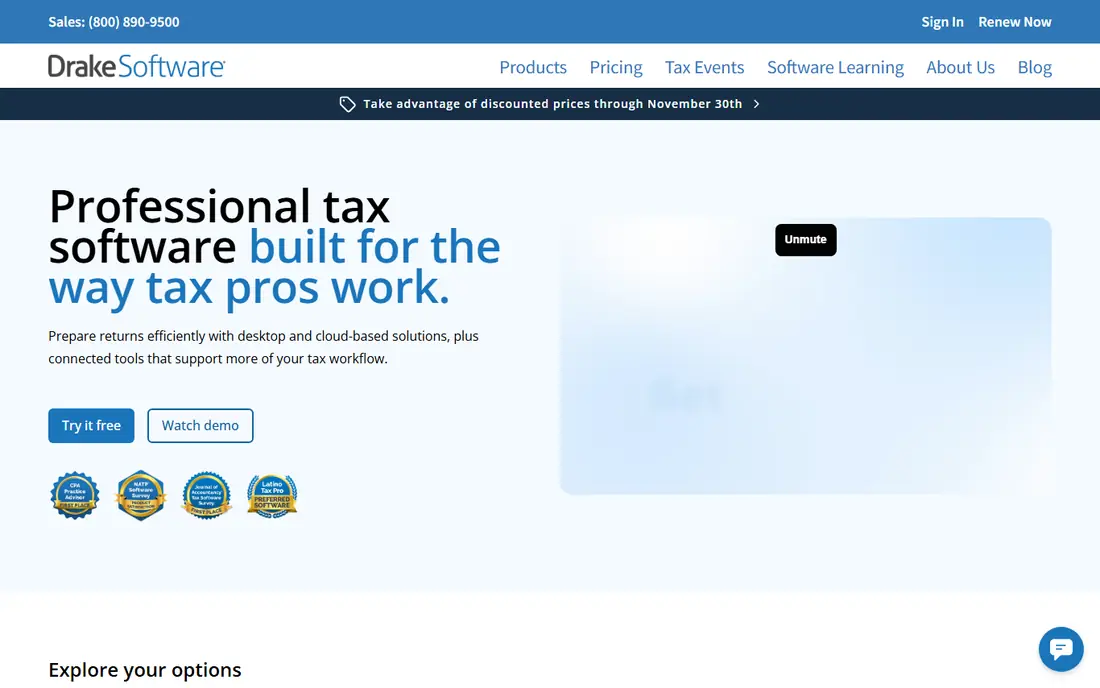
Drake Tax is our value pick for small and mid-sized firms. Drake Tax Online is listed from $299.99 for the first user in recent comparisons, which gives a browser-based start without a large upfront bundle. The desktop version covers individual and business returns, with diagnostics, e-filing, and client organizers that small firms use every season.
The trade-off is polish. Drake is fast and functional, but its screens look older than ProConnect or CCH Axcess, and firms that want a modern client portal or built-in workflow may need add-ons. For a firm that counts cost per return carefully and wants a proven, no-frills engine, Drake is hard to beat. Test it with a prior-year return before committing a full season to it.
- Low entry price for Drake Tax Online
- Desktop and cloud options
- Strong support reputation among small firms
- Interface feels dated compared with newer cloud tools
- Add-ons for portals and hosting cost extra
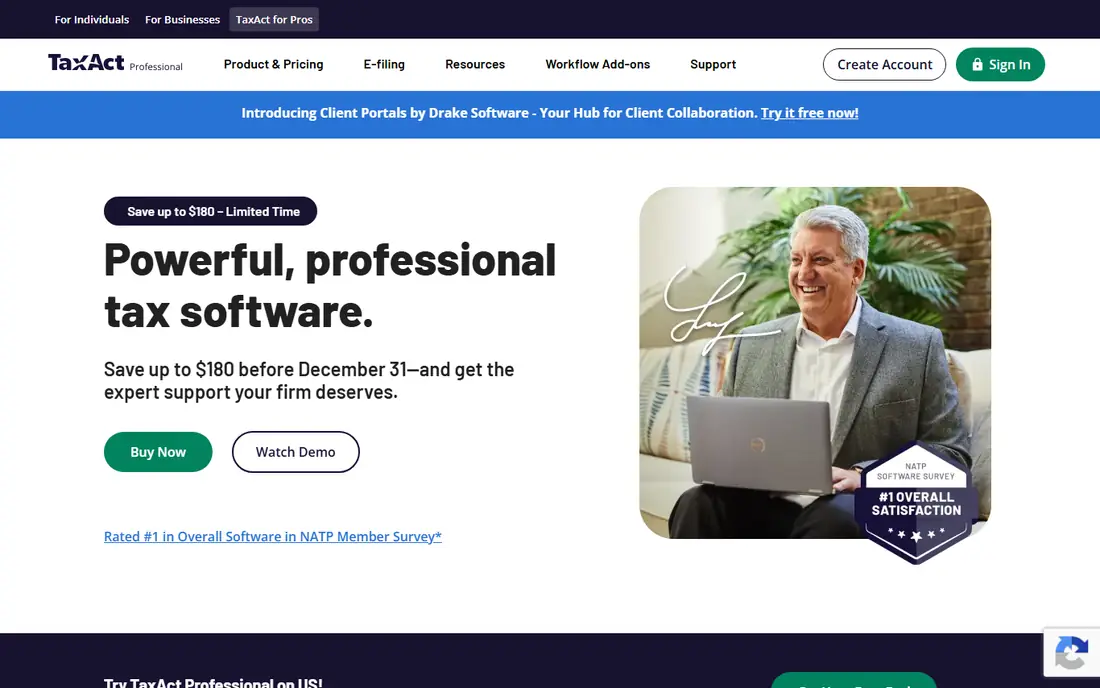
TaxAct Professional suits budget-focused practices that want flexible pricing. The pay-per-return option is listed from $169.99 per year plus $29.99 per 1040 in recent comparisons, while larger bundles cover unlimited 1040 and business filing for a flat annual price. That range lets a new practice start small and move to a bundle only when volume justifies it.
TaxAct is less suited to firms with very complex multi-state, consolidated, or specialist returns, where Lacerte or UltraTax CS offer deeper form libraries. Small firms with mostly individual and simple business returns will rarely hit that limit. Check the forms list for each state the firm serves, and confirm e-file and client portal options before the season starts.
- Low pay-per-return entry price
- Bundle options for unlimited 1040 work
- Straightforward setup for small practices
- Form depth is narrower than Lacerte or UltraTax CS on complex returns
- Support and add-ons vary by bundle
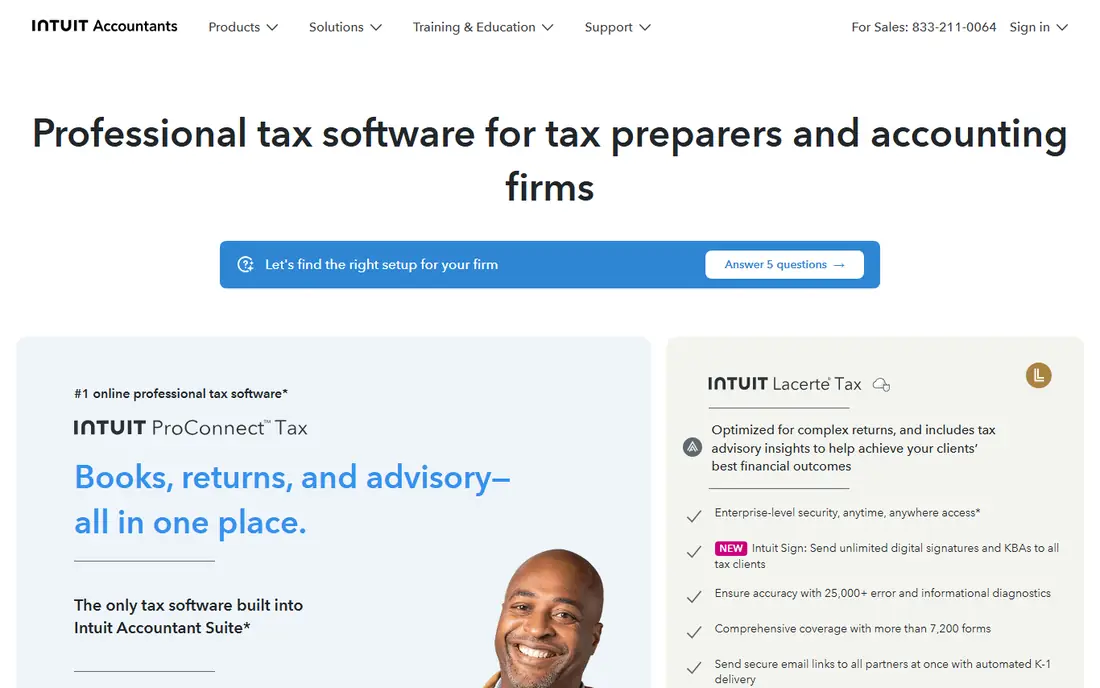
ProConnect Tax, formerly ProConnect Tax Online, is the cloud-native professional tax product from Intuit. It runs in a browser, so a firm does not need Windows desktops or a separate hosting bill to work remotely. Pay-per-return pricing suits firms with uneven volume, and the link to QuickBooks Online helps firms that already keep client books there.
The pricing model needs math. Recent comparisons list a per-1040 charge around $109.95 plus a user access fee, and bundle options such as Essentials 50 for firms with steadier volume. A high-volume firm that files hundreds of returns may spend less on an unlimited desktop plan. For a remote, Mac-based, or growing firm that values browser access, ProConnect is the most flexible Intuit option.
- Cloud-native browser access on Mac, Windows, and Chromebook
- Pay-per-return pricing
- Links to QuickBooks Online clients
- Business returns and extra users cost extra
- Firms with very high volume may pay more than on an unlimited plan
ProSeries is Intuit's desktop professional tax product for small firms that focus mainly on individual returns. The pay-per-return license is listed from $539 per year in recent comparisons, with bundle options for higher volume. Preparers who like working directly on tax forms, rather than through interview screens, often prefer ProSeries to consumer-style tools.
ProSeries is desktop software, so firms that want browser access need a hosting add-on, which adds a monthly cost per user. That matters for remote teams and Mac-based firms, who may prefer ProConnect instead. For a Windows-based firm with a steady 1040 practice and staff who know the Intuit workflow, ProSeries remains a proven, mid-priced choice.
- Familiar form-based workflow for Intuit users
- Pay-per-return and bundle options
- Optional hosting for remote access
- Desktop-first design needs hosting for true remote work
- Learning curve for new preparers
Lacerte is Intuit's flagship professional tax product for firms that handle complex returns. The pay-per-return license is listed from $599 per year in recent comparisons, plus per-return charges, while unlimited and bundle plans are priced by quote. Its form library, diagnostics, and review tools suit firms with partnerships, S corporations, trusts, and multi-state work.
Cost and setup are the trade-offs. A firm that files mostly simple 1040s will pay more than it needs to with Lacerte, and remote access requires a hosting service on top of the license. Firms already using other Intuit professional tools, or firms that plan to grow into complex work, get the most value. New firms should start with ProSeries or Drake and move to Lacerte when return complexity demands it.
- Deep form coverage for complex individual and business returns
- Strong diagnostics
- Multi-preparer workflow support
- Higher total cost at volume
- Desktop-first, so remote access needs hosting
- Steeper learning curve
UltraTax CS, from Thomson Reuters, is a long-standing choice for small to mid-sized firms that use the CS Professional Suite. It covers a wide range of individual, business, trust, and multi-state returns, with tools for related entities, state allocation, and firm workflow when paired with other CS products. Firms that already run CS for accounting or practice management benefit most from staying in that system.
Pricing is quote-only, based on users, return volume, states, and modules, so firms must request a proposal to compare it fairly. Hosting through Virtual Office CS is also a separate cost for remote access. UltraTax CS suits firms that value depth and suite integration over a low published entry price, and it is less suited to a new solo practice that needs a simple, published price.
- Deep multi-state and multi-entity coverage
- Integrates with other CS Professional Suite tools
- Strong for mid-sized firms
- Quote-only pricing makes comparison hard
- Desktop-first, with hosted access as a separate cost
CCH Axcess Tax, from Wolters Kluwer, is the cloud tax product for firms that want tax, document management, workflow, and research in one Axcess system. It suits growing and multi-office firms that need staff in different locations to work on the same returns without desktop hosting. Recent comparisons list an Essentials Basic package from $2,814, with larger packages priced by consultation, so firms should treat that figure as a starting package, not a full-firm price.
The main risk is scope creep. Tax alone is only part of the Axcess system, and document, workflow, and firm management products are separate, which can raise the total bill. Firms should get a written quote that lists every included product, user count, and state before signing. For a firm committed to the Wolters Kluwer cloud, Axcess is the natural long-term pick.
- Fully cloud-based tax with workflow and research links
- Built for multi-office firms
- Modern browser access
- Quote or package pricing only
- Total cost rises with add-on workflow and firm management products
ATX, also from Wolters Kluwer, suits sole practitioners and small firms that want a published price and a broad form library without an enterprise quote. The pay-per-return option is listed from $939 per year for six returns included in recent comparisons, with larger bundles such as ATX 1040 and ATX MAX for higher volume. That structure helps a small firm predict costs for a modest return count.
ATX is desktop software, so remote access and Mac use need extra setup, and firms that want a fully cloud workflow should look at CCH Axcess Tax or ProConnect instead. Larger ATX bundles also climb quickly in price, so a growing firm should compare the next bundle against Drake or TaxAct before renewing. For a small, Windows-based practice, ATX offers a solid middle path.
- Published pay-per-return price for small firms
- Broad Wolters Kluwer form library
- Desktop workflow many preparers know
- Desktop-first design
- Larger bundles cost much more
- Less cloud-native than CCH Axcess Tax
TaxSlayer Pro suits seasonal, retail, and high-volume 1040 offices that want a flat price rather than per-return charges. Classic is listed at $1,395 per year in recent comparisons, with Pro Web and Premium tiers above it, and all three include unlimited 1040 filing. That predictability helps offices that file hundreds of individual returns in a short season.
The limit is complexity. Firms with many partnerships, corporations, trusts, or multi-state business returns may need deeper form coverage than TaxSlayer Pro offers. Offices should also confirm state e-file, bank product, and support hours for peak season, since those matter more than a small price gap during a busy week. For a 1040-heavy practice, TaxSlayer Pro is a strong, simple-priced option.
- Flat annual price with unlimited 1040 filing on Classic
- Desktop and web options
- Good fit for seasonal and retail offices
- Less depth than Lacerte or UltraTax CS on complex business returns
- Web version costs more than desktop Classic
How we picked these
We compared vendor product pages, pricing pages, and recent 2026 comparisons of professional tax software, and kept only products that are live, sold to US firms, and able to prepare and e-file professional returns. We favored a mix of pay-per-return, bundle, and unlimited pricing, plus desktop and cloud options, so firms of different sizes can compare like with like. We did not claim hands-on testing, and we used See website where vendors price by quote or package, rather than inventing a single price.
How to choose professional tax software
Start with return volume and complexity, not brand loyalty. Count last season's returns by type, individual, partnership, S corporation, trust, and state, then match that mix to a form list. A firm that files 50 simple 1040s needs a different product than a firm that files 500 mixed returns with multi-state work.
Compare total season cost, not just the license
Add the license or bundle, per-return charges, state modules, e-file fees where they apply, hosting, portals, and support to get the true season cost. A low entry license with high per-return charges can cost more than a flat bundle at higher volume. Model the cost at last season's volume, at 25 percent higher volume, and at 25 percent lower volume before signing.
Test with real prior-year returns
Use a trial or demo to prepare a prior-year return from each major type the firm handles, including a multi-state return if relevant. Check diagnostics, review tools, state forms, and e-file steps, and time how long each return takes. A product that looks cheap but slows review will cost more in staff time than it saves in license fees.
Plan for support and training in peak season
Confirm support hours, response times, and training options before tax season, not during it. Ask whether support covers e-file rejections, state updates, and software updates, and whether training is included or charged separately. Firms that switch products should allow at least one full off-season for setup, templates, and staff training.
Frequently asked questions
What is the best professional tax preparation software?
Drake Tax is the best value pick for many small firms, while Lacerte and UltraTax CS suit complex, high-volume work. ProConnect Tax is the best cloud pick for Intuit users, and CCH Axcess Tax suits firms that want a full cloud suite.
What is the top tax preparation software for professionals on a budget?
Drake Tax Online and TaxAct Professional offer the lowest published entry prices on this list. Small firms should compare pay-per-return costs at their actual volume, since a bundle can be cheaper once return counts rise.
What are the top 10 professional tax preparation software options?
This list covers nine leading options, and a tenth shortlist pick for larger firms is GoSystem Tax RS from Thomson Reuters, which is quote-only and built for large, multi-entity firms. Most small and mid-sized firms will find a fit among the nine listed here without needing an enterprise product.
What is the best tax accounting software for a small firm?
For a small firm, the best pick is usually the tax product that links best to its accounting system, such as ProConnect Tax for QuickBooks Online users or UltraTax CS for CS Professional Suite users. Drake Tax and TaxAct Professional are strong where accounting links matter less than price.
Is cloud or desktop tax software better?
Cloud software suits remote, multi-office, and Mac-based firms, while desktop software suits firms that already run Windows desktops and want a familiar, fast local workflow. Either can work, but firms should count hosting costs for desktop products and check offline access for cloud products.
When should a firm switch tax software?
A firm should switch in the off-season, after testing prior-year returns and confirming form, state, and e-file coverage. Switching during tax season risks delays, training gaps, and e-file problems at the worst possible time.
Sources
- https://www.drakesoftware.com
- https://www.taxact.com/professional
- https://proconnect.intuit.com/tax-online/
- https://proconnect.intuit.com/proseries/
- https://proconnect.intuit.com/lacerte/
- https://tax.thomsonreuters.com/en/products/ultratax-cs
- https://www.wolterskluwer.com/en/solutions/cch-axcess-tax
- https://www.wolterskluwer.com/en/solutions/atx
- https://www.taxslayerpro.com
- https://invedus.com/blog/best-tax-preparation-software-for-cpas-and-accounting-firms-in-the-usa/
- https://tidyflow.com/blog/best-us-tax-software-for-accounting-firms/
See where you really rank - block by block
ProMapRanker scans Google Maps across a grid of your service area. Simple monthly plans from $19, white-label on every plan.
Start freeKeep reading
 zoho inventory alternatives
6 Alternatives to Zoho Inventory, Compared on Price and Fit
Zoho Inventory alternatives: 6 tools compared on price, free plans and fit. Katana leads the list for manufacturers. Fit and flaws are laid out for each entry.
Read → zoho crm alternatives
Best Zoho CRM Alternatives (2026)
Need Zoho CRM alternatives? We compare 7 tools on cost, free access and who each suits. Every pick gets a straight assessment. Built for quick decisions.
Read → zelle alternatives
Best Zelle Alternatives in 2026
Compare the best Zelle alternatives for sending money to friends, paying sellers and moving funds abroad, with honest notes on fees, speed and safety in 2026.
Read →