 ProMapRanker
Best Productivity Tools for Software Developers in 2026

Key takeaways
- Linear is our pick for developer planning because it is fast, keyboard-first, and built around issues and sprints.
- GitHub Copilot and Cursor are the strongest AI coding aids, with Copilot best inside GitHub workflows and Cursor best as a full AI editor.
- Notion suits teams that want docs, specs, and project tracking in one place, while Todoist suits developers who want a simple, reliable task list.
- Warp, Postman, and Visual Studio Code cover the terminal, API testing, and editing layers that most developers use every day.
- The best stack is small: one editor, one planner, one docs tool, and one API tool, with AI aids added only where they save real review time.
Quick comparison
| Pick | Great for | Pricing starts at | Free tier | |
|---|---|---|---|---|
 Linear | Developer issue tracking | $8 per user per month | Yes | Visit |
 GitHub Copilot | AI coding inside GitHub workflows | $10 per month | Yes | Visit |
 Cursor | AI-native code editing | $20 per month | Yes | Visit |
 Notion | Docs, specs, and project tracking | Free | Yes | Visit |
 Todoist | Simple personal task lists | $5 per month | Yes | Visit |
 Warp | Modern terminal workflows | Free | Yes | Visit |
 Postman | API development and testing | Free | Yes | Visit |
 Visual Studio Code | Free code editing | Free | Yes | Visit |
 Raycast | Fast launcher and developer commands | Free | Yes | Visit |
 Obsidian | Personal notes and knowledge base | Free | Yes | Visit |
The best productivity tools for software developers
We compared developer tools on daily workflow fit, integration depth, pricing, and the friction of adoption. A developer productivity tool should reduce context switching, not add another dashboard to check, so we favored tools that live inside the editor, the terminal, or the project tracker you already open.
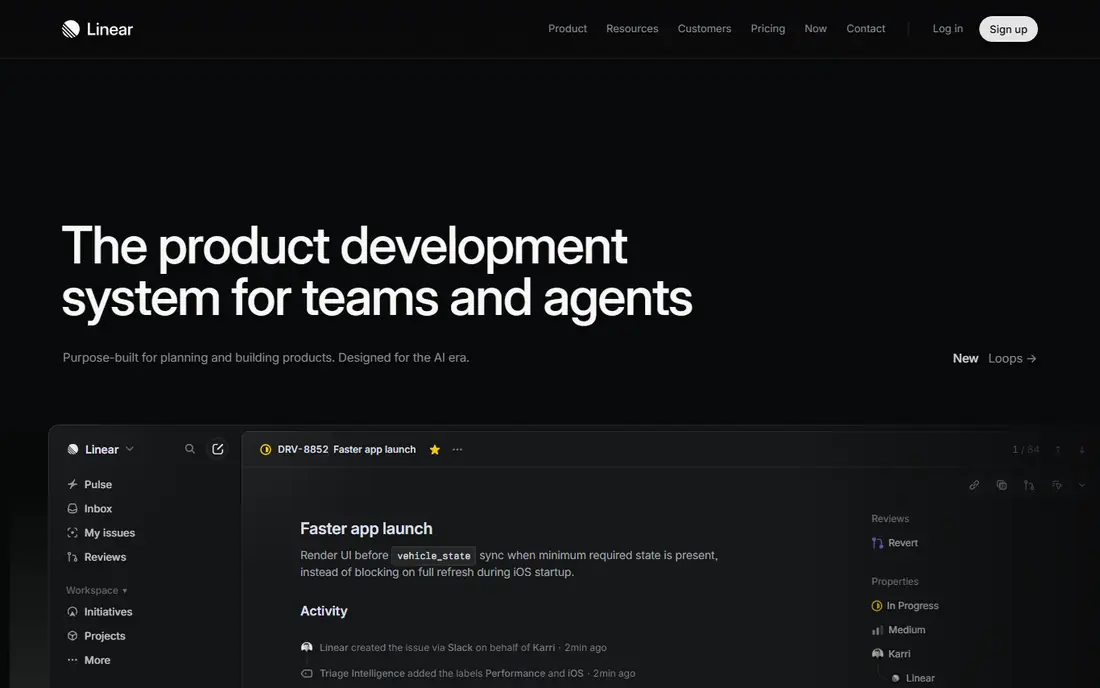
Linear is the planning tool most developers actually enjoy opening. Navigation is fast, keyboard shortcuts cover nearly every action, and issues, cycles, and project views map cleanly to how software teams ship. GitHub and GitLab integrations link branches and pull requests to issues, so status updates follow the code rather than needing manual reports.
The free plan suits small teams but caps the number of issues, and paid plans start at $8 per user per month for higher limits. Linear is also less useful for marketing or operations teams, so a company-wide rollout may need a second tool. For a software team under fifty people, Linear is the clearest planning pick on this list.
- Very fast, keyboard-first interface
- Built for software issues and cycles
- Strong GitHub and GitLab integrations
- Less suited to non-software teams
- Free plan has issue limits
- Advanced features need paid plans
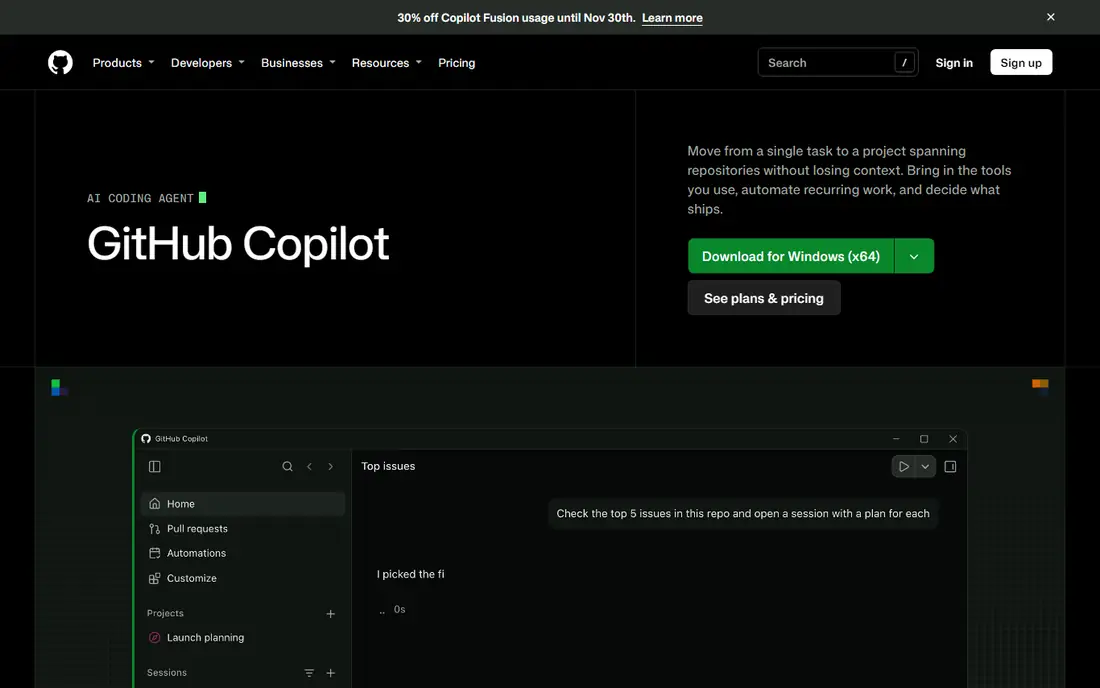
GitHub Copilot is the easiest AI coding aid to adopt for teams already on GitHub. Inline completions work inside Visual Studio Code, JetBrains, and other editors, agent mode handles multi-file edits and terminal commands, and the cloud agent can research an issue and open a draft pull request. The Pro plan at $10 per month makes it the cheapest paid AI coding option here for individuals.
The 2026 billing model meters premium agent use with credits, so heavy agent work can use credits faster than simple completions. Copilot output also needs human review, especially for security-sensitive code, since the tool itself notes that review may miss problems. For a GitHub-led team, Copilot is the natural first AI aid, with Cursor as the alternative for a full AI editor.
- Inline completions inside many editors
- Agent mode for multi-file edits
- Cloud agent can open draft pull requests
- Paid plans meter premium use with credits
- Cloud agent sessions have limits
- Human review still required for all output
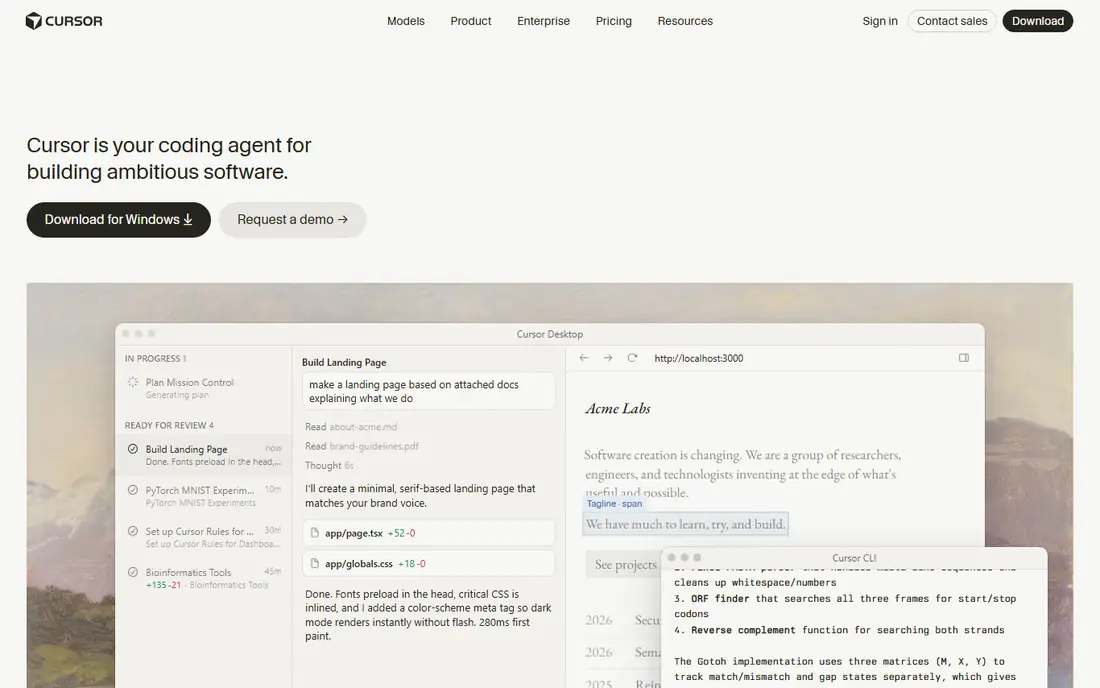
Cursor rebuilds the coding editor around AI, with tab completion that understands the wider codebase, inline edits across files, and agent flows for larger changes. Developers who spend most of their day in the editor often find Cursor faster than adding an AI plugin to a standard editor, since the AI context covers the project, not just the open file.
The Pro plan at $20 per month costs twice Copilot Pro, and heavy use draws on a usage pool with pass-through rates beyond it, so costs need monitoring on a team plan. A free tier with limited requests lets you test the workflow before paying. If your main work is writing and refactoring code in one editor, Cursor is worth the premium over Copilot.
- AI editor built on a familiar editor base
- Multi-file editing and agent flows
- Strong tab prediction across a codebase
- Pro plan at $20 per month is pricier than Copilot
- Usage pool can add cost for heavy use
- Team plans cost more
Notion suits developer teams that want specs, runbooks, and project tracking in one searchable place. A team can keep product specs, API notes, onboarding guides, and sprint boards in the same workspace, which cuts the time spent hunting for a doc in chat or email. The free tier is generous for individuals, and community templates reduce setup time.
The risk is clutter. Notion rewards a clear structure, and a workspace without owners and naming rules quickly becomes hard to search. The Plus plan at $12 per month adds version history and larger uploads for teams that need them. Use Notion for docs and planning, and keep code, issues, and API testing in their dedicated tools.
- Docs, wikis, and project boards in one workspace
- Generous free tier for individuals
- Many community templates
- Can become cluttered without a clear structure
- Paid Plus plan adds version history and larger uploads
- Not a code editor
Todoist is the pick for a developer who wants a personal task list that stays out of the way. Capture a task in seconds, set a date and priority, and check it off, without opening a project management suite. It works on desktop, mobile, and the web, and it syncs quickly, which matters for a developer who moves between machines.
Todoist is not a replacement for Linear or Jira for team planning, and its project depth is limited compared with Notion. The Pro plan at $5 per month adds full reminders, filters, and activity history. For personal work, code review follow-ups, and small side projects, Todoist simplicity is its strength.
- Fast, simple task capture
- Natural date and priority handling
- Works on every major platform
- Not a team planning tool
- Project depth is limited
- Paid plan needed for full reminders and filters
Warp updates the terminal for developers who live in it all day. AI autocomplete suggests commands, block-based output makes long logs easier to read and share, and workflows turn repeated multi-step sequences into a single action. For a developer who runs builds, tests, and deploys from the terminal, those gains add up across a week.
The free tier covers core terminal use, while Pro at $15 per month adds fuller AI features. Some developers prefer a plain terminal with no AI layer, and Warp is a newer tool with less plugin history than long-standing terminals. If you spend hours in a terminal, Warp is worth a trial week on real work.
- AI autocomplete and block-based terminal output
- Workflows turn multi-step commands into one action
- Modern interface
- Paid Pro plan needed for full AI features
- Newer tool with a smaller plugin history
- Some teams prefer a plain terminal
Postman remains the standard API client for most developer teams. You can send requests, save them in collections, write automated tests, and share workspaces with teammates, which makes API development and debugging far faster than with curl alone. Mock servers and documentation tools help frontend and backend teams agree on an API before it is built.
The free tier suits individuals and small teams, while larger teams and advanced testing features need paid plans. The interface can also feel heavy if you only need one quick request. For any team that builds or consumes APIs regularly, Postman is a core tool, not a nice extra.
- Standard API client for requests and collections
- Automated tests and mock servers
- Team workspaces for shared APIs
- Free tier has limits for larger teams
- Interface can feel heavy for a single request
- Advanced features need paid plans
Visual Studio Code is the free editor that most of the other tools on this list plug into. It supports nearly every language through extensions, works on Windows, Mac, and Linux, and pairs with GitHub Copilot, debuggers, and terminal tools in one window. For a developer starting out, or a team standardizing on one free editor, it is the safest default.
The trade-off is setup. A bare install needs extensions for full language, linting, and formatting support, and a team should share settings to keep formatting consistent. Large monorepos can also feel heavy without tuning. Those are manageable costs for a free, widely supported editor that nearly every developer already knows.
- Free and widely supported
- Huge extension marketplace
- Works with Copilot, Cursor-style tools, and many languages
- Needs extensions for full language support
- Large projects can feel heavy
- Settings need care for a consistent team setup
Raycast is a speed tool for Mac developers. It replaces the default launcher with a fast command bar that can open apps, search files, run developer extensions, manage clipboard history, and control windows without leaving the keyboard. Extensions for GitHub, Jira, and other developer tools bring common actions into one place.
The limit is platform: Raycast is Mac only, so Windows and Linux teams need a different launcher. Some Pro features also need a paid plan, though the free tier covers the core launcher and many extensions. For a Mac developer who values keyboard speed, Raycast saves small amounts of time dozens of times a day.
- Fast app and command launcher on Mac
- Extensions for GitHub, Jira, and developer tools
- Clipboard history and window tools
- Mac only
- Pro features need a paid plan
- Windows and Linux developers need an alternative
Obsidian suits developers who want a personal knowledge base they fully own. Notes are stored as plain Markdown files on your own machine, so they stay readable and portable even if you stop using the app. The graph view links notes together, which helps for research, learning notes, and long-running project ideas.
Sync across devices needs the paid Sync service or a manual setup with another sync tool, and the plugin system takes time to learn. Obsidian is also a personal tool first, not a shared team wiki, so use Notion or a team docs tool for shared specs. For personal learning and thinking, Obsidian local files are a lasting advantage.
- Free for personal use
- Notes stored as plain Markdown files
- Graph view links ideas across notes
- Sync across devices needs a paid service or a manual setup
- Learning curve for plugins
- Not a team wiki by default
How we picked these
We compared official pricing pages, feature lists, and public developer guides for tools live in October 2026. We favored tools with a real daily workflow for developers, including coding, planning, docs, terminal work, and API testing, and we included free options at every layer so a solo developer can build a full stack at low cost.
How to build a developer stack that stays small
Start with the editor, since that is where most hours go. Pick Visual Studio Code for free, Cursor for a full AI editor, or Copilot inside your current editor, and give the choice a full week of real work before judging it. An AI tool that looks fast on a demo can slow you down if its suggestions need constant correction on your codebase.
Next, add one planner and one docs tool, and stop there. Linear for issues, Notion for specs, and Todoist for personal tasks cover most teams without overlap. Adding a second planner or a second wiki usually creates duplicate work, so agree on one home for issues and one home for docs, and link between them.
Finally, review AI output like code review, not like autocomplete. AI coding aids can produce plausible code with subtle bugs, security gaps, or outdated library use, so run tests, check library versions, and review diffs before merging. The productivity gain comes from faster drafts plus careful review, not from accepting output unchecked.
Frequently asked questions
What are the best productivity tools for software developers?
Linear for planning, GitHub Copilot or Cursor for AI coding, Notion for docs, Postman for APIs, and Visual Studio Code for editing form a strong core stack. Add Warp for terminal work and Todoist for personal tasks only if those layers slow you down today.
What is the best developer productivity tool for planning?
Linear is our pick for software teams because it is fast, keyboard-first, and built around issues and cycles. Notion suits teams that want planning beside docs, while Jira suits larger enterprises with complex approval workflows.
What is the best productivity app for developers on a budget?
Visual Studio Code, Notion, Todoist, Warp, Postman, Raycast, and Obsidian all offer free tiers that cover a full personal stack at no cost. GitHub Copilot also offers a free tier, with Pro at $10 per month for fuller use.
What is the best developer productivity platform for a team?
Linear plus Notion plus Postman covers planning, docs, and API work for most software teams, with GitHub Copilot or Cursor added for AI coding. Keep the stack small and agree on one home for issues and one home for docs.
Do AI coding tools replace code review?
No. AI tools produce drafts faster, but human review, tests, and security checks remain essential before merging. Treat AI output as a starting draft, run the test suite, and review the diff as carefully as you would a junior developer pull request.
Sources
- https://dev.to/rahulxsingh/28-best-ai-developer-productivity-tools-2026-1cek
- https://aiproductweekly.substack.com/p/best-productivity-tools-2026-my-hand-6c4
- https://linear.app
- https://github.com/features/copilot
- https://www.cursor.com
- https://www.notion.com
- https://todoist.com
- https://www.warp.dev
- https://www.postman.com
- https://code.visualstudio.com
- https://www.raycast.com
- https://obsidian.md
See where you really rank - block by block
ProMapRanker scans Google Maps across a grid of your service area. Simple monthly plans from $19, white-label on every plan.
Start freeKeep reading
 zoro.to alternatives
Best Zoro.to Alternatives in 2026
We compare the best zoro.to alternatives in 2026, listing only legal licensed anime streaming services, from Crunchyroll to free options for fans today.
Read → zip alternatives
Best Zip Alternatives in 2026
We compare the best zip alternatives for buy now, pay later in 2026, covering pay-in-4 plans, fees, spending limits, and credit reporting options today.
Read → yesware alternatives
Best Yesware Alternatives in 2026
Compare the best yesware alternatives for sales email tracking, templates, and sequences, with current pricing and honest tradeoffs for small sales teams.
Read →