 ProMapRanker
7 Best Productivity Software for Small Business Options for 2026


Budget-friendly personal planner with habits · Pricing starts at: $35.99/year (Premium, billed yearly)
Key takeaways
- The list opens with TickTick, aimed at low-cost personal planner with habits.
- Monday.com is the one to check for visual project tracking.
- The lowest published monthly entry price here is $5/month, from Todoist.
- 7 out of 7 tools include a free plan, among them TickTick, Notion, Wrike and Todoist.
- Check the limits for Todoist before you commit: no Gantt charts, workloads or dependencies, so teams outgrow it on planning depth.
Direct answer
This list puts TickTick first for low-cost personal planner with habits. Notion fits docs, wikis and tasks in one workspace; Wrike fits structured projects with Gantt planning. The other 4 tools in the list cover narrower or pricier cases.
Quick comparison
| Pick | Great for | Pricing starts at | Free tier | |
|---|---|---|---|---|
| TickTick | Budget-friendly personal planner with habits | $35.99/year (Premium, billed yearly) | Yes | Visit |
 Notion | Docs, wikis and tasks in one workspace | $10/seat/month (Plus, billed yearly) | Yes | Visit |
 Wrike | Structured projects with Gantt planning | $10/user/month (Team, billed yearly) | Yes | Visit |
 Todoist | Personal and shared task lists | $5/month (Pro, billed annually) | Yes | Visit |
 ClickUp | Feature-heavy all-in-one work hub | $7/user/month (Unlimited, billed yearly) | Yes | Visit |
 Asana | Clean team task coordination | $10.99/user/month (Starter, billed yearly) | Yes | Visit |
 Monday.com | Visual project tracking | $9/seat/month (Basic, billed annually) | Yes | Visit |
Every option for productivity software for small business explained
If you are comparing productivity software for small business, this page covers 7 tools in one place: what each is best for, what it costs to start, whether it has a free plan, and the main limit to know about.
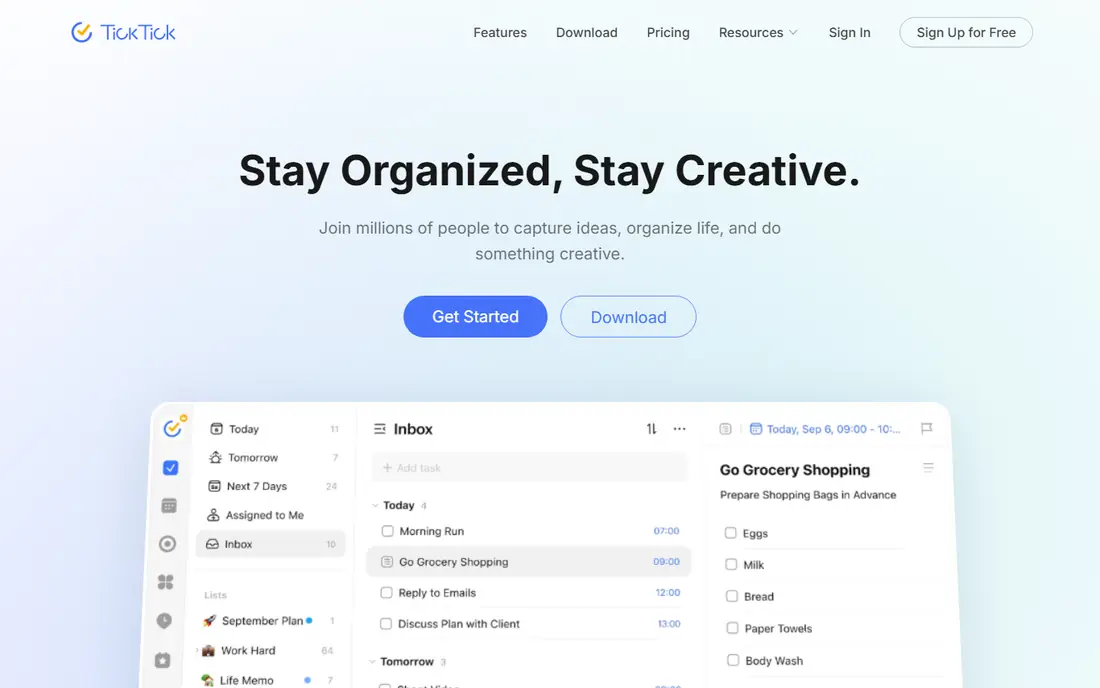
TickTick makes the most sense for budget-friendly personal planner with habits. For $35.99 per year you get unlimited calendar subscriptions, custom smart lists, task statistics, full calendar functionality and reminders for checklist items, plus a built-in Pomodoro timer and habit tracker that Todoist charges more for.
Where it shines: habit tracker and calendar views.
Watch-outs: Collaboration is weaker than Todoist's.
It suits a small business owner or freelancer who wants a personal planner with time-blocking, not a team system. Starting cost for TickTick: $35.99/year. TickTick includes a free tier.
- Built-in Pomodoro timer
- Natural-language entry and decent mobile apps
- Team and business workflows are restricted
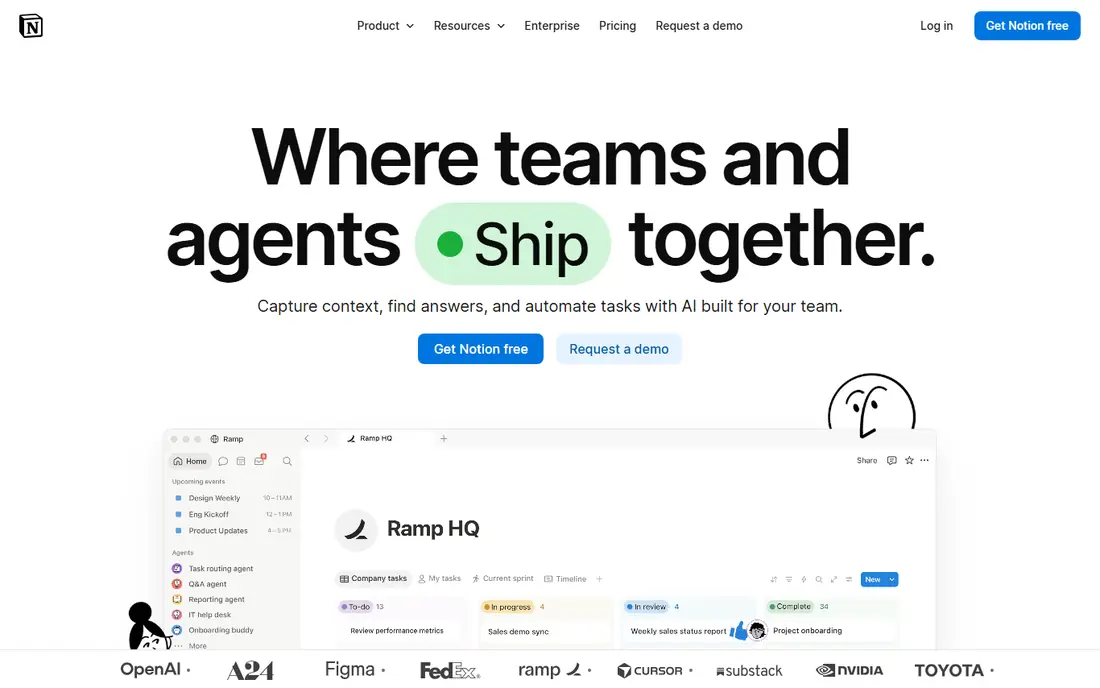
Choose Notion for docs, wikis and tasks in one workspace. Notion replaces three subscriptions at once for many small companies: the shared drive, the wiki and the light task tracker. Also, if your team's real need is a shared task list instead of a wiki, Todoist or TickTick will get adopted quicker and cost less.
Watch-outs: Advanced AI and admin controls need the $20/seat Business level.
Main advantages: docs and task boards, so fewer apps to juggle.
Pages, databases, calendars and forms all live in one place. The relational databases let you build a client CRM, an editorial calendar or a straightforward inventory tracker without leaving the app. Notion ships as a blank canvas, so someone on your team has to build the structure, and undocumented workspaces turn into digital junk drawers. Also, pricing is straightforward: Free for individuals, Plus at $10 per seat a month billed yearly ($12 monthly), Business at $20 per seat a month with the full AI features included. Starting cost for Notion: $10/seat/month. Notion has a free plan.
- One workspace for meeting notes, wikis
- Deep template gallery that shortens setup
- Teams without a clear template drift
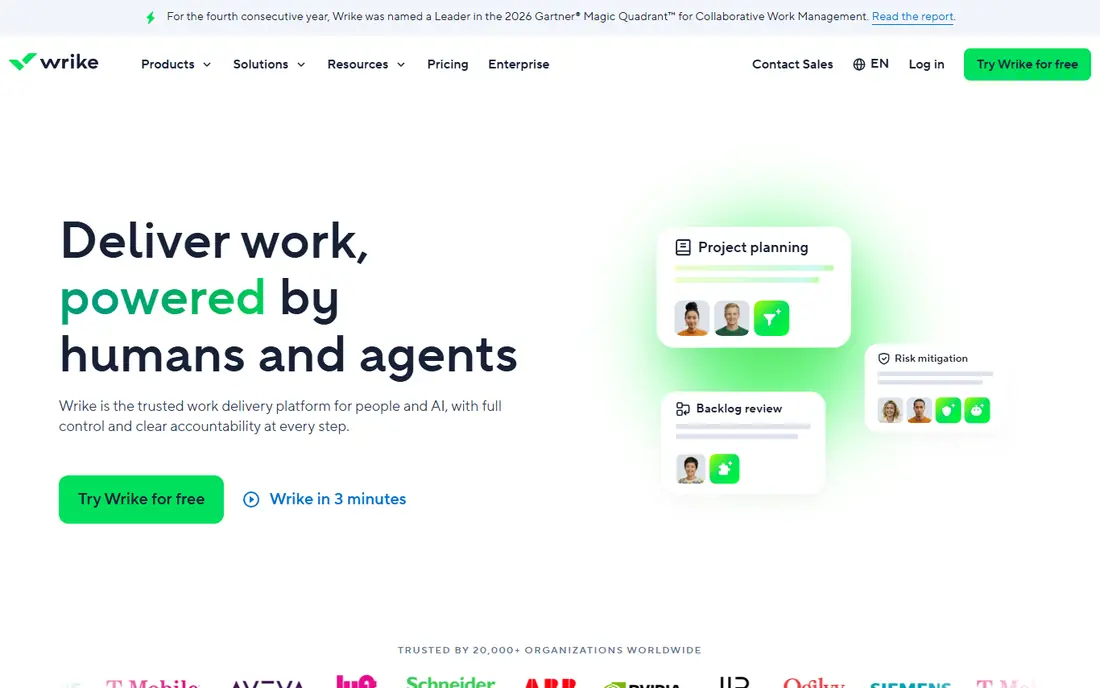
Wrike targets structured projects with Gantt planning. Wrike sits between Asana and enterprise project management. It supplies Gantt charts, task dependencies, custom workflows and approvals from the Team plan at $10 per user a month billed yearly (2 to 25 users), where Asana makes you pay $24.99 for time tracking and portfolios.
In daily use, the free plan exists but has tight active-task limits. In daily use, small firms that require real planning rigor without enterprise prices should compare Wrike Team against ClickUp Business before deciding. Wrike feels like enterprise software, since it is: setup takes real configuration, and teams without a process owner will struggle. Wrike cost at the entry level: $10/user/month. Free access exists with Wrike.
What to check first: Setup is heavy and the interface feels corporate.
- Real Gantt charts
- 20 free collaborators on the Team plan
- Overkill for straightforward task lists
Choose Todoist for personal and shared task lists. Type "Call Maria every first Monday" and it parses the schedule for you. Also, the December 2025 price increase moved Pro to $5 per month billed yearly ($60 a year) or $7 month to month, and Business to $8 per user a month billed yearly.
Downsides: Team features are entry-level compared to Asana or ClickUp.
From a buyer's view, for a team of six that needs timeline views, approvals or capacity planning, it is the wrong tool no matter how cheap it is. Pro layers on 300 projects, reminders, calendar view and full AI Assist features. For everyday use, the free Beginner plan handles 5 active projects with 5 collaborators each, which is enough for an individual or a couple sharing a household and a side business. Entry price for Todoist: $5/month. Todoist offers a free plan.
- Light app that stays fast on every device
- Honest free level that never expires
- No Gantt charts, workloads or dependencies, so teams outgrow it on planning depth
ClickUp is a good fit for feature-heavy all-in-one work hub. Against Asana's $10.99 Starter and $24.99 Advanced, ClickUp undercuts at every level whereas including docs and whiteboards that Asana lacks.
Upsides: Less expensive than Asana at every comparable tier.
Limits to weigh: AI features cost additional ($9/user/month for Brain) rather than being bundled. Worth adding: ClickUp's settings menus run deep, and a team without someone owning the setup ends up with half-used features and inconsistent workflows. What you pay to start with ClickUp: $7/user/month. You can start on ClickUp without paying.
- The most features per dollar of any tool here
- Free forever plan with unlimited members
- Feature density overwhelms new users
Asana is aimed squarely at clean team task coordination. Asana is the tool you hand to a team that has never used project software before. The features small teams frequently assume are standard, portfolios, goals, workload and time tracking, only appear on Advanced at $24.99 per user a month.
Starter at $10.99 per user a month billed yearly ($13.49 month to month) includes unlimited users, Timeline, workflow builder, forms and Asana AI. List, Board, Calendar and Timeline are four views of the same underlying data. So a campaign can be managed as tasks whereas leadership watches a timeline. The interface is clear enough that people figure it out on their own, which is why it keeps winning in service firms, marketing teams and operations teams that run repeatable processes. Asana starts at: $10.99/user/month. Asana includes a free tier.
Points against: Portfolios.
- Workflow builder and dashboards included from Starter
- Timeline
- The free plan's two-user cap makes it useless for real teams
Choose Monday.com for visual project tracking. Small firms use it well beyond project management: as a light CRM, a hiring pipeline, an editorial calendar. The free plan includes only 2 seats and 3 boards, which is really a trial.
Also, the Standard plan at $12 per seat a month billed yearly is where the product actually works, with 250 automation actions per month, integrations, Timeline and Calendar views. Two pricing details matter. Every premium plan needs a minimum of 3 seats, so a solo user pays $27 per month on Basic. And seats come in buckets (3, 5, 10, 15), so a team of 11 pays for 15. Starting cost for Monday.com: $9/seat/month. A free plan is available with Monday.com.
Downsides: pushing most teams to $12/seat Standard.
- Highly visual boards that managers love
- Solid automation marketplace and integration library
- Seats sell in buckets with a 3-seat minimum, so awkward team sizes overpay
Our selection method
Selection started from tools commonly considered for productivity software for small business, then narrowed to 7 that have clear pricing information or a clear quote process. Figures are shown as the vendors publish them. Billing terms, seat minimums and add-ons can change the real cost. Order on the page follows fit for the typical buyer first, then price transparency and free access. Your own requirements should decide the final pick.
What to confirm before you sign up
- Confirm the entry price on the vendor page: Todoist starts at $5/month, but seat counts and billing terms change the total.
- Check what the free option really includes: TickTick, Notion, Wrike and others offer a free plan, and usage caps differ.
- Before choosing TickTick, weigh its main limit: collaboration is weaker than Todoist's.
- Ask whether TickTick integrates with your current software, and whether that comes standard or as an add-on.
- Ask Asana about contract length, onboarding fees and user minimums before you sign.
Frequently asked questions
Do these tools publish their prices?
Yes. Every tool from TickTick to Monday.com shows a starting price, though seats, add-ons and billing terms still change the final cost.
Which productivity software is a good match for a very small team?
For most readers this guide would start with TickTick, built for low-cost personal planner with habits. Notion is the alternative for docs, wikis and tasks in one workspace, and Wrike for structured projects with Gantt planning. The right answer depends on budget and workflow.
How are the tools for productivity software for small business ordered?
The order follows typical fit for productivity software for small business, with TickTick first and Monday.com last, then price clarity and free access. It is editorial judgement, not a score, so another team could rank the tools differently.
Which options for productivity software for small business have a free plan?
7 of the 7 tools have a free plan, including TickTick, Notion, Wrike and Todoist. Free plans usually cap users, projects or features, so check the limits on the vendor page.
Is TickTick the right pick for everyone comparing productivity software for small business?
No single tool suits every team. TickTick comes first because it fits affordable personal planner with habits, while Notion suits docs, wikis and tasks in one workspace and Wrike suits structured projects with Gantt planning. Match the tool to your own size, budget and workflow before deciding.
Sources
See where you really rank - block by block
ProMapRanker scans Google Maps across a grid of your service area. Simple monthly plans from $19, white-label on every plan.
Start freeKeep reading
 zoho inventory alternatives
6 Alternatives to Zoho Inventory, Compared on Price and Fit
Zoho Inventory alternatives: 6 tools compared on price, free plans and fit. Katana leads the list for manufacturers. Fit and flaws are laid out for each entry.
Read → zoho crm alternatives
Best Zoho CRM Alternatives (2026)
Need Zoho CRM alternatives? We compare 7 tools on cost, free access and who each suits. Every pick gets a straight assessment. Built for quick decisions.
Read → zelle alternatives
Best Zelle Alternatives in 2026
Compare the best Zelle alternatives for sending money to friends, paying sellers and moving funds abroad, with honest notes on fees, speed and safety in 2026.
Read →