 ProMapRanker
Best Productivity Apps Updates in 2026

Key takeaways
- This guide covers productivity apps with current 2026 versions and recent updates worth using, not news reports about updates.
- Notion leads for all-in-one workspaces, Todoist leads for fast task capture, and TickTick leads for tasks plus habits at a lower price.
- Free plans on Notion, Todoist, TickTick, ClickUp, Trello, and Obsidian are strong enough to test a workflow before you pay.
- Team apps such as ClickUp, Asana, and Trello add collaboration, timelines, and reporting that personal apps do not need.
- Pick one task system first, use it for two weeks, and only add a notes app or calendar tool if a clear gap remains.
Quick comparison
| Pick | Great for | Pricing starts at | Free tier | |
|---|---|---|---|---|
 Notion | All-in-one workspace | Free | Yes | Visit |
 Todoist | Fast task capture | Free | Yes | Visit |
 TickTick | Tasks plus habits | Free | Yes | Visit |
 ClickUp | Team project work | Free | Yes | Visit |
 Asana | Team task tracking | Free | Yes | Visit |
 Trello | Visual boards | Free | Yes | Visit |
 Obsidian | Local notes and knowledge | Free | Yes | Visit |
 Microsoft To Do | Simple free lists | Free | Yes | Visit |
 Any.do | Daily planning and reminders | Free | Yes | Visit |
The best productivity apps updates
Productivity apps change often, and the current 2026 versions matter more than older reviews. This guide focuses on productivity apps with current 2026 versions and recent updates worth using, stated plainly: apps that are actively maintained, work across modern devices, and offer features that help in daily work now, such as AI assistance, calendar views, and better mobile apps. We do not treat this as news about updates; we judge each app by what its current version does for you today.
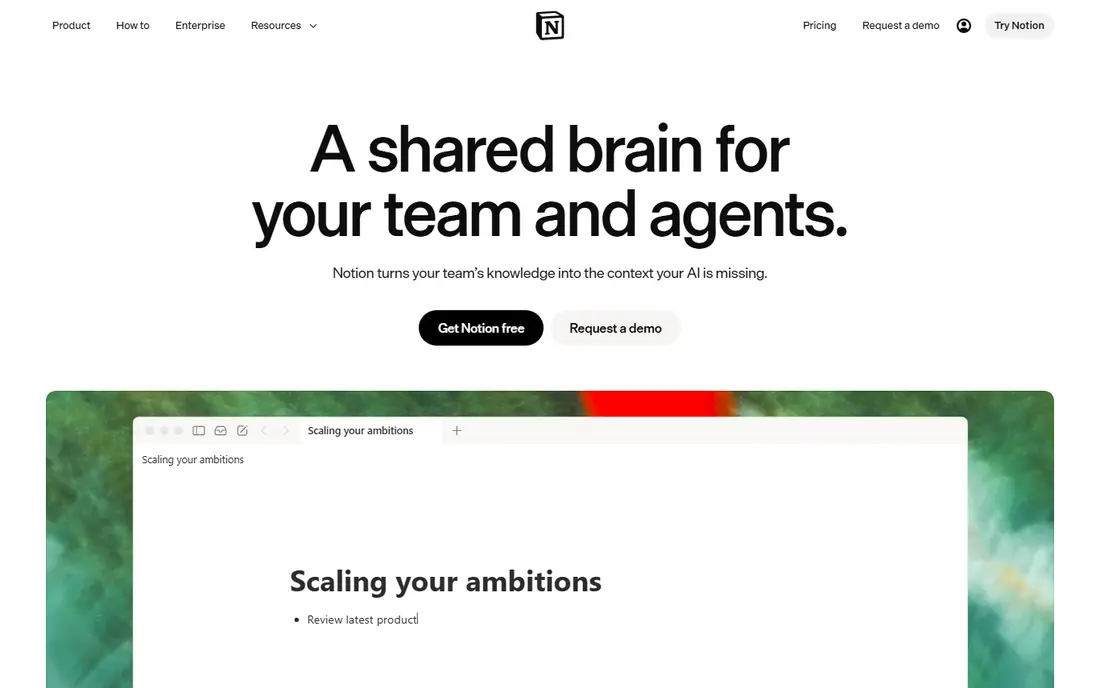
Notion's current version is the best all-in-one workspace for people who want notes, tasks, and project pages in one system. You can build a daily task list, a project tracker with board and calendar views, and a team wiki from the same pages and databases. Templates for planning, habit tracking, and project work help new users start without building everything from scratch.
The flexibility is also the weakness. Notion can feel overwhelming at first, and a poorly planned workspace becomes hard to maintain. Recent AI features can summarize notes and draft documents, but they sit on paid plans and do not replace a clear system. Start with one page for tasks and one for notes, and expand only when those two work well.
- Pages, databases, tasks, and wikis in one place
- Strong templates
- AI features on paid plans
- Learning curve for new users
- Can feel slow with very large workspaces
- AI features cost extra on higher plans
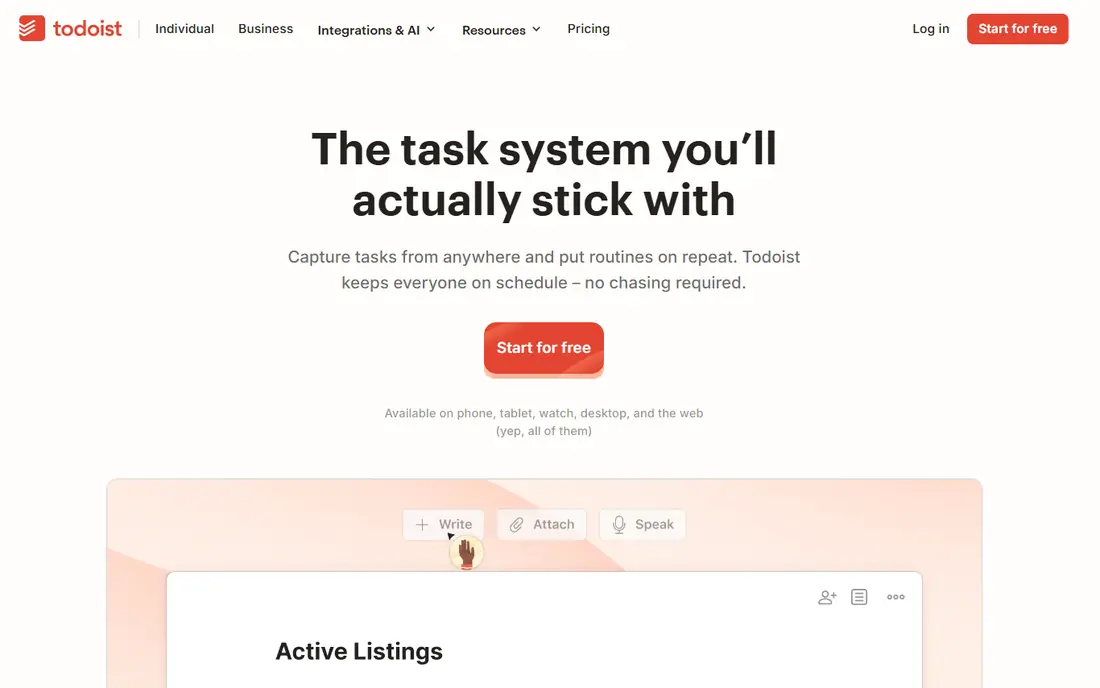
Todoist remains the best task manager for most people in its current version, because capture is so fast. You type a task in plain language with a date and priority, and Todoist sets the schedule without opening extra menus. The Today and Upcoming views show exactly what you committed to, which helps you plan a realistic day instead of an overloaded list.
Todoist is not a notes app, and its calendar features are thinner than TickTick or ClickUp. AI task assistance on paid plans can suggest filters and break down tasks, but the core value is speed and reliability. If your main problem is capturing tasks quickly and seeing them clearly, Todoist is the simplest strong choice.
- Very fast natural language task entry
- Clean Today and Upcoming views
- Works on almost every device
- No built-in notes system
- Calendar view is limited on lower plans
- AI features need a paid plan
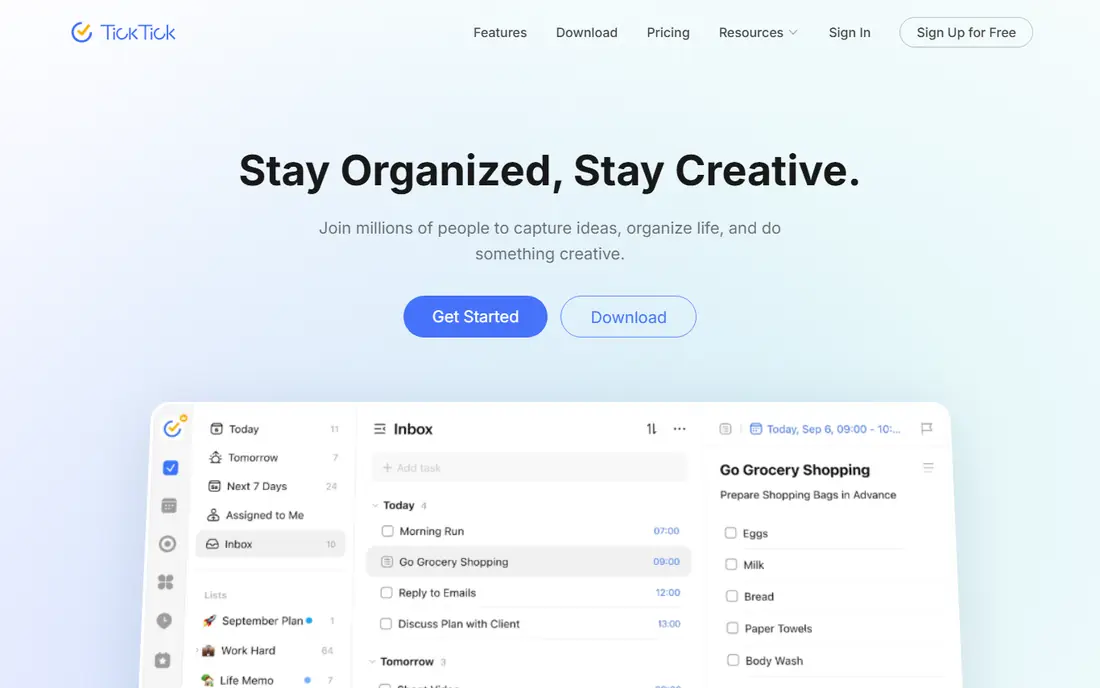
TickTick's current version packs more into one app than Todoist, at a lower premium price in many comparisons. Tasks, a calendar view, habit tracking, and a Pomodoro timer sit together, so you can plan a day, track a habit, and run a focus session without switching apps. The mobile app is fast, and widgets make today's tasks easy to see.
The crowded interface is the trade-off. New users may need time to find settings and turn off features they do not use. Team collaboration is also thinner than ClickUp or Asana. TickTick suits individuals who want one app for tasks, habits, and focus, and who are willing to spend an hour setting it up well.
- Tasks, calendar, habits, and Pomodoro timer in one app
- Good value on premium
- Fast mobile app
- Interface can feel crowded
- Collaboration is thinner than team apps
- Some features need premium
ClickUp's current version is the most feature-packed team app in this list. Teams can track tasks in list, board, calendar, and timeline views, add docs and goals, and automate routine steps such as status changes and assignments. The free plan covers many small teams, which makes it easy to test before paying per user.
Complexity is the honest cost. ClickUp offers so many views and settings that teams can spend weeks configuring it instead of doing work. Start with one project, one list view, and a few statuses, then add automation only for repeated tasks. For teams that need one system for many project types, ClickUp is hard to beat on features per dollar.
- Many views including list, board, calendar, and timeline
- Strong automation and docs
- Generous free plan for small teams
- Setup can be complex
- Interface has many options
- Performance can vary with large workspaces
Asana's current version suits teams that want clear ownership and deadlines without ClickUp's full complexity. Tasks show assignees, due dates, and dependencies, and timeline views help managers see how projects overlap. Integrations with email, calendars, and chat tools keep work visible without constant status meetings.
The free plan covers basic personal and small-team use, but timeline, reporting, and advanced workflow features need paid plans, and costs rise per user. Asana also feels formal for personal lists, so it is best for work teams rather than solo habit tracking. If your team needs reliable task tracking with clear accountability, Asana is a safe, mature choice.
- Clear task ownership and deadlines
- Timeline and portfolio views
- Strong integrations
- Free plan limits some views
- Costs rise per user
- Can feel formal for personal use
Trello's current version remains the easiest visual board to adopt. You create a board, add lists for stages such as To Do, Doing, and Done, and drag cards across as work moves. That simplicity makes Trello ideal for small teams, personal projects, and content pipelines where a board view is enough.
Reporting and dependencies are thin, even on paid plans, so Trello struggles with complex projects that need timelines and workload views. Power-Ups add calendar, automation, and integrations, but each one adds setup. Use Trello when a visual board matches your workflow, and move to Asana or ClickUp when you need reporting and dependencies.
- Easiest board to learn
- Drag-and-drop cards
- Power-Ups add calendar and automation
- Reporting is thin
- Dependencies are limited
- Large projects need many boards
Obsidian's current version is the best choice for people who want full control over their notes. Notes are stored locally as plain text files, so you own your data and can work offline. Links between notes and a graph view help you see connections across projects, research, and ideas, and plugins add calendars, tasks, and templates.
Sync across devices and publishing cost extra, and setup takes more effort than Notion or Apple Notes. Obsidian also lacks a built-in task manager, so most users pair it with Todoist or TickTick. If you value local files, privacy, and long-term access to your notes, Obsidian is worth the setup time.
- Notes stored locally as plain files
- Graph view shows links between notes
- Large plugin community
- Sync and publishing cost extra
- Setup takes effort
- No built-in task system like Todoist
Microsoft To Do's current version is the best free, no-fuss list app for Microsoft 365 users. Lists are simple, the My Day view helps you pick today's tasks each morning, and flagged emails from Outlook can become tasks. Because it is fully free, there is no subscription decision to make.
Features are basic. You will not get habit tracking, a Pomodoro timer, or advanced filters like TickTick and Todoist offer. Microsoft To Do suits users who want a clean list that syncs with Outlook and who do not need a full productivity system. For a simple daily list, it is reliable and free.
- Fully free
- Simple lists and My Day view
- Integrates with Microsoft 365 and Outlook
- Features are basic compared with Todoist
- No habits or Pomodoro timer
- Best for Microsoft users
Any.do's current version focuses on daily planning rather than complex project work. A morning planning prompt helps you choose today's tasks, and reminders can trigger by time or location. Calendar integration shows tasks alongside appointments, which helps you avoid overloading a busy day.
Premium features, including advanced reminders and unlimited sharing, need a subscription, and task management is thinner than Todoist or TickTick. Team features are also limited. Any.do suits individuals who want a gentle daily planning habit and clear reminders, rather than a full team project system.
- Daily planning moment each morning
- Location and time reminders
- Calendar view in one app
- Premium features need a subscription
- Task features are thinner than Todoist
- Team features are limited
How we picked these
We compared official feature pages, pricing pages, app store listings, and public release notes for productivity apps with current versions in October 2026. We kept apps that are actively maintained, work on current desktop and mobile systems, and offer a clear task, notes, or project workflow. We favored a mix of personal task apps, all-in-one workspaces, and team tools, so readers can match the app to solo work or team work. Prices vary by billing period and team size, so we list See website or Free where checkout is the safest source.
What to check before you subscribe
Start with one system, not three. Pick a task app first, because tasks drive daily work, and use it for two weeks before you add a notes app. Check whether the free plan covers your core needs, such as unlimited tasks, calendar views, or collaboration, and only pay for features you actually use each week.
Check platform support and sync. Confirm the app works on your phone, computer, and browser, and test sync before you import years of notes or tasks. Check export options too, because a good productivity app should let you leave with your data. Finally, check annual versus monthly billing, because annual plans look cheaper per month but lock you in for a year.
Frequently asked questions
Which productivity app should I start with in 2026?
Start with Todoist if you mainly need fast task capture, Notion if you want notes and tasks in one workspace, and TickTick if you want tasks plus habits in one app. Test the free plan for two weeks, and only add a second app if a clear gap remains.
Are free productivity plans good enough?
Yes, for many users. Notion, Todoist, TickTick, ClickUp, Trello, and Obsidian all offer useful free plans for personal use. Paid plans mainly add collaboration, advanced views, AI features, and higher limits, so pay only when you hit a free-plan limit you actually need.
Is Notion too complex for personal use?
It can be, if you build a large system at once. Start with one task page and one notes page, use a simple template, and expand slowly. If you want a simpler start, Todoist or Microsoft To Do may fit better, with Notion added later for projects.
What is the best productivity app for teams?
ClickUp offers the most features per dollar for varied team projects, Asana offers clearer ownership and timelines for structured teams, and Trello offers the simplest board for small teams. Choose based on project complexity, not on feature count alone.
Do I need separate apps for notes and tasks?
Not always. Notion combines notes and tasks, and TickTick combines tasks with habits and a calendar. Separate apps such as Obsidian for notes plus Todoist for tasks give more depth in each area, but they add switching cost. Start combined, and split only if one area needs more depth.
How often do these apps update?
Major productivity apps update through the year with new features, mobile improvements, and AI tools, and pricing changes from time to time. Check the official pricing and release pages before you subscribe, because this guide reflects current 2026 versions at the time of writing.
Sources
See where you really rank - block by block
ProMapRanker scans Google Maps across a grid of your service area. Simple monthly plans from $19, white-label on every plan.
Start freeKeep reading
 zoro.to alternatives
Best Zoro.to Alternatives in 2026
We compare the best zoro.to alternatives in 2026, listing only legal licensed anime streaming services, from Crunchyroll to free options for fans today.
Read → zip alternatives
Best Zip Alternatives in 2026
We compare the best zip alternatives for buy now, pay later in 2026, covering pay-in-4 plans, fees, spending limits, and credit reporting options today.
Read → yesware alternatives
Best Yesware Alternatives in 2026
Compare the best yesware alternatives for sales email tracking, templates, and sequences, with current pricing and honest tradeoffs for small sales teams.
Read →