 ProMapRanker
Best Productivity Apps for Entrepreneurs in 2026

Key takeaways
- Todoist suits founders who need fast task capture and a clean daily list.
- Notion suits founders who want docs, wikis, and tasks in one workspace.
- Asana and ClickUp suit founders with teams, deadlines, and shared projects.
- Trello suits founders who think in boards and want the simplest team setup.
- Calendly suits founders who spend too much time scheduling calls and need booking links.
Quick comparison
| Pick | Great for | Pricing starts at | Free tier | |
|---|---|---|---|---|
 Todoist | Personal and shared task lists | $5 per month | Yes | Visit |
 Notion | Docs, wikis, and tasks | $10 per member per month | Yes | Visit |
 Asana | Team task coordination | $10.99 per user per month | Yes | Visit |
 Trello | Visual boards | $5 per user per month | Yes | Visit |
 ClickUp | All-in-one work hub | $7 per user per month | Yes | Visit |
 Monday.com | Visual project tracking | $9 per seat per month | Yes | Visit |
 Toggl Track | Time tracking | See website | Yes | Visit |
 Calendly | Client scheduling | $10 per seat per month | Yes | Visit |
 TickTick | Tasks plus habits and calendar | $35.99 per year | Yes | Visit |
The best productivity apps for entrepreneurs
Founders juggle sales, delivery, hiring, and admin, often in the same day. The right app reduces that load: it captures tasks fast, shows what is due, and keeps a small team in step without adding meetings. The apps below cover tasks, projects, time, and scheduling, so founders can pick one core tool and add others only where needed.
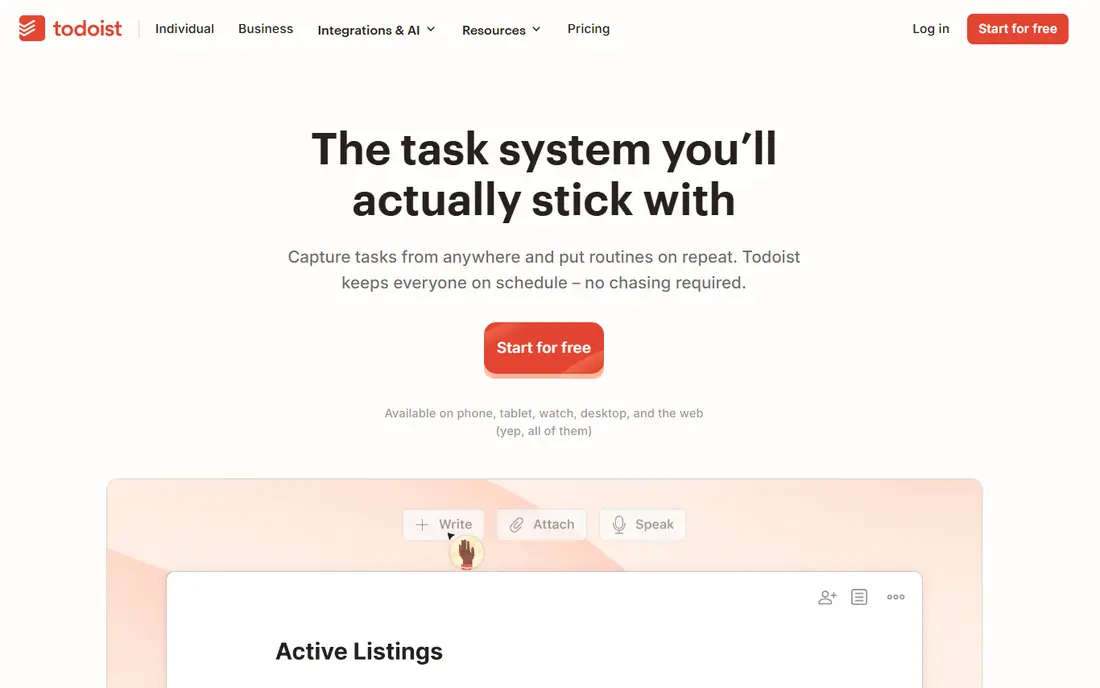
Todoist is the fastest task tool in this list. Founders can add a task with a due date in plain words, set priorities, and clear a daily list without opening a project board. The Pro plan, at $5 per month billed annually, adds reminders, filters, and more projects, while the free Beginner plan covers basic lists.
Todoist is less suited to complex team projects. Boards are basic, timelines are limited, and reporting is thin compared with Asana or ClickUp. For solo founders and very small teams, that simplicity is a strength: the tool gets used every day because it takes seconds to use.
- Very fast task capture
- Natural-language due dates
- Works on every platform
- Project views are basic
- Reporting is thin for larger teams
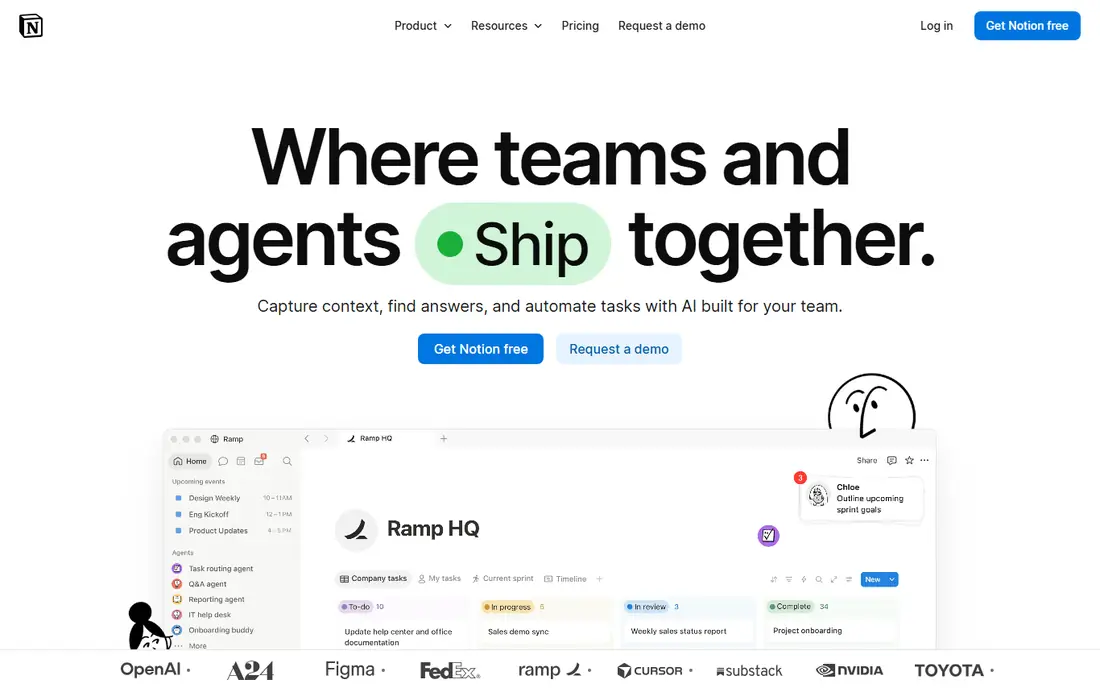
Notion suits founders who want one place for business plans, client notes, content calendars, and tasks. Pages link to databases, so a client record can connect to tasks, meetings, and documents. Templates cover startups, roadmaps, and CRM basics, which saves setup time for a new business.
The flexibility needs structure. Without simple naming rules and a small set of core databases, a workspace can become hard to search. The Plus plan, at $10 per member per month billed annually, covers most founder needs. For founders who write and plan as much as they execute, Notion is a strong core tool.
- Docs, databases, and tasks in one workspace
- Large template range
- Flexible views
- Setup can grow messy
- Full AI access needs a higher plan
Asana suits founders with a small team and shared deadlines. Tasks have owners, due dates, and dependencies, and views switch between lists, boards, timelines, and calendars. Goals and portfolios help founders track a launch or a client project without a separate reporting tool. The Starter plan, at $10.99 per user per month billed annually, covers most team needs.
The free Personal plan is limited, covering up to 2 users in current guides, so growing teams will need to pay. Advanced automation and reporting also sit on higher plans. For founders who need clean team coordination, Asana is a dependable choice.
- Clear task ownership and deadlines
- Timelines and goals
- Strong integrations
- Free plan covers only up to 2 users in current guides
- Advanced features need higher plans
Trello is the simplest team board in this list. Founders create a board, add lists for stages, and move cards as work progresses. Labels, checklists, and due dates cover most small-team needs, and the Standard plan, at $5 per user per month billed annually, adds more views and automation.
Complex projects will hit limits. Dependencies, detailed reporting, and workload views are thin even on paid plans. For founders who think visually and run simple pipelines, such as sales, content, or client onboarding, Trello is fast to adopt and easy to keep using.
- Easiest board to learn
- Fast setup
- Free plan covers basic team boards
- Reporting and dependencies are thin
- Power features need paid plans
ClickUp suits founders who want one tool instead of several. Tasks, docs, goals, whiteboards, and time tracking sit in the same workspace, with views for lists, boards, timelines, and calendars. The Unlimited plan, at $7 per user per month billed annually, covers most team needs, and the free plan covers unlimited members with limits on storage and features.
The breadth needs time to set up. Founders should start with one space and a few views, rather than turning on every feature at once. For founders who want to replace separate task, doc, and goal tools, ClickUp offers strong value.
- Tasks, docs, goals, and time tracking in one place
- Many views
- Generous free plan
- Feature range can feel busy
- Setup takes longer than Trello or Todoist
Monday.com suits founders who want visual project tracking with dashboards. Boards show status, owners, and dates at a glance, and dashboards roll up progress across projects. Automations handle status changes and reminders, which saves manual updates. The Basic plan, at $9 per seat per month billed annually, covers core boards, with a free plan for up to 2 seats.
Paid plans carry a three-seat minimum, which raises the cost for solo founders. Automation limits also vary by plan, so founders should check the action allowance before relying on heavy automation. For visual founders with a small team, Monday.com is a polished option.
- Visual boards and dashboards
- Automations
- Wide template range
- Three-seat minimum on paid plans
- Automation limits vary by plan
Toggl Track answers a question every founder should ask: where does the time actually go. One-click timers, manual entries, and simple reports show time by client, project, or task, which helps with pricing, hiring, and cutting low-value work. The free plan covers up to 5 users, which suits small teams.
Toggl Track is not a project tool. It tracks time, but task management, docs, and goals need another app. Paid plans add advanced reporting and controls, with prices shown on the vendor pricing page. For founders who bill by time or want to protect focus time, Toggl Track is a useful add-on to a task tool.
- One-click timers
- Simple reports
- Free plan for up to 5 users
- Project depth is limited
- Paid plans needed for advanced reporting
Calendly saves founders from the email chain that scheduling often becomes. Founders set availability, share a booking link, and clients pick a time that syncs with the calendar. The Standard plan, at $10 per seat per month billed annually, covers most solo and small-team needs, with a free plan for basic booking.
Advanced routing, round-robin scheduling, and deeper integrations need higher plans. For founders who take many sales, coaching, or client calls, Calendly pays for itself in saved time and fewer missed bookings. Pair it with a task tool, not instead of one.
- Booking links remove back-and-forth emails
- Calendar sync
- Team scheduling options
- Free plan is limited
- Advanced routing needs higher plans
TickTick suits founders who want personal productivity in one app: tasks, calendar, habit tracking, and a Pomodoro timer for focus sessions. The Premium plan, at $35.99 per year, is low compared with monthly team tools, and the free plan covers basic tasks and lists. The mobile app is fast, which matters for founders who capture tasks on the go.
Team features are thinner than Asana or ClickUp, with fewer shared project controls. For solo founders who want tasks, habits, and focus time together, TickTick is a strong and affordable pick.
- Tasks, calendar, habits, and Pomodoro timer in one app
- Low annual price
- Fast mobile app
- Team features are thinner than Asana
- Integrations are fewer than Todoist
How we picked these
We compared official product pages, pricing pages, and independent productivity guides current in October 2026. We required a live app, a real task, project, time, or scheduling function, and a clear fit for founders and small teams. We did not claim hands-on testing. Prices are annual-billing list prices where stated, and they can change.
What to check before you choose
Start with one core tool, not five. Pick the tool that matches your main pain: task capture, team coordination, docs, or scheduling. Add a second tool only for a job the core tool does poorly, such as time tracking or booking. Too many tools create more admin than they save, which defeats the purpose for a founder.
Check seats, limits, and mobile use next. Count paid seats under each model, since Monday.com has a seat minimum and Asana's free plan is small. Check automation limits, storage, and AI add-ons, which often sit outside the base price. Test the mobile app for two weeks with real work, since founders live on phones as much as on laptops.
A simple founder setup
A practical setup for many founders is Todoist or TickTick for personal tasks, Notion for docs and planning, and Calendly for bookings. Founders with a team can swap Todoist for Asana or ClickUp, and add Toggl Track when time data matters for pricing. Review the setup every quarter, and drop any tool that the team no longer opens daily.
Frequently asked questions
What is the best productivity app for a solo entrepreneur?
Todoist and TickTick suit solo founders best, with fast task capture and low cost. Notion suits founders who also need docs and planning in the same workspace.
Which app is best for a small team?
Asana suits clean team coordination, ClickUp suits an all-in-one hub, and Trello suits simple visual boards. The best pick depends on whether your team needs timelines, docs, or just a board.
Is there a free productivity app for entrepreneurs?
Yes. Todoist, Notion, Asana, Trello, ClickUp, Monday.com, Toggl Track, Calendly, and TickTick all offer free plans, with limits on users, projects, or features. Check the limits before relying on a free plan for a growing team.
Do I need separate apps for tasks, time, and scheduling?
Not always. ClickUp covers tasks, docs, and time tracking in one place. Most founders still benefit from a dedicated scheduling tool such as Calendly, and a dedicated time tracker such as Toggl Track when billing by time.
How do I avoid tool overload as a founder?
Pick one core tool, use it daily for two weeks, and add a second tool only for a clear gap. Delete or cancel tools that no one opens, and keep the total stack to three tools or fewer where possible.
Sources
See where you really rank - block by block
ProMapRanker scans Google Maps across a grid of your service area. Simple monthly plans from $19, white-label on every plan.
Start freeKeep reading
 zoro.to alternatives
Best Zoro.to Alternatives in 2026
We compare the best zoro.to alternatives in 2026, listing only legal licensed anime streaming services, from Crunchyroll to free options for fans today.
Read → zip alternatives
Best Zip Alternatives in 2026
We compare the best zip alternatives for buy now, pay later in 2026, covering pay-in-4 plans, fees, spending limits, and credit reporting options today.
Read → yesware alternatives
Best Yesware Alternatives in 2026
Compare the best yesware alternatives for sales email tracking, templates, and sequences, with current pricing and honest tradeoffs for small sales teams.
Read →