 ProMapRanker
Best Product Tour Software in 2026

Key takeaways
- Published entry prices in this list run from free for Pendo up to 500 monthly active users to $299 per month for Userpilot Starter.
- Most paid tools charge by monthly active users, not by seats, so model your real user count before comparing prices.
- Pendo is the only tool here with a free tier for product analytics plus guides, while Intro style open source tools need developers.
- UserGuiding and Product Fruits are the most budget friendly no code picks, while WalkMe and Whatfix suit large enterprise adoption programs.
- The best tools for product tours combine a visual builder, targeting, checklists and analytics, so a tour is measured, not just published.
Quick comparison
| Pick | Great for | Pricing starts at | Free tier | |
|---|---|---|---|---|
 Appcues | No code in product experiences | $249 per month | No | Visit |
 Userpilot | Activation focused onboarding | $299 per month | Free trial | Visit |
 Pendo | Analytics plus guides | Free | Yes | Visit |
 UserGuiding | Budget friendly tours | $89 per month | Free trial | Visit |
 Userflow | Clean builder for web apps | $240 per month | Free trial | Visit |
 Chameleon | Highly customized in product UX | $279 per month | Free trial | Visit |
 WalkMe | Enterprise digital adoption | See website | No | Visit |
 Whatfix | Enterprise adoption across apps | See website | No | Visit |
 Product Fruits | Small team onboarding toolkit | $99 per month | Free trial | Visit |
The best product tour software
These tools build guided tours, tooltips, checklists, modals and announcements inside a web or mobile product. We compared them on builder ease, targeting, analytics, price model and fit for team size.

Appcues is a no code tool for product teams that want to build tours, tooltips, checklists and in product surveys without developer help for every change. Its Essentials plan is listed at $249 per month on annual billing, and pricing is based on monthly tracked users, so the right plan depends on how many users see the flows. Appcues also covers lifecycle messaging, which helps a team guide users after onboarding ends.
The catch is cost at small scale. A startup with a few hundred users may find $249 per month hard to justify for tours alone, while a growing SaaS team will get more value from the full flow and survey toolkit. Check the MAU tier carefully, because crossing a tier can raise the bill even if the team size stays the same.
- No code builder for flows and surveys
- Web and mobile coverage
- Lifecycle messaging beyond tours
- Entry price is high for a startup
- MAU limits matter as you grow
- Analytics depth is less than Pendo
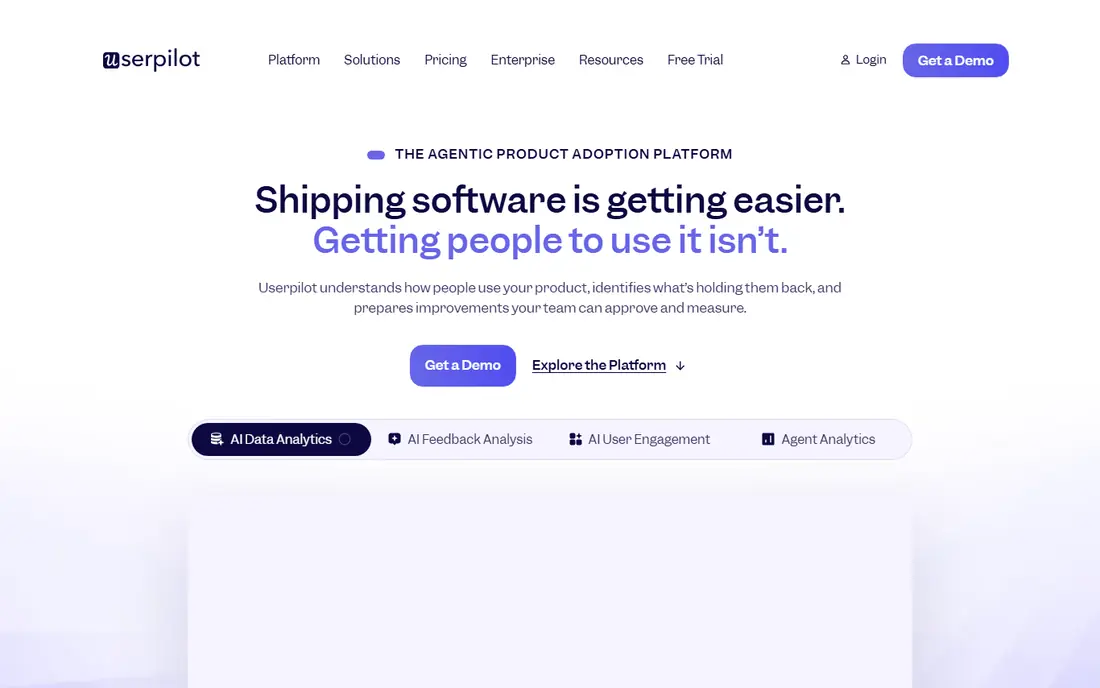
Userpilot suits a product team that measures onboarding by activation, not just by tour completion. It offers tours, tooltips, checklists, modals and surveys, with targeting by user segment and A/B testing to compare two onboarding paths. Starter is listed at $299 per month on annual billing for up to 2,000 monthly active users, with higher tiers for larger volumes.
The price is the main drawback, and the MAU model means a fast growing product can move tiers quickly. Userpilot earns its place when a team will actually test onboarding variants and track activation, rather than only publishing a single tour and leaving it alone.
- Strong targeting and A/B testing
- Checklists and tooltips
- Analytics tied to activation
- Highest published entry price here
- MAU based pricing
- Setup needs product thinking
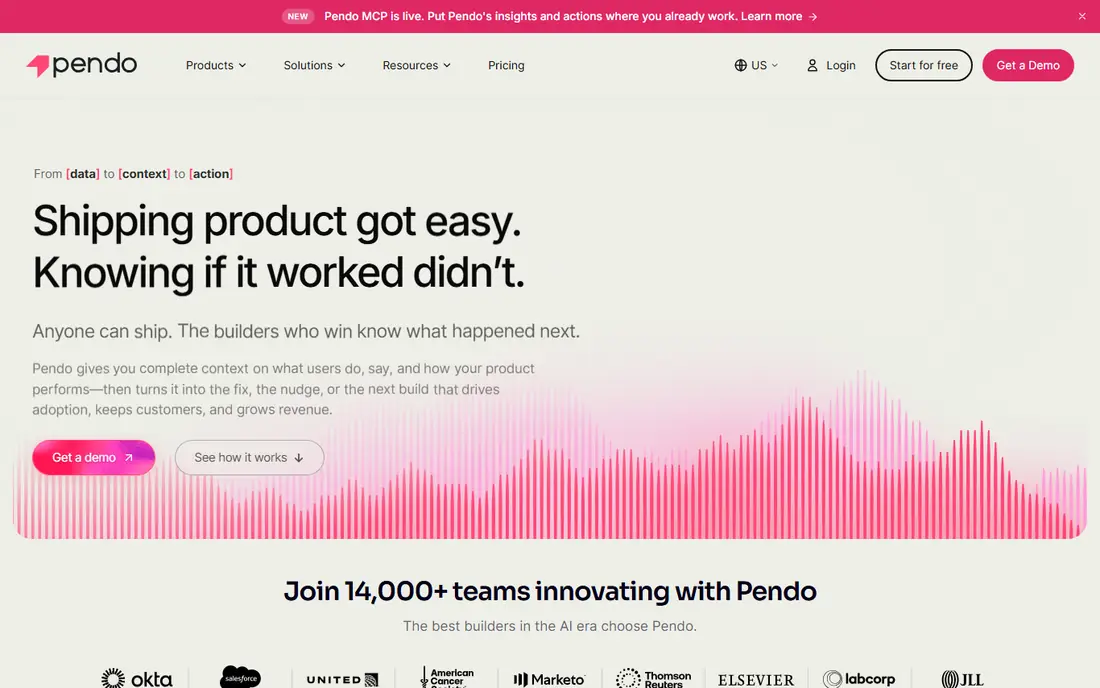
Pendo is different from the other tools here, because it starts as a product analytics platform and adds guides, tours and surveys on top. The free tier covers up to 500 monthly active users, which makes it a real starting point for a small product. Paid Base, Core and Ultimate plans are quoted, and they add deeper analytics, feedback and guide features.
For a team that needs both analytics and onboarding, Pendo can replace two tools. For a team that only needs tours, the paid tiers may be more than needed, and a simpler tool such as UserGuiding or Product Fruits may be cheaper. Use the free tier to test whether analytics plus guides changes decisions before buying a paid plan.
- Free tier up to 500 monthly active users
- Product analytics plus guides
- Strong for data led teams
- Paid plans are quoted
- Interface can feel heavy
- Guides alone are not its cheapest job
UserGuiding is the budget friendly no code pick for teams that need walkthroughs, checklists, tooltips and a resource center fast. Recent comparisons list a Basic plan at $89 per month on annual billing, while other sources list higher Starter prices, so a buyer should confirm the current plan on the vendor pricing page before budgeting. The builder is simple, and a small team can publish a first tour without developer time.
The trade-off is depth. Analytics are more basic than Pendo or Userpilot, and highly custom designs may need a more flexible tool such as Chameleon. For a team that needs solid tours at a low price, UserGuiding is still a strong first shortlist option.
- Low entry price in recent comparisons
- Resource centers
- Fast setup for basic guides
- Analytics are basic compared with Pendo
- Deeper customization is limited
- Published prices vary by source
Userflow is known for a clean, polished builder for web app onboarding. It supports tours, checklists, tooltips and announcements with branching logic, so a flow can change path based on what a user does. Essentials is listed at $240 per month on annual billing, with higher Studio and Enterprise tiers for larger volumes and needs.
Userflow suits a SaaS team that cares about design polish and wants flows that feel like part of the product, not an overlay. The price and MAU model mean a small team should check the user tier and the trial carefully, and a mobile first team should check mobile coverage before choosing it.
- Clean visual builder
- Branching logic
- Good for polished web flows
- Price is high for a small team
- MAU tiers matter
- Mobile coverage is thinner than Appcues
Chameleon suits a product team that wants tours and tooltips to match the product design exactly. It offers deep customization, targeting and survey tools, with a Startup plan listed at $279 per month for 2,000 tracked users in recent comparisons. That design control helps a brand sensitive product avoid generic looking overlays.
The drawback is cost and effort. Pro and Growth tiers are listed well above Startup, and getting full value from Chameleon needs design time. A team that only needs standard tours will get similar results cheaper from UserGuiding or Product Fruits, while a team that needs custom UX will value Chameleon.
- Pixel level customization
- Strong design control
- Good for brand sensitive products
- Higher tiers climb fast
- Setup needs design time
- Analytics are not its main strength
WalkMe is an enterprise digital adoption platform, not just a tour tool. It builds walkthroughs, tooltips and guidance across web apps, helps employees learn complex systems, and tracks adoption across departments. That breadth suits a large company rolling out a new CRM, HR system or other enterprise app to thousands of staff.
For a small SaaS team, WalkMe is usually overkill. Pricing is quoted, deployment can take weeks, and the platform needs a dedicated owner. WalkMe earns its place here for enterprise buyers who need adoption across many apps, not for a startup that needs one onboarding tour.
- Deep digital adoption platform
- Works across many enterprise apps
- Strong for employee training
- Quote only pricing
- Deployment can take weeks
- Overkill for a small SaaS tour
Whatfix is another enterprise digital adoption platform, with guided walkthroughs, tooltips, knowledge content and multi format help across web apps. It suits large teams that need to train staff on complex software, reduce support tickets and track adoption. Content can be reused across apps, which helps a company with many systems.
Like WalkMe, Whatfix is a project, not a quick tool. Pricing is quoted, setup needs planning, and a small team will not use its depth. An enterprise buyer should compare WalkMe and Whatfix on the specific apps they need to support and on content creation time, rather than on tour features alone.
- Multi format guidance including video and text
- Works across enterprise apps
- Strong for training at scale
- Quote only pricing
- Setup is a project, not a quick install
- Small teams will not use its depth
Product Fruits is a web first onboarding platform built for small and mid-sized teams. It offers a no code editor for tours, onboarding checklists, hint tooltips, in app announcements, surveys and a knowledge base, plus an AI assistant that answers user questions from your content. Recent vendor comparisons list it from $99 per month, with other sources listing $111 per month on annual billing, so confirm the current plan before budgeting.
The limit is analytics depth. Product Fruits covers onboarding well, but a team that needs deep behavioral analytics should pair it with a dedicated analytics tool. For a small team that wants a complete onboarding toolkit at a predictable price, Product Fruits is one of the best value picks in this list.
- Tours, checklists, hints, announcements and surveys in one tool
- AI assistant
- Accessible price
- Onboarding first, not a deep analytics platform
- Published prices vary by source
- Smaller community
How we picked these
We compared official pricing pages, product documentation and current comparison guides, and we kept only tools that exist and work in October 2026 and truly fit product tours. We looked for a visual builder, targeting, checklists, analytics and a mix of prices, from free to enterprise quote. Where published prices varied by source, we noted the range and used See website or the most recent figure rather than inventing a single number.
How to choose a product tour tool
Start with your user count, because most tools charge by monthly active users. Count only the users who will see tours, and model growth for the next year. A tool that looks cheap at 1,000 users can become expensive at 10,000 users, while a free tier that covers 500 users may be enough for a new product.
Next, build one real tour in a trial. Test targeting, mobile behavior, checklist progress and analytics, and check whether the tour slows the product or looks out of place. A tour that annoys users is worse than no tour, so keep tours short, skippable and tied to a task the user already wants to do. Finally, measure completion and activation, not just views, and retire tours that do not help users reach value.
A simple onboarding checklist
Pick one activation goal, build a short tour for that goal, add a checklist for the next steps, and measure how many users complete the goal. Keep the tour under five steps where possible, and test it with new users before rolling it out to everyone.
Frequently asked questions
What is the best product tour software?
Appcues and Userpilot suit product led teams that need full flows, Pendo suits analytics led teams, and UserGuiding and Product Fruits suit budget conscious teams that need tours fast.
What are the best tools for product tours for a small team?
UserGuiding, Product Fruits and Pendo free tier are the strongest small team picks. UserGuiding and Product Fruits offer low cost no code builders, while Pendo free covers up to 500 monthly active users.
What is the best product tour platform for enterprise adoption?
WalkMe and Whatfix are the enterprise picks, because they cover many apps and large employee training programs. They are quote only and need a dedicated rollout, so they suit large buyers, not startups.
How much does product tour software cost?
Entry prices in this list run from free to $299 per month, with most paid tools charging by monthly active users. Enterprise tools are quoted, and crossing a MAU tier can raise the bill even if your team size stays the same.
Do product tours work on mobile apps?
Some tools cover mobile well, including Appcues, while others are web first. Check mobile support, targeting and design control for your specific app before buying, and test a tour on a real phone during a trial.
What is the difference between a product tour and a checklist?
A tour guides a user through steps in order, while a checklist lets a user complete tasks in any order and track progress. The best onboarding uses both: a short tour for the first task, then a checklist for the remaining setup steps.
Sources
See where you really rank - block by block
ProMapRanker scans Google Maps across a grid of your service area. Simple monthly plans from $19, white-label on every plan.
Start freeKeep reading
 zscaler alternatives
Best Zscaler Alternatives in 2026
Looking for zscaler alternatives? We compare 9 SASE and zero trust platforms on architecture, data protection, pricing, and fit for your network and team.
Read → zapier alternatives free
Best Zapier Alternatives Free in 2026
Nine automation tools for zapier alternatives free in 2026, all with genuinely free tiers, plus free plan limits, starting prices and upgrade paths explained.
Read → which platform is best for online reputation
Which Platform Is Best for Online Reputation in 2026
Wondering which platform is best for online reputation? We compare 8 review, listing, and response tools for small and multi-location businesses and agencies.
Read →